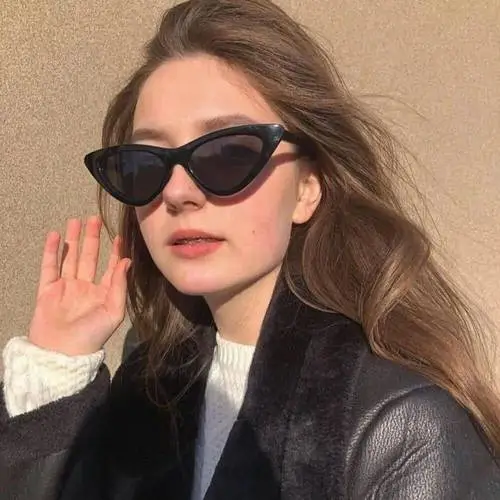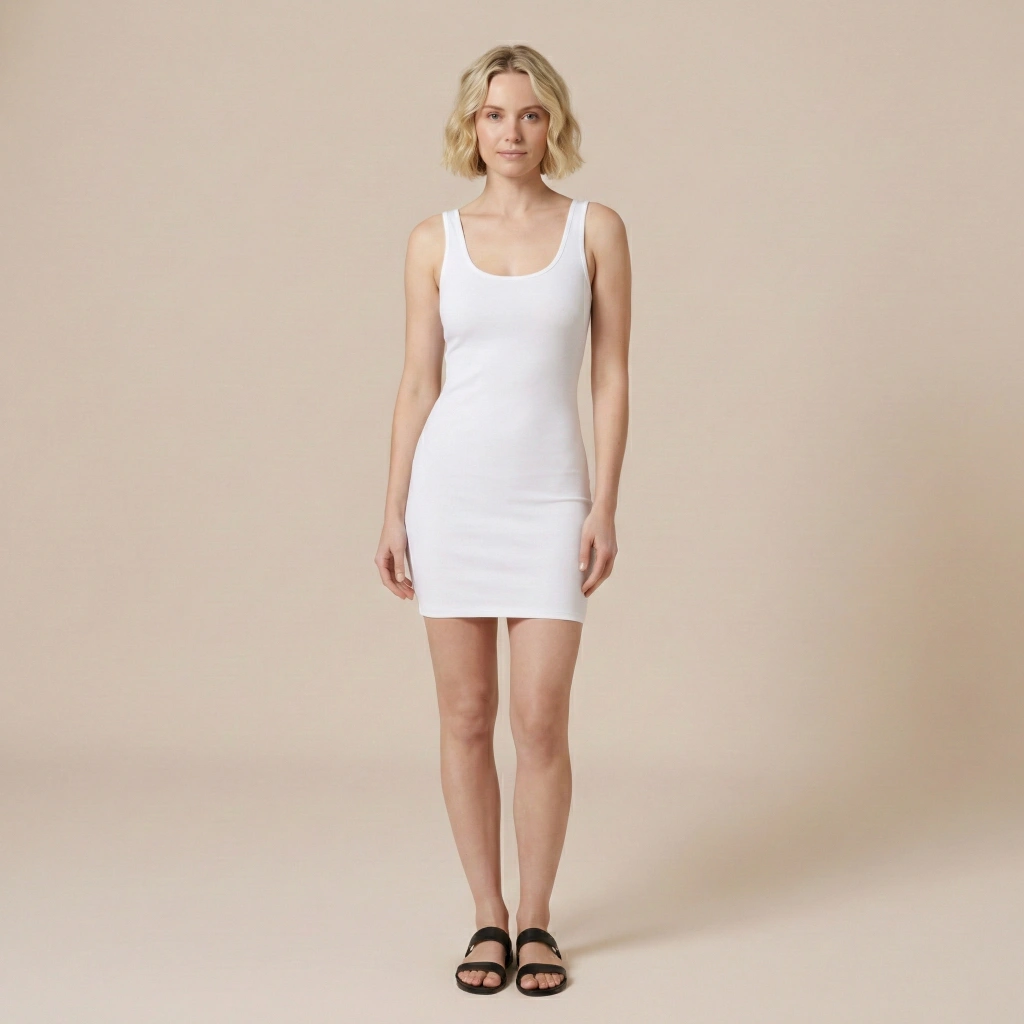
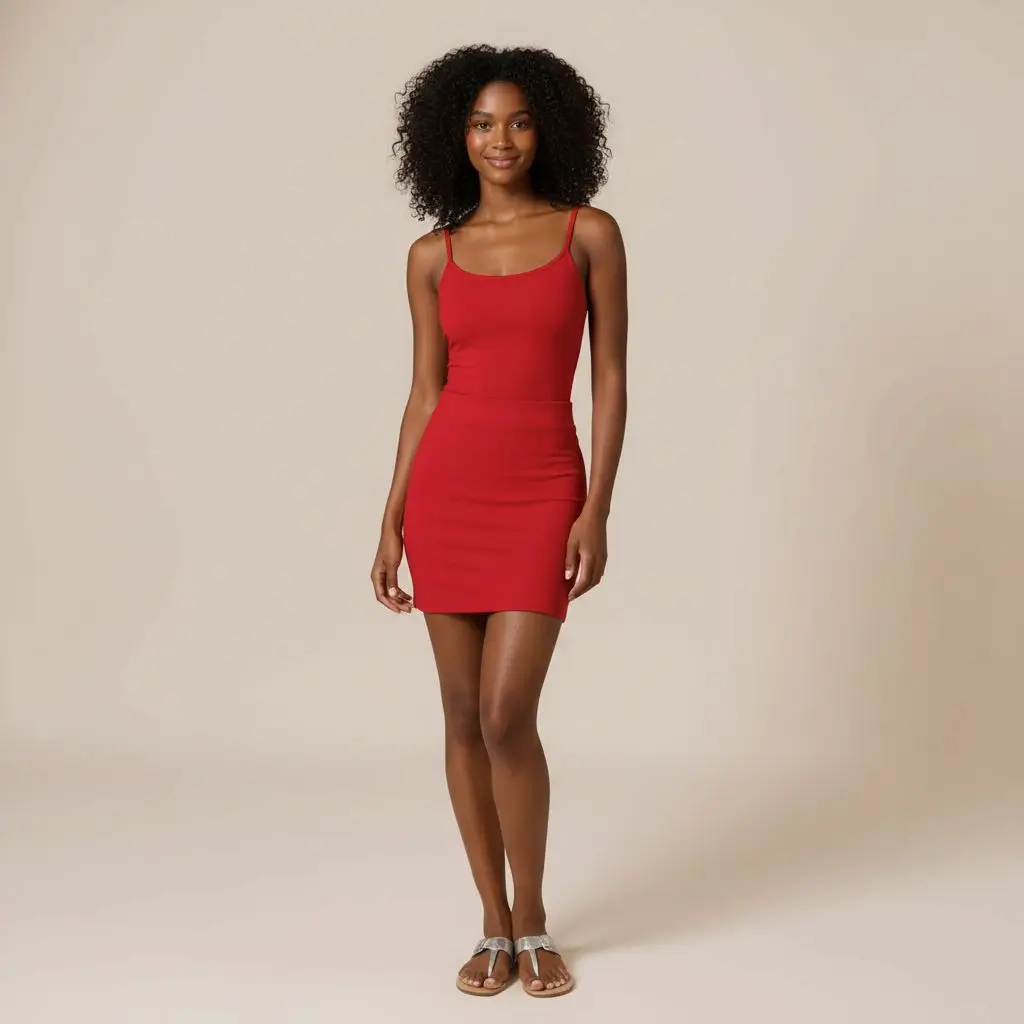
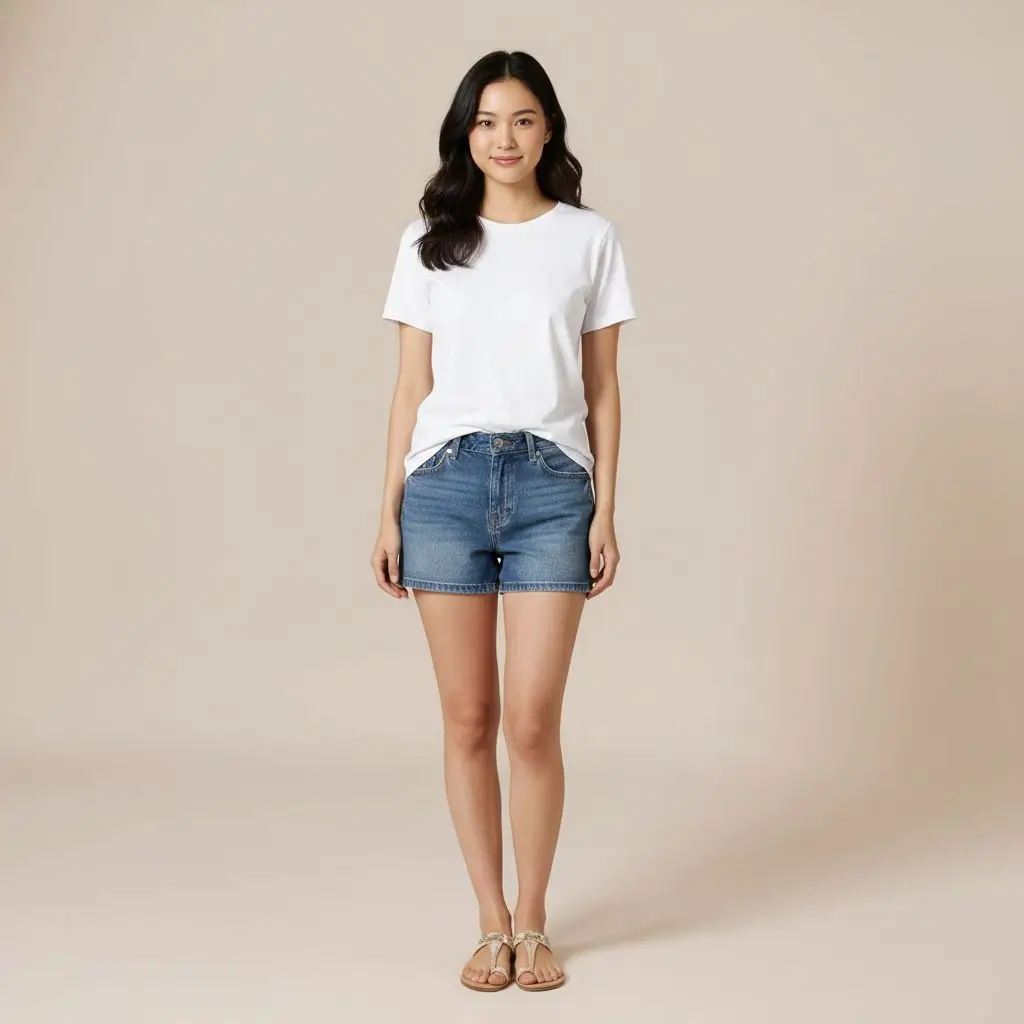
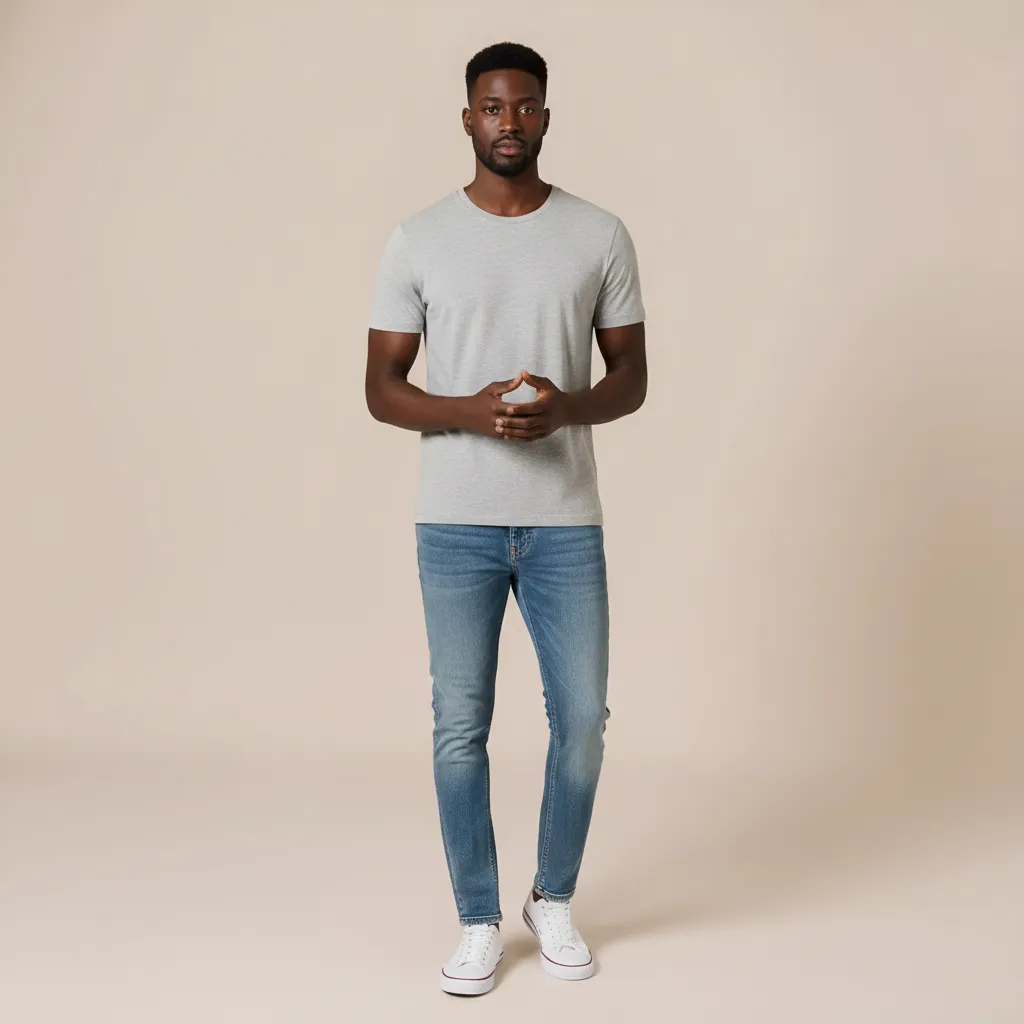
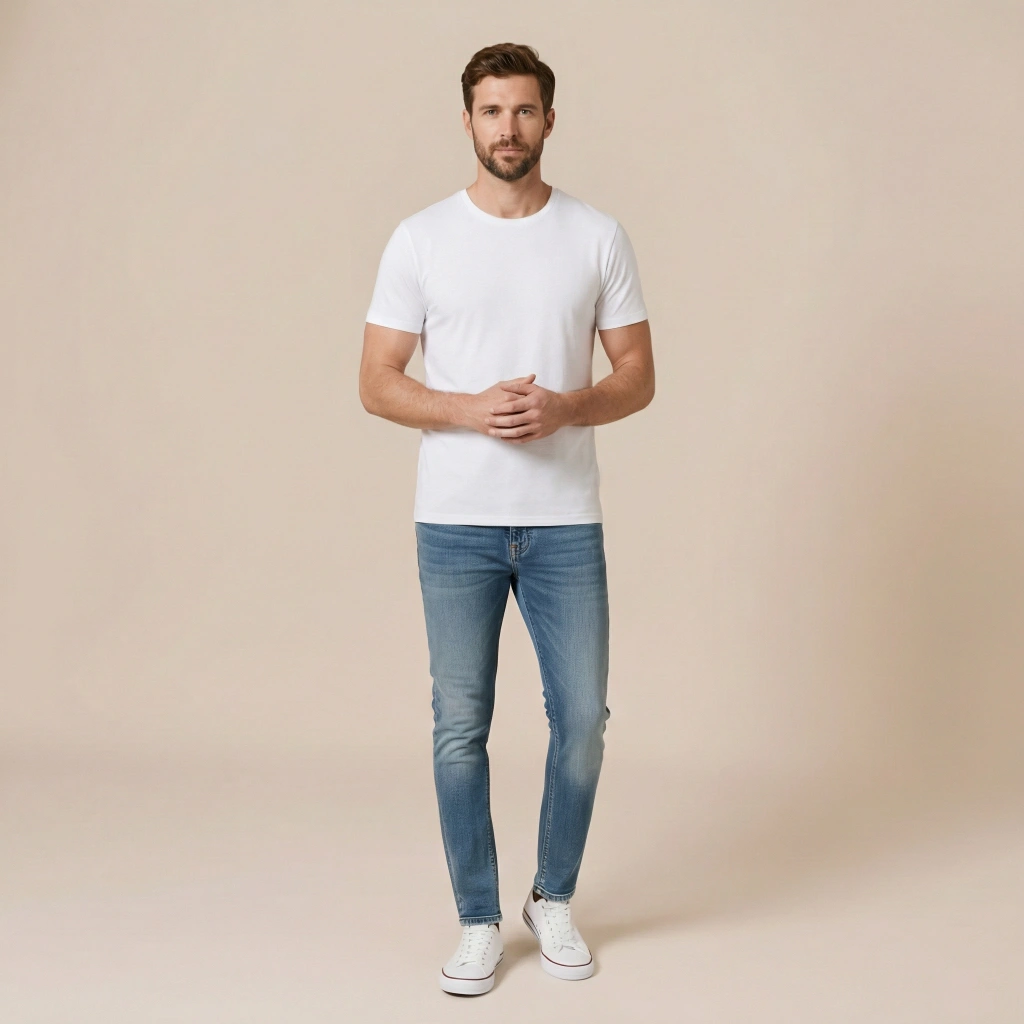
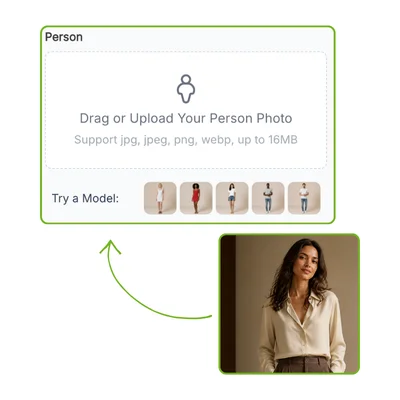
Person

Drag or Upload Your Person Photo
Support jpg, jpeg, png, webp, up to 16MB
Try a Model:
VisualGPT Clothes ModelVisualGPT Clothes ModelVisualGPT Clothes ModelVisualGPT Clothes ModelVisualGPT Clothes Model

Clothes

Upload Outfits-Flat Lay or On Model
Supports Separate Uploads for Items, eg: hats
Support jpg, jpeg, png, webp, up to 16MB

Model

AI Clothes Changer

VisualGPT's AI Clothes Changer lets you try outfits on photos. Upload, add clothes, see changes. Free, no signup.

AI Clothes Changer Sample Image

AI Clothes Changer: Free Change Any Clothes in Photos Online

VisualGPT's AI Clothes Changer lets you try outfits on photos free online. Upload a picture, add clothes, and see realistic style changes — no sign-up needed.

Try AI Clothes Changer Free
AI Clothes Changer: Free Change Any Clothes in Photos Online

What Is AI Clothes Changer?

Wondering how that jacket would look on you? AI Clothes Changer solves that. Upload a photo and a clothing reference, then generate several outfit variations. VisualGPT's AI Clothes Changer understands fabric draping and proportions. Pick the best variation like drawing a card. It turns guesswork into a visual preview. Try it free with no sign-up. Pair with AI Pose Generator to adjust model stance, or Clothes Wrinkle Remover to perfect fabric details.

What Is AI Clothes Changer?

How to Use AI Clothes Changer

Want a new outfit on your photo? Upload a picture and clothing reference to VisualGPT's AI Clothes Changer, then generate several variations in seconds.

AI Clothes Changer - Step 1: Upload Your Photo or Pick a Model

Step 1: Upload Your Photo or Pick a Model

Upload a clear photo to VisualGPT's AI Clothes Changer — or pick a model from the built-in library. The photo should show the area where you want the clothing change applied.

AI Clothes Changer - Step 2: Add a Clothing Reference or Pick a Preset

Step 2: Add a Clothing Reference or Pick a Preset

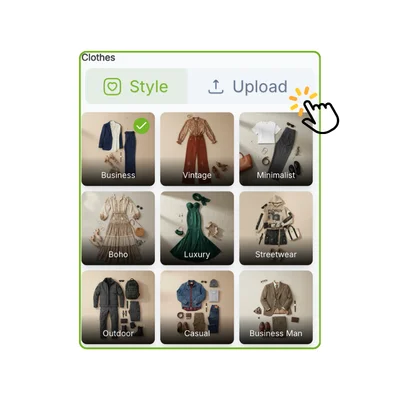
Upload a clothing photo — dress, jacket, or outfit — or pick a preset from the library. AI Clothes Changer analyzes the fabric and style, then maps it. Add a prompt for extra control.

AI Clothes Changer - Step 3: Generate Multiple Variations and Pick Your Favorite

Step 3: Generate Multiple Variations and Pick Your Favorite

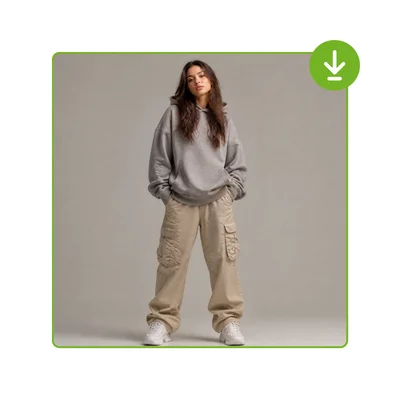
Click Generate. AI Clothes Changer produces several images of the person in the new outfit. Posture, background, and lighting stay intact. Browse variations, download the best, and keep experimenting.

Your Closet Has Options, but Your Photos Don't

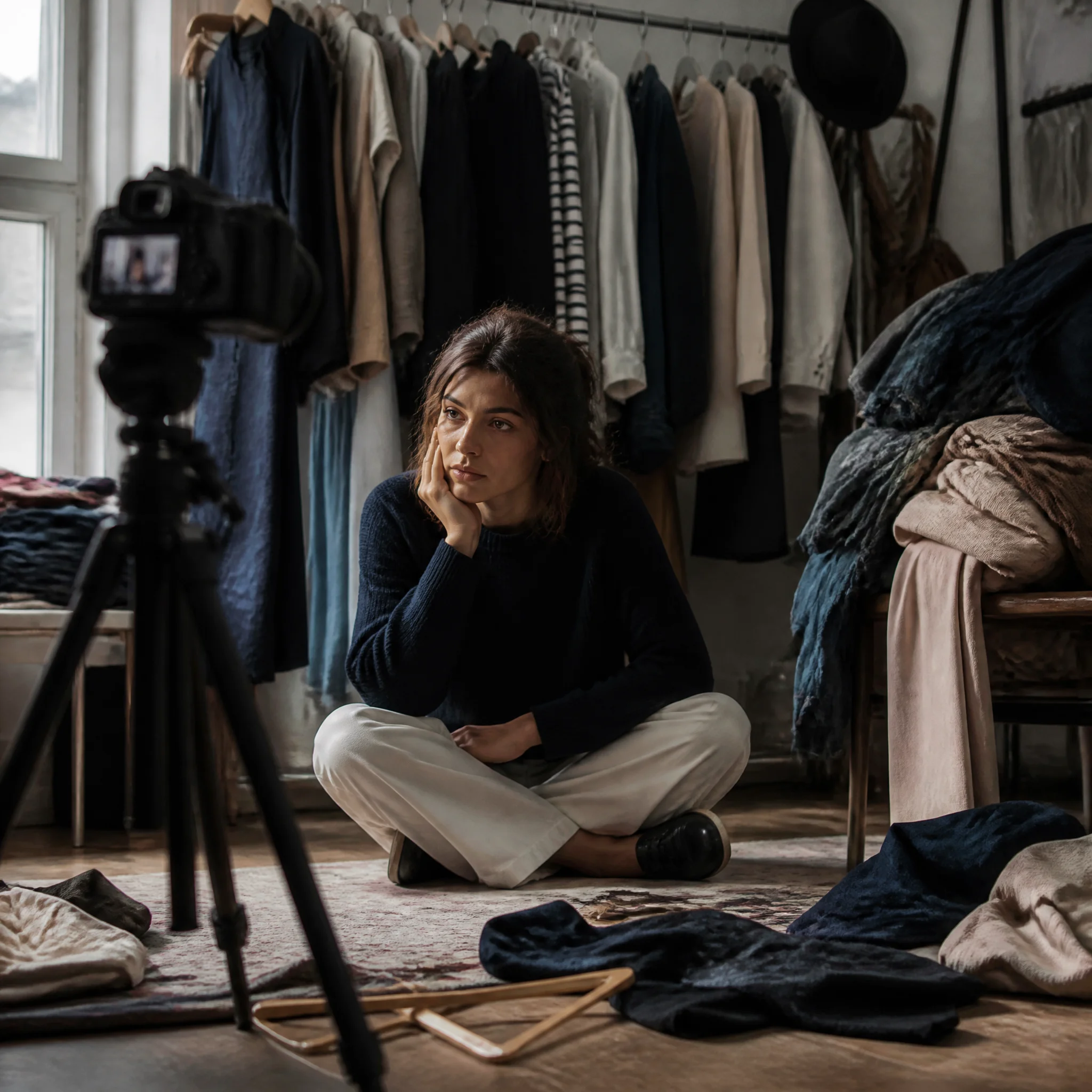
For fashion bloggers, five outfits meant five changes. For e-commerce sellers, a model costs $150–$500 per session, and reshooting every SKU burns the budget. A dress on a model says nothing about how it drapes on you. AI Clothes Changer removes the reshoot. One photo, unlimited variations, one simple workflow.

Your Closet Has Options, but Your Photos Don't

Use Cases of AI Clothes Changer

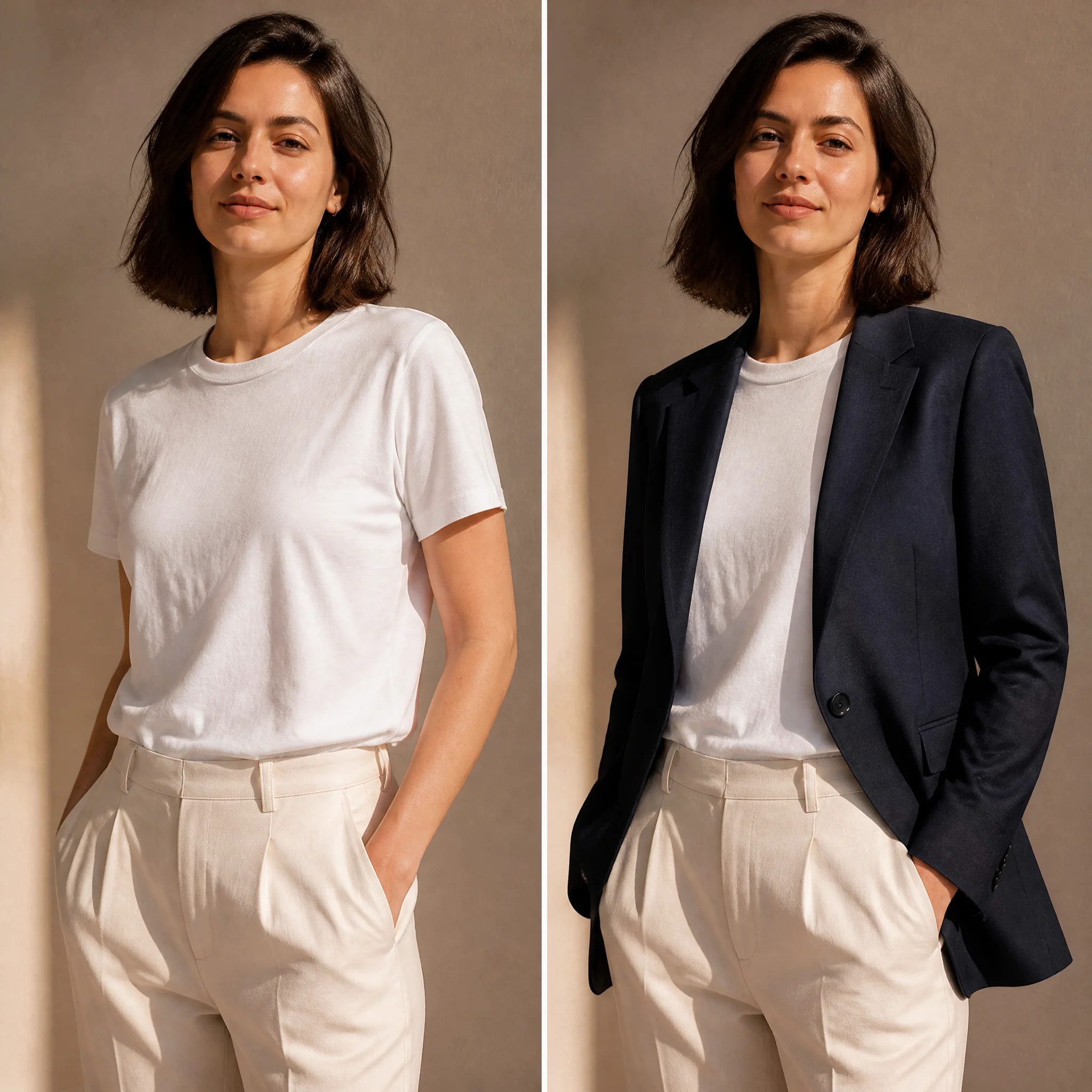
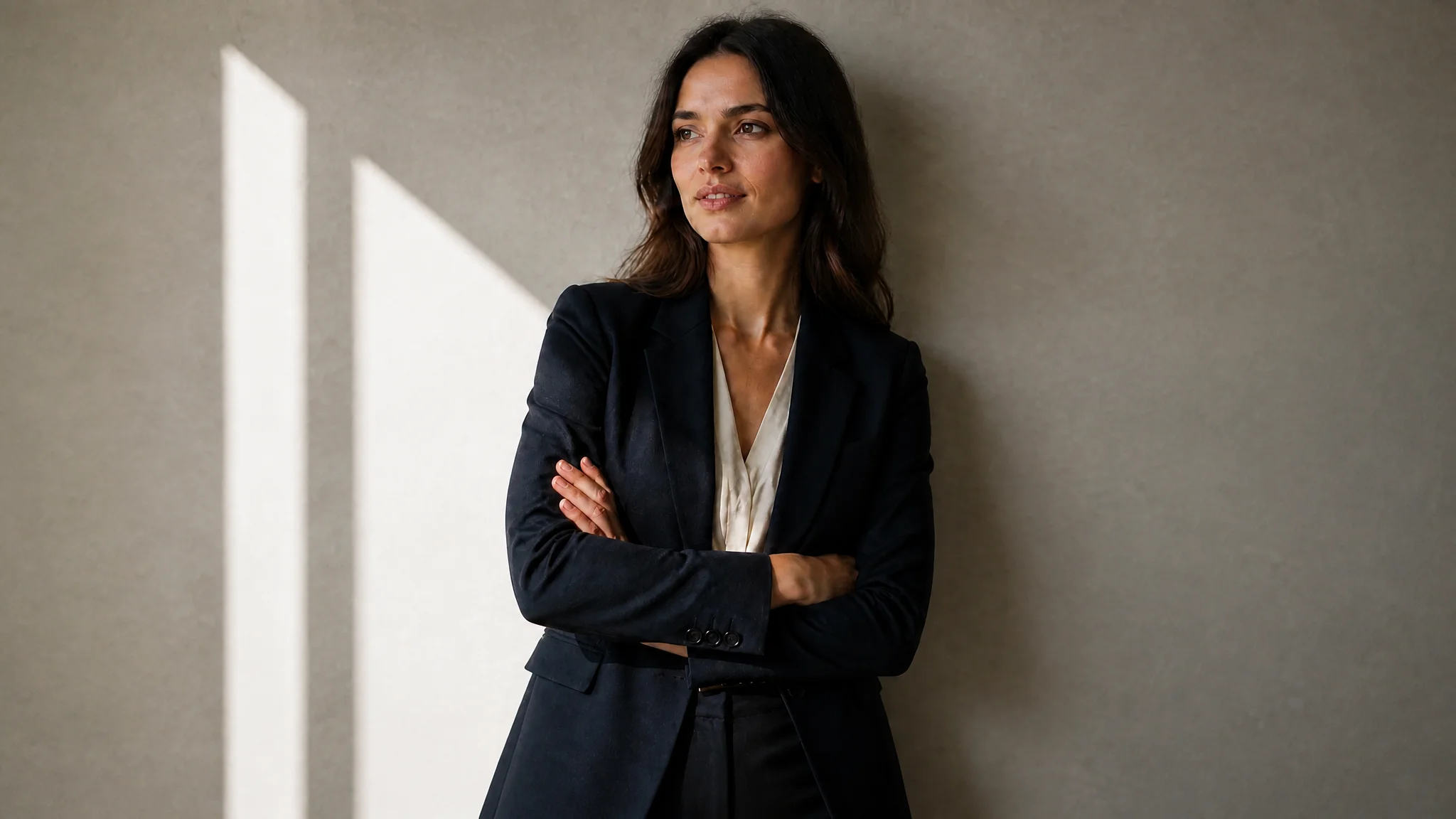
The navy blazer drapes with natural shoulder seams and lapel roll matching the reference, while lighting and wall texture remain untouched. Most virtual try-on tools paste a flat cutout. AI Clothes Changer preserves depth and shadow continuity so the result passes as a real photograph.

Blazer Try-On

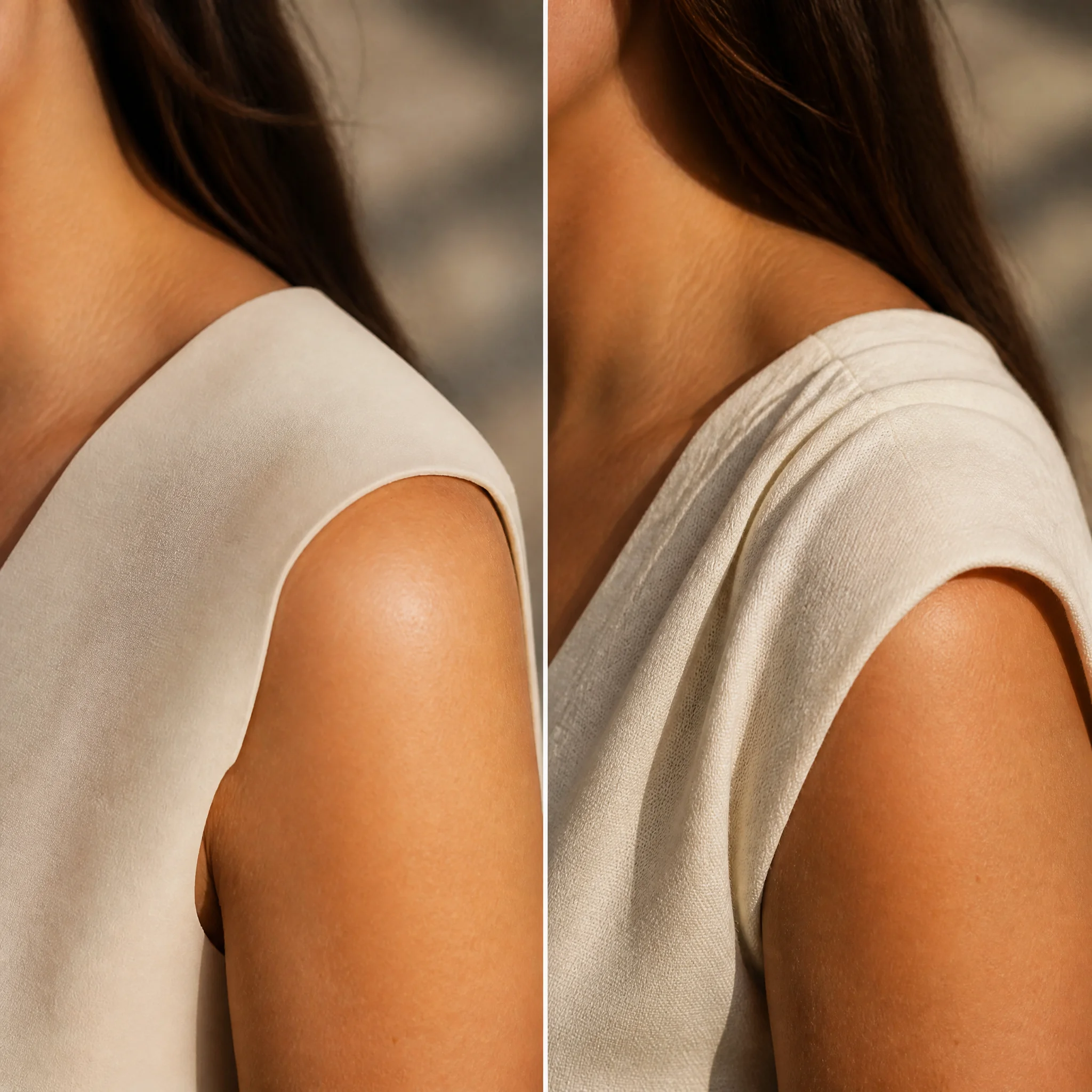
Realistic Fabric Behavior, Not Just Image Pasting

Most clothes changers paste a flat layer over the body. VisualGPT's AI Clothes Changer reads fabric instead: knit drapes on shoulders, silk catches light along folds, denim creases at the waist and knees. Results adjust to the reference garment, not a generic filter. Collars stay flat and sleeves fall naturally.

Realistic Fabric Behavior, Not Just Image Pasting

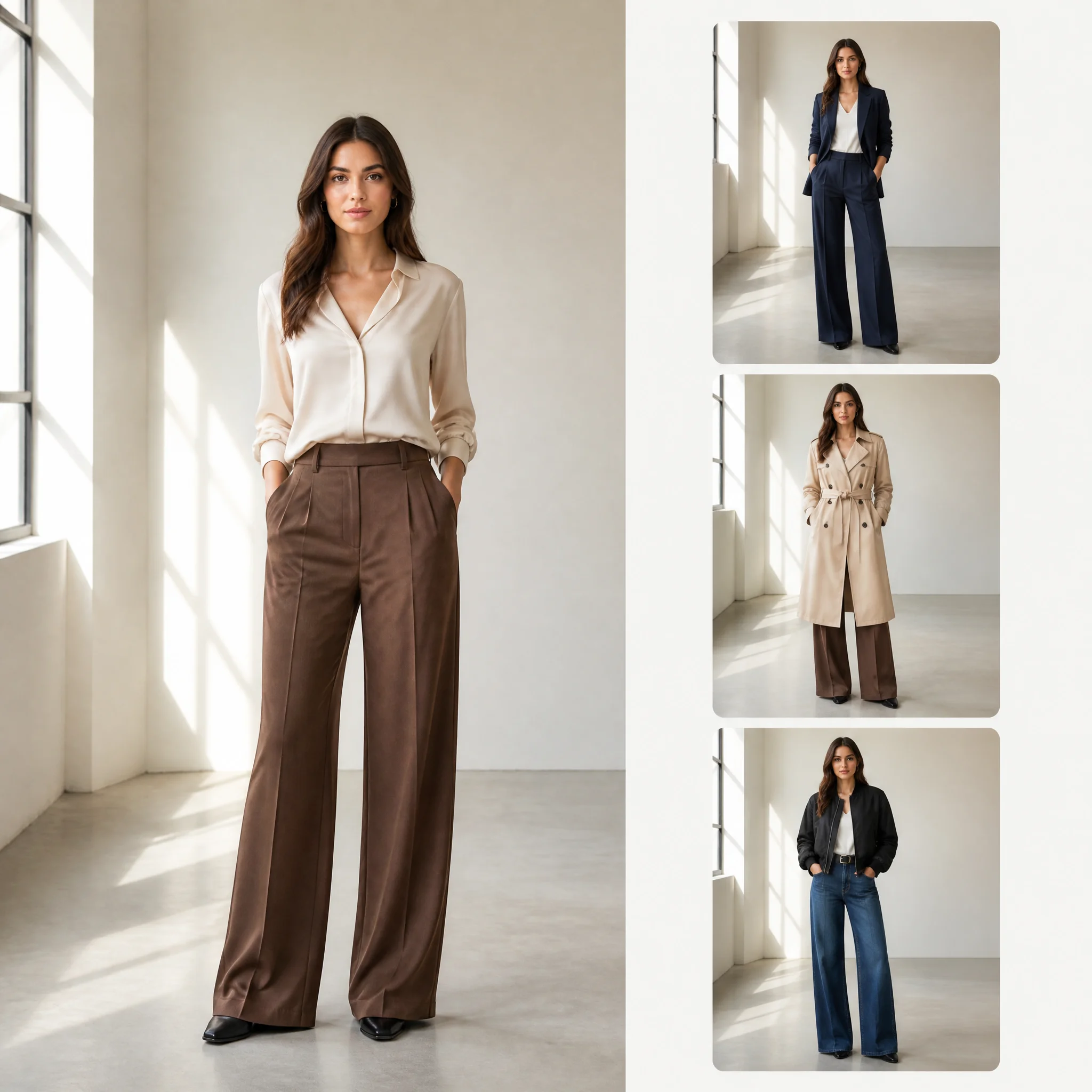
Generate Multiple Variations in One Click

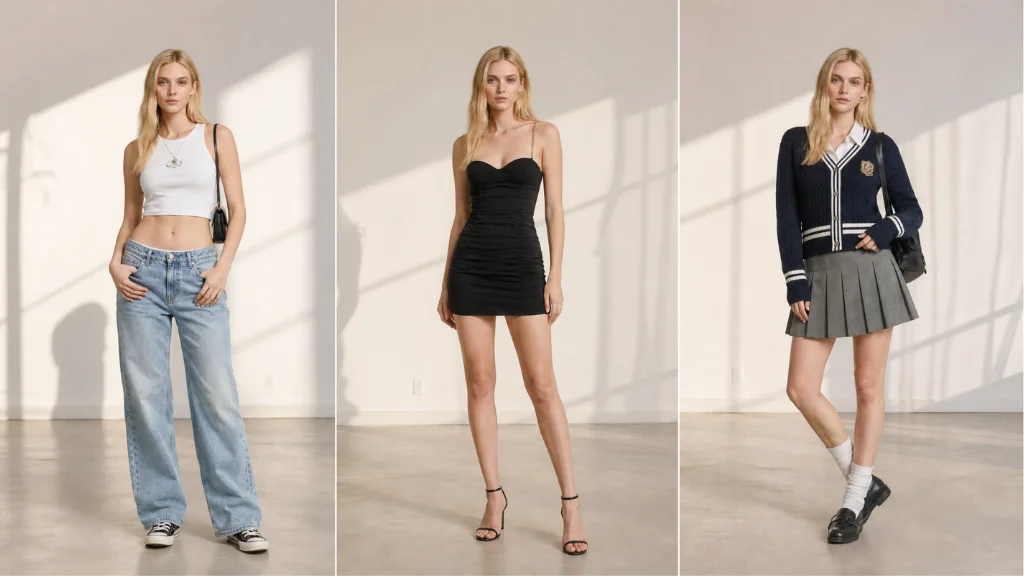
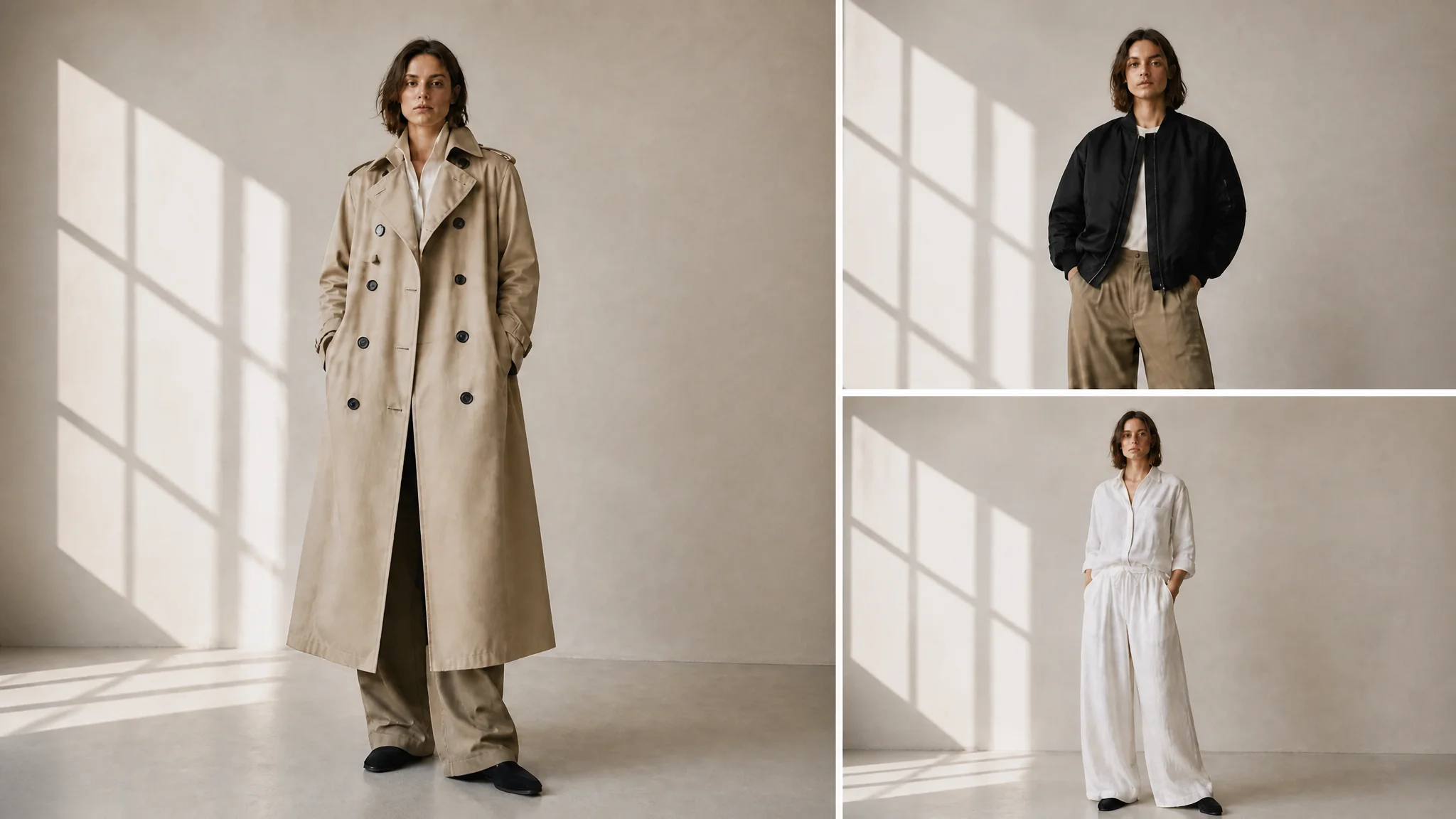
Most tools give you one result, and if it is warped, you start over from scratch. VisualGPT's AI Clothes Changer generates several variations per request so you can compare and pick the best. The model library covers body types with consistent, natural face output across every generated look. From idea to grid, fast.

Generate Multiple Variations in One Click

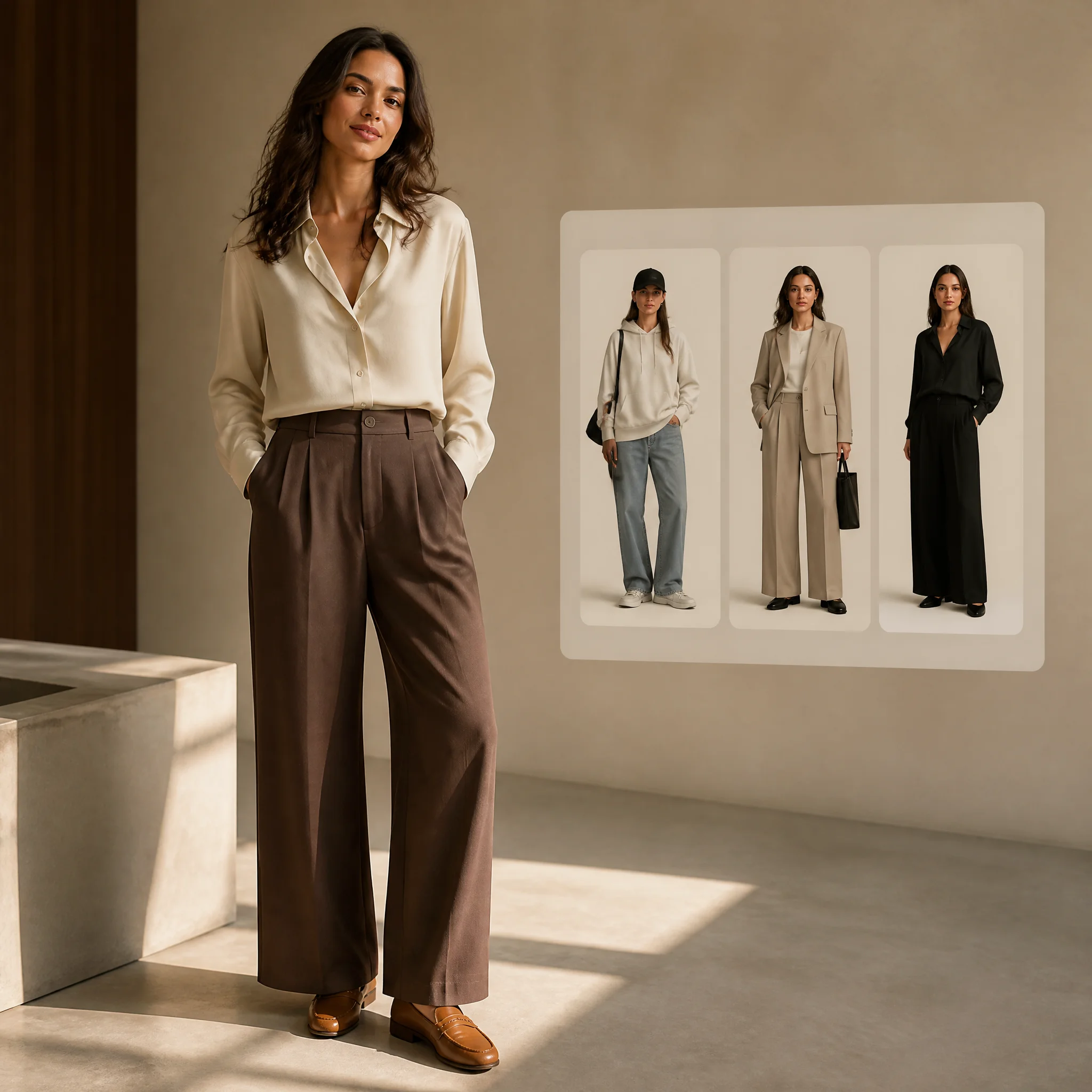
Preset Style Library for Instant Fashion Exploration

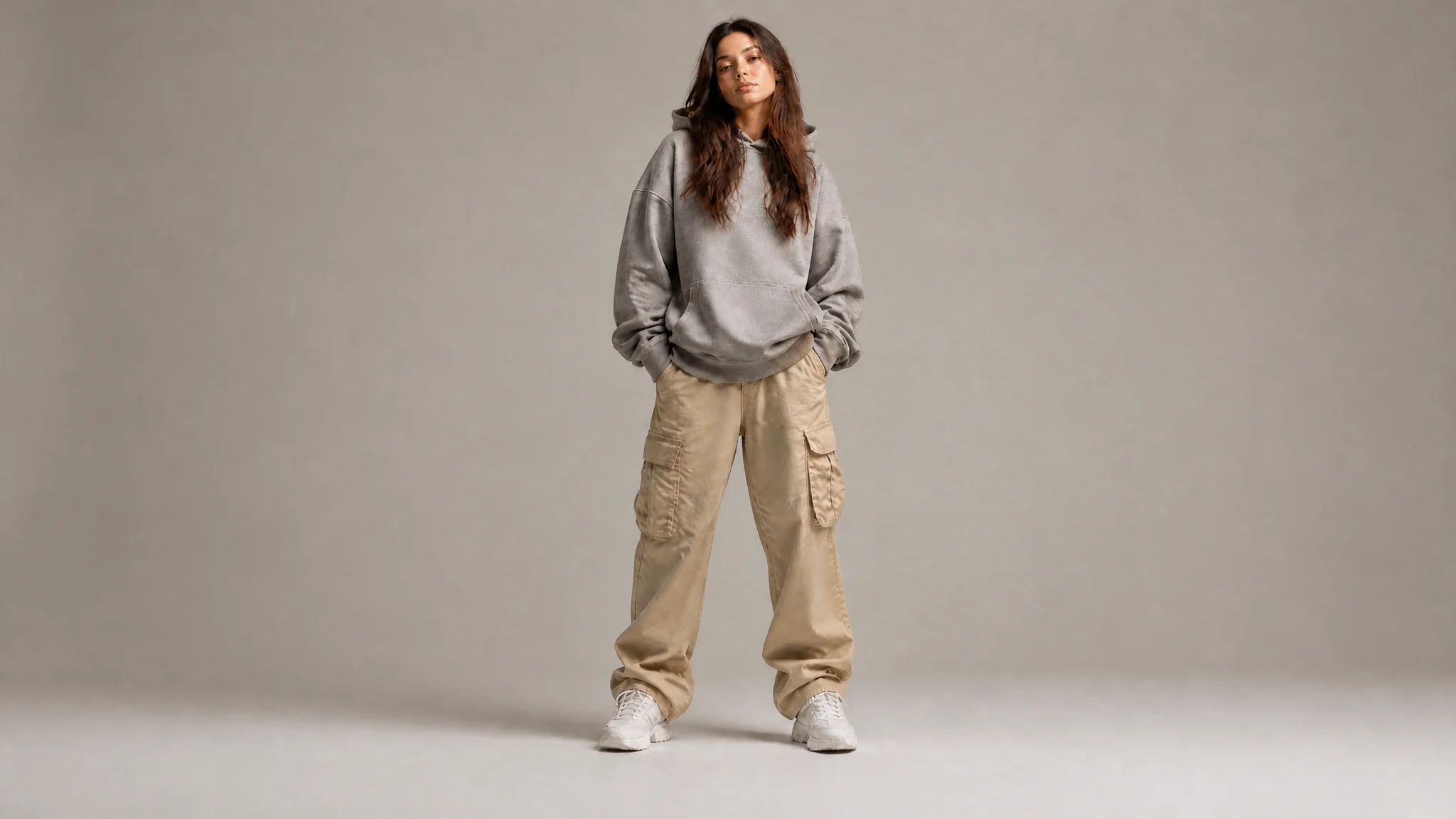
Not everyone has a reference image. VisualGPT's AI Clothes Changer includes a preset style library you can apply directly, no upload needed. Each preset is a complete outfit, handling top, bottom, shoes, and accessories as one look. Presets remove reference image friction. The library updates seasonally on VisualGPT.

Preset Style Library for Instant Fashion Exploration

Ready to See Yourself in Something New?

Pick a photo and outfit, and let AI Clothes Changer show the result. Free, no sign-up. No extra tools needed.

Start Changing Clothes Now

What Real Users Say About AI Clothes Changer

Elena Vasquez avatar

Elena Vasquez

Women's Boutique Owner

I run a small women's boutique. AI Clothes Changer changed how I launch collections. Before, I spent $400–$500 per season on photoshoots. Now I upload a model photo and a clothing reference and generate several variations until I find the best. Last month I listed 34 pieces with on-model photos. Fabric details on lace and knits are sharp. I have not booked a photoshoot in three months.

Marcus Chen avatar

Marcus Chen

Fashion Content Creator

As a fashion creator on Instagram and TikTok, my audience expects fresh outfit content three times a week. Before AI Clothes Changer that meant three changes, three lighting setups, and three edits. Now I take one photo and generate variations — a full week of content in an afternoon. Followers comment on specific outfits. The multi-version output means I can pick the one that fits my feed best.
Priya Nair avatar

Priya Nair

Personal Styling Enthusiast

I have always played it safe with clothes — neutrals, simple cuts, nothing bold. A friend mentioned AI Clothes Changer and I uploaded a photo. Within ten minutes I tried a red trench coat, wide-leg trousers, and an oversized blazer — pieces I would never pick up. Seeing them on my actual body made a difference. It was not just 'here is an outfit,' it was 'here is you.' I bought two styles.

FAQs About AI Clothes Changer

AI Clothes Changer uses generative AI to combine a person photo with a clothing reference. It detects body structure, pose, and existing clothing boundaries, then analyzes the reference garment's fabric, cut, and drape. Finally it renders several images where the new clothing appears naturally on the person, preserving facial features, background, and lighting.
Yes. Upload a clear full-body or half-body photo of yourself with good lighting and a plain background. Your face, hair, body proportions, and background stay intact while only the clothing gets replaced. If you prefer not to use your own photo, you can also choose from the built-in model library with different body types, poses, and skin tones. The AI keeps your original pose and expression unchanged.
Yes. After uploading a photo and clothing reference, AI Clothes Changer produces several candidate images in one run. Each version shows subtle differences in drape, fit, and styling, so you can pick the most natural result. This multi-version workflow is useful for content creators, shoppers comparing looks, and e-commerce sellers who need several product shots.
Yes. VisualGPT's AI Clothes Changer is designed to produce realistic results by handling fabric texture mapping, shadow and highlight consistency, collar and layering logic, and seamless edge detection. Input photos with even lighting and clear body outlines produce the best results, making output look like genuine photographs rather than edits. This attention to physical detail makes the final image look naturally worn.
Yes, AI Clothes Changer is free to use with no sign-up required. The free tier includes photo uploads, clothing reference uploads, access to the preset style library, multi-version generation, and full-resolution downloads. Premium plans are available for users who need higher volumes, such as e-commerce sellers or content creators. You can start using it immediately from any browser.
AI Clothes Changer supports a wide range of clothing including tops, bottoms, full-body pieces, and accessories. It handles fabrics such as cotton, denim, silk, leather, wool, and knit. The reference image should clearly show the garment on a flat surface, hanger, or mannequin for the best results. Product photos from e-commerce sites work particularly well.