
















VisualGPT Logo

Free AI Video Enhancer

Boost your videos to stunning 4K clarity with easy AI-powered enhancement.

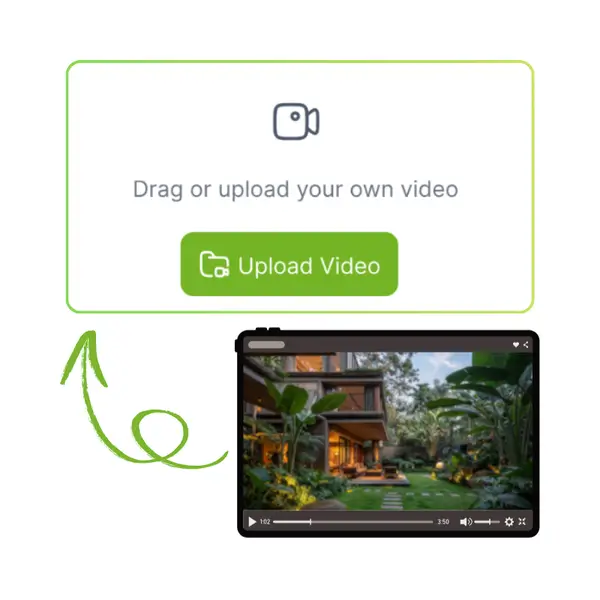
Drag or upload your own video
1k/2k: Uses 3 Credits per second
4k: Uses 10 Credits per second
Support mp4, mov, mkv, ≤ 200MB
No Video?
Try one of these:
AI Video Enhancer Demo 2
AI Video Enhancer Demo 3
AI Video Enhancer Demo 4
VisualGPT - Rated 4.9+ by VisualGPT Users
Rated 4.9+
by VisualGPT Users
VisualGPT - Rated 4.9+ by VisualGPT Users
VisualGPT - 50k+ Pictures Create
50M+
Pictures Created
VisualGPT - 50k+ Pictures Create
VisualGPT - Trusted By 100+ Organizations
Trusted By 800+
Organizations
VisualGPT - Trusted By 100+ Organizations

Helping creators & businesses everywhere work easier

Spotify
YouTube
TikTok
Amazon
Business Insider
Forbes
ABC
Buzfeed
CBS
Fox
NBC
Yahoo
Mashable
LifeWire
BBC
Nature
Spotify
YouTube
TikTok
Amazon
Business Insider
Forbes
ABC
Buzfeed
CBS
Fox
NBC
Yahoo
Mashable
LifeWire
BBC
Nature
Spotify
YouTube
TikTok
Amazon
Business Insider
Forbes
ABC
Buzfeed
CBS
Fox
NBC
Yahoo
Mashable
LifeWire
BBC
Nature

AI Video Enhancer - Improve Video Quality Up to 4K Online

AI Video Enhancer improves video quality up to 4K online, enhancing clarity, sharpness, and details in low-quality or blurry videos with AI-powered processing.

Enhance My Video Now
AI Video Enhancer - Improve Video Quality Up to 4K Online

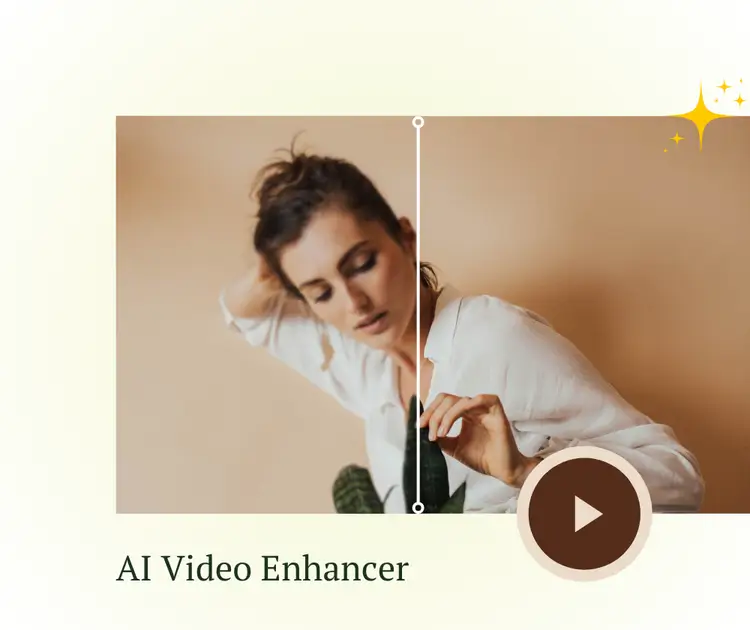
What is AI Video Enhancer?

AI Video Enhancer is an online tool that automatically improves your video's quality up to 4K. It analyzes blurry or low-resolution footage and enhances sharpness, details, and clarity without needing any editing skills. This easy video quality booster works fast on any device, making it perfect for creators, businesses, or anyone wanting better videos. If you want more, you can also try AI Photo Enhancer or AI Text Enhancer for other media improvements.

AI Video Enhancer - What is AI Video Enhancer?

How to Enhance Your Video Quality in 3 Simple Steps

Follow these easy steps to upscale your videos to 4K using our AI Video Enhancer with no hassle.

AI Video Enhancer - Step 1: Upload Your Video File

Step 1: Upload Your Video File

Click the Upload button and select the photo you want to edit. Whether it's a selfie, product photo, or any other image, AI Video Enhancer will process it for background removal.

AI Video Enhancer - Step 2:Choose or Upload a New Background

Step 2:Choose or Upload a New Background

Pick a background from the available options or upload your own image. You can also use a custom prompt to generate a unique background, offering more creative flexibility for your photos.

AI Video Enhancer - Step 3: AI Video Enhancer Replaces and Downloads

Step 3: AI Video Enhancer Replaces and Downloads

Click on Generate and let the AI do its magic! In just seconds, your image will have a new background. Once the process is complete, you can download in either PNG or JPG format with one click.

Tired of Complicated Background Editing?

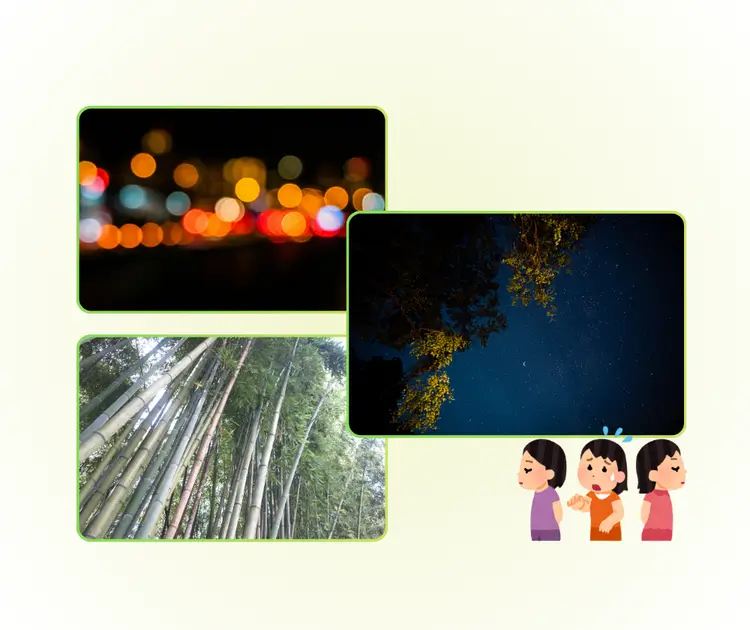
AI Video Enhancer is needed when videos look blurry, noisy, or low quality after recording. Many users shoot content for ads, social media, or work, but poor light or compression ruins detail. AI Video Enhancer helps fix clarity when re-shooting is impossible. It improves sharpness and resolution so videos can be shared, sold, or published without quality holding them back.

AI Video Enhancer - Tired of Complicated Background Editing?

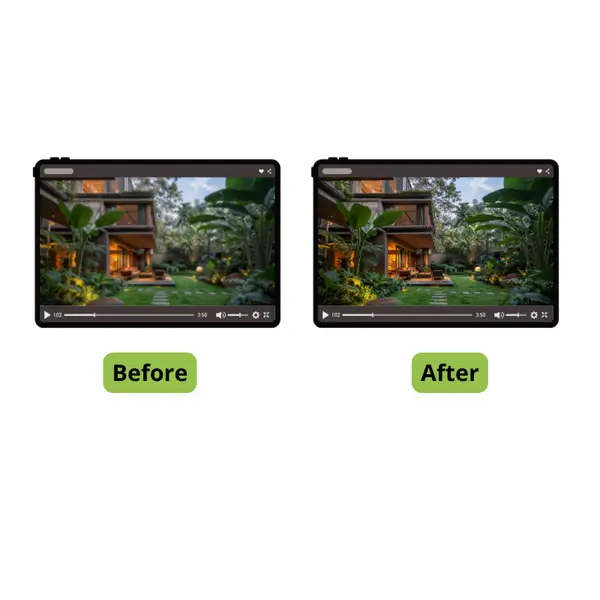
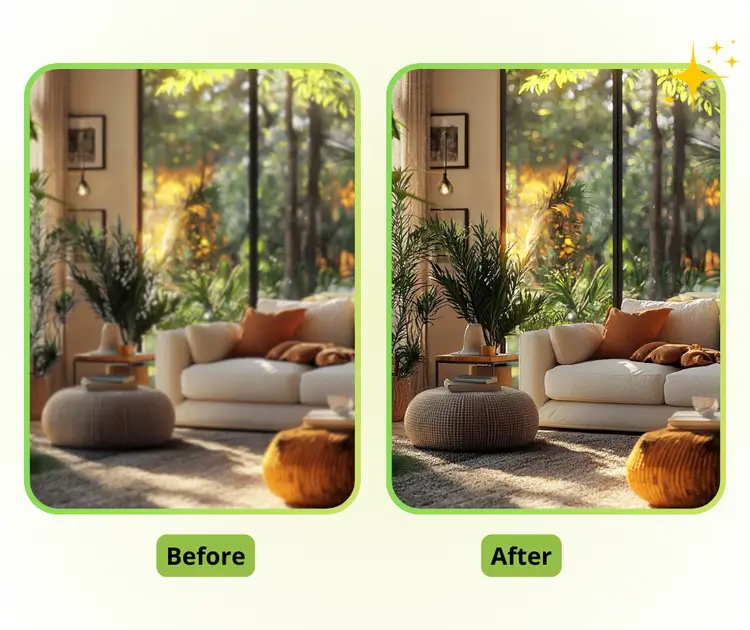
Auto Enhance Video Clarity Without Manual Settings

AI Video Enhancer automatically improves video clarity and detail by analyzing each frame. It reduces blur, noise, and low resolution issues in one process. Users do not need to adjust sliders or settings. AI Video Enhancer delivers stable, natural results that look clean and ready for sharing, selling, or publishing.

Auto Enhance Video Clarity Without Manual Settings

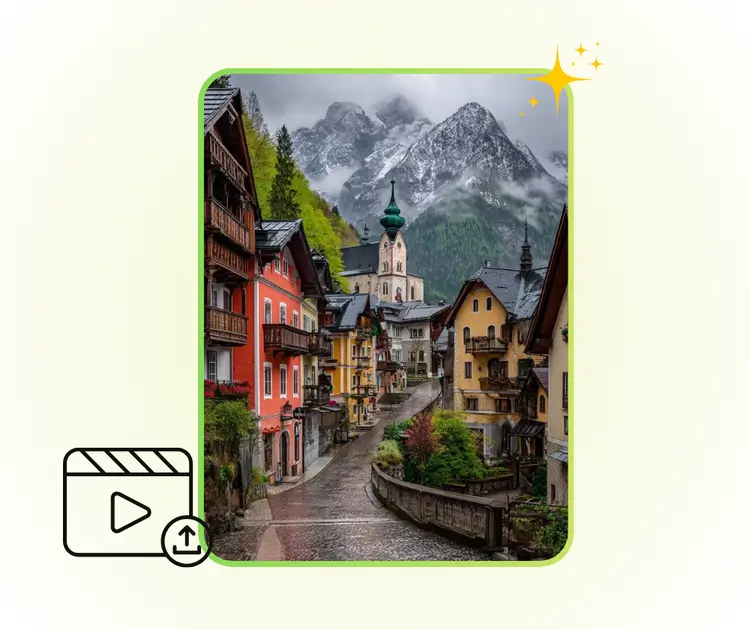
Simple Upload Process With Zero Learning Curve

AI Video Enhancer is built for people without editing skills. Users only upload a video and start enhancing right away. No timeline tools or complex steps are required. This makes AI Video Enhancer suitable for creators, sellers, and teams who want fast results without spending time learning software.

Simple Upload Process With Zero Learning Curve

Online Video Enhancement Without Device Limits

As an online AI Video Enhancer, this tool works directly in the browser. There is no need to install software or use high-end hardware. Videos can be enhanced quickly on any device. AI Video Enhancer fits flexible work scenes like remote editing, e-commerce content, and urgent video updates.

Online Video Enhancement Without Device Limits

Ready to Upgrade Your Videos?

Try our AI Video Enhancer now and instantly improve your video clarity and quality. No downloads or complicated steps needed. Start enhancing your videos with ease today!

Start Enhancing Now

What Users Say About AI Video Enhancer

S.L. avatar

S.L.

Content Creator

"I started using this AI Video Enhancer because many of my old videos looked soft and low quality. The tool helped improve video clarity without changing the original style. I only needed to upload the file and wait. For social media clips and short promos, this AI Video Enhancer saved me time and removed the stress of manual editing."
M.K. avatar

M.K.

E-commerce Manage

"As someone who manages product videos, I need fast and clean results. This AI Video Enhancer improved video quality and reduced blur without adding fake details. The process was simple and worked online, which is useful when working on different devices. It helped me prepare clearer videos for product pages and ads."
R.T. avatar

R.T.

Marketing Assistant

"I tried several tools before, but many were too complex. This AI Video Enhancer was easy to understand and gave stable output. The enhanced video looked sharper and more professional, especially for older footage. For people who want better video quality without learning editing skills, this AI Video Enhancer is a solid option."

FAQs About AI Video Enhancer

