
















VisualGPT Logo

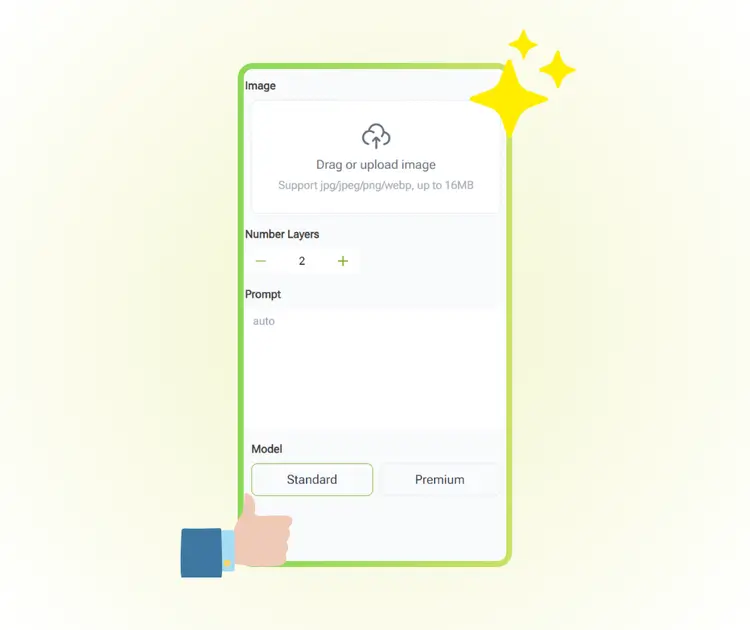
Image

Drag or upload image

Support jpg/jpeg/png/webp, up to 16MB

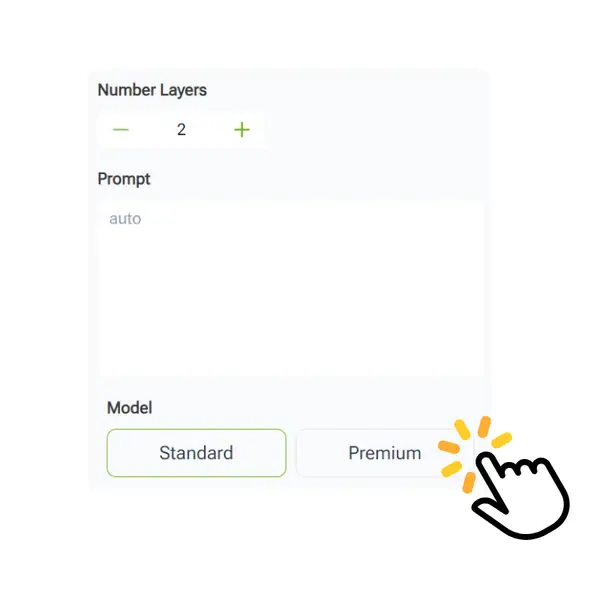
Number of Layers

Prompt

Model

Qwen Image Layered

Edit multiple image layers online with AI for fast, clean, and precise control.

Chroma Split
Chroma Split
Chroma Split
VisualGPT - Rated 4.9+ by VisualGPT Users
Rated 4.9+
by VisualGPT Users
VisualGPT - Rated 4.9+ by VisualGPT Users
VisualGPT - 50k+ Pictures Create
50M+
Pictures Created
VisualGPT - 50k+ Pictures Create
VisualGPT - Trusted By 100+ Organizations
Trusted By 800+
Organizations
VisualGPT - Trusted By 100+ Organizations

Helping creators & businesses everywhere work easier

Spotify
YouTube
TikTok
Amazon
Business Insider
Forbes
ABC
Buzfeed
CBS
Fox
NBC
Yahoo
Mashable
LifeWire
BBC
Nature
Spotify
YouTube
TikTok
Amazon
Business Insider
Forbes
ABC
Buzfeed
CBS
Fox
NBC
Yahoo
Mashable
LifeWire
BBC
Nature
Spotify
YouTube
TikTok
Amazon
Business Insider
Forbes
ABC
Buzfeed
CBS
Fox
NBC
Yahoo
Mashable
LifeWire
BBC
Nature

Qwen Image Layered – Free Edit Multiple Image Layers with AI

Qwen Image Layered helps you edit image layers online with AI. Easily separate background, text, and objects for flexible, fast, and free layer editing.

Edit Image Layers Now
Qwen Image Layered – Free Edit Multiple Image Layers with AI

What is Qwen Image Layered?

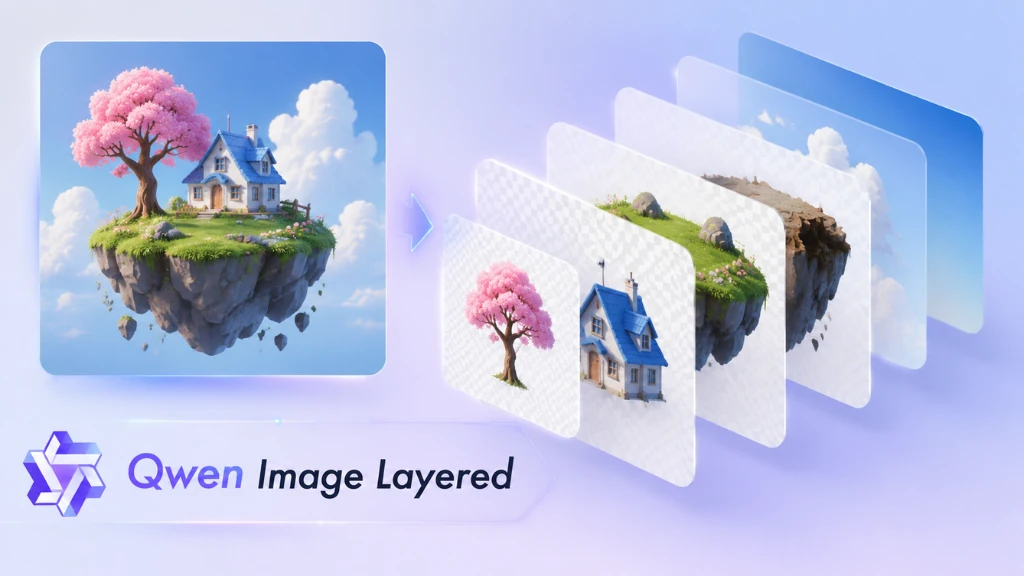
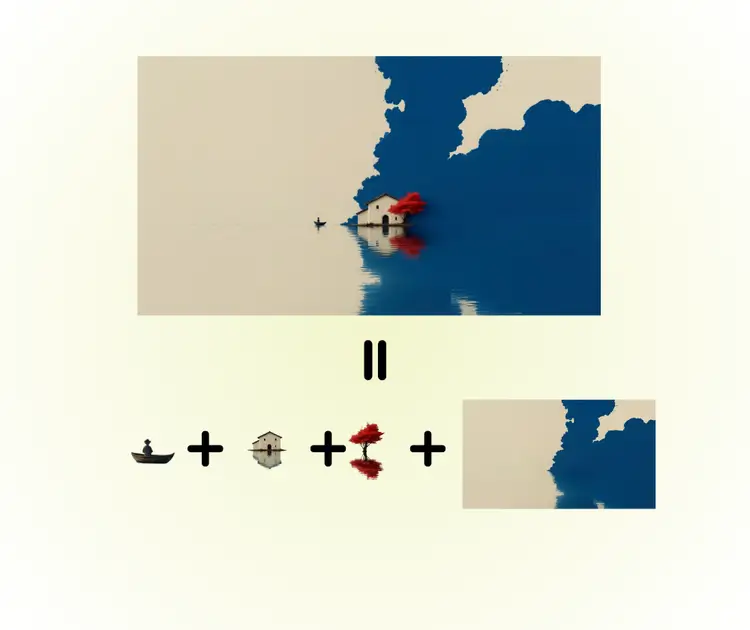
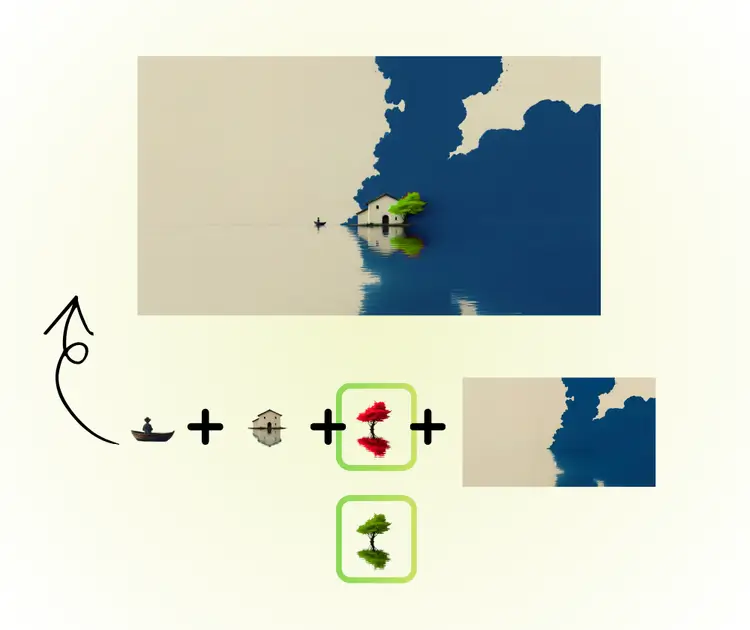
Qwen Image Layered is an AI image editing tool designed for real image layers instead of flat edits. It separates an image into true RGBA layers, letting you edit background, text, and objects on their own. With Qwen Image Layered, you can control layer count by prompt, from simple layouts to deep layered details. Each layer stays editable for moving, scaling, or adjusting. The interface is clean, fast, and free to use online, making it easy for design, UI work, and game assets. You can also try Nano Banana Pro or GPT Image 1.5 for other editing styles.

What is Qwen Image Layered?

How to Use Qwen Image Layered Easily

Follow this quick guide to edit image layers with Qwen Image Layered. Upload photos, control layer numbers and areas, then preview and download clean, editable layers for design or creative projects.

Qwen Image Layered: Step 1 - Upload Your Photo to Begin Editing

Step 1: Upload Your Photo to Begin Editing

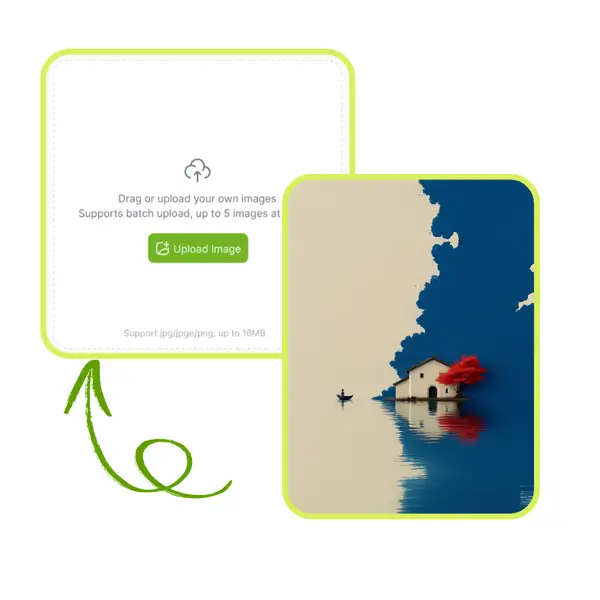
Upload your image from your device. Qwen Image Layered quickly processes common image formats and prepares your file for layered editing. You can start separating layers without extra software or manual setup.

Qwen Image Layered: Step 2 - Select Layer Count and Areas

Step 2: Select Layer Count and Areas

Choose how many layers you need and specify areas like background, text, or objects. The tool lets you control each layer from coarse layout to fine details, giving you a flexible and precise workflow.

Qwen Image Layered: Step 3 - Preview and Download Layers

Step 3: Preview and Download Layers

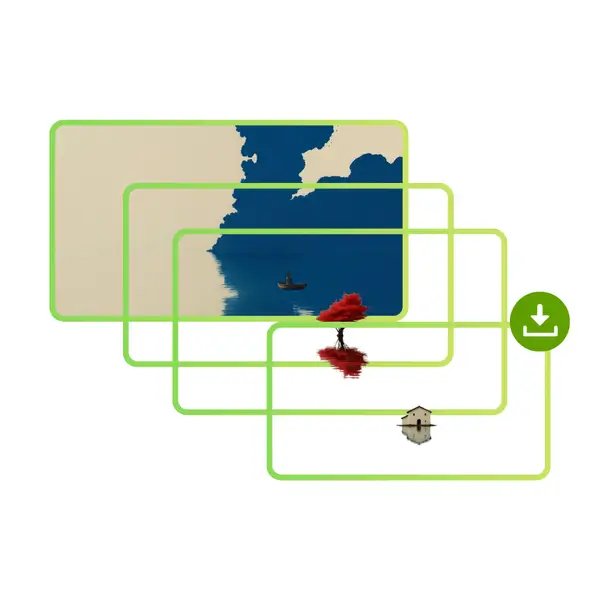
Check the generated layers in preview mode to ensure clarity and alignment. When satisfied, download the editable layers for further design, creative work, or direct use in projects.

Struggling to Edit Complex Image Layers Easily?

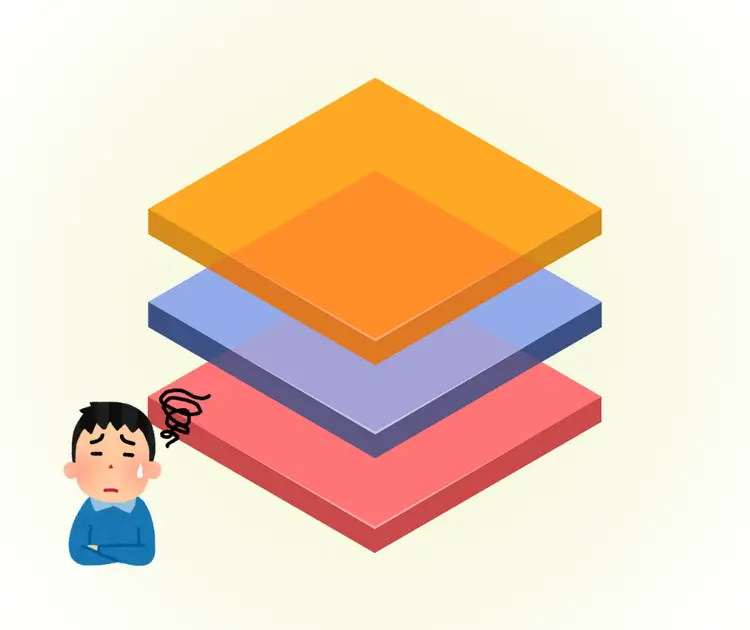
Editing multiple layers manually can be frustrating. Backgrounds, text, and objects often overlap, making layer adjustments slow and error-prone. Qwen Image Layered helps you separate and control layers easily, speeding up edits for design, graphics, or game assets while keeping details accurate and workflow smooth.

Qwen Image Layered - Struggling to Edit Complex Image Layers Easily?

Native Layer Editing Like Photoshop

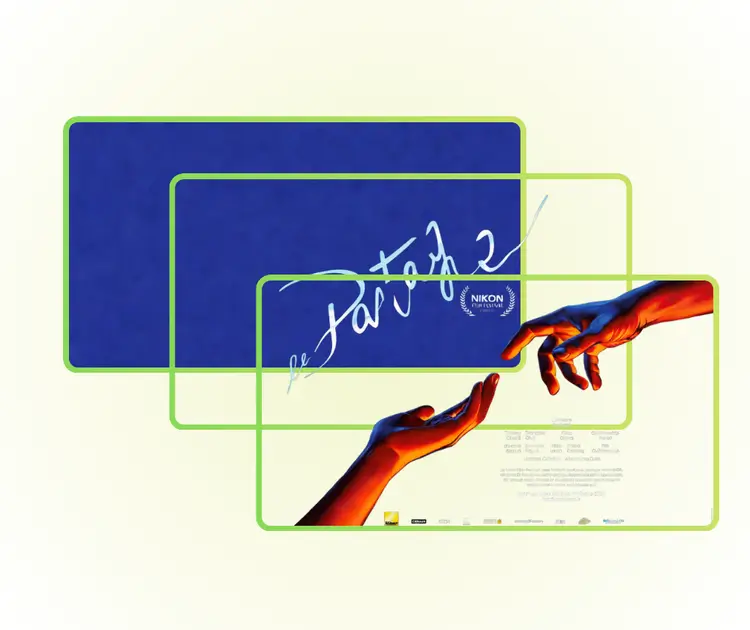
Qwen Image Layered lets you edit image layers like Photoshop. Each layer is separate and fully editable, so you can move, resize, and adjust objects freely. No need for simulated layers or complicated software—everything works online, making layer editing fast, flexible, and intuitive.

Native Layer Editing Like Photoshop

Control Layers with Precise Prompts

You can specify exactly how many layers you want, from coarse layouts to fine details. Qwen Image Layered supports recursive layers, meaning you can keep splitting layers within layers. This lets you refine designs step by step and keeps your workflow organized and clear.

Control Layers with Precise Prompts

Clear Interface and Free Online Access

The tool is simple to use and fully online. You can separate backgrounds, text, or objects quickly without installing any software. Qwen Image Layered offers clean previews, easy adjustments, and free downloads, making it perfect for graphics, design projects, or game assets.

Clear Interface and Free Online Access

Start Editing Image Layers Instantly Online

Qwen Image Layered makes editing image layers simple and fast. Separate backgrounds, text, and objects in seconds, adjust freely, and download high-quality results—all online and free to use.

Edit Layers Now

What Users Say About Qwen Image Layered

S.L. avatar

S.L.

Graphic Designer

"Qwen Image Layered has completely changed how I handle image editing. The ability to separate backgrounds, text, and objects in layers is incredible. I can now work faster on complex graphics and tweak each element individually without affecting the rest of the image. It feels like using a professional tool, but completely online and free. I love how easy it is to control each layer and get clean, high-quality results every time."
M.K. avatar

M.K.

Social Media Manager

"I tried Qwen Image Layered for my social media projects, and it saved me so much time. Separating objects and text into different layers is now a breeze, and the edits look precise and natural. Even complex designs with multiple elements can be handled smoothly. The online platform is fast and straightforward, making layer editing accessible without installing software. It’s perfect for anyone needing flexible and efficient image editing online."
R.T. avatar

R.T.

Marketing Specialist

"Qwen Image Layered is an impressive tool for designers and creatives. The layer separation is very accurate, and I can adjust individual elements freely. It’s especially useful for preparing graphics for presentations and marketing materials, where each part needs precise control. The interface is clean, the process is intuitive, and results are consistently professional. This tool makes managing image layers easier than ever before."

FAQs About Qwen Image Layered

