
VisualGPT Logo
Image
Drag or upload image

Support jpg/jpeg/png/webp, up to 16MB

Free AI Age Filter

Instantly change age in photos. See your future self or look younger with realistic AI. Free & no sign-up.

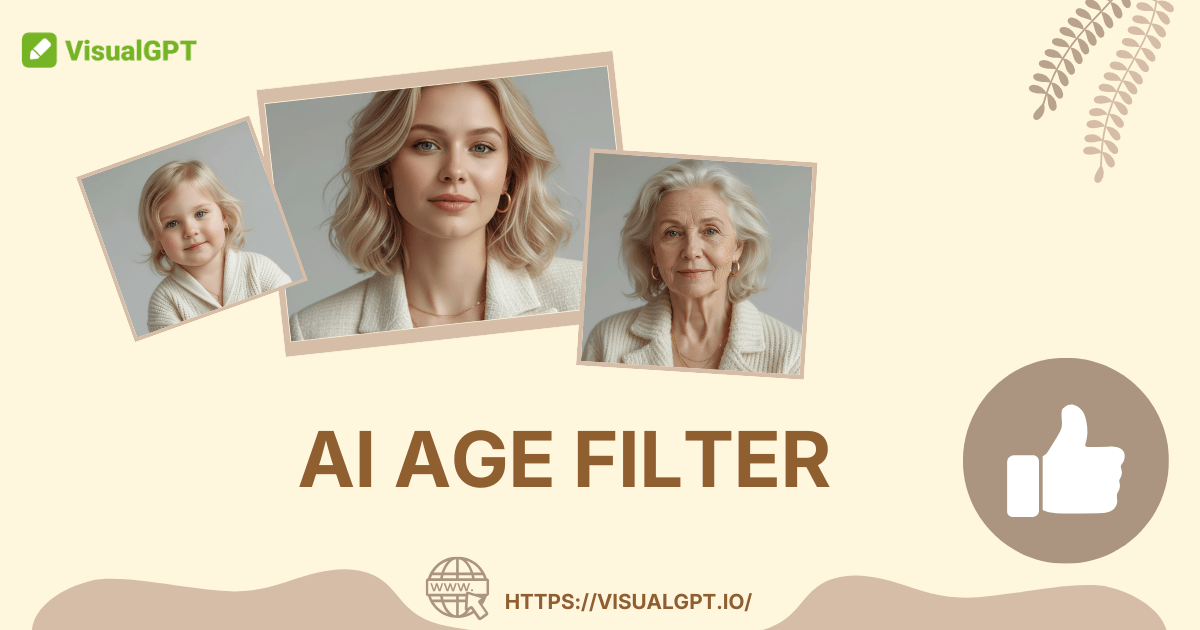
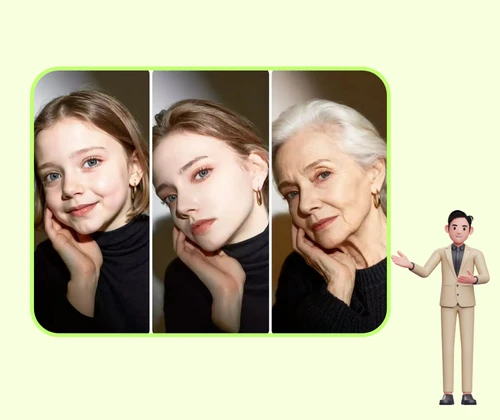
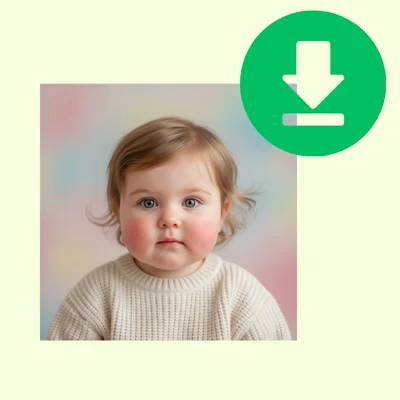
AI Age Filter Sample: Childhood after
AI Age Filter Sample: Childhood before
AI Age Filter Sample: Childhood after

AI Age Filter - Free Age Progression Tool Online, No Sign Up

AI Age Filter makes faces old or young instantly. Create realistic age progression photos online for free. No sign-up required and enjoy high-quality download.

Generate Age Photo Now
AI Age Filter - Free Age Progression Tool Online, No Sign Up

What is AI Age Filter?

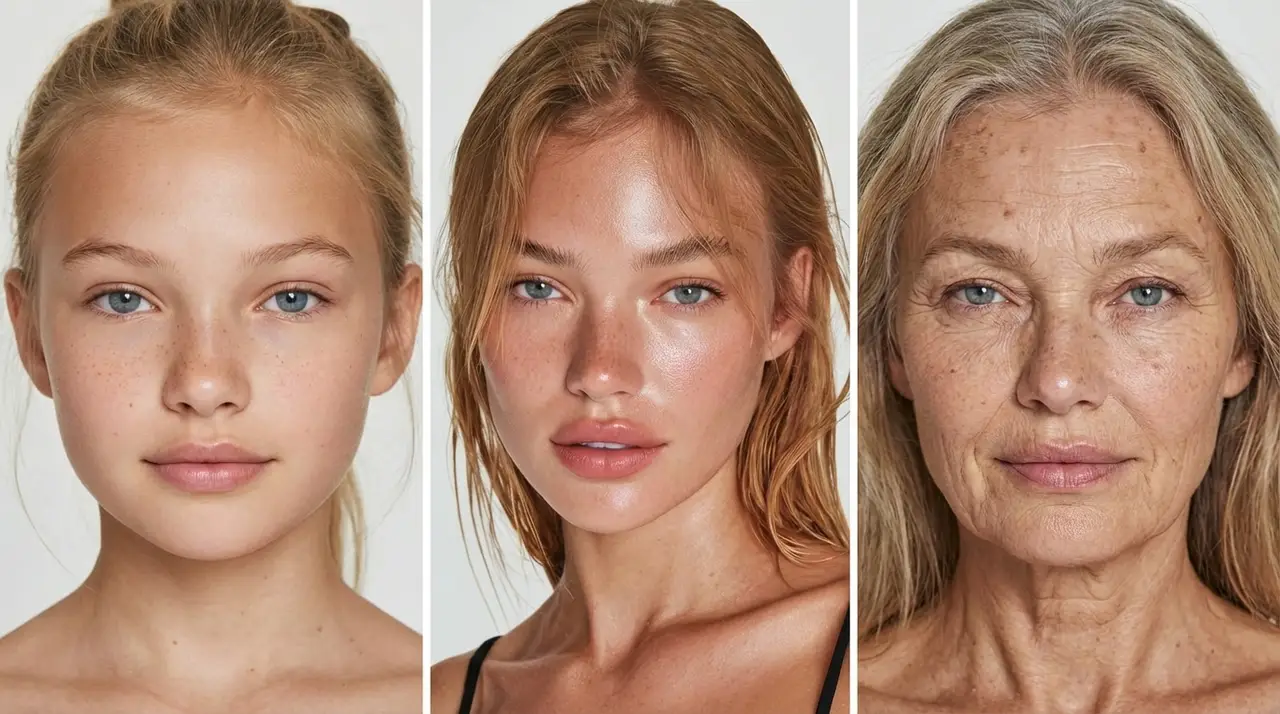
AI Age Filter is an intelligent online tool that transforms your current photo to show what you might look like in the future or the past. It analyzes facial features, skin texture, and hair to realistically add aging signs like wrinkles and grey hair, or apply youth filters to smooth skin and rounder features. Everything runs in the browser, so you can create age progression portraits instantly without downloading heavy apps, complex software, or registering an account.

AI Age Filter – What is AI Age Filter?

Why Choose AI Age Filter?

AI Age Filter recreates your portrait with studio-quality realism, ensuring every wrinkle or youthful feature looks authentic. Try multiple age settings, compare results instantly, and download clean images fast. High-resolution output, no watermarks, and no account needed.

AI Age Filter – Why Choose AI Age Filter?

Frustrated with Fake Filters and Hidden Fees?

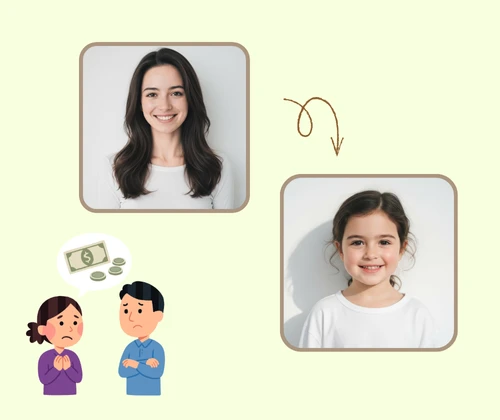
Most "free" tools frustrate users with hidden subscriptions or large watermarks that ruin the image. Manual editing is difficult and often results in unnatural, fake looks. Users need a secure, instant solution to see their future self or childhood face without complex software or unexpected costs.

AI Age Filter – Frustrated with Fake Filters and Hidden Fees?

What Makes Our AI Age Filter Stand Out?

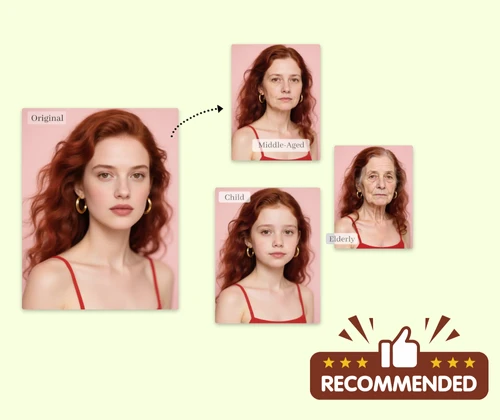
Turn any portrait into a future self or childhood memory with one tool. Age switching is instant, and every photo preserves your unique facial identity so results never feel fake or random.

Hyper-Realistic Aging Effects

The AI accurately simulates natural aging processes, adding detailed skin textures, sunspots, and grey hair patterns that look like real photography, not just a simple overlay.

Two-Way Time Travel

You are not limited to one direction. Instantly switch between "Make Me Old" to see your future self and "Make Me Young" to revisit your baby face with a single click.

Free to Use, No Sign-Up Needed

Generate age progression photos instantly without creating an account. Just upload your photo, choose an age mode, and get results in seconds for free.

How to Use AI Age Filter in 3 Easy Steps

AI Age Filter is simple to use: upload a photo, choose your target age, and generate a clean, high-quality transformation in seconds with no sign-up.

AI Age Filter - Step 1: Upload Your Photo

Step 1: Upload Your Photo

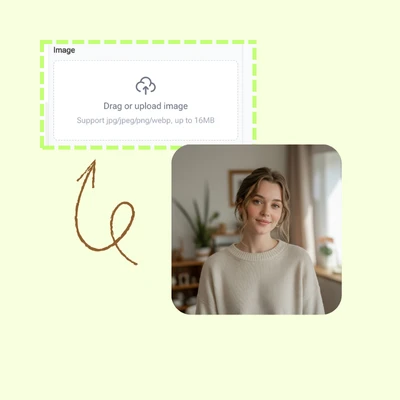
Choose a clear, front-facing photo from your phone or computer and upload it to AI Age Filter. For best results, use an image with good lighting where the face is fully visible.

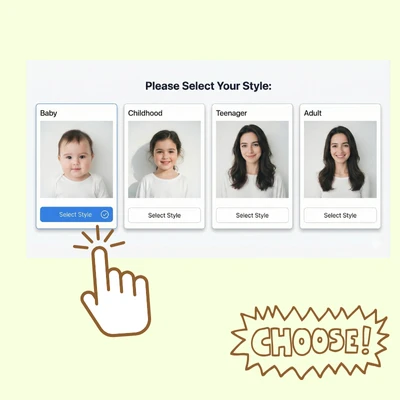
AI Age Filter - Step 2: Pick a Style or Enter Your Own Idea

Step 2: Pick a Style or Enter Your Own Idea

Select your desired transformation mode. Choose "Old" to visualize your future appearance or "Young" to see a childhood version of yourself. The AI processes this instantly.

AI Age Filter - Step 3: Generate, Compare, and Download

Step 3: Generate, Compare, and Download

Click Generate and wait a moment while the AI redraws your face. Preview the transformation and download the final age-changed portrait in high quality.

Start Your Time Travel Journey in Seconds

Upload a photo and turn it into a future or past version of yourself instantly. AI Age Filter delivers fast results, realistic details, and fun effects with no sign-up or skills required.

Start Generating Now

What Users Say About AI Age Filter

S.J. avatar

S.J.

Student

"I wanted to join the viral aging trend on TikTok but didn't want to buy an app. AI Age Filter worked perfectly! The wrinkles and skin texture looked so real that my friends thought it was a photo of my grandfather. It was fast and completely free."
M.T. avatar

M.T.

Social Media User

"What surprised me most is how well it keeps my actual face shape. Other tools make me look like a different person, but this AI Age Filter kept my eyes and smile exactly the same, just older. The result felt very personal and authentic. "
K.L. avatar

K.L.

Content Creator

"I used the "Young" filter to see what I looked like as a toddler versus now. The baby filter effect was adorable and surprisingly accurate to my real old photos. It is a great tool for making throwback posts for Instagram without scanning old albums. "
R.D. avatar

R.D.

Digital Artist

"As a character designer, I use AI Age Filter to quickly visualize how my characters might look at different life stages. It gives me excellent references for skin sagging and hair color changes without needing hours of manual painting."
D.W. avatar

D.W.

Privacy Advocate

"I am always careful about uploading photos online, so I love that this tool doesn't require a login or email. It processes the image fast and I can download it immediately. The no-watermark feature is a huge plus for a free tool. "
P.H. avatar

P.H.

Parent

"We used this at a family gathering and couldn't stop laughing. Seeing dad as a baby and the kids as old people was hilarious. The quality is high enough that we even printed one out as a joke gift. Highly recommended for fun! "

FAQs About AI Age Filter