



VisualGPT Logo

Prompt

Aspect Ratio

Free AI Menu Generator

Turn simple text into a clean, styled menu in seconds—no design skills needed.

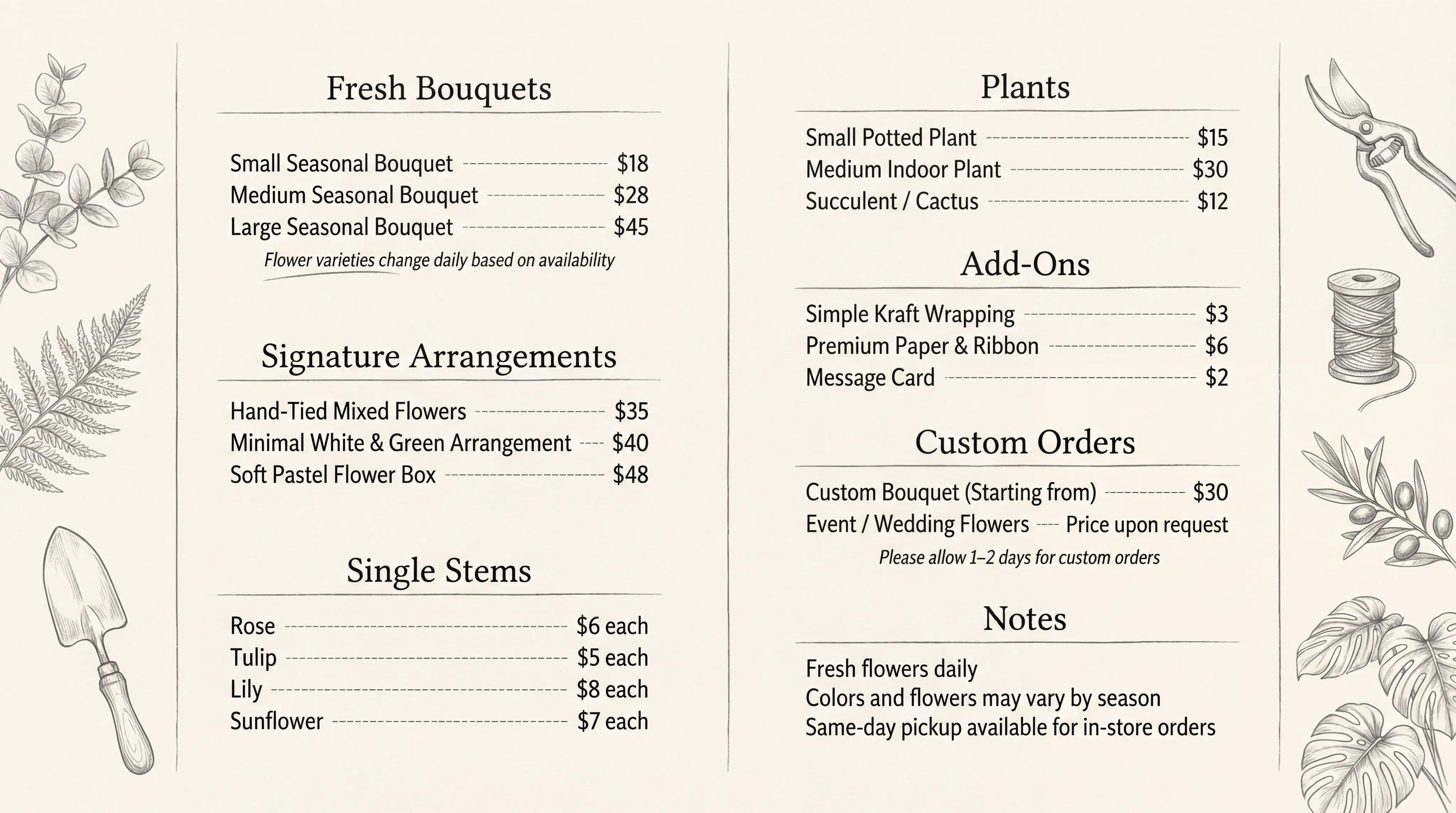
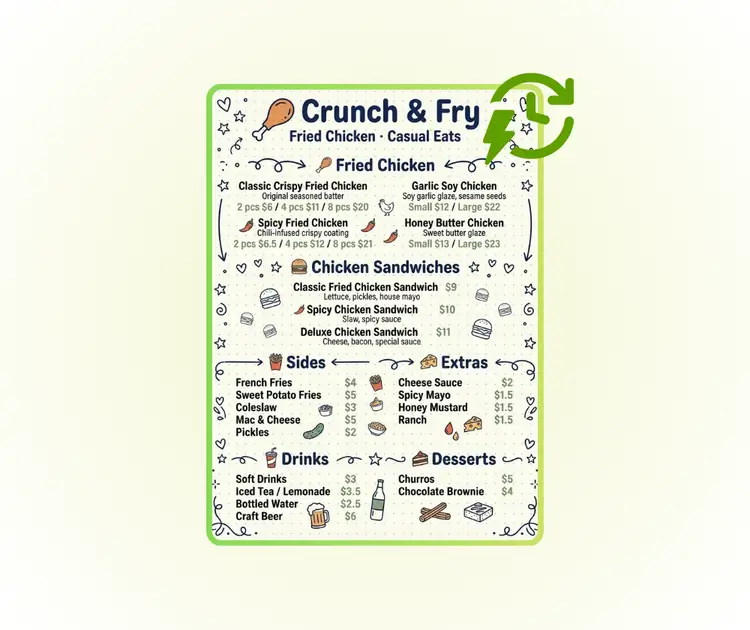
AI Menu Generator Sample: Pencil Sketch after
VisualGPT - Rated 4.9+ by VisualGPT Users
Rated 4.9+
by VisualGPT Users
VisualGPT - Rated 4.9+ by VisualGPT Users
VisualGPT - 50k+ Pictures Create
50M+
Pictures Created
VisualGPT - 50k+ Pictures Create
VisualGPT - Trusted By 100+ Organizations
Trusted By 800+
Organizations
VisualGPT - Trusted By 100+ Organizations

Helping creators & businesses everywhere work easier

Spotify
YouTube
TikTok
Amazon
Business Insider
Forbes
ABC
Buzfeed
CBS
Fox
NBC
Yahoo
Mashable
LifeWire
BBC
Nature
Spotify
YouTube
TikTok
Amazon
Business Insider
Forbes
ABC
Buzfeed
CBS
Fox
NBC
Yahoo
Mashable
LifeWire
BBC
Nature
Spotify
YouTube
TikTok
Amazon
Business Insider
Forbes
ABC
Buzfeed
CBS
Fox
NBC
Yahoo
Mashable
LifeWire
BBC
Nature

AI Menu Generator - Free Design Menu with Prompt Online

AI menu generator lets you input menu items and prices, choose a design style, and create a clean, professional menu layout online with no design skills needed.

Create Your Menu Now
AI Menu Generator - Free Design Menu with Prompt Online

What is AI Menu Generator?

AI Menu Generator is an online tool that helps you turn plain text into a clean menu design in minutes. With this AI Menu Generator, you only need to type menu items, prices, and notes. No layout work is needed. Built-in style presets handle fonts, spacing, and structure, so results look clear and balanced. This AI Menu Generator works well for cafés, restaurants, Refined Pen trucks, and events that need fast updates. You can change text and preview styles before export. If you want deeper edits like layer control, you can also try Qwen Image Layered or AI Image Editor.

AI Menu Generator - What is the AI Menu Generator?

How to Use AI Menu Generator in 3 Easy Steps

This guide shows how to design a menu online with AI Menu Generator. Enter menu text, choose a style, and get results fast. It works well for restaurants, cafés, and events that need quick menu updates

Step 1: Enter Your Menu Content

Step 1: Enter Your Menu Content

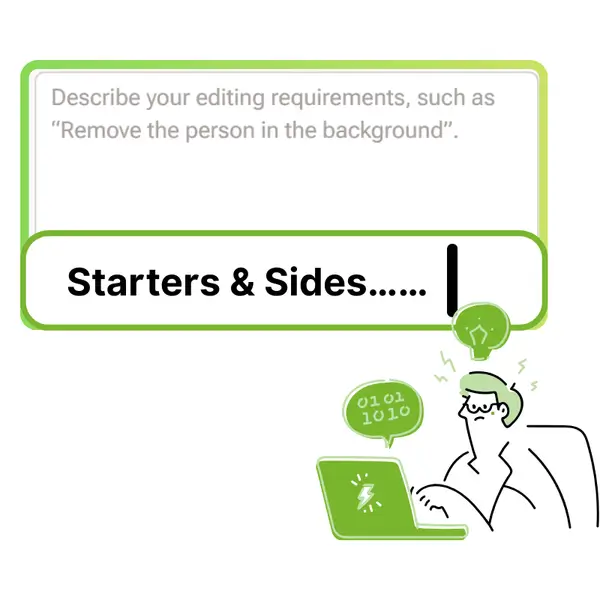
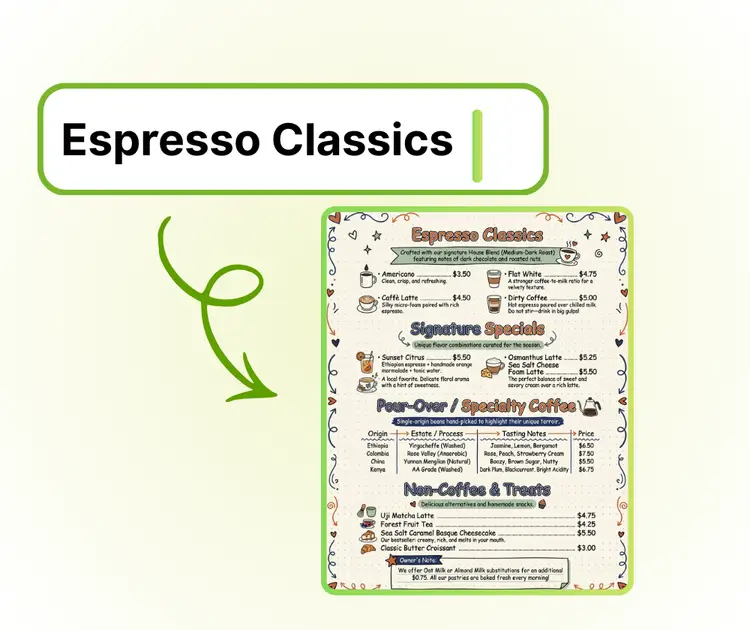
Input dish names, prices, and brief notes into the editor. You can group items by category like mains or drinks. AI Menu Generator reads the text and builds a clear menu layout automatically.

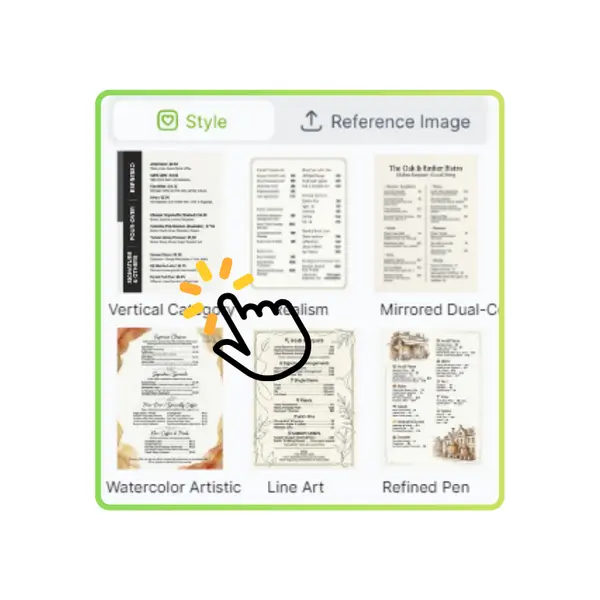
Step 2: Pick a Menu Style Preset

Step 2: Pick a Menu Style Preset

Select a menu design style that fits your brand or theme. Each preset adjusts fonts, spacing, and structure for you. AI Menu Generator keeps the menu clean and easy to read.

Step 3: Preview and Download

Step 3: Preview and Download

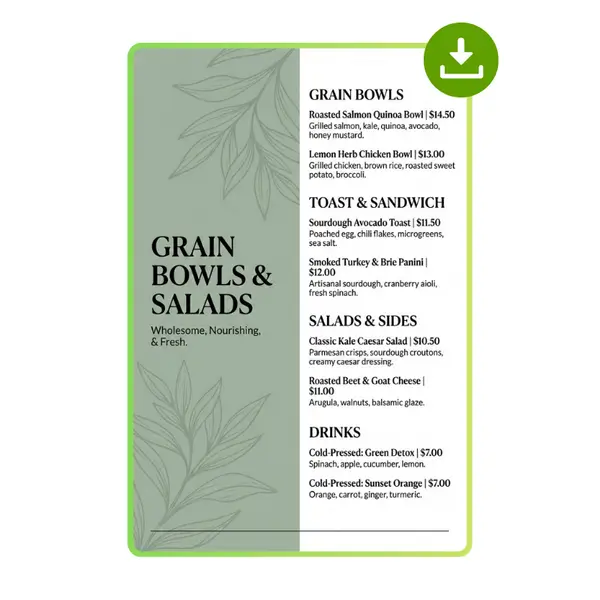
Review the menu in preview mode and check details. You can switch styles or edit text anytime. When ready, download the menu and use it online or for print.

Making a Menu Feels Way Harder Than It Should

When a menu update is urgent, design becomes stressful. Many people try a menu generator but get lost in layout and fonts. AI Menu Generator removes that pain. This menu maker lets you type dish names and prices, then creates a clean layout. AI Menu Generator helps cafés, restaurants, and events finish menus fast without design skills or extra tools.

AI Menu Generator - Making a Menu Feels Way Harder Than It Should

Turn Plain Menu Text into a Clean Design Fast

AI Menu Generator helps you turn simple menu text into a clear layout. You only enter dish names and prices, and the menu maker builds spacing and structure for you. No design tools are needed. This AI menu generator is ideal for restaurants that want fast results without learning layout rules or font settings.

Turn Plain Menu Text into a Clean Design Fast

Ready-Made Menu Styles That Look Professional

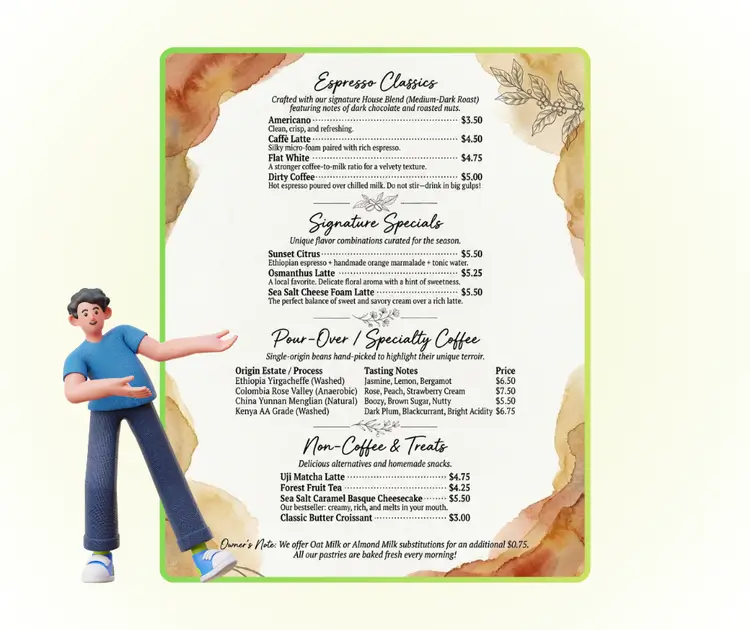
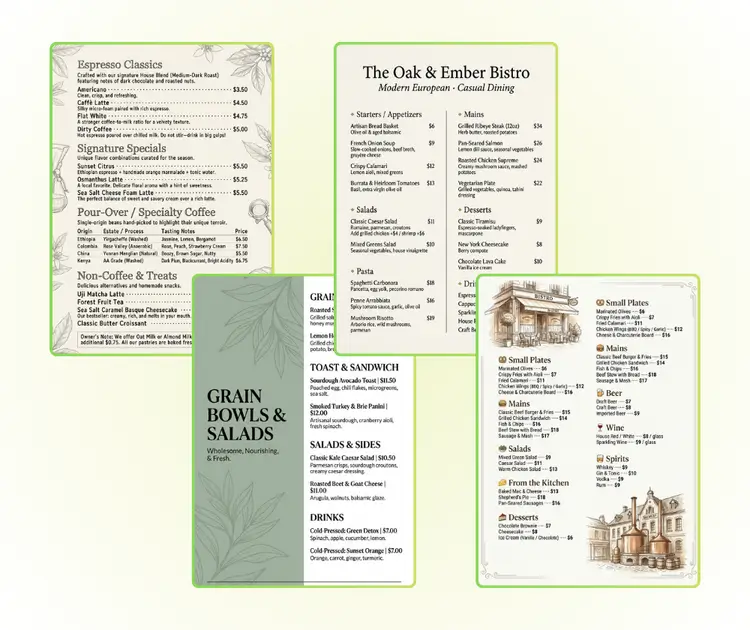
AI Menu Generator includes style presets made for menus. Each menu style controls fonts, alignment, and section order automatically. Even first-time users can create a menu that looks clean and balanced. This menu maker is helpful for cafés and small shops that want a professional look with little effort.

Ready-Made Menu Styles That Look Professional

Ready-Made Menu Styles That Look Professional

AI Menu Generator is built for quick changes. Update menu text, switch a style, and preview results in seconds. This menu maker works well for daily specials or events. You can create and download a new menu without restarting or fixing layout issues each time.

Ready-Made Menu Styles That Look Professional

Create Your Menu in Minutes

Start designing a clean menu with AI Menu Generator today. Just enter your menu text, pick a style, and get a ready-to-use layout fast. No design skills needed, perfect for quick updates.

Create Menu Now

What Users Say About AI Menu Generator

S.L. avatar

S.L.

Café Owner

"AI Menu Generator saved me a huge amount of time when I needed to update our café menu. I only typed the dish names and prices, chose a style, and the layout was done in seconds. As someone with no design background, I usually struggle with spacing and fonts, but this AI menu generator handled everything automatically. The final menu looked clean, balanced, and professional, ready to print and share online without extra edits."
M.K. avatar

M.K.

Event Organizer

"I used AI Menu Generator to create a menu for a weekend pop-up event, and the process was smooth from start to finish. I liked that I could focus only on the menu content while the tool took care of the design. The built-in style presets made the menu look well organized and easy to read. This AI menu generator is perfect when you need fast changes and want a menu that still looks polished."
R.T. avatar

R.T.

Restaurant Manager

"As a small restaurant manager, I often update prices and items. AI Menu Generator made this task simple and stress-free. I entered the menu text, selected a preset, and got a clear layout right away. No software downloads, no design work, and no confusion. This AI menu generator is great for anyone who wants a professional menu without hiring a designer or learning complex tools."

FAQs About AI Menu Generator

