


Models

Images (Optional)

Drag or upload image(0/4)
Drag or upload image
Support jpg, jpeg, png, webp, up to 16MB

Prompt

0/4096

Nano Banana 2 Lite

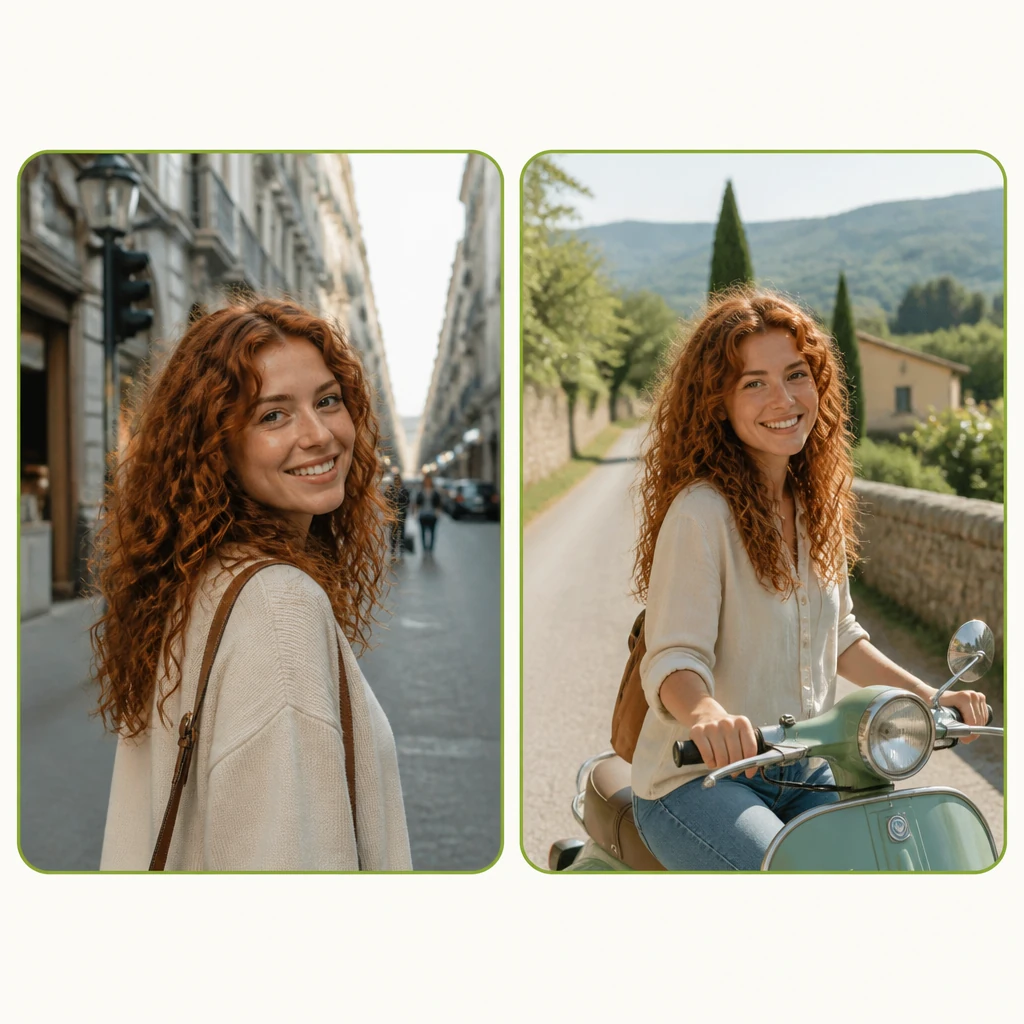
Generate images in seconds with Nano Banana 2 Lite. Type a prompt and get a image for your project.

Nano Banana 2 Lite Sample | VisualGPT
VisualGPT - Rated 4.9+ by VisualGPT Users
Rated 4.9+
by VisualGPT Users
VisualGPT - Rated 4.9+ by VisualGPT Users
VisualGPT - 50k+ Pictures Create
50M+
Pictures Created
VisualGPT - 50k+ Pictures Create
VisualGPT - Trusted By 100+ Organizations
Trusted By 800+
Organizations
VisualGPT - Trusted By 100+ Organizations

Helping creators & businesses everywhere work easier

Nano Banana 2 Lite - Fast, Low-Cost Image Generation

VisualGPT's Nano Banana 2 Lite uses Google's Gemini 3.1 Flash Lite Image for fast, high-quality, and low-cost image generation. Start right in your browser.

Try Nano Banana 2 Lite Now
Nano Banana 2 Lite Banner

What Is Nano Banana 2 Lite?

Need a product shot, thumbnail, or concept sketch? Nano Banana 2 Lite is Google's fastest image model, turning text prompts into high-quality images in seconds. It runs on Gemini 3.1 Flash Lite Image, ideal for high-volume, iterative workflows where speed matters. On VisualGPT, you can call it directly from your browser with zero setup. Whether you are exploring ideas or producing social assets, it keeps prompt adherence, character consistency, and legible in-image text strong enough for real use. If you need a stronger model, try Nano Banana 2. For maximum control, use Nano Banana Pro.

What Is Nano Banana 2 Lite?

How to Use Nano Banana 2 Lite on VisualGPT

You do not need to write code or install anything. Open Nano Banana 2 Lite on VisualGPT, type a prompt, and generate an image in seconds — no dropdown menu, no model selection needed.

Nano Banana 2 Lite - Step 1: Upload an Image (Optional)

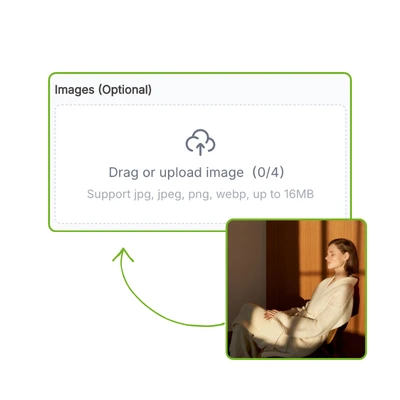
Step 1: Upload an Image (Optional)

Start with a reference image if you want to edit, restyle, or extend an existing visual. Need something from scratch? Skip this and go straight to the prompt.

Nano Banana 2 Lite - Step 2: Type Your Prompt

Step 2: Type Your Prompt

Write a detailed prompt like a designer brief: subject, lighting, mood, color palette, and background. The more concrete your description, the more predictable the result.

Nano Banana 2 Lite - Step 3: Generate and Download Your Image

Step 3: Generate and Download Your Image

Click generate. Nano Banana 2 Lite returns your image in seconds. Download the result or tweak your prompt and regenerate — the full loop happens right on this page.

Product Photos and Concept Drafts Shouldn't Slow You Down

For an e-commerce seller, every product variation means another shoot and another edit fee. For a designer exploring ideas, a slow model turns a short brainstorm into a long wait. Nano Banana 2 Lite on VisualGPT cuts that friction. It is built for the moment you need many usable images fast, not one perfect 4K render. You stay in one tab and keep generating.

Nano Banana 2 Lite - Product Photos and Concept Drafts Shouldn't Slow You Down

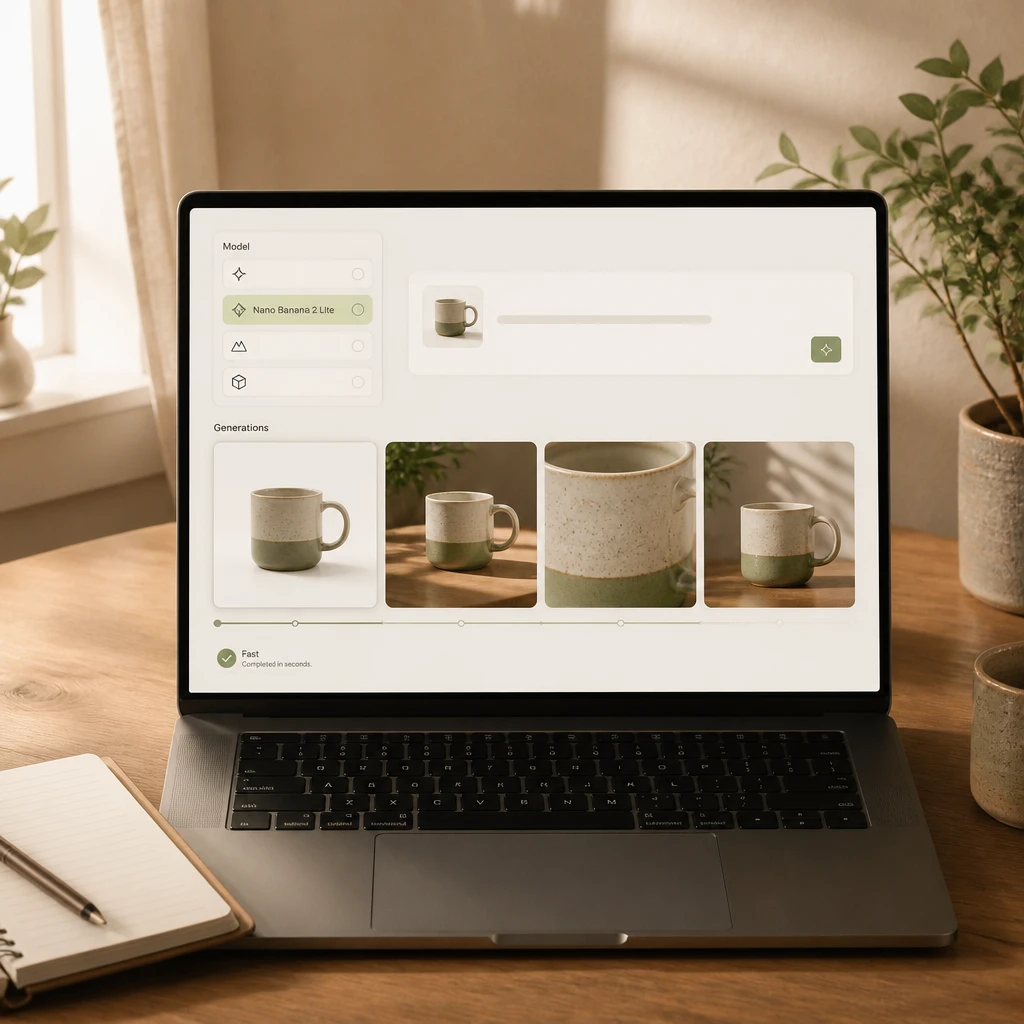
Images Ready in Seconds

Nano Banana 2 Lite is built for speed. On VisualGPT, it returns images fast and low-cost, making it ideal for rapid prototyping, ad iteration, and social batching. Test more directions in one session, move the best frames into your workflow quickly.

Images Ready in Seconds

One Prompt Handles Generation and Editing

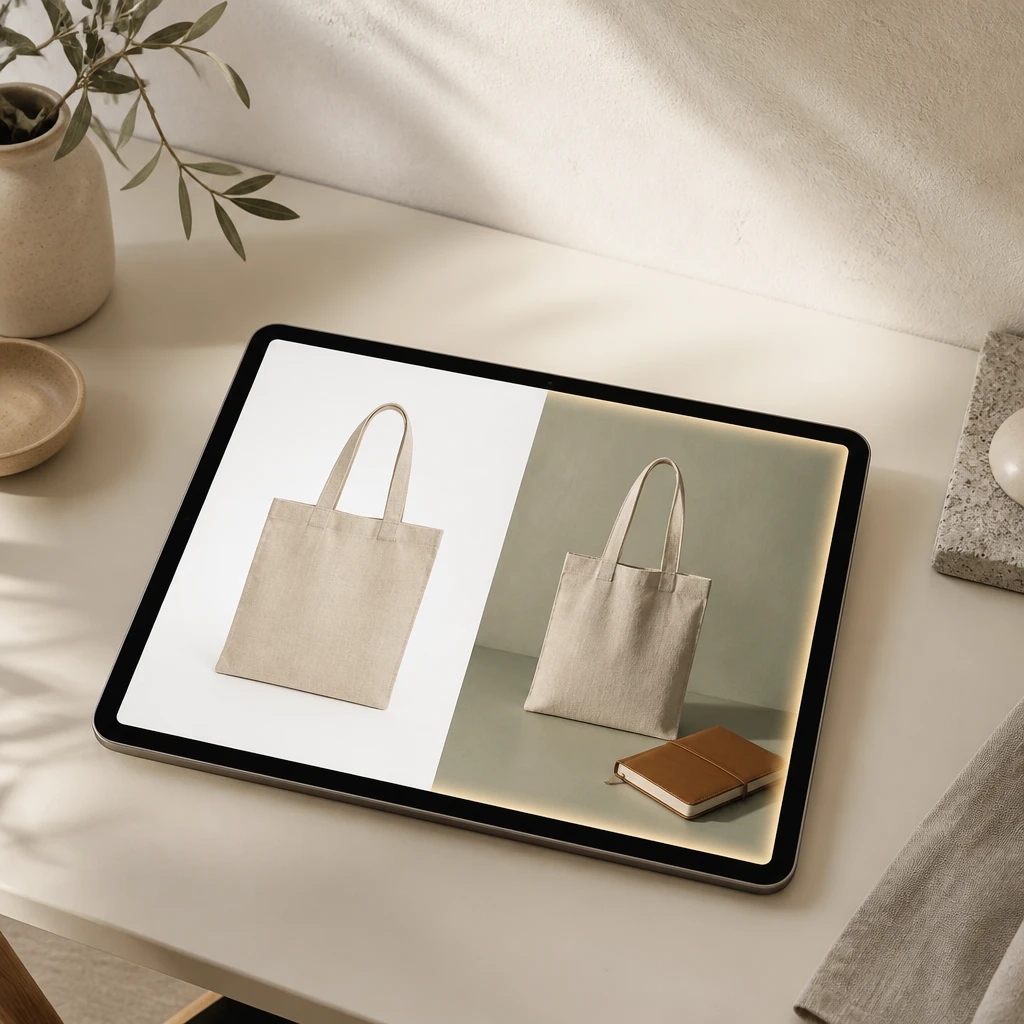
Nano Banana 2 Lite does not split generation and editing. The same model handles text-to-image and image-to-image tasks, so uploaded and generated images share the same understanding of light and color. On VisualGPT, you can remove backgrounds, change colors, or restyle scenes by typing what you want.

One Prompt Handles Generation and Editing

Consistent Characters and Clean Text

Speed does not mean sloppy output. Nano Banana 2 Lite keeps faces, products, and logos consistent across variations. It renders legible in-image text when asked, useful for posters and thumbnails. On VisualGPT, generate multiple versions of a character or product and see the same identity hold across the set.

Consistent Characters and Clean Text

Try Nano Banana 2 Lite on VisualGPT

Open your browser and start generating with Google's fastest image model. Type a prompt, get an image in seconds, and iterate until it matches your vision.

Generate with Nano Banana 2 Lite

What Users Say About Nano Banana 2 Lite

Sarah Mitchell avatar

Sarah Mitchell

Etsy Seller

I run a small Etsy shop and used to shoot every product variation myself. With Nano Banana 2 Lite on VisualGPT, I can type "ceramic mug on a wooden table, morning light" and get a usable lifestyle shot in under five seconds. I generated twelve versions for a holiday campaign in one afternoon, and the conversion on the new listings was better than my old phone photos.
Jake Kowalski avatar

Jake Kowalski

Freelance Brand Designer

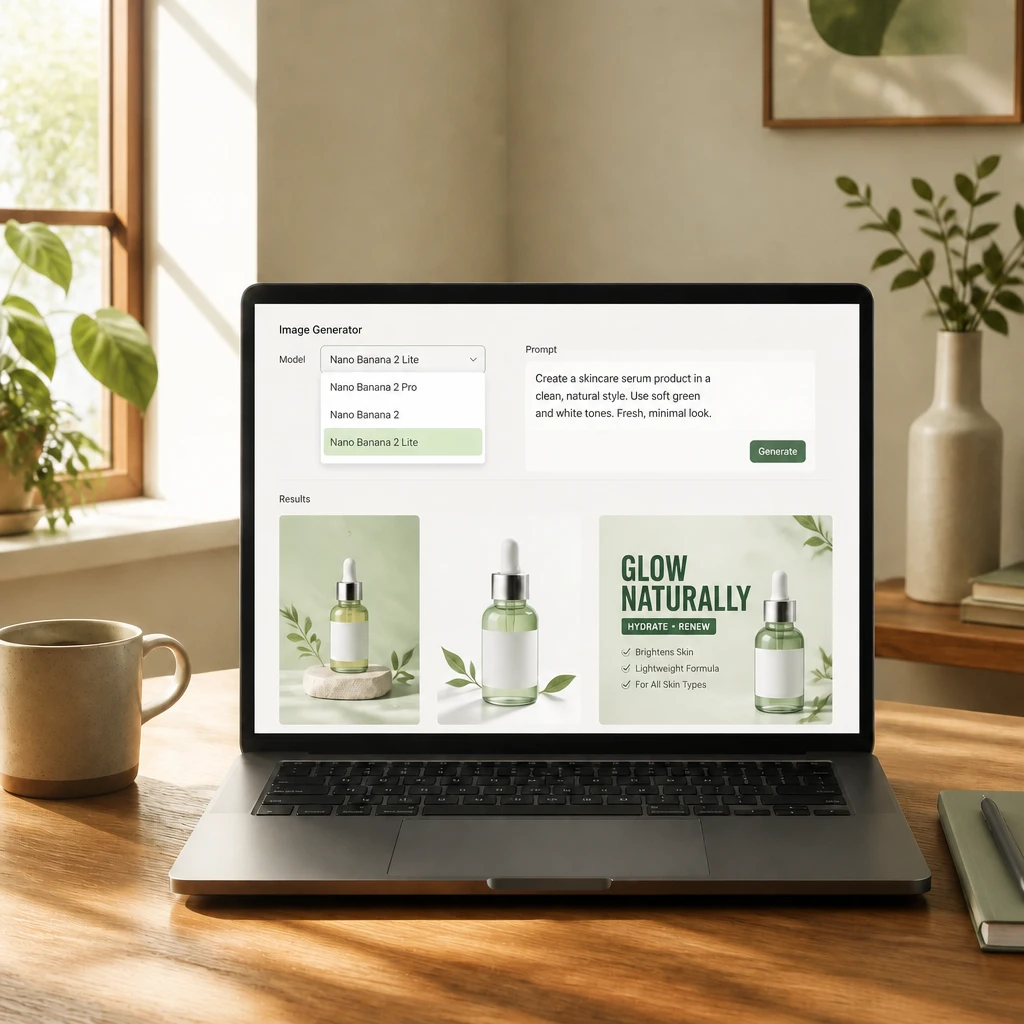
As a freelance designer, I spend a lot of time in the concept phase where I need fast drafts, not final art. Nano Banana 2 Lite is the right speed for that. I can pitch three visual directions to a client by lunch because I am not waiting minutes between each generation. VisualGPT's model picker also lets me compare it against the full Nano Banana 2 when I need higher quality later.
Rachel Thompson avatar

Rachel Thompson

Social Media Manager

I manage social content for a SaaS brand and need thumbnails almost every day. Nano Banana 2 Lite on VisualGPT gives me clean, consistent results without me learning another tool. I uploaded a product screenshot, asked for a dark-mode hero version with readable text, and got something I could use right away. The character consistency across a series of posts saved me even more time.

FAQs About Nano Banana 2 Lite

Nano Banana 2 Lite is a faster, more cost-efficient version of the Nano Banana 2 image model from Google. It is built on Gemini 3.1 Flash Lite Image and is optimized for speed and high-throughput workflows. While Nano Banana 2 balances quality and latency, Nano Banana 2 Lite prioritizes near-instant generation at a lower cost. It is best for rapid ideation, drafts, and batches where you need many options quickly rather than one final high-resolution render.
VisualGPT offers free access to Nano Banana 2 Lite so you can try it before committing to a plan. You can generate images directly in the browser, no downloads or configuration needed. For higher-volume usage or advanced features, VisualGPT provides paid plans that unlock more credits and additional capabilities. The exact free allowance depends on your account status, so you can start testing immediately and upgrade only when your needs grow.
Nano Banana 2 Lite is designed for high-volume, speed-first projects. It works well for product listing images, social media thumbnails, ad creatives, concept sketches, and any workflow where you need many variations fast rather than one perfect final image. If you are testing visual directions, generating batches for A/B testing, or creating quick drafts for client review, Nano Banana 2 Lite is the right pick. For projects requiring maximum detail and control, Nano Banana 2 or Nano Banana Pro may be a better fit. On VisualGPT, you can switch between models in the same interface to match each task.
Yes, images generated with Nano Banana 2 Lite can be used for commercial projects on VisualGPT's paid plans. This includes product photos, marketing assets, social content, and client work. Free-tier usage is typically for personal exploration and testing. If you intend to publish or sell the generated images, check VisualGPT's current terms of service and choose a plan that covers commercial use. Google also applies SynthID watermarking to AI-generated content for transparency.
Treat your prompt like a short creative brief. Include the subject, setting, lighting, mood, color palette, and any specific details you want to control. For example, 'a ceramic coffee cup on a walnut table, soft morning light from the left, warm beige tones, shallow depth of field' gives the model more to work with than 'coffee cup.' For edits, describe exactly what should change, such as 'change the background to a solid sage green' or 'add a paperback book next to the cup.' The more concrete your description, the more predictable the result.
Yes, Nano Banana 2 Lite supports image-to-image editing. You can upload a photo or generated image and ask the model to change specific elements, restyle the scene, extend the canvas, or remove the background. Because the same model handles both text-to-image and image-to-image tasks, the edits stay consistent with the original lighting and composition. On VisualGPT, you can upload your image, type your edit instruction, and get a revised result just as quickly.