



VisualGPT Logo

Models

Images

Drag or upload images(0/4) Drag or upload image

Support jpg/jpeg/png/webp, up to 16MB

Prompt

Aspect Ratio

Qwen Image Edit 2511

Create seamless, consistent edits for portraits and multi-subject compositions with ease.

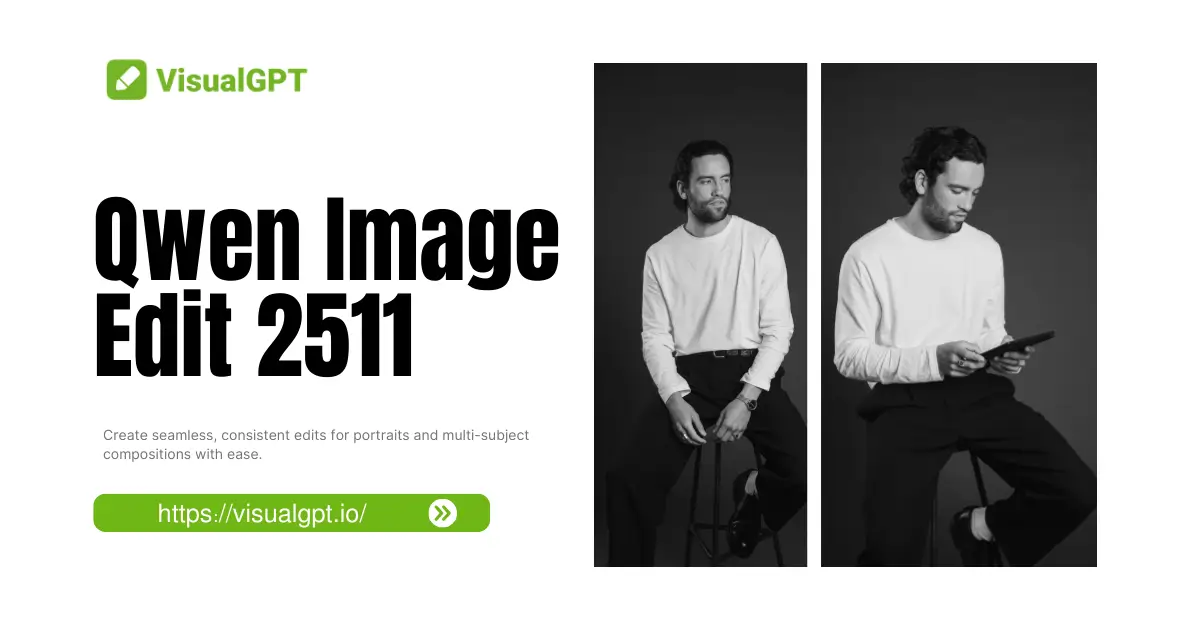
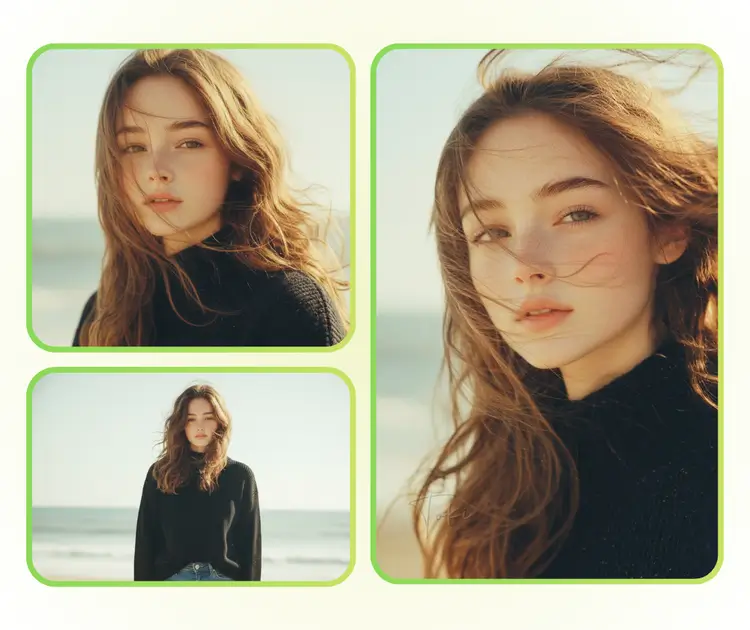
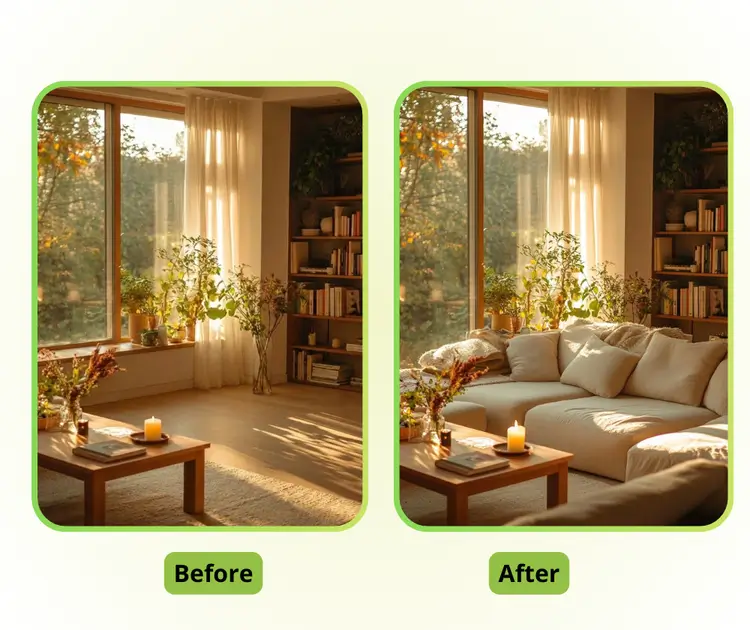
Qwen Image Edit 2511 Sample: Camera Re-positioning after
Qwen Image Edit 2511 Sample: Camera Re-positioning before
Qwen Image Edit 2511 Sample: Camera Re-positioning after
VisualGPT - Rated 4.9+ by VisualGPT Users
Rated 4.9+
by VisualGPT Users
VisualGPT - Rated 4.9+ by VisualGPT Users
VisualGPT - 50k+ Pictures Create
50M+
Pictures Created
VisualGPT - 50k+ Pictures Create
VisualGPT - Trusted By 100+ Organizations
Trusted By 800+
Organizations
VisualGPT - Trusted By 100+ Organizations

Helping creators & businesses everywhere work easier

Spotify
YouTube
TikTok
Amazon
Business Insider
Forbes
ABC
Buzfeed
CBS
Fox
NBC
Yahoo
Mashable
LifeWire
BBC
Nature
Spotify
YouTube
TikTok
Amazon
Business Insider
Forbes
ABC
Buzfeed
CBS
Fox
NBC
Yahoo
Mashable
LifeWire
BBC
Nature
Spotify
YouTube
TikTok
Amazon
Business Insider
Forbes
ABC
Buzfeed
CBS
Fox
NBC
Yahoo
Mashable
LifeWire
BBC
Nature

Qwen Image Edit 2511 - Free AI Image Editing Tool Online

Qwen Image Edit 2511 is an AI model that ensures portrait consistency, multi-subject editing, and integrates LoRA for seamless scene creation and design tasks.

Start Editing Now
Qwen Image Edit 2511 - Free AI Image Editing Tool Online

What is Qwen Image Edit 2511?

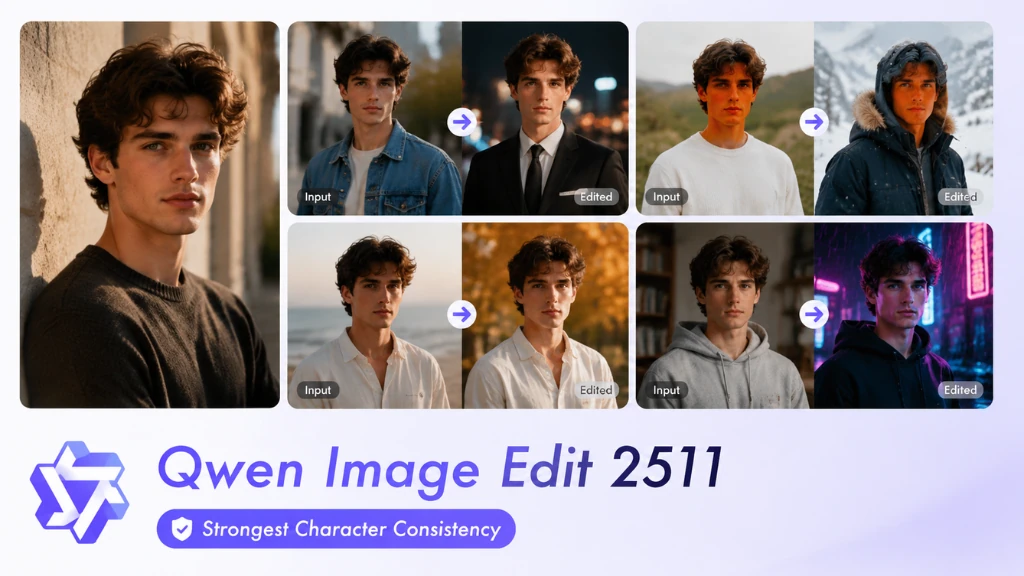
Qwen Image Edit 2511 is an AI image editing tool that ensures portrait consistency, multi-subject editing, and integrates LoRA capabilities for seamless scene creation. It preserves facial features, hairstyles, and accessories in portraits, ensuring consistent character appearance across various styles and scenes. The tool also enables smooth multi-subject edits by automatically aligning posture, lighting, and composition. With enhanced geometric reasoning, Qwen Image Edit 2511 is perfect for industrial design and scene construction, making it a versatile, easy-to-use solution.

Qwen Image Edit 2511 - What is Qwen Image Edit 2511?

How to Use Qwen Image Edit 2511 – 3 Easy Steps

Follow this 3-step guide to start editing your images with Qwen Image Edit 2511. Upload, input your prompt, and download the final result in just minutes!

Step 1: Upload Your Photo

Step 1: Upload Your Photo

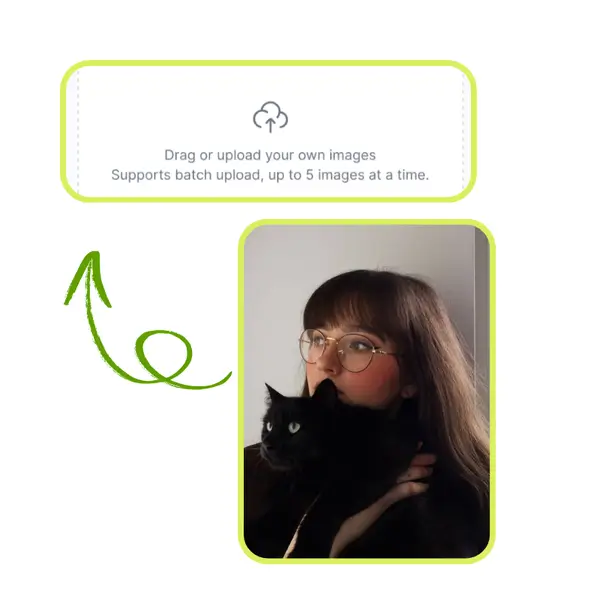
Upload a high-quality image to Qwen Image Edit 2511. Simply drag and drop your photo into the editor. For best results, ensure the image is clear and well-lit to improve the editing process.

Step 2: Enter Your Prompt

Step 2: Enter Your Prompt

Type a clear description of the edits you want, such as changing colors, adjusting styles, or adding elements. The AI will interpret your instructions and apply the changes.

Step 3: Preview and Download

Step 3: Preview and Download

After the tool processes your photo, preview the edits. If everything looks good, click download to save the image. If needed, adjust the prompt for further refinement until satisfied.

Tired of Inconsistent Edits and Changing Faces?

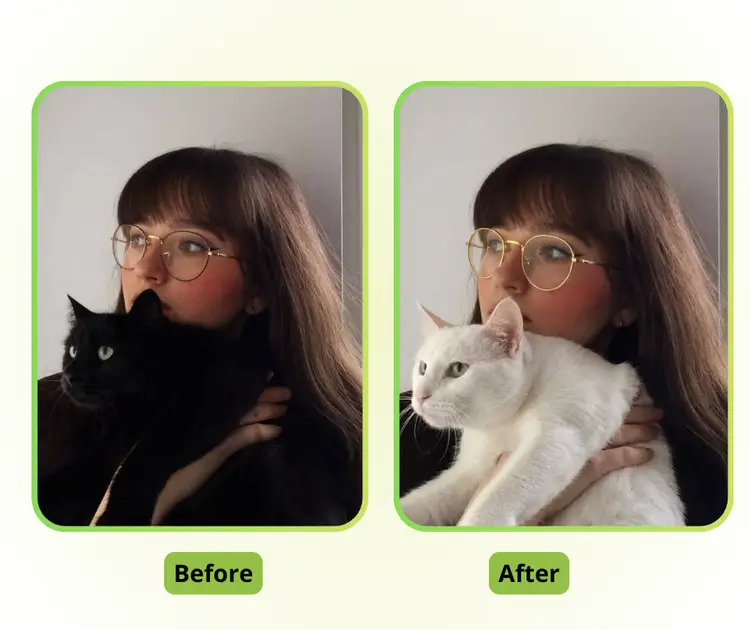
It’s frustrating when your editing tool doesn’t keep your subject’s look consistent. Whether you’re working on a project or need your character to stay the same across styles, Qwen Image Edit 2511 ensures that facial features, hairstyles, and accessories remain intact. No more mismatched details or "face swaps" when switching scenes or styles!

Qwen Image Edit 2511 - Tired of Inconsistent Edits and Changing Faces?

Perfect Portrait Consistency, No More "Face Swaps"

Qwen Image Edit 2511 ensures that your character’s facial features, hairstyle, and accessories stay consistent across different edits. No more worrying about "face swaps" or distorted features. This tool keeps your characters looking the same, whether for social media, storytelling, or design projects.

Perfect Portrait Consistency, No More "Face Swaps"

Effortless Multi-Subject Editing with Natural Blending

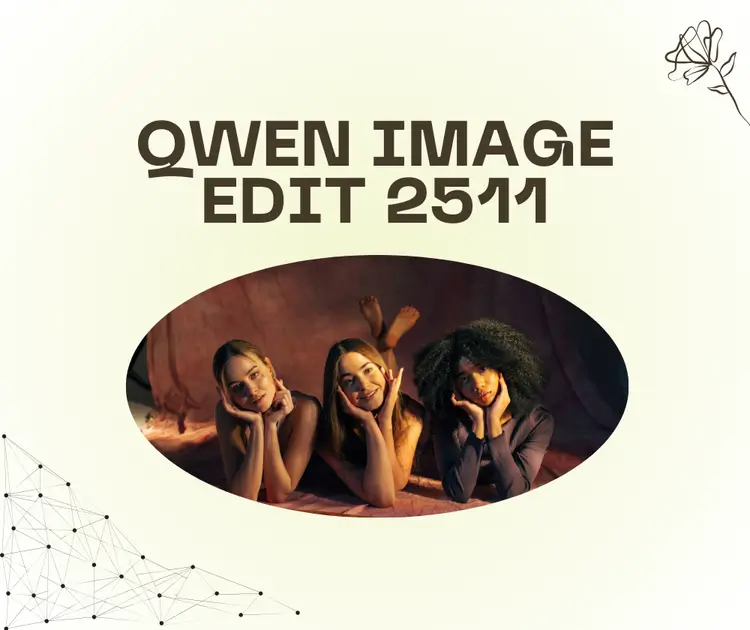
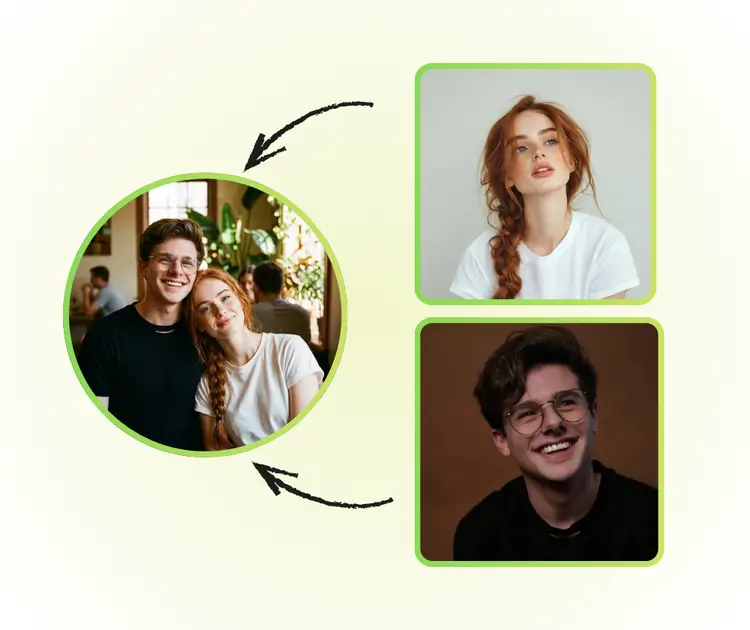
Need to combine multiple images? Qwen Image Edit 2511 automatically adjusts posture, lighting, and composition to seamlessly merge separate portraits into one cohesive image. It’s perfect for creating group shots or coordinated compositions without the hassle of manual adjustments.

Effortless Multi-Subject Editing with Natural Blending

Built-In LoRA and Enhanced Geometric Reasoning for Precise Edits

With Qwen Image Edit 2511, you get built-in LoRA capabilities for quick, easy customization, no fine-tuning needed. Plus, its enhanced geometric reasoning allows for accurate and structured edits, perfect for industrial design or detailed scene creation, saving you time and enhancing your work’s precision.

Built-In LoRA and Enhanced Geometric Reasoning for Precise Edits

Ready to Create Stunning Images with Ease?

Transform your photos with Qwen Image Edit 2511. Easily create consistent portraits, blend multi-subject images, and enjoy quick, professional edits. Get started now and bring your vision to life.

Start with Qwen 2511

What Users Say About Qwen Image Edit 2511

J.S. avatar

J.S.

J.S., Content Creator

"Qwen Image Edit 2511 is a game-changer for my creative projects! I’ve used many image editing tools before, but none have kept my portraits so consistent across different styles and scenes. Whether I’m making character art for my blog or editing group photos, this tool delivers perfect results every time. The AI is easy to use, and the editing process is incredibly smooth. I love how it saves me so much time!"
A.L. avatar

A.L.

R.W., Photographer

"I’ve been searching for an image editing tool that can handle multi-subject editing effortlessly, and Qwen Image Edit 2511 has exceeded my expectations. The automatic alignment of multiple faces and bodies in a group photo is flawless. It’s like having a professional designer at your fingertips! The built-in LoRA integration is a great bonus, allowing me to fine-tune my edits quickly."
M.T. avatar

M.T.

M.T., Graphic Designer

"As a designer, I need tools that allow me to focus on the creative process, not the technical details. Qwen Image Edit 2511 makes this possible with its geometric reasoning capabilities. It’s perfect for industrial design and scene construction. I can now create clean, precise lines and adjust compositions effortlessly. This tool is a must-have for anyone serious about image editing!"

FAQs About Qwen Image Edit 2511

