


VisualGPT Logo

Free AI PNG Maker

Create high-quality PNG images online in seconds, with simple steps and fast results.

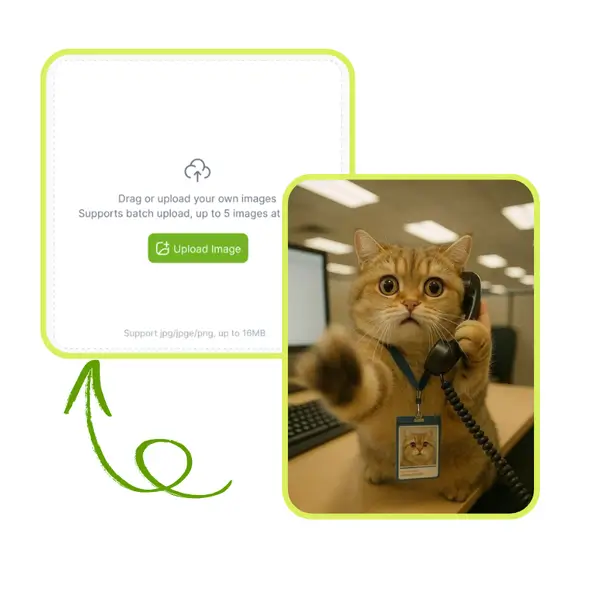
Drag or upload images Support batch upload, up to 5 images at a time

Support jpg/jpeg/png/webp, up to 16MB

No Image?
Try one of these:
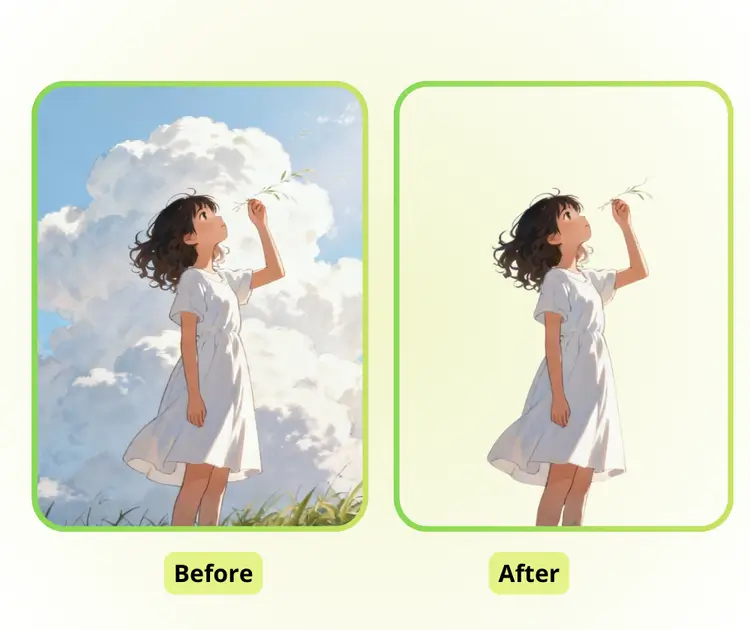
AI PNG Maker Sample: lipstick without background | VisualGPT
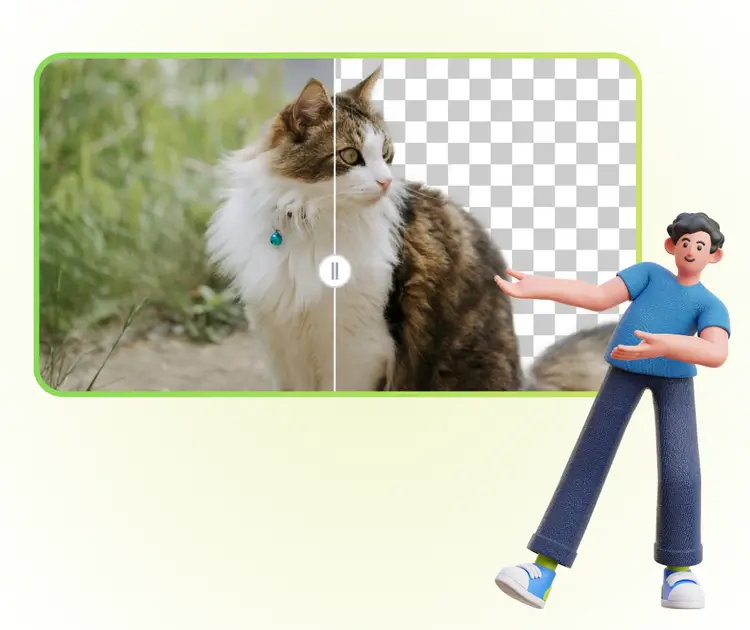
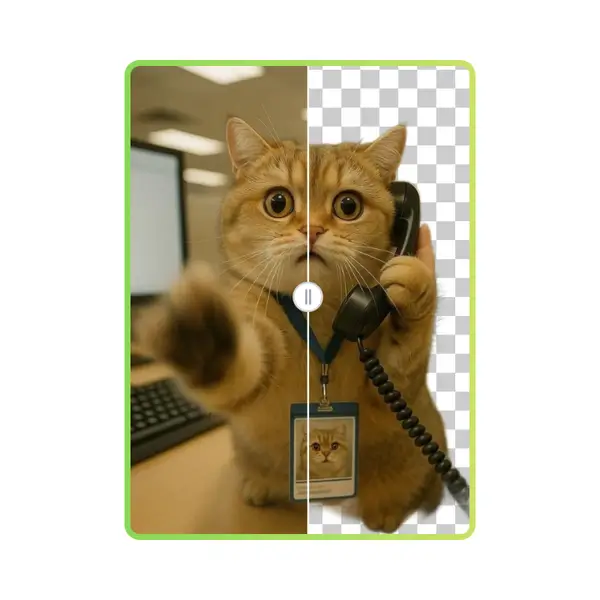
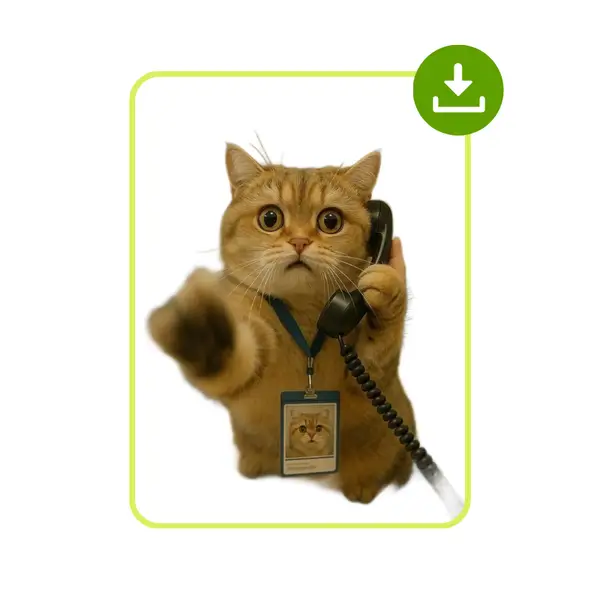
AI PNG Maker Sample: cat without background | VisualGPT
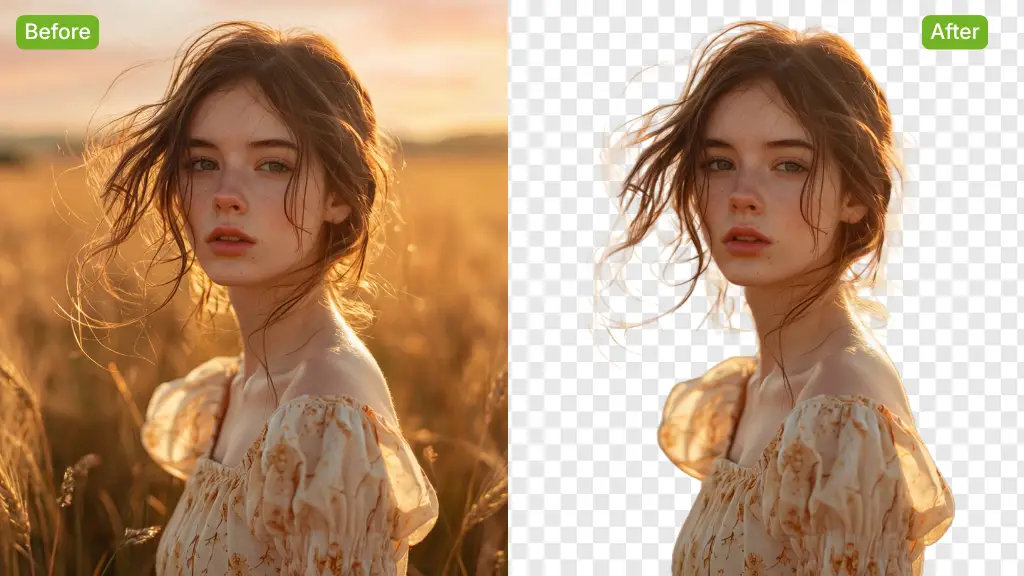
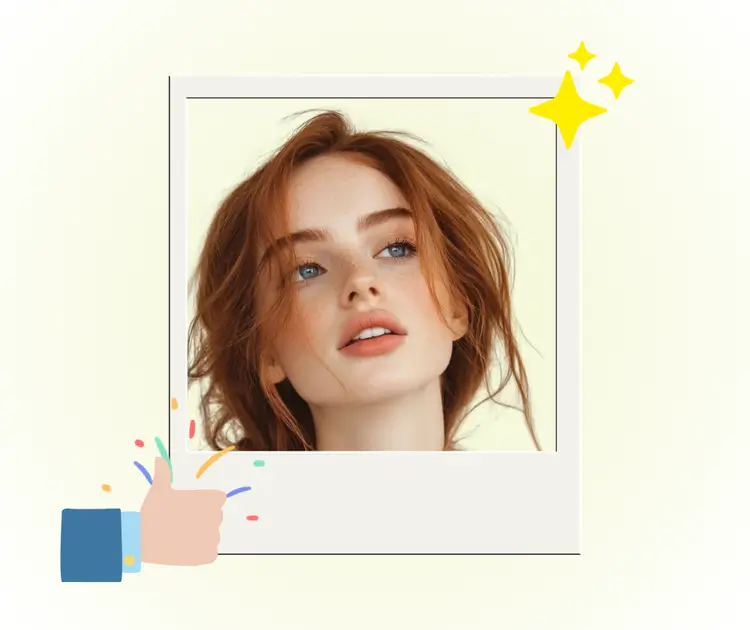
AI PNG Maker Sample: woman without background | VisualGPT
VisualGPT - Rated 4.9+ by VisualGPT Users
Rated 4.9+
by VisualGPT Users
VisualGPT - Rated 4.9+ by VisualGPT Users
VisualGPT - 50k+ Pictures Create
50M+
Pictures Created
VisualGPT - 50k+ Pictures Create
VisualGPT - Trusted By 100+ Organizations
Trusted By 800+
Organizations
VisualGPT - Trusted By 100+ Organizations

Helping creators & businesses everywhere work easier

Spotify
YouTube
TikTok
Amazon
Business Insider
Forbes
ABC
Buzfeed
CBS
Fox
NBC
Yahoo
Mashable
LifeWire
BBC
Nature
Spotify
YouTube
TikTok
Amazon
Business Insider
Forbes
ABC
Buzfeed
CBS
Fox
NBC
Yahoo
Mashable
LifeWire
BBC
Nature
Spotify
YouTube
TikTok
Amazon
Business Insider
Forbes
ABC
Buzfeed
CBS
Fox
NBC
Yahoo
Mashable
LifeWire
BBC
Nature

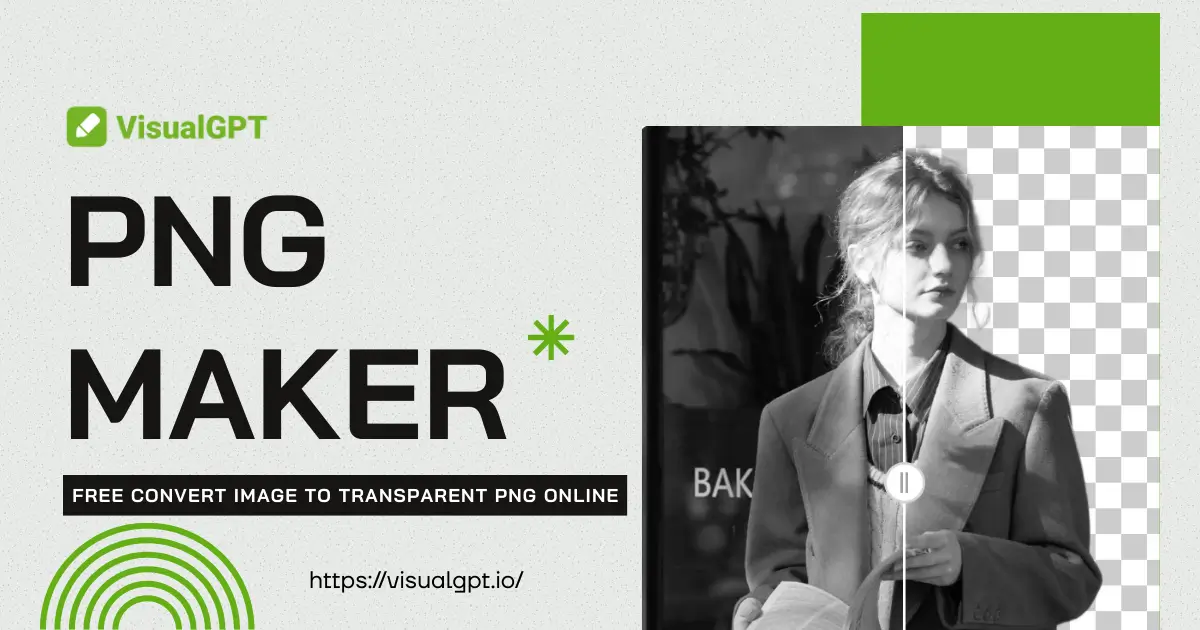
AI PNG Maker – Free Convert Image to Transparent PNG Online

PNG Maker lets you create PNG images online in a few clicks. Upload files, process images fast, and download clean PNG results for free. No sign-up required.

Create PNG Now
AI PNG Maker – Free Convert Image to Transparent PNG Online

What is PNG Maker?

PNG maker powered by AI is an online tool that uses smart image detection to turn photos into clean PNG files quickly. AI PNG maker can automatically find the main subject, remove the background, and generate a ready-to-use PNG without manual editing. You just upload an image and get results in seconds. What makes this PNG maker online worth recommending is its smooth edges, clear details, and simple workflow. It works well for product images, logos, and social posts. If you want more creative edits, you can also try AI Image Extender or AI Image Editor.

What is PNG Maker?

How to Use PNG Maker in 3 Simple Steps

This short guide shows how to use PNG Maker to create clean PNG images with AI. The steps are simple and fast, helping users turn images into usable PNG files for design, products, or social posts.

PNG Maker - Step 1: Upload Image to PNG Maker

Step 1: Upload Image to PNG Maker

Upload an image from your device to PNG Maker. The system accepts common formats and quickly scans the subject, preparing the file for PNG creation without manual selection or editing work.

PNG Maker - Step 2: Preview Generated PNG Result

Step 2: Preview Generated PNG Result

PNG Maker displays a preview after processing. Check edges, details, and overall clarity to ensure the PNG output looks natural and fits your intended use before saving.

PNG Maker - Step 3: Download PNG File Instantly

Step 3: Download PNG File Instantly

Click once to download the final PNG file. PNG Maker outputs a clean PNG image ready for use in eCommerce listings, logos, presentations, or creative projects.

Turning Images into PNG Should Not Be This Hard

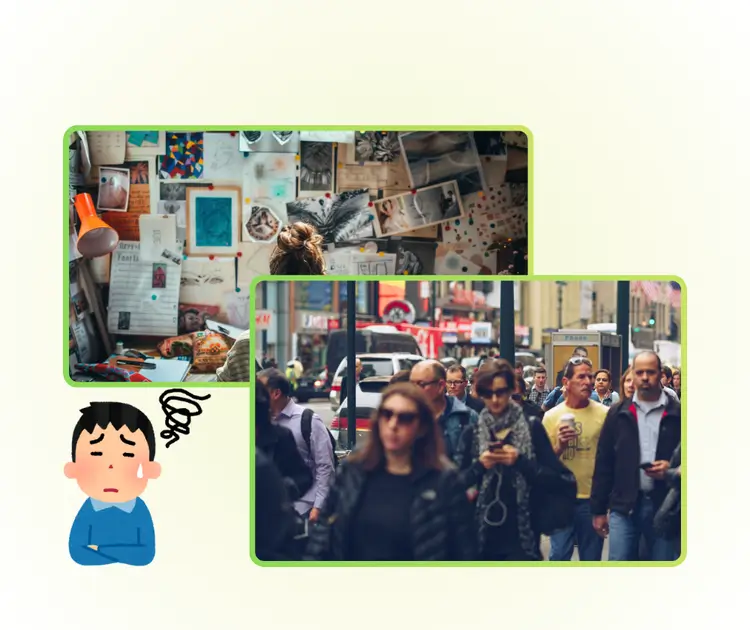
Many users need PNG Maker when time is tight. You might be preparing product images, a logo, or social media posts and suddenly realize the background ruins the look. Manual cutouts take too long, and complex tools feel confusing. PNG Maker is often searched when users want fast PNG creation, clean edges, and no design skills. The real pain is wasting time just to get a usable PNG file that looks professional and ready to share.

PNG Maker - Turning Images into PNG Should Not Be This Hard

One-Click PNG Creation Without Any Design Skills

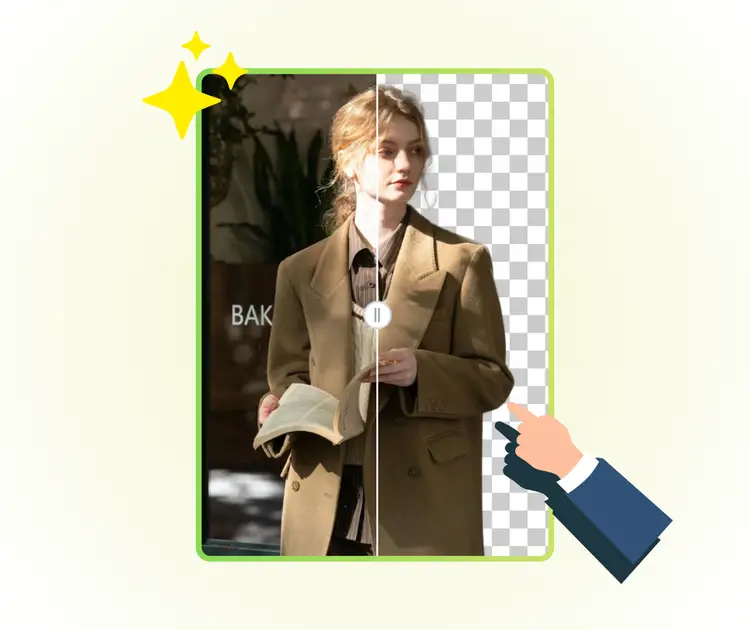
PNG Maker lets you generate clean PNG images in just one click. It automatically detects the main subject and removes the background, so you don’t need to spend time manually cutting out objects. Even beginners can quickly produce professional-looking PNGs without any design experience, saving both effort and time.

One-Click PNG Creation Without Any Design Skills

Fully Online and Super Easy to Use

This PNG Maker works completely in your browser, no downloads or installations needed. Simply upload your image, let the AI process it, and get a ready-to-use PNG instantly. It’s perfect for quick tasks when you need fast, hassle-free results for social media, logos, or product images.

Fully Online and Super Easy to Use

Clean, Natural, and Ready to Share

PNG Maker produces images with smooth edges and preserved details, giving a natural and professional look. The output is perfect for e-commerce, branding, or social media posts. You get high-quality PNGs that can be used immediately without additional editing, saving time and keeping images polished.

Clean, Natural, and Ready to Share

Create Your PNGs Instantly Online

Start using PNG Maker now to turn your images into clean, ready-to-use PNGs in seconds. No downloads, no design skills needed—just upload, process, and get perfect results for social media, logos, or projects instantly.

Start Creating PNGs Now

What Users Say About PNG Maker

J.S. avatar

J.S.

E-commerce Owner

"PNG Maker has been a game-changer for my online store. I can quickly convert product images into clean PNG files without spending hours manually editing. The AI does a fantastic job preserving details and edges, and the final PNGs look professional. This PNG Maker saves time, improves workflow, and ensures my images are ready for social media, websites, and marketing materials instantly."
M.T. avatar

M.T.

Graphic Designer

"I love using PNG Maker for my graphic design projects. It automatically removes backgrounds and creates high-quality PNGs that are perfect for logos and social posts. The process is simple, fast, and requires no extra software. This PNG Maker makes it easy to maintain a polished and consistent look across multiple images, which is perfect for both personal and professional design work."
L.R. avatar

L.R.

Digital Marketer

"PNG Maker is incredibly helpful for content creation. I can upload any image, and the AI instantly generates a crisp PNG with clean edges and preserved details. It’s fast, free, and easy to use, making it a reliable tool for blog graphics, social media posts, and marketing visuals. The PNG Maker delivers consistent results every time, helping me save hours of editing work."

FAQs About PNG Maker

