



Prompt

0/4096

Free AI Tattoo Generator

Turn your idea into a unique tattoo design online in seconds.

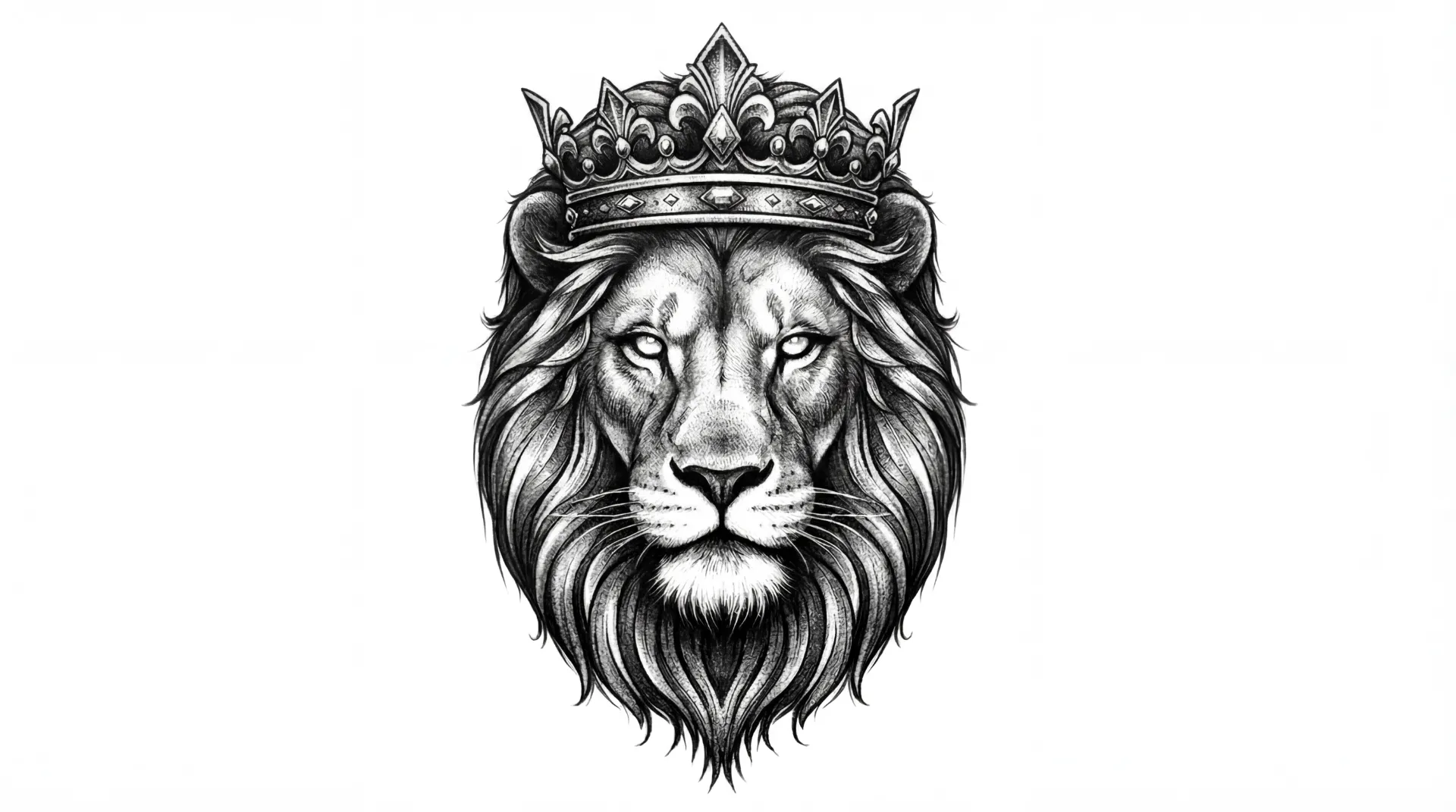
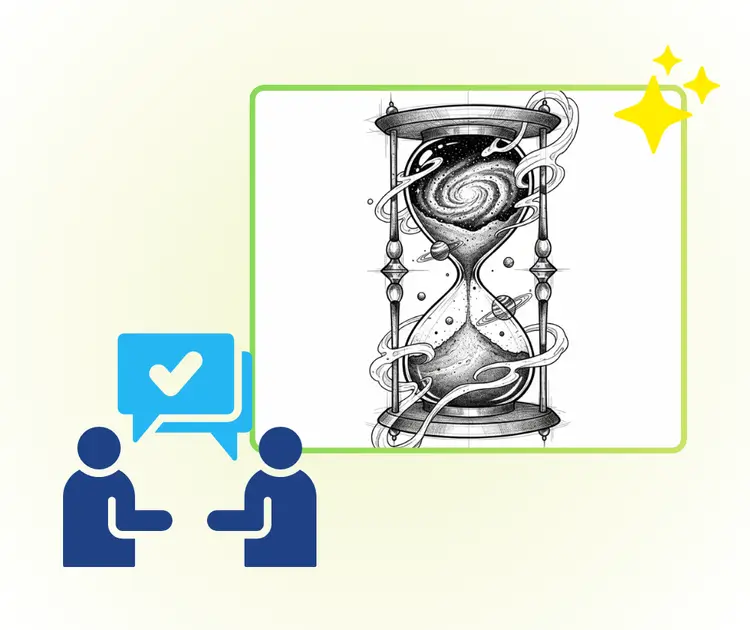
AI Tattoo Generator Realism Sample Image
VisualGPT - Rated 4.9+ by VisualGPT Users
Rated 4.9+
by VisualGPT Users
VisualGPT - Rated 4.9+ by VisualGPT Users
VisualGPT - 50k+ Pictures Create
50M+
Pictures Created
VisualGPT - 50k+ Pictures Create
VisualGPT - Trusted By 100+ Organizations
Trusted By 800+
Organizations
VisualGPT - Trusted By 100+ Organizations

Helping creators & businesses everywhere work easier

AI Tattoo Generator - Free Tattoo Designs Online, No Sign-Up

AI tattoo generator helps you create unique tattoo design online. Describe your idea, explore different tattoo styles, and preview design before getting inked.

Generate Tattoo Design
AI Tattoo Generator - Free Tattoo Designs Online, No Sign-Up

What is AI Tattoo Generator?

AI Tattoo Generator is an online tool that turns simple words into clear tattoo designs. You describe your idea, and AI Tattoo Generator creates visual tattoo artwork in seconds. It helps when a tattoo idea feels vague or hard to explain. You can explore different tattoo styles, tweak small details, and compare results until one feels right. The tool is easy to use and makes sharing designs with a tattoo artist simple. If you want more design options, you can also try AI Logo Generator or Photo to Sketch.

AI Tattoo Generator - What is AI Tattoo Generator?

How to Use AI Tattoo Generator in 3 Simple Steps

Learn how to use AI Tattoo Generator to create tattoo designs online. Just describe your idea, pick a style, preview results, and download your tattoo image in minutes.

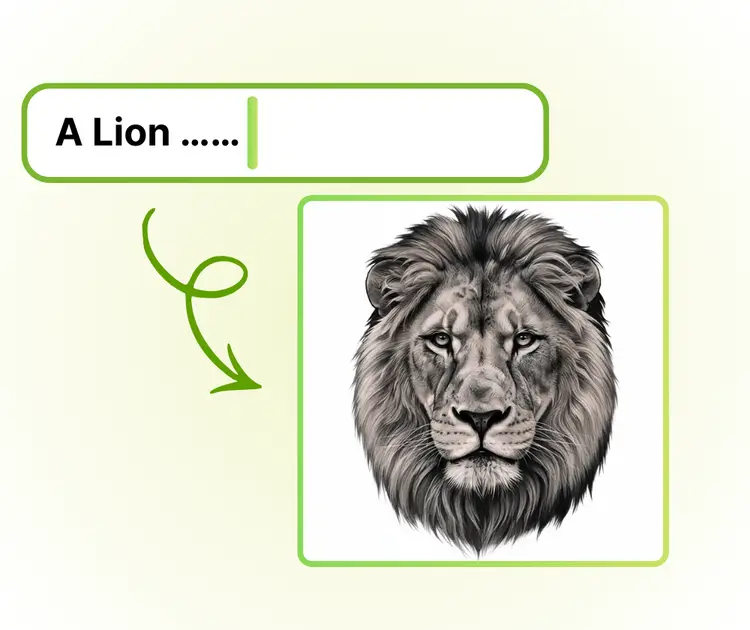
Step 1: Describe Your Tattoo Idea Clearly

Step 1: Describe Your Tattoo Idea Clearly

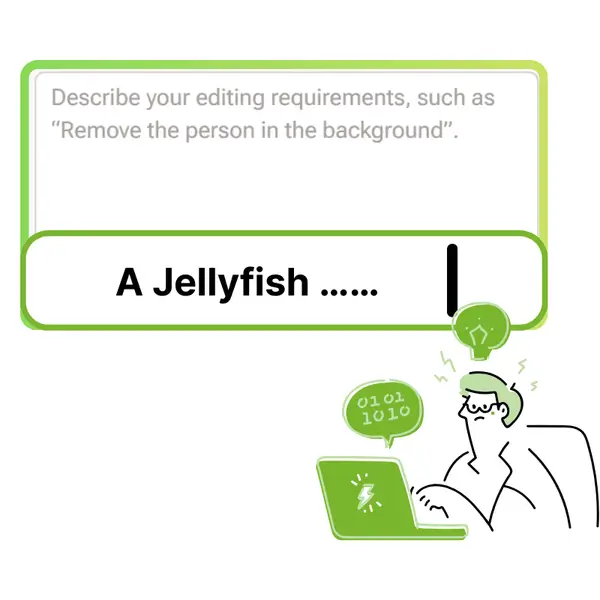
Type a short description of the tattoo you want, such as symbols, mood, size, or meaning. AI Tattoo Generator reads your text and turns your idea into a visual design.

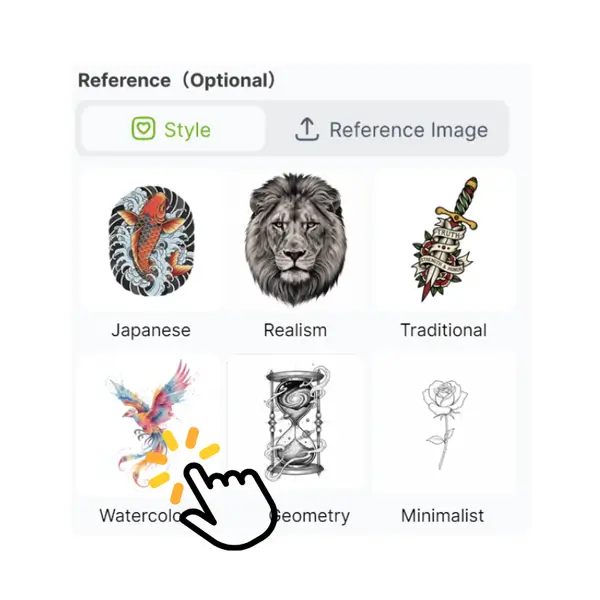
Step 2: Choose a Tattoo Style You Like

Step 2: Choose a Tattoo Style You Like

Select a tattoo style like minimal, traditional, neo-trad, or realistic. You can switch styles to see different looks and find the design that fits your taste best.

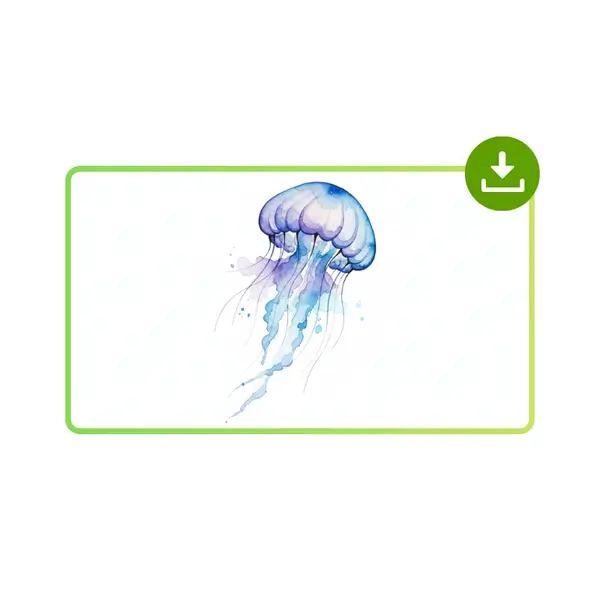
Step 3: Preview and Download Your Design

Step 3: Preview and Download Your Design

Preview the tattoo result on screen and check details before saving. When ready, download the image and share it with your tattoo artist or keep it for reference.

When a Tattoo Idea Feels Clear in Your Head but Hard to Explain

Many people want a tattoo but cannot explain it well. You may feel the meaning, but words stay messy. Searching images wastes time and adds doubt. AI Tattoo Generator turns ideas into visuals fast. With AI Tattoo Generator, one short description shows clear results. AI Tattoo Generator lets you test styles, compare looks, and refine details. AI Tattoo Generator helps you avoid regret and talk to artists with confidence.

AI Tattoo Generator - When a Tattoo Idea Feels Clear in Your Head but Hard to Explain

Turn Vague Ideas into Clear Tattoo Designs

Many people want a tattoo but cannot explain it clearly. AI Tattoo Generator solves this fast. You only type one short idea, and the tool turns it into a full tattoo design. Lines and layout are handled for you. AI Tattoo Generator helps beginners see real tattoo designs without drawing skills.

Turn Vague Ideas into Clear Tattoo Designs

Create Multiple Tattoo Styles in Minutes

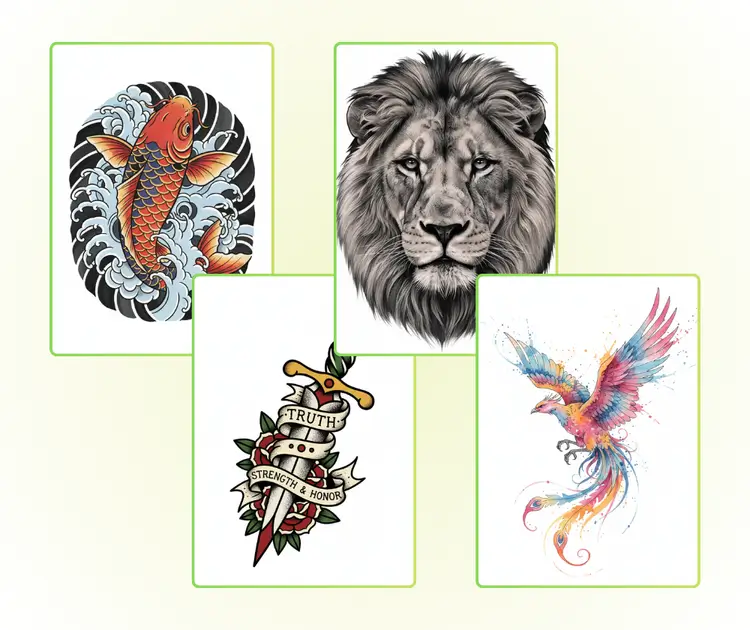
Picking one tattoo style is stressful. AI Tattoo Generator lets you test many styles quickly. You can try fine line, blackwork, or minimal looks and compare results side by side. With simple words, AI Tattoo Generator helps you explore options before choosing the design you truly like.

Create Multiple Tattoo Styles in Minutes

Simple Online Tool for Easy Artist Sharing

AI Tattoo Generator works online with a clean and simple page. No setup is needed. You can preview and download designs in minutes. The image is easy to share with a tattoo artist. AI Tattoo Generator helps avoid confusion and makes tattoo planning faster and smoother.

Simple Online Tool for Easy Artist Sharing

Create Your Tattoo Design Today

Use AI Tattoo Generator to turn your idea into a real tattoo design in minutes. Try different styles, preview results online, and download a design you can confidently share with your tattoo artist.

Generate Tattoo Now

What Users Say About AI Tattoo Generator

S.L. avatar

S.L.

First-Time Tattoo Client

I tried AI Tattoo Generator because I only had a rough idea in my head and could not explain it well to an artist. This tool turned my words into clear tattoo designs in minutes. I tested several tattoo styles, compared results, and saved the ones I liked most. AI Tattoo Generator made it easy to adjust ideas before committing, which helped me feel confident and prepared when talking with my tattoo artist.
M.K. avatar

M.K.

Graphic Designer

As a designer, I use AI Tattoo Generator to explore fresh tattoo design ideas fast. It helps turn short descriptions into visual concepts that feel balanced and clean. I like that AI Tattoo Generator supports many tattoo styles, so I can test lines, shapes, and symbols without drawing from scratch. It saves time during early concept work and gives clients something real to react to before final decisions.
R.T. avatar

R.T.

Tattoo Studio Owner

I manage a tattoo studio and often meet clients who are unsure about what they want. AI Tattoo Generator helps them visualize ideas before the consultation. They bring clear tattoo designs instead of vague thoughts. Using AI Tattoo Generator improves communication, reduces revisions, and helps sessions start faster. It is a useful tool for anyone who wants better tattoo planning without stress.

FAQs About AI Tattoo Generator

AI Tattoo Generator is an online tool that turns written ideas into visual tattoo designs. You simply describe what you want, such as symbols, themes, or moods, and AI Tattoo Generator creates tattoo images based on that input. It analyzes style, shape, and composition to produce usable designs. Many users choose AI Tattoo Generator because it removes guesswork and helps turn vague thoughts into clear visuals before meeting a tattoo artist.
No drawing skills are needed to use AI Tattoo Generator. The tool is built for beginners who may not know how to sketch or design tattoos. You only need to explain your idea in simple words. AI Tattoo Generator handles layout, line balance, and style automatically. This makes it easy for anyone to create tattoo designs without learning design software or hiring help at an early stage.
Yes, AI Tattoo Generator supports many tattoo styles, such as minimalist, line art, traditional, blackwork, or detailed illustration. You can select a style or describe it in your prompt. AI Tattoo Generator then adjusts the design look based on that choice. This helps users compare options and see how the same idea looks in different tattoo styles before making a final decision.
The designs created by AI Tattoo Generator are meant for planning and discussion. Many users download images and share them with tattoo artists as references. While AI Tattoo Generator creates clear and detailed designs, artists may still adjust lines or sizing to fit the body area. This step ensures the tattoo works well on skin and matches personal preferences.
AI Tattoo Generator can be used online without complex setup. Users can create tattoo designs quickly and test ideas without upfront cost. Free access makes AI Tattoo Generator helpful for early exploration, especially for people unsure about committing to a final tattoo. Some platforms may offer extra options, but basic tattoo idea generation is easy and fast.
Yes, many people use AI Tattoo Generator before visiting a tattoo studio. It helps them arrive with clear visuals instead of vague descriptions. AI Tattoo Generator improves communication, saves time during consultations, and reduces misunderstandings. Artists often prefer when clients bring visual references, making AI Tattoo Generator a practical first step in tattoo planning.