

VisualGPT Logo

Free AI Transparent Background Maker

Upload photo to make background transparent. AI removes background automatically for free without any sign-up.

Drag or upload images Support batch upload, up to 5 images at a time

Support jpg/jpeg/png/webp, up to 16MB

No Image?
Try one of these:
AI Transparent Background Maker Sample: lipstick without background | VisualGPT
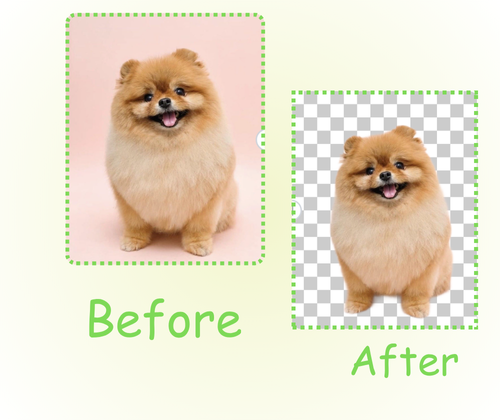
AI Transparent Background Maker Sample: cat without background | VisualGPT
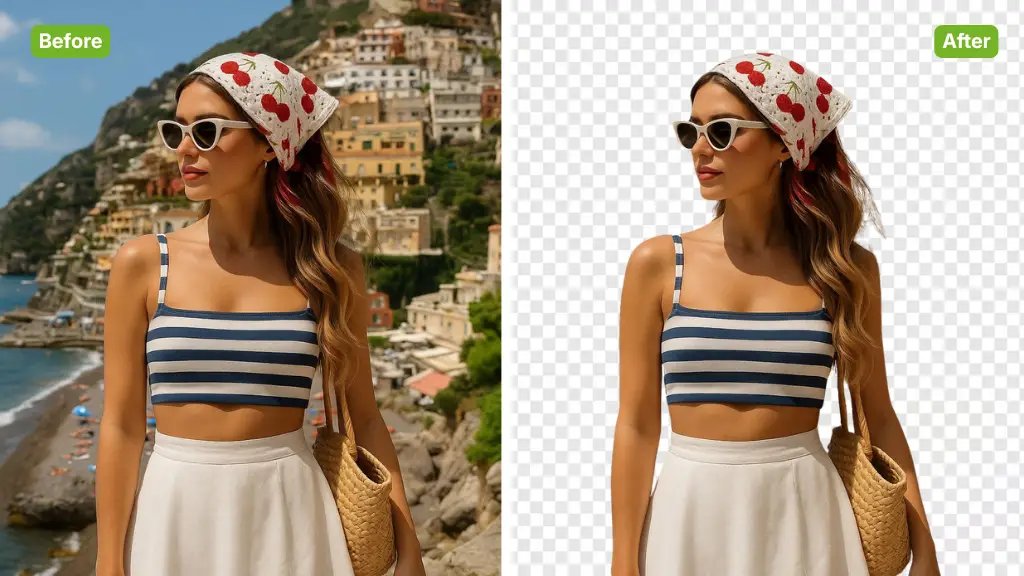
AI Transparent Background Maker Sample: woman without background | VisualGPT

AI Transparent Background Maker - Free Online, No Sign-Up

AI Transparent Background Maker removes image backgrounds automatically. Use this free online tool with no sign-up to download high-quality transparent PNG.

Make Transparent Now
AI Transparent Background Maker - Free Online, No Sign-Up

What is AI Transparent Background Maker?

Transparent Background Maker is an AI-powered tool that automatically removes backgrounds from images. It uses deep learning to identify the main subject and erase the surroundings instantly. This online solution helps users create clean, transparent PNGs for e-commerce, marketing, or personal projects without needing manual editing skills or software installation.

What is AI Transparent Background Maker?

Why Use Transparent Background Maker?

Transparent Background Maker recreates every pixel with precision so fine details like hair and sharp edges remain visible. Try images, compare results, and download clean files fast. It offers high-resolution output, no hidden watermarks, and no sign-up for a smooth experience.

Why Use Transparent Background Maker?

Struggling to Create Professional Transparent Images?

Manual background removal is slow and requires advanced design skills that many people lack. Traditional editors often leave messy outlines or jagged edges. Transparent Background Maker solves this by automating isolation, saving you hours of tedious manual work.

Transparent Background Maker – Struggling to Create Professional Transparent Images?

Key Features of AI Transparent Background Maker

This online background remover helps you create high-quality images with ease. AI technology ensures clean PNG transparency for professional marketing or personal graphic design projects.

One-click AI background removal

Upload an image and let AI detect the subject instantly. The background is removed automatically with smooth edges and clear details, saving time compared to manual editing or traditional design tools.

No sign-up, no software installation

Use the tool directly in your browser without creating an account or downloading apps. This makes background removal quick and accessible for anyone who needs results right away.

High-quality transparent PNG export

Download transparent PNG files that keep the original image quality. The results work well for e-commerce listings, design layouts, marketing visuals, and social media content.

How to Use AI Transparent Background Maker in 3 Steps

Learn how to make your picture background transparent with a free online AI tool. Follow three easy steps to upload, process, and download clean transparent PNG files for your designs, products.

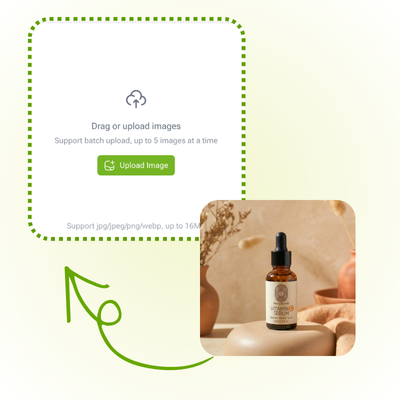
Transparent Background Maker: Step 1 - Upload Your Image

Step 1: Upload Your Image

Choose a clear photo from your device and upload it to Transparent Background Maker. For best results, use an image where the subject is visible with good lighting and minimal blur.

Transparent Background Maker: Step 2 - Automatic AI Removal

Step 2: Automatic AI Removal

Transparent Background Maker starts analyzing photo instantly after upload. AI automatically detects the main subject and removes the background seamlessly without any manual masking required.

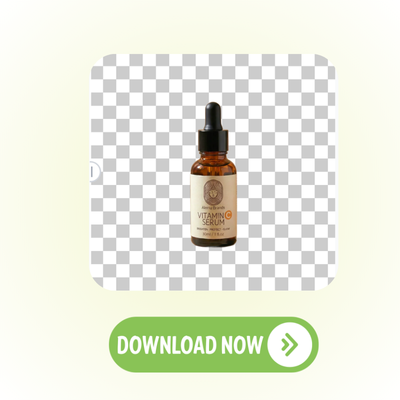
Transparent Background Maker: Step 3 - Download Transparent Image

Step 3: Download Transparent Image

Preview the clean result once processing finishes. Download high-quality transparent PNG images instantly to your device without any registration or hidden costs from the tool.

Start Making Professional Transparent Images Now

Upload photos and let AI handle all hard work. Get clean edges in seconds. No need for complex editors or accounts. Enjoy fast and free results for every project.

Make Transparent Now

What Users Say About AI Transparent Background Maker

J.S. avatar

J.S.

Professional Photographer

"What surprised me most about AI Transparent Background Maker is how well it understands complex hair and fur details. I had several portraits with messy backgrounds that needed to be cleaned for my portfolio. This tool managed to erase the background while keeping the fine strands of hair looking natural. I did not have to spend hours in complex software, which saved me a lot of energy during my busy work season."
M.T. avatar

M.T.

Content Creator

"For my e-commerce social page, having clean product photos is essential, and AI Transparent Background Maker helps me keep a high professional standard. I tried other image tools before, but they usually left blurry outlines around the objects. This tool preserves the original structure and details while delivering a flawless transparent finish. I can now prepare many posts in just a few minutes without any technical stress."
L.R. avatar

L.R.

Small Business Owner

"Customers often ask for custom product designs, and AI Transparent Background Maker has become a reliable part of my daily business workflow. It handles various lighting and angles well, creating results that look like they were never edited by hand. The HD output is especially helpful for products like stickers where every edge counts. I can give my clients great options immediately without any long waiting times."
K.H. avatar

K.H.

Parent

"My kids love making digital scrapbooks, so I tested AI Transparent Background Maker to clean up photos for our latest project. The tool delivered clear pictures that look professional and polished while keeping our family memories sharp. Even when we tried erasing busy outdoor backgrounds, the unique features of the subjects stayed preserved. It is simple enough that the whole family can use it together for school or fun."
A.W. avatar

A.W.

Web Designer

"As a web designer, I use AI Transparent Background Maker to prepare assets before I start coding. It allows me to clean up images quickly without the distraction of white boxes or messy backgrounds. I really appreciate that the tool does not distort the original quality of the subjects, making the final output very useful as a design guide. It has significantly improved my creative process during the early design stages."
S.F. avatar

S.F.

Program Coordinator

"At our local nonprofit, high-quality visuals help our mission get more attention from the community. AI Transparent Background Maker has been a great tool for creating friendly artwork for our event pages by removing distracting background clutter. Even low-quality photos look much better because the AI enhances the subject. These transparent images help our projects stand out and attract more supporters to our cause."

FAQs About AI Transparent Background Maker