
What do you want to visualize?

Turn any Idea orLink into a smart, data-rich, deep-dive card with Visual Research Agent.

Visualizing Knowledge with Notion Data
Key Takeaways from NoteGPT Analytics
Understanding Trends through Figma Data
Insights Gained from Analyzing Freepik Data

AI Visual - Turn Any URL into Visuals Online Free

AI Visual instantly turns tweets, GitHub, and any web page into clear visual summaries — free and no login.

Dynamic Content Prioritization Extact

The AI Doc to PPT tool analyzes your document and automatically prioritizes key information, ensuring the most important points are highlighted in your slides. This feature is perfect for creating impactful presentations quickly, making your Doc to PPT conversion both efficient and effective.

One-Click Visual Card Creation

Turn social media posts, GitHub, Product Hunt pages, and YouTube videos into rich, easy-to-read AI Visual cards in seconds. AI Visual instantly transforms complex URLs into visually appealing summaries, combining images and key information for quick understanding and easy sharing.

One click visual card creation interface - VisualGPT

Support for Any Link

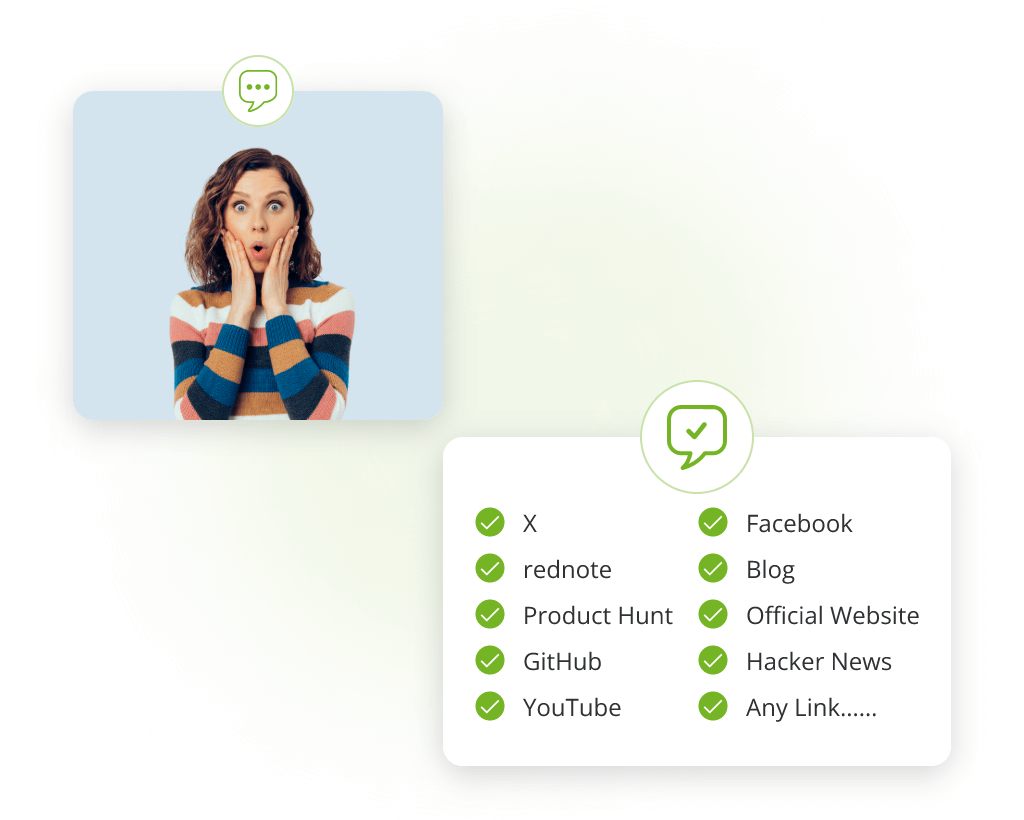
AI Visual works with almost any web page link, not just specific platforms. This ensures you can create visual summaries from a wide range of online sources effortlessly. No matter the website, AI Visual analyzes content and generates a structured, clear card that highlights important details in a neat format, ready to use instantly.

Support for any link interface - VisualGPT

Editable Card Content

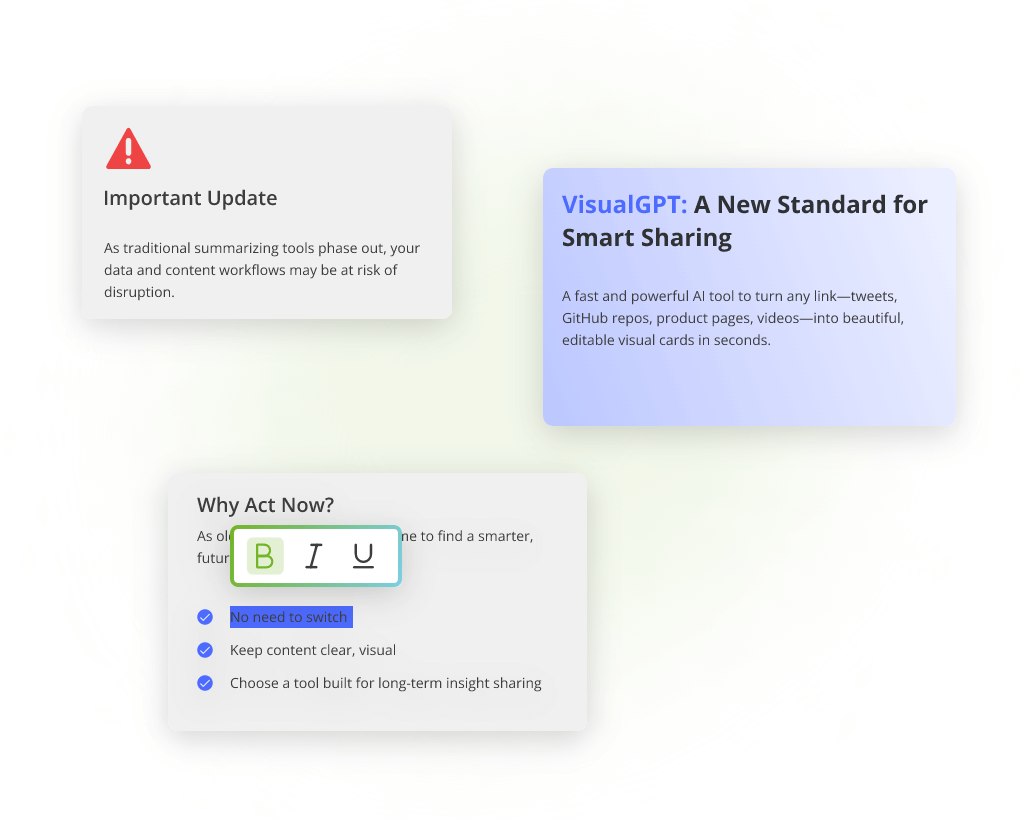
With AI Visual, users can customize the text and layout within each card. This flexibility lets you emphasize the most relevant points and tailor the message to your audience. Editing options in AI Visual let you adjust wording and information structure, ensuring your visual cards communicate exactly what you want to highlight.

Editable card content interface - VisualGPT

Multiple Visual Themes

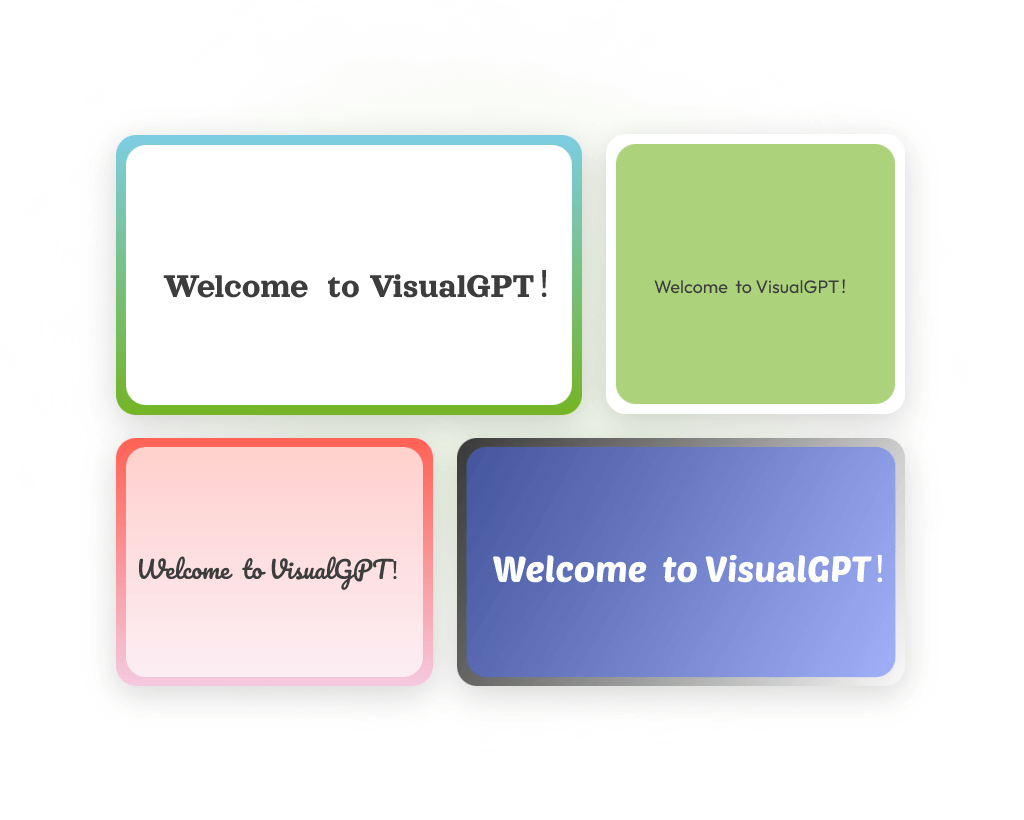
Choose from various card styles with AI Visual to match your branding or presentation needs. Switch between themes easily to suit different occasions like sharing, showcasing, or archiving. AI Visual's template options provide the freedom to create visually consistent cards that fit your style, making your content both attractive and professional.

Multiple visual themes interface - VisualGPT

Flexible Export and Sharing

AI Visual lets you download your cards as high-quality PNG or JPG images. You can also generate online links to share or present your cards directly from the web. Whether for reports, social media, or presentations, AI Visual ensures your cards are easy to distribute and display without hassle.

Flexible export and sharing interface - VisualGPT

Easy to Use, No Login Required

AI Visual offers a free, user-friendly experience without the need for sign-up. Open the site, paste a link, and get your visual card instantly—perfect for quick tasks and spontaneous sharing. This low barrier to entry means AI Visual is accessible to everyone, from busy professionals to casual users needing fast, effective visual summaries.

Easy to use, no login required interface - VisualGPT

Turn Any Link into Visuals in Three Easy Steps

No design skills or sign-up required. AI Visual makes the process smooth, fast, and accessible to everyone.

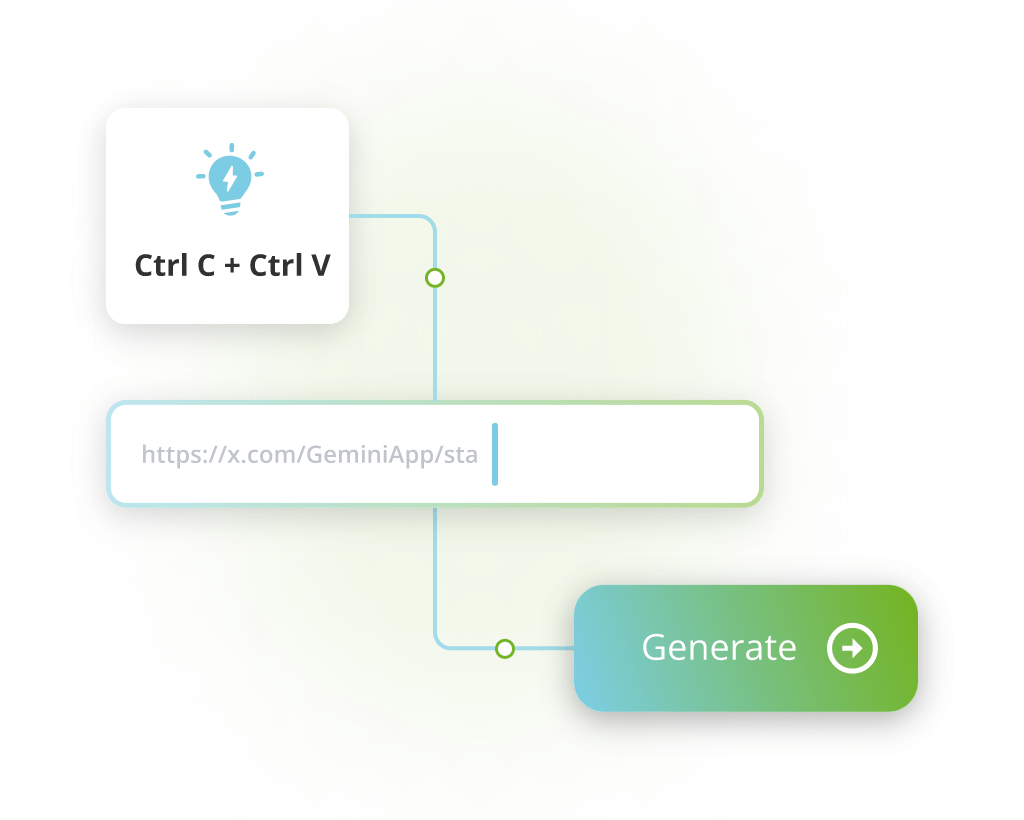
Paste Your Link

Copy a URL from any site—social media, GitHub, YouTube, or elsewhere—and paste it into the input box.

Let AI Visual Do the Work

AI Visual instantly analyzes the content, generates a card, and arranges it into a clean, readable layout.

Edit or Share Your Card

Tweak the text or choose a new style. Then download your card or share it online—no account needed.

Stop wasting time on manual formatting. Paste a link and let AI Visual help you create clean, shareable cards in seconds—no login, no cost, just results!

Create Your Visuals Now

Trusted by Creators, Analysts, and Builders

See what professionals are saying about AI Visual and how it's transforming their workflow.

A. Zhang avatar

A. Zhang

Tech Blogger

AI Visual is a must-have for every tech explainer. As someone who shares tech threads daily, I need tools that help me summarize without extra effort. AI Visual lets me turn any tweet or GitHub repo into a clean visual card in seconds. It's fast, editable, and keeps the focus on content—not design. Makes my posts 10× more engaging.

S. Rivera avatar

S. Rivera

Content Creator & KOL

Perfect for creators who value clarity and speed. I use AI Visual to repurpose links I mention in my vlogs and newsletters. Whether it's a YouTube video or a Product Hunt launch, I can generate a visual card that looks polished and fits my brand. It's also great that I don't need to log in or install anything.
D. Kim avatar

D. Kim

Product Manager

I use AI Visual in every weekly product update. Before this, I had to manually collect links and screenshots for internal briefs. Now, I drop links into AI Visual, and it gives me clean, editable cards that are presentation-ready. It also helps our marketing team maintain consistent branding without heavy design tools.
N. Patel avatar

N. Patel

Knowledge Worker

A smart tool for my personal knowledge library. I often save links to articles or research in Notion, but they look plain. With AI Visual, I can create a visual version of any link and drop it into my notes. It's clean, readable, and reminds me why I saved the content in the first place.
E. Laurent avatar

E. Laurent

Investment Analyst

Great for surfacing info in analyst briefings. When I need to explain a trend or showcase a source link, I use AI Visual. It helps me quickly turn tweets, graphs, or video insights into digestible visuals. My clients appreciate how clear the data looks—and I don't waste time designing slides from scratch.
C. Moore avatar

C. Moore

News Editor

Fast, clean, and no fluff—just what editors need. In editorial meetings, I often share breaking stories and reference materials. AI Visual helps me format these links into cards I can present or send. I love how it's instant and doesn't add distractions. It keeps the message sharp and visual.

Frequently Asked Questions About AI Visual

Get answers to common questions about AI Visual and learn how to make the most of our visual card creation tool.

AI Visual is a tool that creates intelligent summaries generated by AI Visual using content extracted from links—like text, images, and videos. The tool deeply analyzes and understands the input, then uses smart layout algorithms and data lookup to create a clean, well-structured visual card. These cards combine charts, headlines, and highlights into a compact format that makes information easy to grasp, share, and remember. They are perfect for helping others quickly learn, explore, or revisit complex content.
Unlike screenshot tools that just capture images, AI Visual analyzes the content of a link, summarizes it, and formats it into a structured visual. It's not about copying how a page looks—it's about making the information easier to understand and share.
Yes, AI Visual supports a wide range of links including tweets, GitHub repos, YouTube videos, Product Hunt pages, and regular articles. Even if the content isn't from a major platform, AI Visual does its best to extract key information and present it in a structured, readable card.
Absolutely. AI Visual allows full text editing once the card is generated. You can rephrase summaries, fix titles, or highlight key points to better fit your use case. This flexibility ensures that each AI Visual card reflects your voice and focus.
Yes, you can download AI Visual cards in high-quality PNG or JPG formats. This is great for inserting visuals into slide decks, documents, or reports. The download process is quick and doesn't require any extra tools.
Yes, AI Visual lets you create a shareable link for any generated card. This is perfect for social media, newsletters, or remote collaboration. Each link leads to a clean viewer page so your audience can focus on the content.
No, AI Visual is designed to be simple and accessible. You don't need to sign up or log in. Just visit the site, paste your link, and the tool starts working immediately. This makes AI Visual ideal for quick tasks or occasional use without hassle.
Yes, AI Visual is currently free to use with no limits on how many cards you can generate. You can also edit, download, or share the visual cards without any charges. We believe in keeping the tool open and useful, especially for independent creators and professionals.
AI Visual offers a variety of visual themes to match different goals—whether you need something sleek for work, bold for social media, or minimal for reading comfort. Each theme adjusts layout, color, font, and visual emphasis to highlight key content in a clear and attractive way. You can switch between themes instantly, making your visual cards feel more personalized and suitable for any audience or purpose.
Yes, AI Visual is well-suited for professional use. Whether you're preparing slides, internal summaries, or data-driven reports, the tool helps you turn complex links into polished visual cards. Each card presents key insights clearly, with customizable content and visual emphasis, making it easy to insert into presentations or share with teams. Many product managers, analysts, and marketers use AI Visual to save time and improve clarity when presenting ideas.