


VisualGPT Logo

Image

Drag or upload image

Support jpg/jpeg/png/webp, up to 16MB

Free Magic Eraser

Highlight or describe what you want to remove, and let Magic Eraser clean up your photo in seconds.

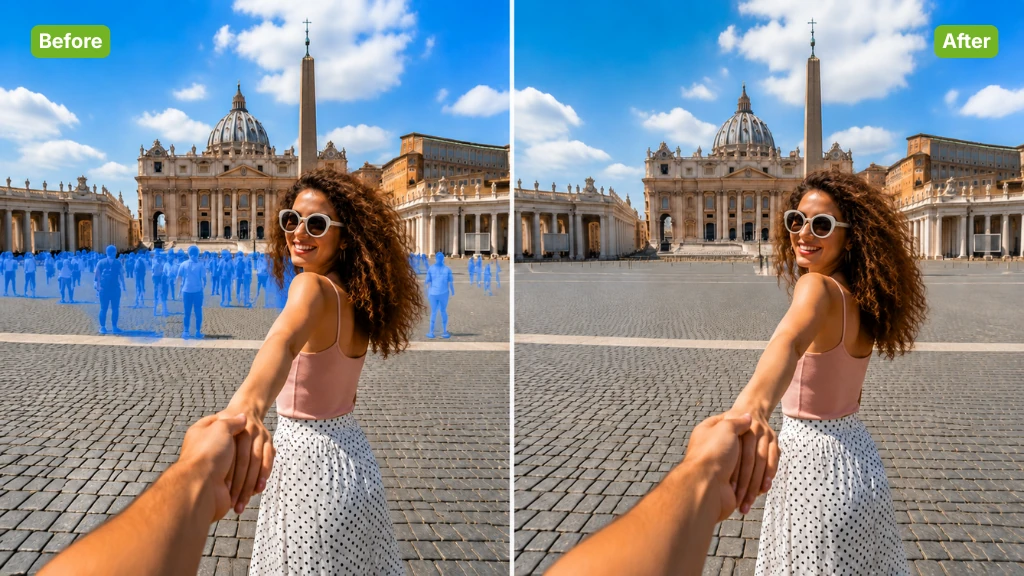
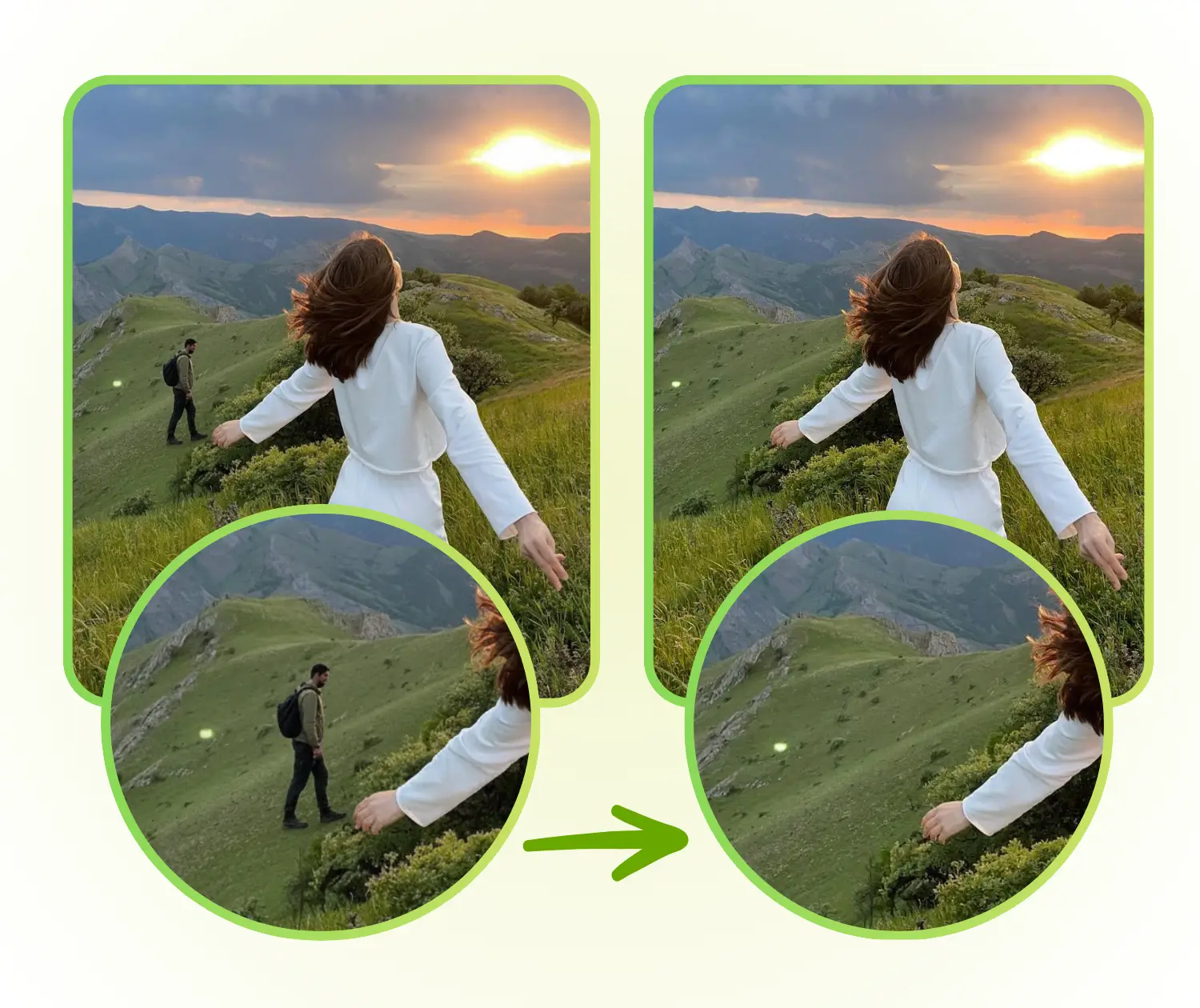
Magic Eraser Sample: Travel and Landscape after
Magic Eraser Sample: Travel and Landscape before
Magic Eraser Sample: Travel and Landscape after
VisualGPT - Rated 4.9+ by VisualGPT Users
Rated 4.9+
by VisualGPT Users
VisualGPT - Rated 4.9+ by VisualGPT Users
VisualGPT - 50k+ Pictures Create
50M+
Pictures Created
VisualGPT - 50k+ Pictures Create
VisualGPT - Trusted By 100+ Organizations
Trusted By 800+
Organizations
VisualGPT - Trusted By 100+ Organizations

Helping creators & businesses everywhere work easier

Spotify
YouTube
TikTok
Amazon
Business Insider
Forbes
ABC
Buzfeed
CBS
Fox
NBC
Yahoo
Mashable
LifeWire
BBC
Nature
Spotify
YouTube
TikTok
Amazon
Business Insider
Forbes
ABC
Buzfeed
CBS
Fox
NBC
Yahoo
Mashable
LifeWire
BBC
Nature
Spotify
YouTube
TikTok
Amazon
Business Insider
Forbes
ABC
Buzfeed
CBS
Fox
NBC
Yahoo
Mashable
LifeWire
BBC
Nature

Magic Eraser – Free Photo Object Removal with AI Online

Clean up photos without complex editing. Magic Eraser helps you clear objects, people, or text while keeping images sharp and realistic. Free to use online.

Try Magic Eraser Free
Magic Eraser – Free Photo Object Removal with AI Online

What is Magic Eraser?

Magic Eraser is an easy-to-use online tool that helps you remove objects, people, or text from photos instantly. Unlike complicated photo editors, this AI-powered tool works in one simple step and delivers clean, natural, high-definition results without leaving any traces. You don’t need any editing skills, and it works entirely online without signing up. Magic Eraser is perfect for creating polished images for social media, presentations, or personal projects. If you also want to enhance your photos further, you can try tools like Image Upscaler, Magic Eraser, or Watermark Remover.

What is Magic Eraser?

How to Use Magic Eraser – Simple 3-Step Guide for Clean Photos

In just three simple steps, you can create flawless, natural-looking images online with Magic Eraser. No technical skills or downloads are needed.

Magic Eraser: Step 1 – Upload Your Photo Quickly Online

Step 1 – Upload Your Photo Quickly Online

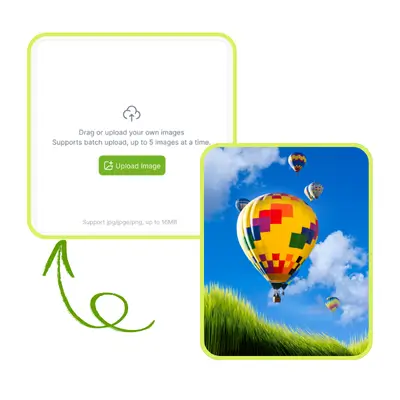
Start by selecting the photo. Magic Eraser works with any image, whether it’s from your computer or mobile device. Once uploaded, the tool prepares your photo for fast and accurate object removal.

Magic Eraser: Step 2 – Highlight or Describe What to Remove

Step 2 – Highlight or Describe What to Remove

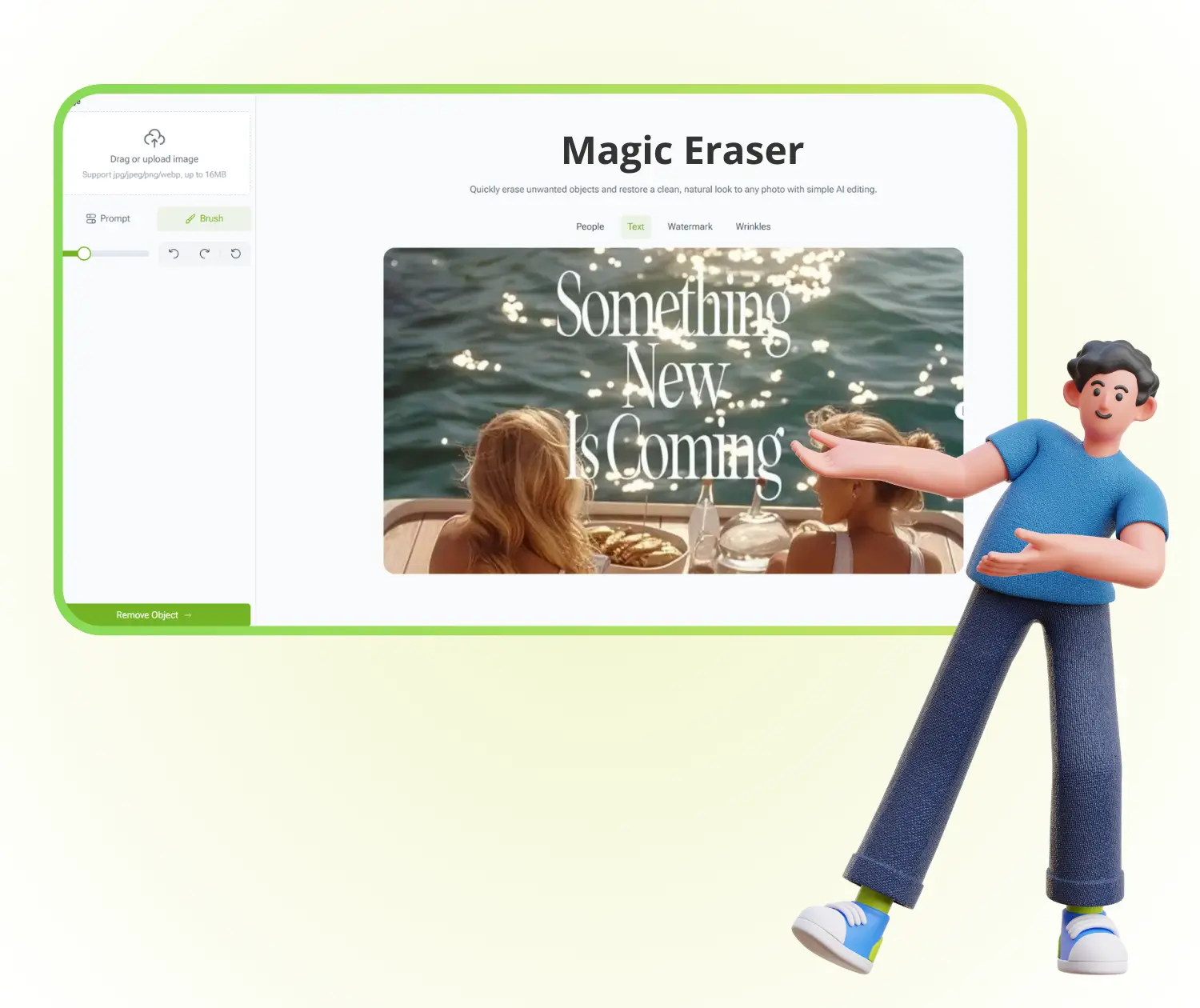
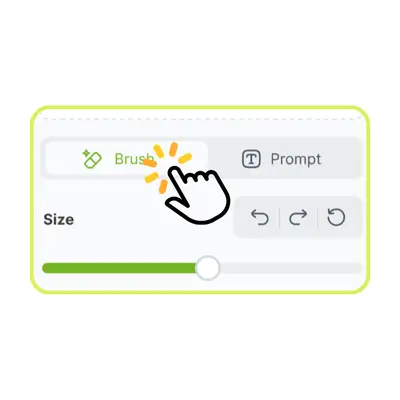
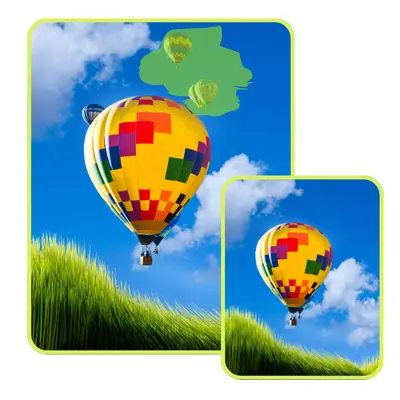
Use your mouse to mark the areas you want to erase, or simply describe the object. Magic Eraser will recognize unwanted elements and get ready to remove them seamlessly.

Magic Eraser: Step 3 – Generate and Download Your Clean Image

Step 3 – Generate and Download Your Clean Image

Click the generate button to let Magic Eraser process your photo. It produces a clean, high-resolution image with natural results. You can then download your polished photo without losing quality.

Struggling with Unwanted Objects in Your Photos? Magic Eraser Can Help!

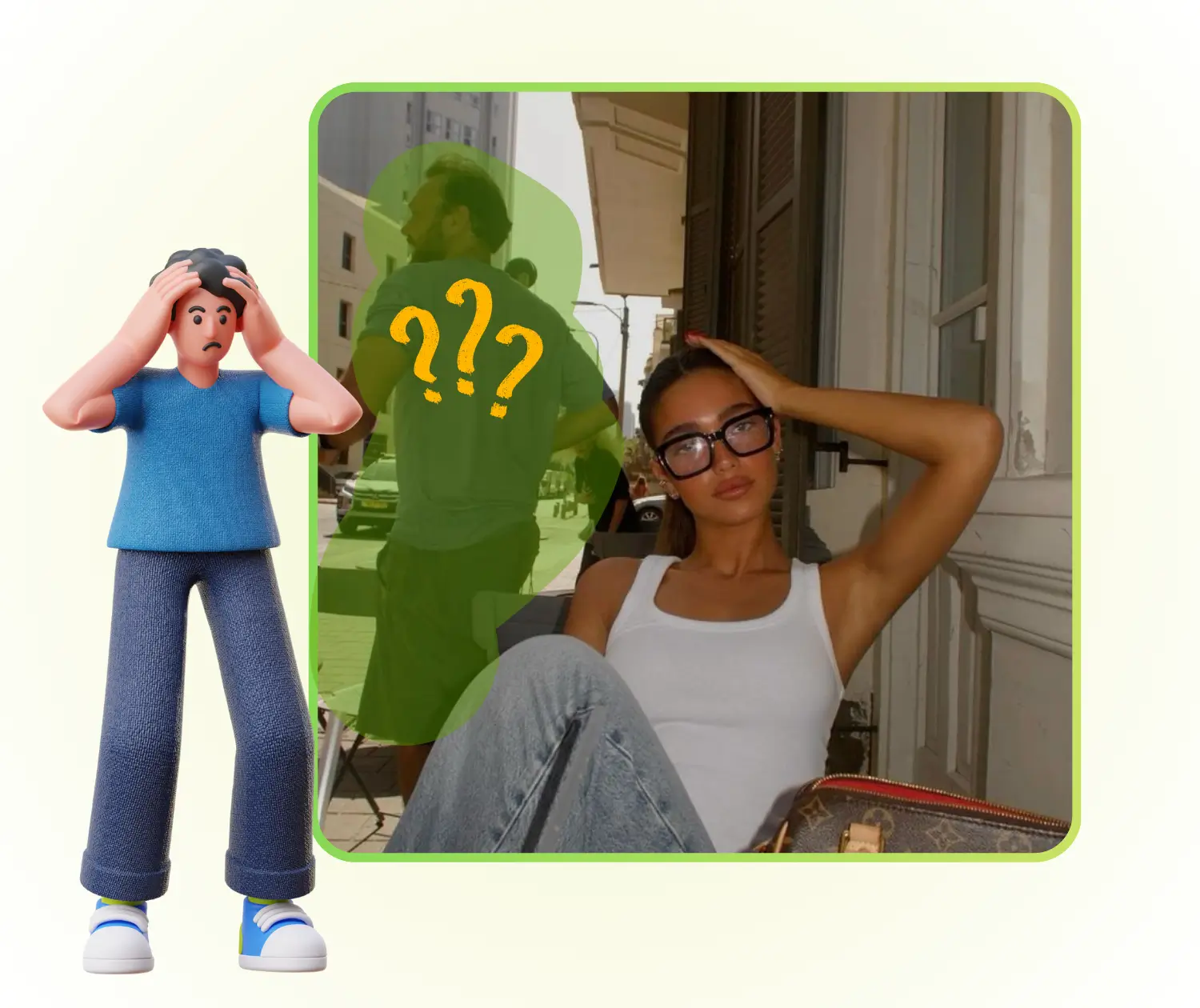
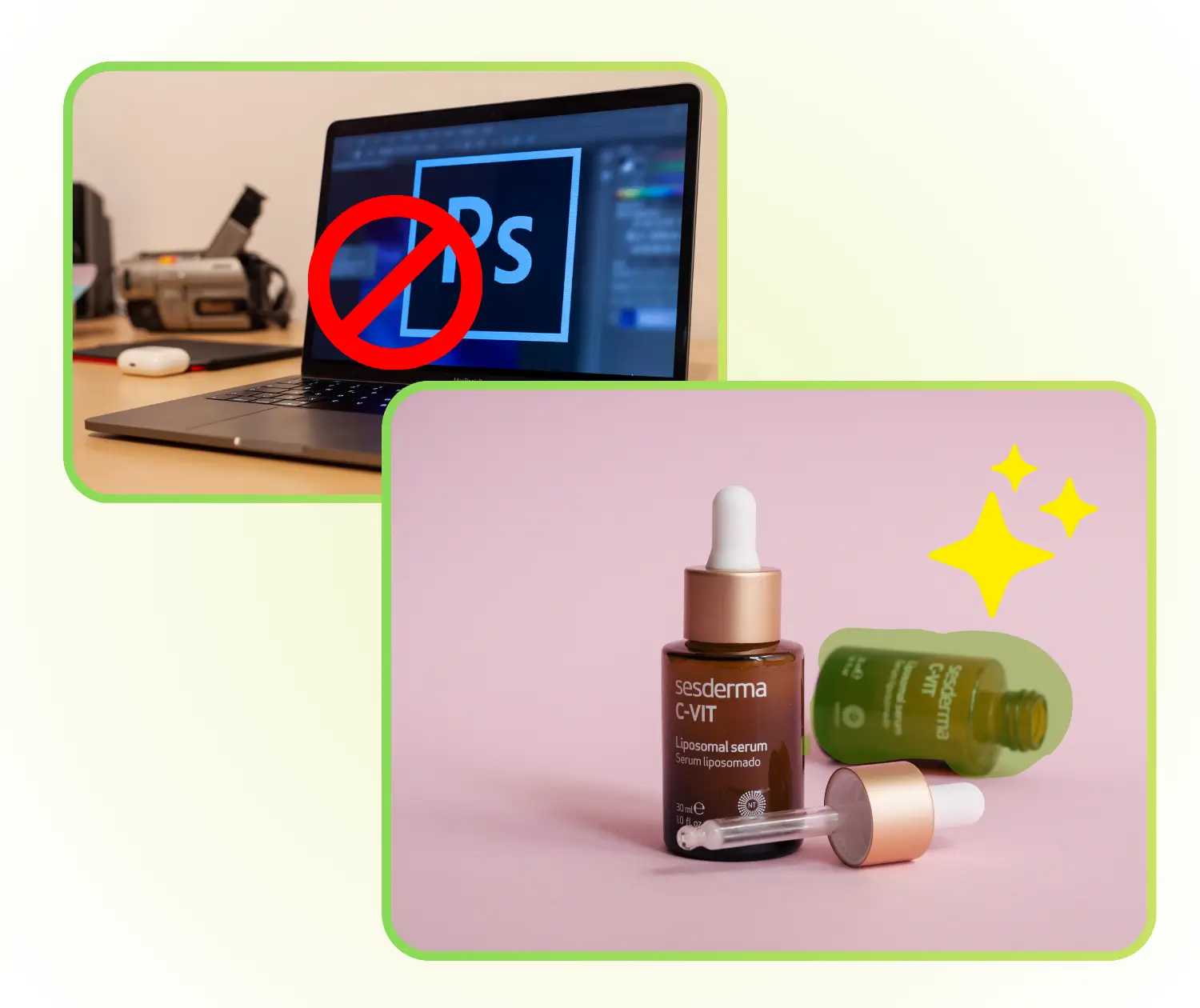
Ever take a great photo but spot a stranger, messy background, or unwanted text? Traditional editing can be tricky and slow. Magic Eraser lets you remove objects, people, or text online in seconds, no skills needed, giving your photos a clean, natural, and professional look for social media, products, or memories.

Magic Eraser - Struggling with Unwanted Objects in Your Photos? Magic Eraser Can Help!

Remove Objects Without a Trace – Perfect Results Every Time

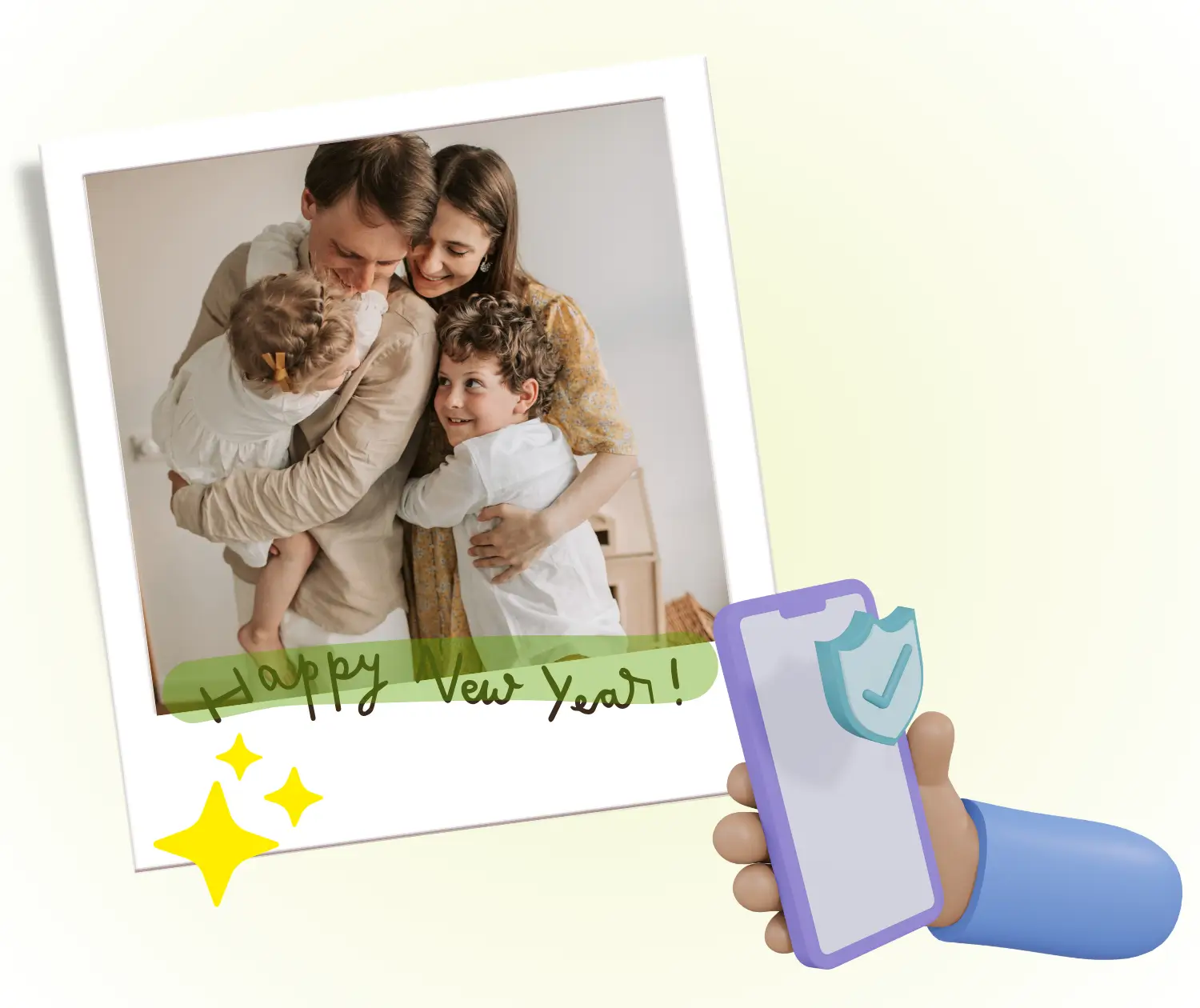
With Magic Eraser, you can erase unwanted objects, people, or text from photos and still keep the background looking completely natural. The AI fills in the space seamlessly, so your images appear untouched. This means every photo looks clean, realistic, and ready to share online or use in projects without any signs of editing.

Remove Objects Without a Trace – Perfect Results Every Time

One-Step Editing – No Skills Needed

Forget complicated software and layers. Magic Eraser lets you remove distractions in just one simple step. Simply upload your photo, mark what to remove, and let the AI handle the rest. Even beginners can get professional-quality results instantly, making photo editing fast, easy, and stress-free.

One-Step Editing – No Skills Needed

Online, High-Definition, No Login Required

Magic Eraser works entirely online, so you don’t need to install anything or create an account. It produces high-resolution images without losing quality, keeping every detail sharp. You can quickly edit and download your photos from any device, perfect for social media, presentations, or personal keepsakes.

Online, High-Definition, No Login Required

Start Editing Your Photos Instantly with Magic Eraser

Ready to remove unwanted objects, people, or text from your photos? Try Magic Eraser online for free, get clean and natural results in seconds, and download high-quality images without any hassle.

Try Magic Eraser Now

What Users Are Saying About Magic Eraser

S.L. avatar

S.L.

Travel Blogger

"I was amazed at how easy it was to remove unwanted objects from my travel photos using Magic Eraser. The AI worked perfectly, leaving the background clean and natural without any traces. I didn’t need any Photoshop skills, and the high-resolution output made my images ready to share instantly. This online Magic Eraser tool truly saved me time and gave professional results."
M.K. avatar

M.K.

E-commerce Owner

"Magic Eraser helped me quickly clean up product images for my online store. Removing text and extra items has never been easier. The AI provides smooth and realistic results in just a few clicks. I love that I can use it online for free and download HD photos without signing up. It’s the best tool for anyone needing fast, flawless photo edits."
R.T. avatar

R.T.

Content Creator

"I often take photos with my friends, but backgrounds are always messy. Magic Eraser makes it simple to remove people or objects that ruin the shot. The tool is intuitive and fast, and the final images look professional. It’s the perfect online AI Magic Eraser for anyone who wants polished pictures without complicated editing."

Frequently Asked Questions About Magic Eraser

