


Model

Drag or upload image
Support jpg, jpeg, png, webp, up to 16MB

Product Name

Recolor Image with AI

Free AI tool to recolor images in seconds. Change object colors in photos without Photoshop.

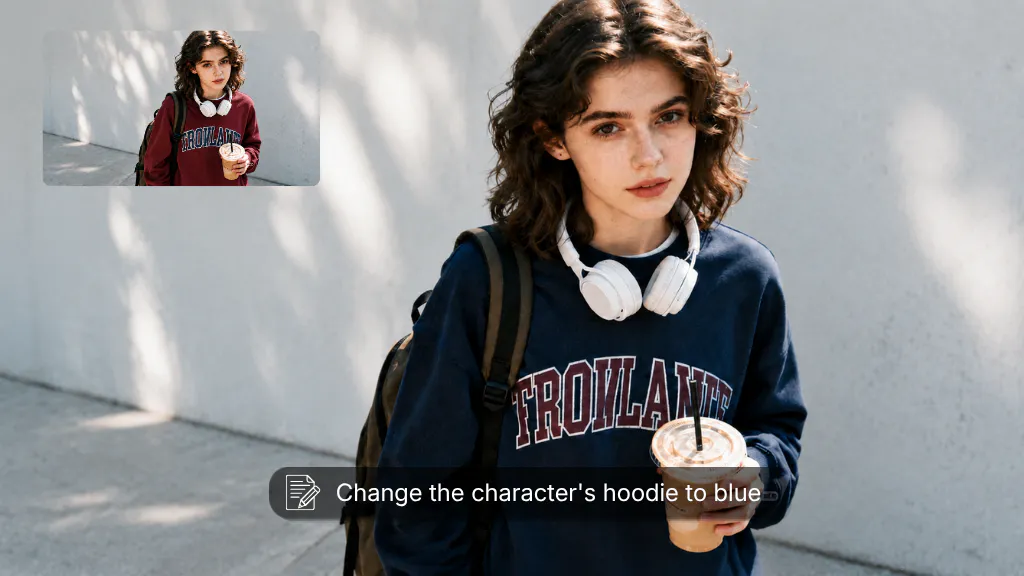
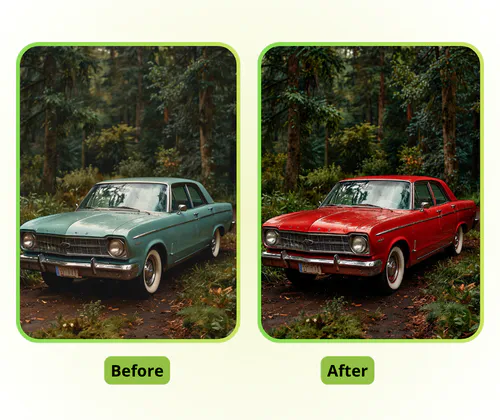
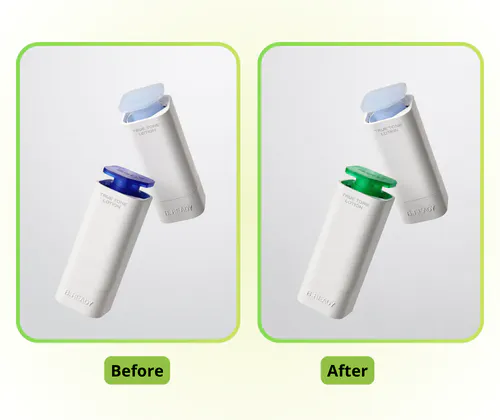
AI Recolor Image Sample Image
VisualGPT - Rated 4.9+ by VisualGPT Users
Rated 4.9+
by VisualGPT Users
VisualGPT - Rated 4.9+ by VisualGPT Users
VisualGPT - 50k+ Pictures Create
50M+
Pictures Created
VisualGPT - 50k+ Pictures Create
VisualGPT - Trusted By 100+ Organizations
Trusted By 800+
Organizations
VisualGPT - Trusted By 100+ Organizations

Helping creators & businesses everywhere work easier

Spotify
YouTube
TikTok
Amazon
Business Insider
Forbes
ABC
Buzfeed
CBS
Fox
NBC
Yahoo
Mashable
LifeWire
BBC
Nature
Spotify
YouTube
TikTok
Amazon
Business Insider
Forbes
ABC
Buzfeed
CBS
Fox
NBC
Yahoo
Mashable
LifeWire
BBC
Nature
Spotify
YouTube
TikTok
Amazon
Business Insider
Forbes
ABC
Buzfeed
CBS
Fox
NBC
Yahoo
Mashable
LifeWire
BBC
Nature

Recolor Image with AI - Free Change Color of Photo Online

Free AI tool to recolor images online instantly. Change clothing, car colors, furniture — no sign-up, no watermarks, professional results with VisualGPT.

Recolor My Image Now
Recolor Image with AI - Free Change Color of Photo Online

What Is Recolor Image with AI?

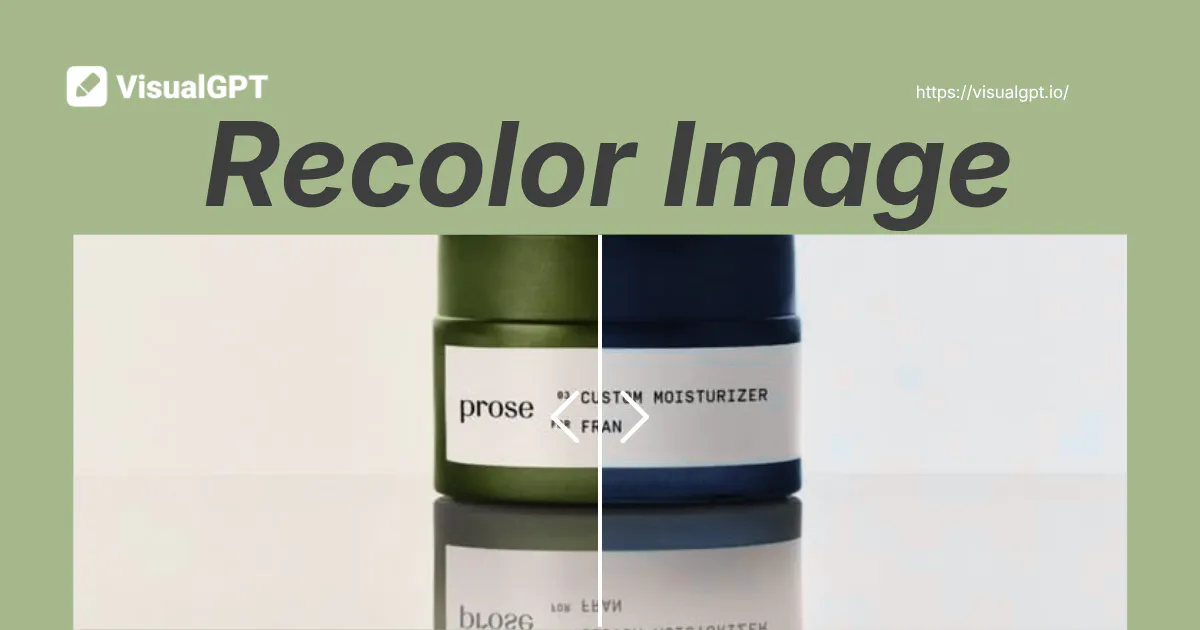
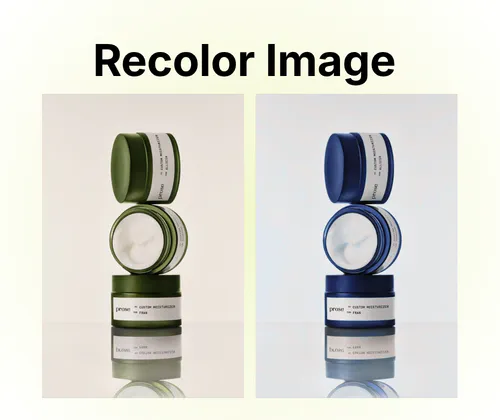
Put simply: upload a photo, tell it what to change, get professional results in seconds. VisualGPT's recolor image swaps colors in pictures without manual selection work. It handles shirts, sofas, cars — anything you point out — and applies new colors while keeping lighting natural. No Photoshop layers or masks needed. VisualGPT is free to use with all features accessible — no signup required. Whether you recolor clothing for social media, change car colors for a listing, or update furniture for a room design, VisualGPT delivers professional results in seconds. For more tools, try Object Remover or AI Product Photography.

AI Recolor Image - What Is Recolor Image with AI?

How to Recolor an Image Online with VisualGPT

Recolor images with VisualGPT in three simple steps. Upload your photo, select the object to recolor, and pick a color. No Photoshop or signup needed.

AI Recolor Image - Step 1: Upload Your Photo

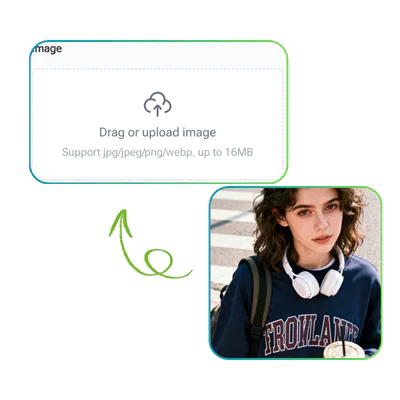
Step 1: Upload Your Photo

Click the upload button or drag and drop your image into VisualGPT. It supports PNG, JPG, JPEG, and WebP formats. Files under 20MB process fastest for quick results.

AI Recolor Image - Step 2: Input the Object to Recolor

Step 2: Input the Object to Recolor

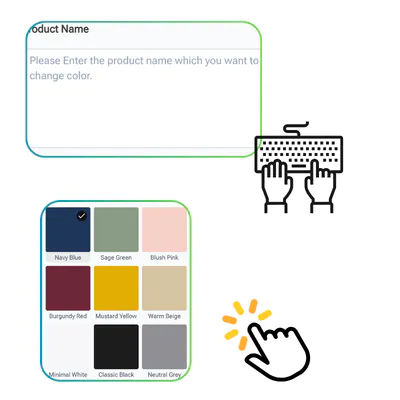
Type the object you want to recolor — like "the blue car" or "the red dress." VisualGPT's AI identifies the object and gets it ready for color changes.

AI Recolor Image - Step 3: Choose a Color

Step 3: Choose a Color

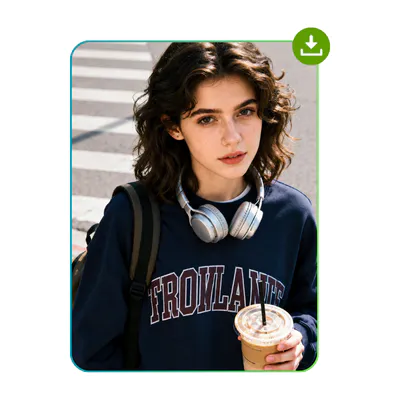
Pick a preset color or open the color palette to customize. VisualGPT applies the new color instantly. Download your finished image with no watermarks or quality loss.

Why Waste Hours on Color Changes?

A simple recolor in Photoshop takes 30 minutes. Canva locks color tools behind a paid Pro plan. Free tools force signups or add watermarks. The real problem isn't the color; it's the tool. VisualGPT removes every barrier. Upload your photo, tell our AI recolor image what to change, and download a professional result in 30 seconds. No subscription, no learning curve, no signup.

AI Recolor Image - Why Waste Hours on Color Changes?

AI Object Detection with Natural Color Preserving

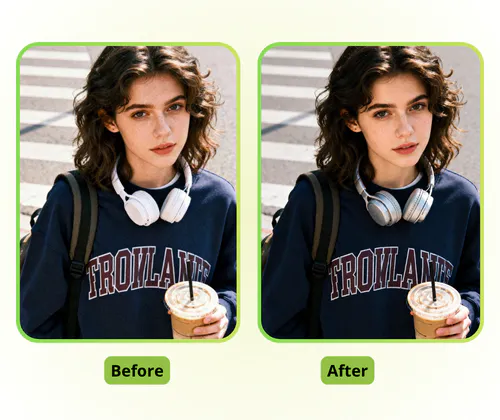
VisualGPT's AI automatically detects any object in your photo — a car, shirt, or sofa — and separates it from the background. It applies new colors while preserving the original lighting, shadows, and fabric texture. No manual selection, no layer masks, just describe what to recolor and get professional results.

AI Object Detection with Natural Color Preserving

Easy to Use with Zero Learning Curve

VisualGPT is designed for anyone, regardless of design experience. There's no learning curve, no tutorials to watch, no complex selection tools to figure out. Simply upload your photo, type the object you want to recolor, pick a preset color or use the palette, and download the result in seconds. It's that easy.

Easy to Use with Zero Learning Curve

Free to Use and Saves You Time

VisualGPT is free to use and saves you time. Change clothing colors for your online store, update car paint for a listing, or refresh furniture for a room design — all in seconds with just a few clicks. No Photoshop skills needed, no expensive subscriptions, no signup required. Start recoloring images right away.

Free to Use and Saves You Time

Ready to Recolor Your Photos?

Start using VisualGPT to recolor images now. Change colors in any photo in seconds — clothing, cars, furniture, and more. No login, no fees, no Photoshop required.

Recolor Image for Free

What Our Users Say About Recolor Image

J.M. avatar

J.M.

E-commerce Seller

As an e-commerce seller, showing my clothing products in multiple colors was costing me thousands in photography. VisualGPT's recolor image tool solved this immediately. I photograph one white shirt, then use the free image recolor feature to generate black, navy, and burgundy versions. The AI preserves fabric texture and lighting — customers can't tell the difference. I've expanded my color offerings from 3 to 8 options without any additional photoshoots. This free recolor image tool has become essential for my business.

R.K. avatar

R.K.

Real Estate Agent

I'm a real estate agent showing dated homes to skeptical buyers. Dark cabinets and brown carpet make properties look worse than they are. VisualGPT's recolor image feature lets me show the potential: change carpet to modern gray, transform oak cabinets to white. Buyers see the possibility instead of the problem. I've closed two deals that would have fallen through — both buyers said the color visualizations helped them see past the dated features. This free image recolor tool is now part of my standard listing preparation.
A.L. avatar

A.L.

Graphic Designer

As a graphic designer, I'm usually skeptical of free tools. VisualGPT's recolor image online tool genuinely impresses me. The AI understands object boundaries better than some paid alternatives. When I need to mock up brand color variations for client presentations, this free recolor image tool handles it in seconds. I upload logo files, describe the new brand colors, and get consistent results across all assets. It has replaced hours of manual Photoshop work. No watermarks, no quality loss, no subscription fees.

FAQs About Recolor Image
