
Images

Drag or upload image
Support jpg, jpeg, png, webp, up to 16MB

Room Type

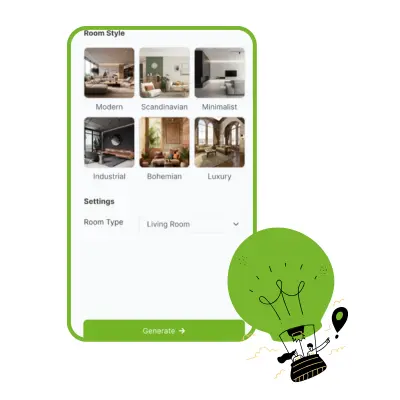
Room Style

Free AI Room Planner

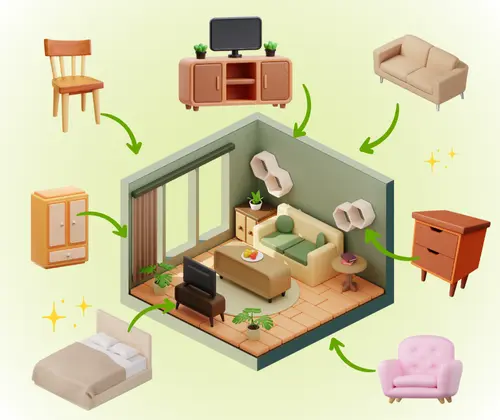
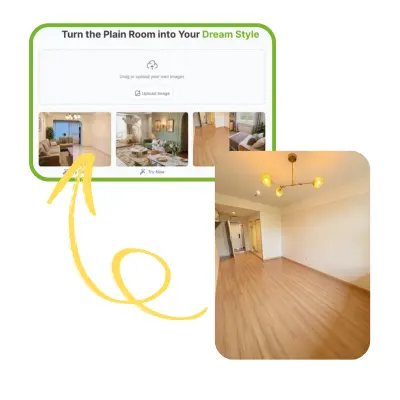
No design skills needed—AI helps you Turn Your Plain Room into Your Dream Style, or start from scratch with AI Floor Plan Generator.

AI Room Cleaner Sample: room with chair | VisualGPT

Free AI Room Planner – Design & Render Realistic Room Free Online

Create stunning interiors with AI Room Planner. Preserve room lighting & layout, generate realistic commercial-use renders. Free online, instant style switch.

Upload your Room
AI Room Planner – Design & Render Realistic Room Free Online

What is AI Room Planner?

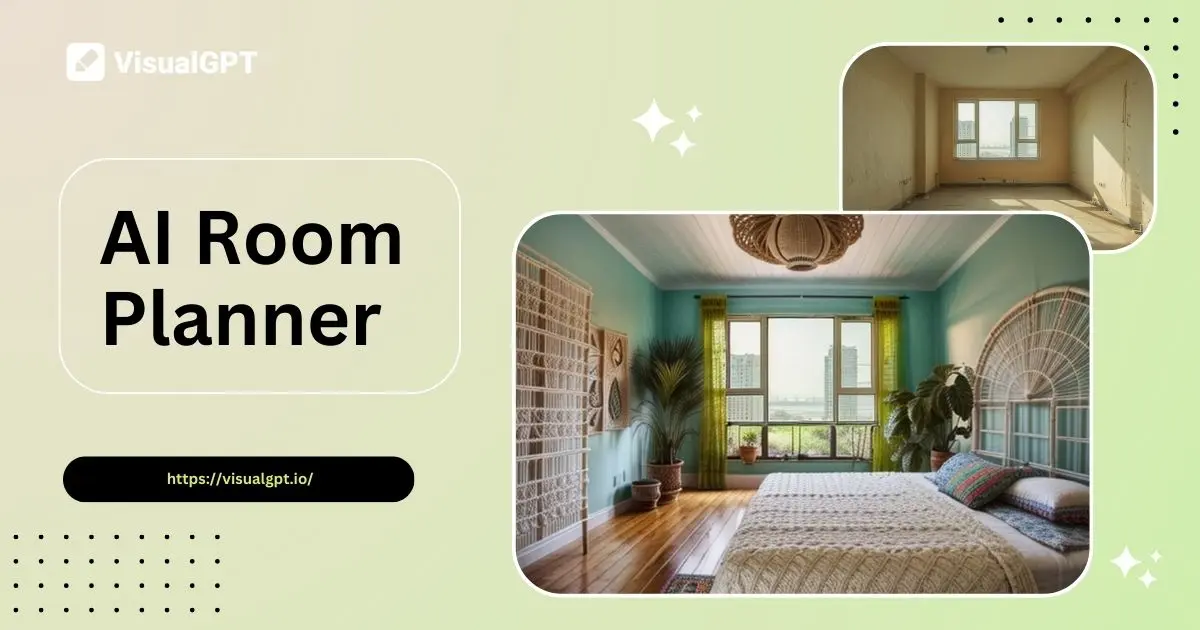
AI Room Planner is an online tool that turns your room photos into styled interiors. You can choose from many themes, preview layouts in seconds, and test ideas without moving furniture. It works in your browser, needs no install, and gives realistic images for home or office redesign.

AI Room Planner – What is AI Room Planner?

Why Choose AI Room Planner?

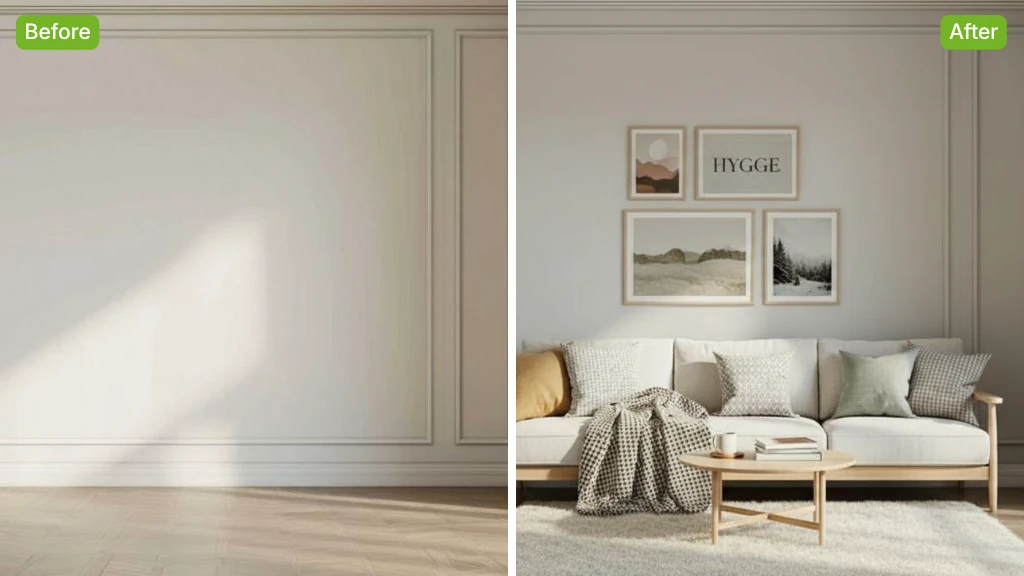
AI Room Planner quickly transforms your room photos into realistic, commercial-use designs while keeping the original layout and lighting. It’s perfect for exploring styles you love or for designers to share and discuss concepts with clients in the early planning stage.

AI Room Planner – Why Choose AI Room Planner?

Struggling to Visualize Your Dream Room Before Renovation?

Many people find it hard to imagine how their space will look after a redesign. Without realistic previews, choosing colors, furniture, and layout can feel risky. This uncertainty can lead to wasted time, higher costs, or designs that fail to match your style.

AI Room Planner – Struggling to Visualize Your Dream Room Before Renovation?

What are Key Highlights of Room Planner?

Room Planner turns room photos into realistic designs fast, with multiple styles, free to use, no login.

Accurate Structure and Lighting Preservation

No matter how complex your room is, AI Room Planner deeply understands its layout and natural lighting. The final designs stay true to the original space, making the results realistic and suitable for commercial use.

Multiple Designs in One Click

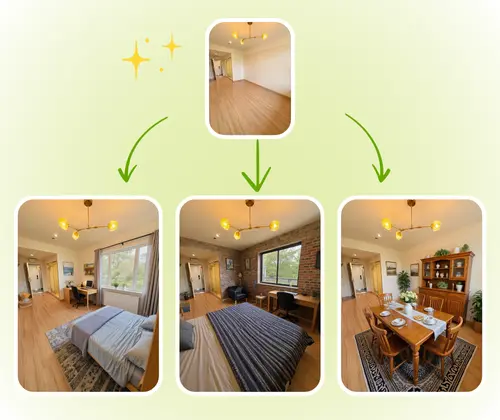
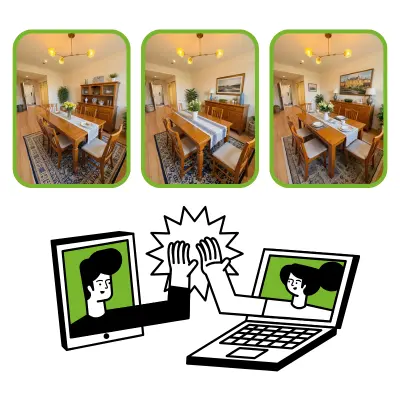
To help you find the perfect look faster, AI Room Planner generates several design variations at the same time. You can compare styles instantly and choose the one that matches your taste or project needs.

100% Free and Hassle-Free Access

AI Room Planner is entirely free—no login, no installation, and no hidden fees. Upload your photo, generate designs, and download your favorite results without any barriers or extra steps.

How to Use AI Room Planner in 3 Simple Steps

With AI Room Planner, you can turn any room photo into a realistic design in minutes, with no skills needed—ideal for personal style ideas or early project planning.

AI Room Planner: Step 1: Upload Your Room Photo

Step 1: Upload Your Image

Start by uploading a clear photo of the room you want to design. The better the lighting and angles, the more accurate the generated design will be, ensuring a realistic base for transformation.

AI Room Planner: Step 2: Let Room Planner Recognize and Style Your Space

Step 2: Let Room Planner Recognize and Style Your Space

AI Room Planner automatically analyzes the room’s structure and lighting, then applies your chosen style. Furniture and décor are placed to match the scene, creating designs that look natural and true to life.

AI Room Planner: Step 3: Get Multiple Designs and Choose Your Favorite

Step 3: Get Multiple Designs and Choose Your Favorite

In one go, AI Room Planner creates several design variations. You can download the one you like most and share it with a designer or client to discuss and refine ideas before starting the real project.

Start Designing Your Dream Room Today

Turn your room photo into a stunning, realistic design in minutes. Explore styles, compare options, and bring your vision to life—no login, no download, completely free.

Get Started Free

What Users Say About AI Room Planner

J.K. avatar

J.K.

Graphic Designer

AI Room Planner made it so easy to visualize my room before renovation. I uploaded a few photos, and within minutes, I had multiple realistic designs to choose from. The tool preserved the original structure and lighting perfectly, making each option look natural. It’s also free and doesn’t require any login, which saved me a lot of time. I could quickly compare styles and find the one I truly liked, which made planning my space stress-free and fun.

M.L. avatar

M.L.

Photographer

As an interior designer, AI Room Planner is a game-changer. It lets me present multiple realistic design options to clients instantly. The tool keeps the room layout and light intact, so the previews feel accurate and professional. Generating several variations at once helps me and my clients explore ideas faster and make decisions without endless back-and-forth. It’s also free and easy to use, which is perfect for quick project discussions.
S.T. avatar

S.T.

Social Media Manager

I love using AI Room Planner to experiment with different styles for my living room. The tool creates realistic designs while keeping the room’s natural features intact. Seeing multiple options in minutes helps me decide on colors, furniture, and layouts with confidence. It’s fast, free, and doesn’t require any software installation, making it perfect for personal use and quick planning.
R.C. avatar

R.C.

Digital Artist

AI Room Planner helped me communicate my ideas clearly with my clients. I could generate multiple realistic layouts in one click, which saved time during initial design meetings. The tool maintains the original room structure and lighting, so the visuals are reliable for discussion. It’s free, simple, and efficient—perfect for designers looking to impress clients early in the project.
A.H avatar

A.H

Illustrator

Using AI Room Planner was a breeze. I uploaded a photo of my bedroom and instantly got several realistic design options. The designs looked professional and kept the room’s original details intact. This helped me visualize different styles and pick one I truly loved. The process was fast, free, and didn’t require any complicated setup.
L.W. avatar

L.W.

Visual Content Creator

AI Room Planner is a must-have for anyone planning a room makeover. It generates realistic designs that preserve the room’s original layout and lighting. Being able to see multiple options quickly made it easy to decide on the perfect style. The tool is free, online, and user-friendly, which makes exploring new ideas simple and stress-free.

Frequently Asked Questions About AI Room Planner

AI Room Planner uses advanced algorithms to analyze your uploaded room photos, understanding the structure, lighting, and space layout. It then generates multiple realistic design options that maintain the original room’s features. This allows you to visualize different furniture arrangements, colors, and styles accurately. The tool is fast, easy to use, and ideal for homeowners, designers, and anyone planning renovations, helping you make confident decisions before starting a project.
Yes, AI Room Planner is completely free to use. You do not need to download any software or create an account. Simply upload your room photo and start generating realistic designs. The tool provides multiple options at once, saving time and effort while helping you explore various layouts and styles. Its free access makes it perfect for both personal use and professional design discussions without any hidden costs or limitations.
Absolutely. AI Room Planner generates realistic designs that can be used for commercial projects. Designers and professionals can share the generated visuals with clients for presentations, proposals, or early-stage planning. The tool preserves the room’s original layout and lighting, ensuring accurate representations suitable for professional use while helping streamline the design process efficiently.
No login or software installation is required to use AI Room Planner. Everything works online in your browser. You just upload your room photo, choose your preferred style, and receive multiple realistic designs instantly. This hassle-free process makes it easy for anyone to quickly visualize their space without technical barriers, making room planning faster and more accessible.
AI Room Planner generates multiple design options in a single attempt. This feature allows you to compare different styles, furniture arrangements, and layouts quickly. By offering several realistic variations, it helps you find the perfect design for your space faster, whether you are planning a personal room makeover or presenting multiple concepts to a client.
Yes, AI Room Planner can handle even complex room structures. It carefully analyzes your space, including corners, lighting, and furniture placement, to generate realistic designs. This ensures that the resulting visuals remain true to your original room while exploring different styling options. Designers and homeowners can rely on it to visualize intricate spaces accurately.
AI Room Planner works for all types of rooms, including living rooms, bedrooms, kitchens, offices, and commercial spaces. Simply upload a photo, and the tool will preserve the original structure and lighting while creating multiple realistic designs. This flexibility makes it suitable for personal projects, interior design planning, or client presentations across a variety of spaces.
AI Room Planner produces multiple realistic designs within minutes. The tool is optimized for speed while maintaining high accuracy in preserving room structure and lighting. This quick turnaround allows you to explore various styles efficiently, making it ideal for homeowners who want immediate results and designers who need fast visualizations for client meetings.
Yes, you can easily download any design generated by AI Room Planner. After choosing your favorite layout or style, the tool lets you save the image for personal reference or professional use. The download is free, and the high-quality visuals can be used for planning, presentations, or sharing ideas with clients and collaborators.
The designs from AI Room Planner are highly realistic, keeping the room’s original layout, lighting, and structural details intact. This makes it easy to see how furniture, colors, and decor will look in real life. The realistic visuals help homeowners make informed decisions and enable designers to communicate ideas clearly with clients, reducing guesswork in planning.
Yes, AI Room Planner is ideal for exploring different furniture arrangements, color schemes, and styles. By generating multiple realistic options, you can compare various designs and choose the one that best fits your taste. This helps avoid costly mistakes and ensures that your final room setup reflects your vision accurately.
AI Room Planner is perfect for homeowners, interior designers, and professionals who need fast, realistic room visualizations. It helps individuals explore styles for personal projects and supports designers in communicating early-stage concepts with clients. Its easy online access, free use, and multiple design options make it valuable for anyone planning a room transformation efficiently.