



VisualGPT Logo

Free AI Image Colorizer

Add natural, realistic colors to black and white photos online.

Drag or upload images Support batch upload, up to 5 images at a time

Support jpg/jpeg/png/webp, up to 16MB

No Image?
Try one of these:
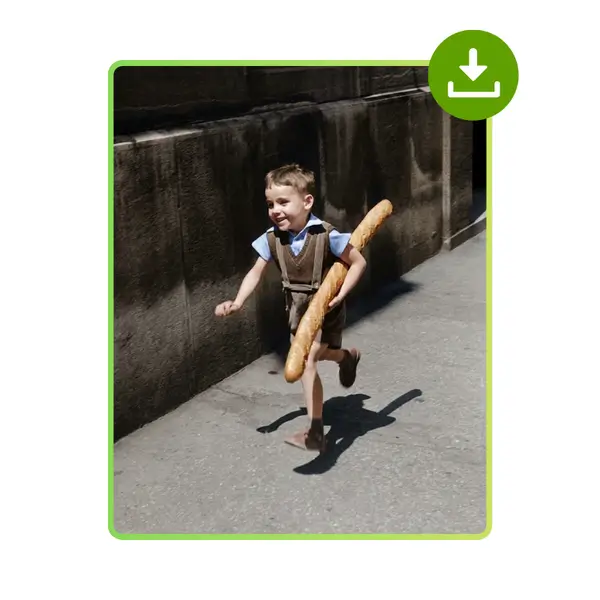
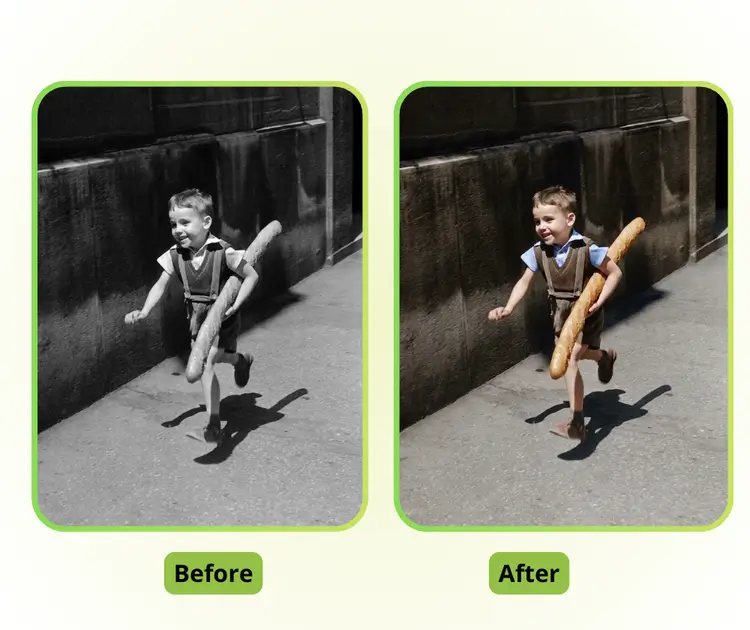
AI Image Colorizer Sample: Black-and-white photo
VisualGPT - Rated 4.9+ by VisualGPT Users
Rated 4.9+
by VisualGPT Users
VisualGPT - Rated 4.9+ by VisualGPT Users
VisualGPT - 50k+ Pictures Create
50M+
Pictures Created
VisualGPT - 50k+ Pictures Create
VisualGPT - Trusted By 100+ Organizations
Trusted By 800+
Organizations
VisualGPT - Trusted By 100+ Organizations

Helping creators & businesses everywhere work easier

Spotify
YouTube
TikTok
Amazon
Business Insider
Forbes
ABC
Buzfeed
CBS
Fox
NBC
Yahoo
Mashable
LifeWire
BBC
Nature
Spotify
YouTube
TikTok
Amazon
Business Insider
Forbes
ABC
Buzfeed
CBS
Fox
NBC
Yahoo
Mashable
LifeWire
BBC
Nature
Spotify
YouTube
TikTok
Amazon
Business Insider
Forbes
ABC
Buzfeed
CBS
Fox
NBC
Yahoo
Mashable
LifeWire
BBC
Nature

AI Image Colorizer – Free Colorize Photos Online, No sign-Up

Image Colorizer uses AI to add natural colors to black and white photos online. Upload old photos, restore details, and get realistic color results fast.

Colorize Photo Now
AI Image Colorizer – Free Colorize Photos Online, No sign-Up

What is Image Colorizer?

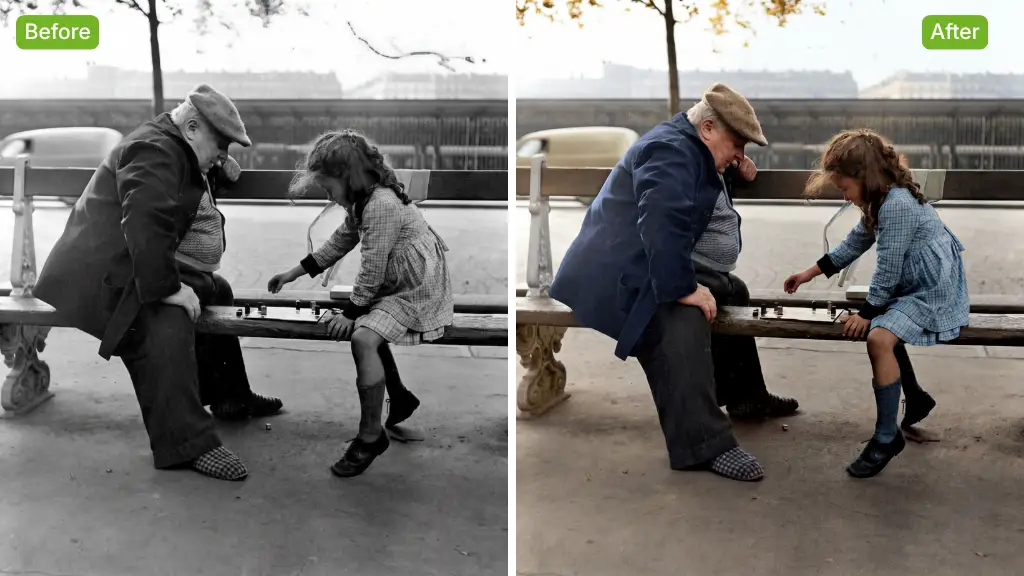
Image Colorizer is an AI-powered tool that turns black and white photos into vivid, realistic color images online. With Image Colorizer, you only need to upload a photo and the AI will auto colorize photos in seconds, no editing skills needed. It smartly detects people, backgrounds, and objects to add natural tones and clearer details, making old photos feel alive again. You can preview black and white vs color results side by side, which is great for quick checks or batch work. If you also need photo repair, AI Old Photo Restoration and AI Unblur Image are worth trying too.

AI Image Colorizer - What is Image Colorizer?

How to Use Image Colorizer in 3 Simple Steps

This short guide explains how to use Image Colorizer to turn black and white photos into color images online. The steps are clear, fast, and easy, even for first-time users.

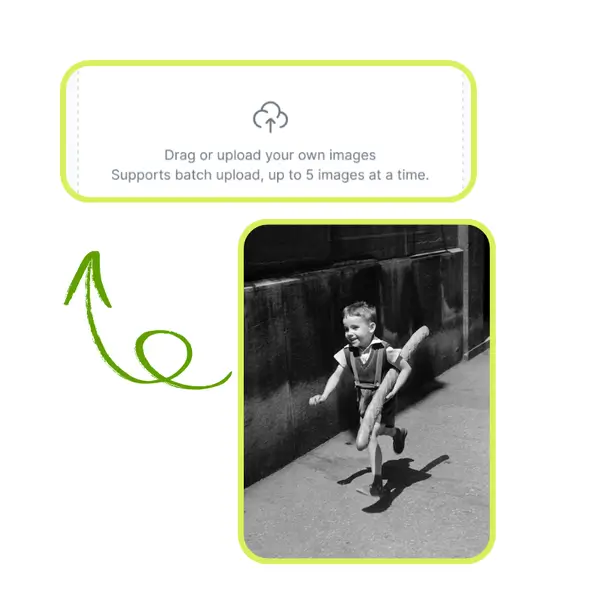
AI Image Colorizer - Step 1: Upload a Black and White Photo

Step 1: Upload a Black and White Photo

Select a black and white image from your device and upload it to Image Colorizer. The tool works fully online and supports common photo formats without setup or extra steps.

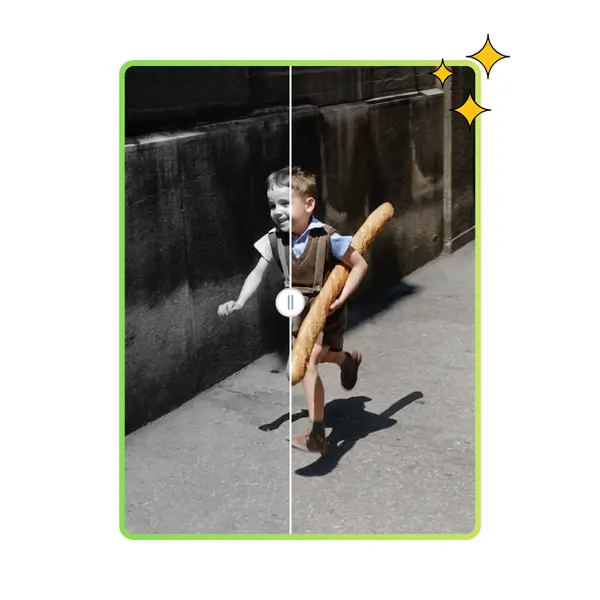
AI Image Colorizer - Step 2: Preview Colorized Result

Step 2: Preview Colorized Result

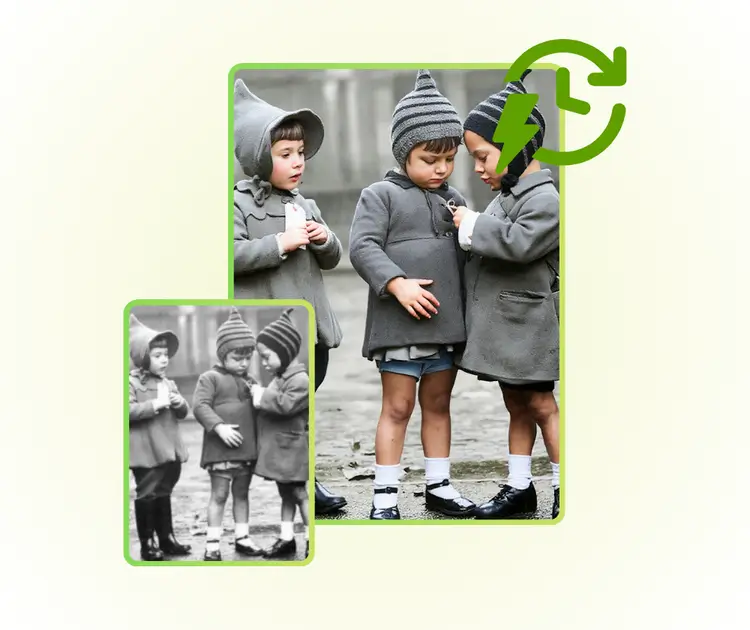
Image Colorizer adds color automatically after upload. You can view the color version next to the original photo to compare details, tones, and overall visual changes.

AI Image Colorizer - Step 3: Download the Final Image

Step 3: Download the Final Image

When the preview looks right, download the colorized photo with one click. The image is ready for saving, sharing, or using in personal and creative projects.

Old Black and White Photos Feel Lifeless and Hard to Restore

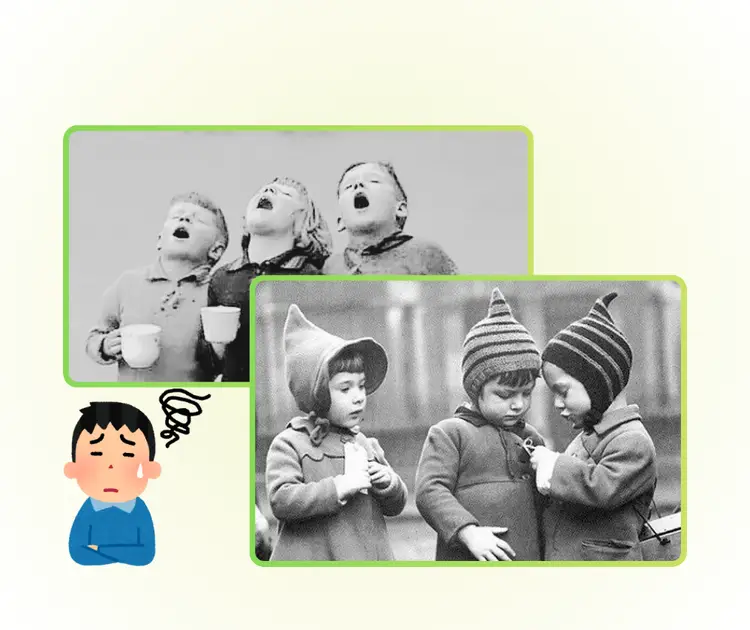
Many people have old black and white photos that feel flat and distant. Editing them by hand takes time and skill. Image Colorizer solves this pain fast. With Image Colorizer, users can colorize photos online without learning tools. Image Colorizer restores faces, clothes, and backgrounds naturally. For families, creators, or students, Image Colorizer turns memories into clear color images in seconds.

AI Image Colorizer - Old Black and White Photos Feel Lifeless and Hard to Restore

One-Click Colorize Photos With No Learning Curve

Image Colorizer helps users add color to black and white photos in seconds. You only upload an image and wait for the result. No tools, no sliders, and no design skills are needed. Image Colorizer is ideal for beginners who want fast photo colorization without learning complex editing steps.

One-Click Colorize Photos With No Learning Curve

Natural Colors That Keep Photo Details Clear

Image Colorizer applies realistic colors by separating people, objects, and backgrounds. This helps keep skin tones soft and details sharp. Old photos look more alive but still natural. Image Colorizer avoids strong or fake colors, making results suitable for sharing or printing.

Natural Colors That Keep Photo Details Clear

Online Preview for Easy Before and After Check

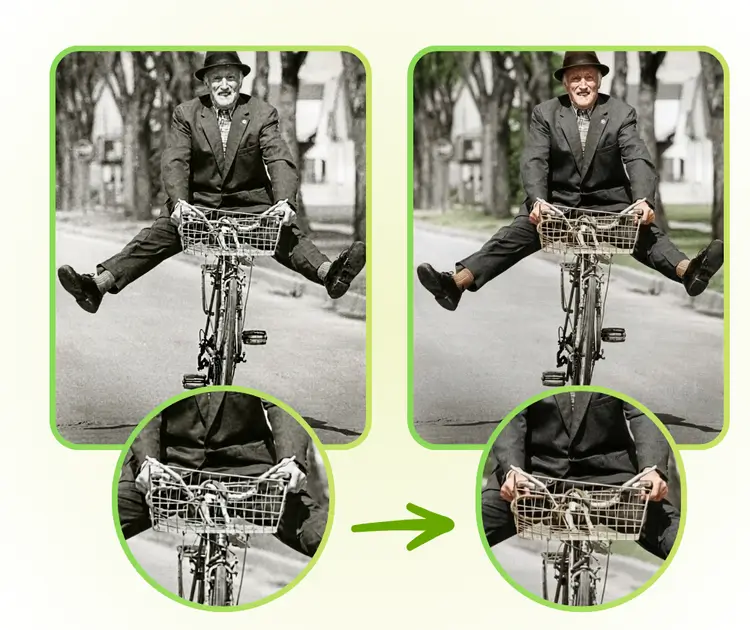
Image Colorizer works fully online and shows black and white images next to the color result. This preview helps users quickly judge quality before download. Image Colorizer fits quick tests and batch tasks, especially when you need to colorize photos online without software.

Online Preview for Easy Before and After Check

Bring Old Photos Back to Life in Seconds

Start using Image Colorizer to turn black and white photos into natural color images online. No skills or setup needed. Upload a photo, preview the result, and download a clean, realistic color version fast.

Colorize Photo Now

What Users Say About Image Colorizer

J.S. avatar

J.S.

Family Archivist

"I use Image Colorizer mainly to restore old family photos, and the results surprised me in a good way. The Image Colorizer workflow is very simple, so I did not need to learn any tools. I uploaded a black and white photo, waited a short moment, and got a natural color version that still looked real. Skin tones felt soft, backgrounds stayed clean, and small details became clearer. For anyone who wants to colorize photos online without design skills, Image Colorizer feels practical and reliable."
M.T. avatar

M.T.

Digital Content Creator

"As a content creator, I often need fast tools to prepare visuals, and Image Colorizer fits well into my routine. I tested Image Colorizer on portraits and street photos, and the color results looked balanced instead of overdone. I also liked being able to compare black and white images with the colorized version before downloading. This made it easier to choose the best result for my posts. Image Colorizer saves time and keeps image quality high, which matters when publishing often."
L.R. avatar

L.R.

Photo Restoration Specialist

"I work with historical photos for small projects, and Image Colorizer helps a lot when clients want a quick preview. The Image Colorizer process feels smooth from upload to download, even for large images. Colors look natural and do not hide original textures. I also appreciate that Image Colorizer runs online, so I do not need extra software. For restoring photos or testing color ideas, this tool gives clear and useful results without extra steps."

FAQs About Image Colorizer

