













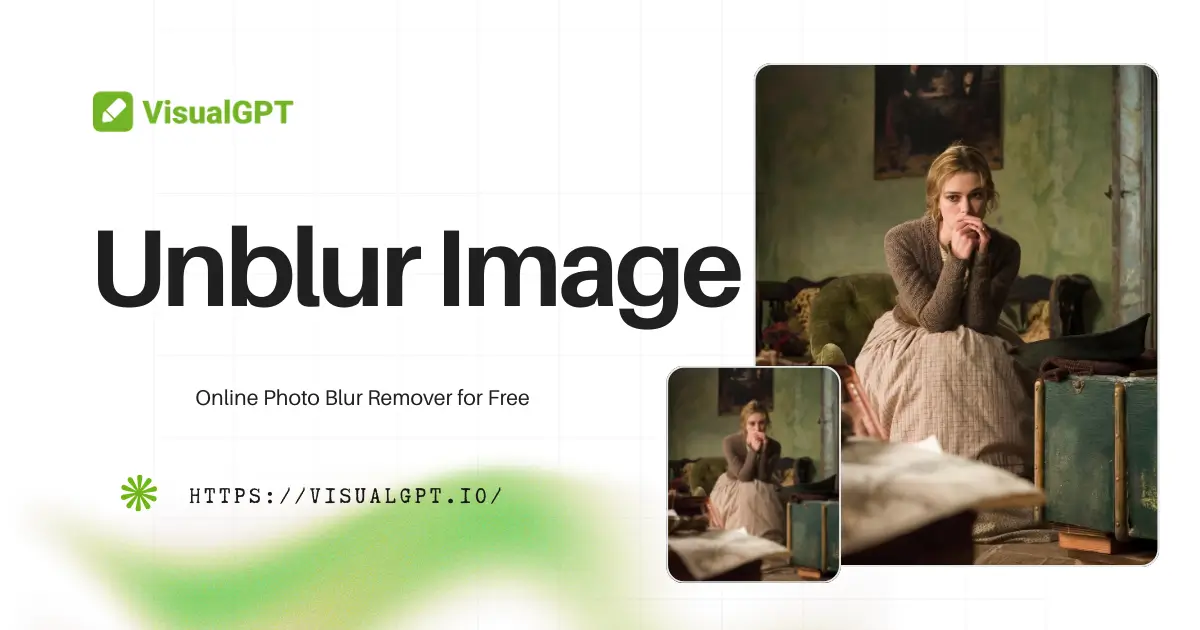

VisualGPT Logo

Free AI Unblur Image

Remove blur from photos with AI. Upload an image to restore clearer details and improve overall quality online.

Drag or upload images Support batch upload, up to 5 images at a time

Support jpg/jpeg/png/webp, up to 16MB

No Image?
Try one of these:
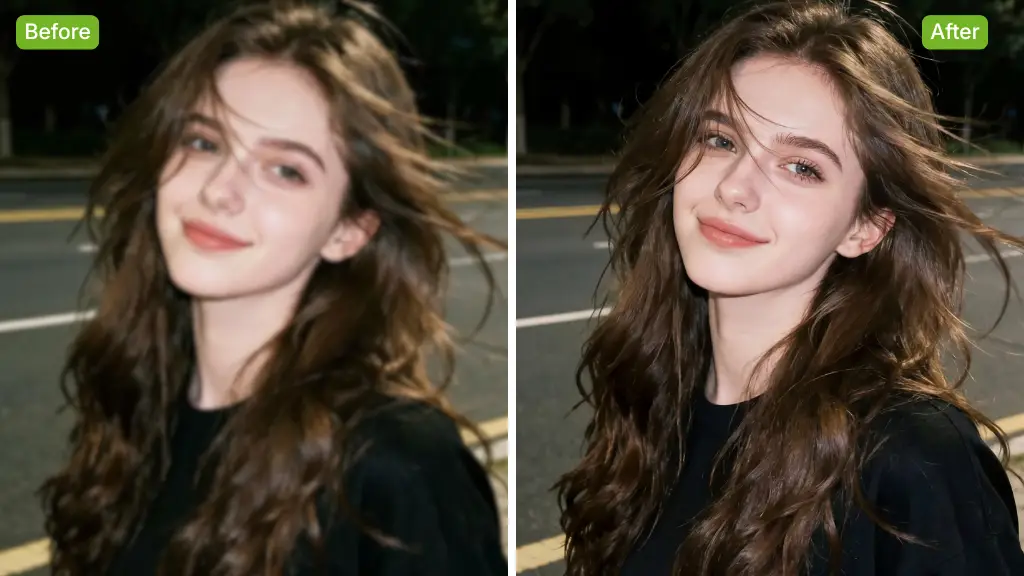
AI Unblur Image Sample | VisualGPT
VisualGPT - Rated 4.9+ by VisualGPT Users
Rated 4.9+
by VisualGPT Users
VisualGPT - Rated 4.9+ by VisualGPT Users
VisualGPT - 50k+ Pictures Create
50M+
Pictures Created
VisualGPT - 50k+ Pictures Create
VisualGPT - Trusted By 100+ Organizations
Trusted By 800+
Organizations
VisualGPT - Trusted By 100+ Organizations

Helping creators & businesses everywhere work easier

Spotify
YouTube
TikTok
Amazon
Business Insider
Forbes
ABC
Buzfeed
CBS
Fox
NBC
Yahoo
Mashable
LifeWire
BBC
Nature
Spotify
YouTube
TikTok
Amazon
Business Insider
Forbes
ABC
Buzfeed
CBS
Fox
NBC
Yahoo
Mashable
LifeWire
BBC
Nature
Spotify
YouTube
TikTok
Amazon
Business Insider
Forbes
ABC
Buzfeed
CBS
Fox
NBC
Yahoo
Mashable
LifeWire
BBC
Nature

Unblur Image with AI – Online Photo Blur Remover for Free

Unblur Image uses AI to quickly remove blur from your photos online for free. Restore details, improve clarity, and get high-quality results instantly.

Unblur Image Now
Unblur Image with AI – Online Photo Blur Remover for Free

What is Unblur Image?

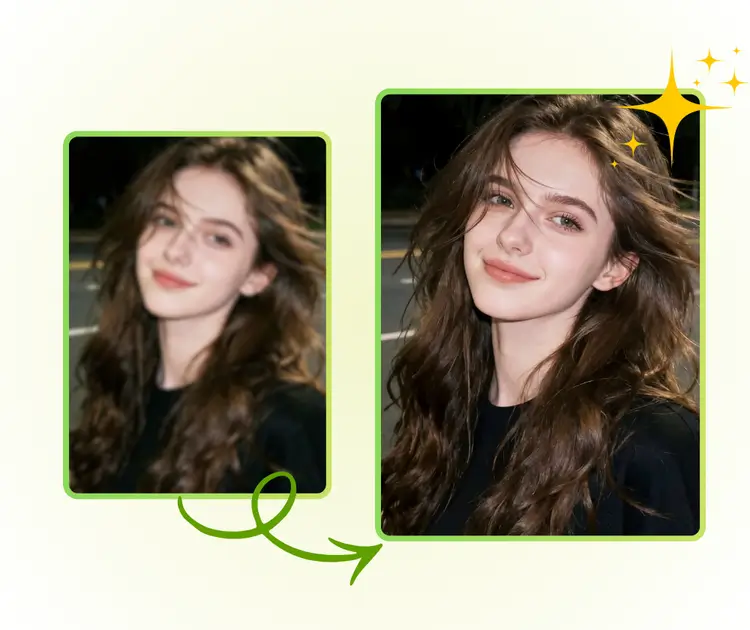
Unblur Image is an online AI tool that helps you fix blurry photos in seconds. If an image looks unclear due to motion, low light, or focus issues, Unblur Image can recover lost details and improve clarity naturally. The tool detects blurry areas automatically and restores them without harsh edges or fake effects. No downloads or sign-up are needed. Just upload your photo and get results fast. Unblur Image works well for portraits, product photos, and daily images. For deeper fixes on damaged pictures, you can also try Old Photo Restoration.

What is Unblur Image?

How to Unblur Image Online in 3 Easy Steps

Learn how to unblur image online with AI in just a few clicks. No skills or software needed. Upload your photo, remove blur instantly, and download a clearer image in seconds.

Unblur Image with AI: Step 1 - Upload a Blurry Image

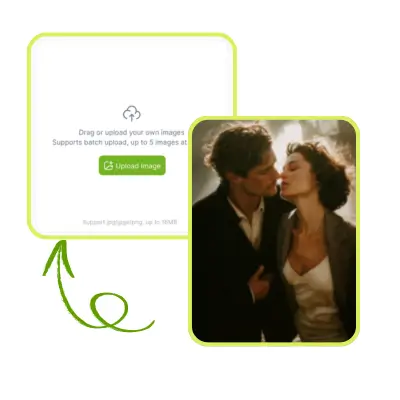
Step 1: Upload a Blurry Image

Upload the image you want to unblur from your phone or computer. The tool supports common formats and works well for portraits, motion blur, low-light photos, and scanned images.

Unblur Image with AI: Step 2 - One-Click Unblur Image

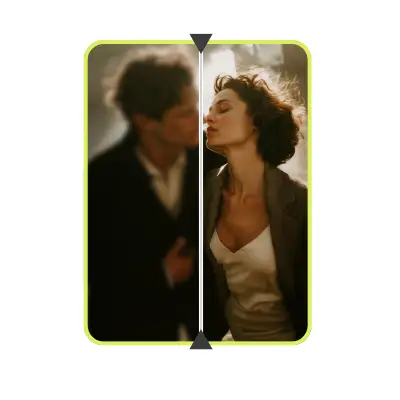
Step 2: One-Click Unblur Image

Click the unblur button and let AI analyze your photo. It detects blurry areas, restores missing details, and improves clarity while keeping faces, edges, and textures natural.

Unblur Image with AI: Step 3 - Download the Result

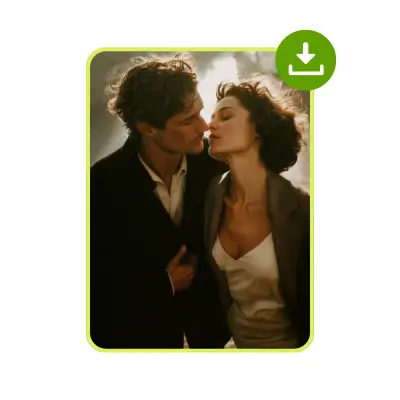
Step 3: Download the Result

Preview the unblur image and download it instantly. The final photo is ready for sharing, printing, or online use, with no watermark and no sign-up required.

When a Blurry Photo Ruins the Moment You Needed Most

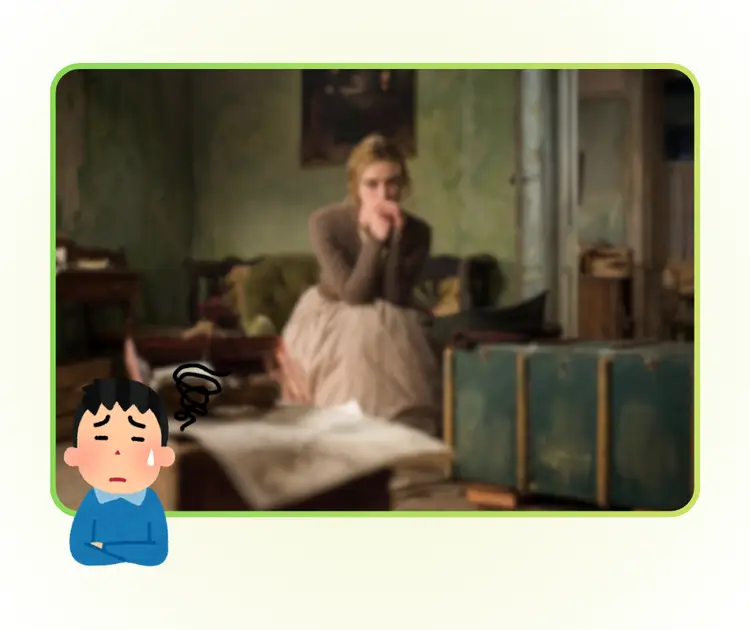
You take a photo at the perfect moment, then notice it is blurry and unusable. Faces look soft, text is hard to read, and important details are lost. Many users search for unblur image tools because retaking the photo is impossible. Screenshots, old pictures, or fast shots often suffer from blur. An unblur image solution is needed to quickly remove blur online, restore clarity, and save photos without complex editing or expensive software.

When a Blurry Photo Ruins the Moment You Needed Most

One-Click AI Unblur for Fast Results

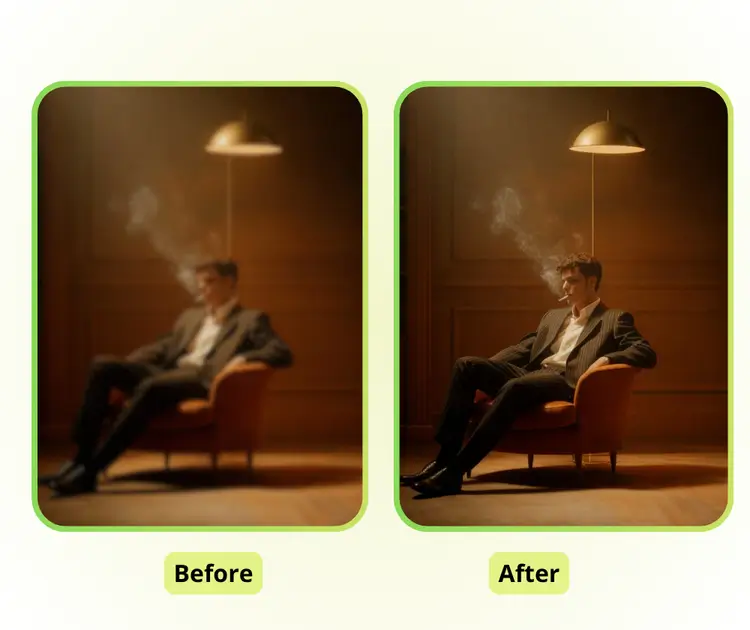
Unblur Image instantly removes blur from your photos. The AI detects unclear areas and restores details automatically, so you don’t need any editing skills. Perfect for everyday photos, screenshots, or important memories. Get clear, high-quality images online quickly and easily.

One-Click AI Unblur for Fast Results

Natural and Realistic Photo Recovery

Unblur Image keeps your photos looking real. It preserves textures, colors, and fine details while removing blur. Faces stay natural and backgrounds remain smooth. This ensures your images are clear without looking over-processed or artificial, making your photos look naturally sharp.

Natural and Realistic Photo Recovery

High-Quality Images in Seconds

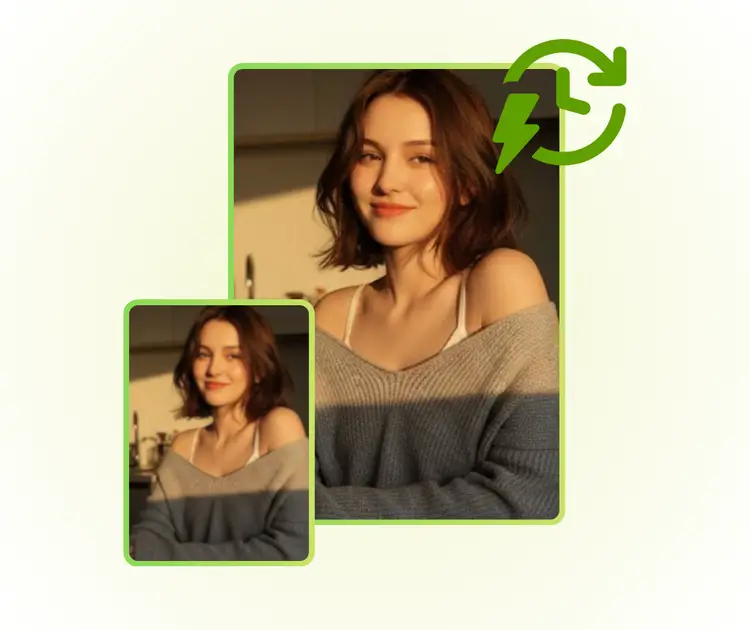
Unblur Image enhances clarity and restores missing details automatically. Both foreground and background remain detailed while edges stay soft. You get clear, high-definition images instantly online without downloads or sign-up, making unblur image fast and effortless.

High-Quality Images in Seconds

Unblur Your Photos Instantly Online

Bring your blurry photos back to life with just one click. Unblur Image uses AI to restore details and clarity fast, giving you high-quality results online without any downloads or sign-up. Start enhancing your images today!

Unblur My Photo Now

What Users Say About Unblur Image

M.R. avatar

M.R.

Travel Blogger

"I tried Unblur Image on some old vacation photos that had become really blurry over time. The AI instantly restored the details, making faces and scenery clear again. It was simple, fast, and the results looked natural without any weird edges. I’m impressed by how this online tool brings my photos back to life effortlessly."

K.L. avatar

K.L.

Freelance Photographer

"Using Unblur Image was a game-changer for my photography work. Some client photos came out slightly out of focus, and this AI tool instantly fixed them. The restored images kept all the original textures and colors, and I didn’t need to adjust anything manually. It’s now my go-to solution for quick photo fixes."
D.H. avatar

D.H.

Content Creator

"I’ve been looking for a way to improve my blurry social media shots, and Unblur Image delivered perfectly. The AI made the images crisp while keeping them natural and realistic. I love that it’s free and works directly online—no downloads or sign-up required. My feed looks way better now!"

FAQs About Unblur Image
