

















VisualGPT Logo

Models

Images (Optional)

Drag or upload images(0/4) Drag or upload image

Support jpg/jpeg/png/webp, up to 16MB

Prompt

Aspect Ratio

Quality

GPT Image 1.5 - AI Image Editor

Create detailed visuals, apply style changes, and improve clarity effortlessly.

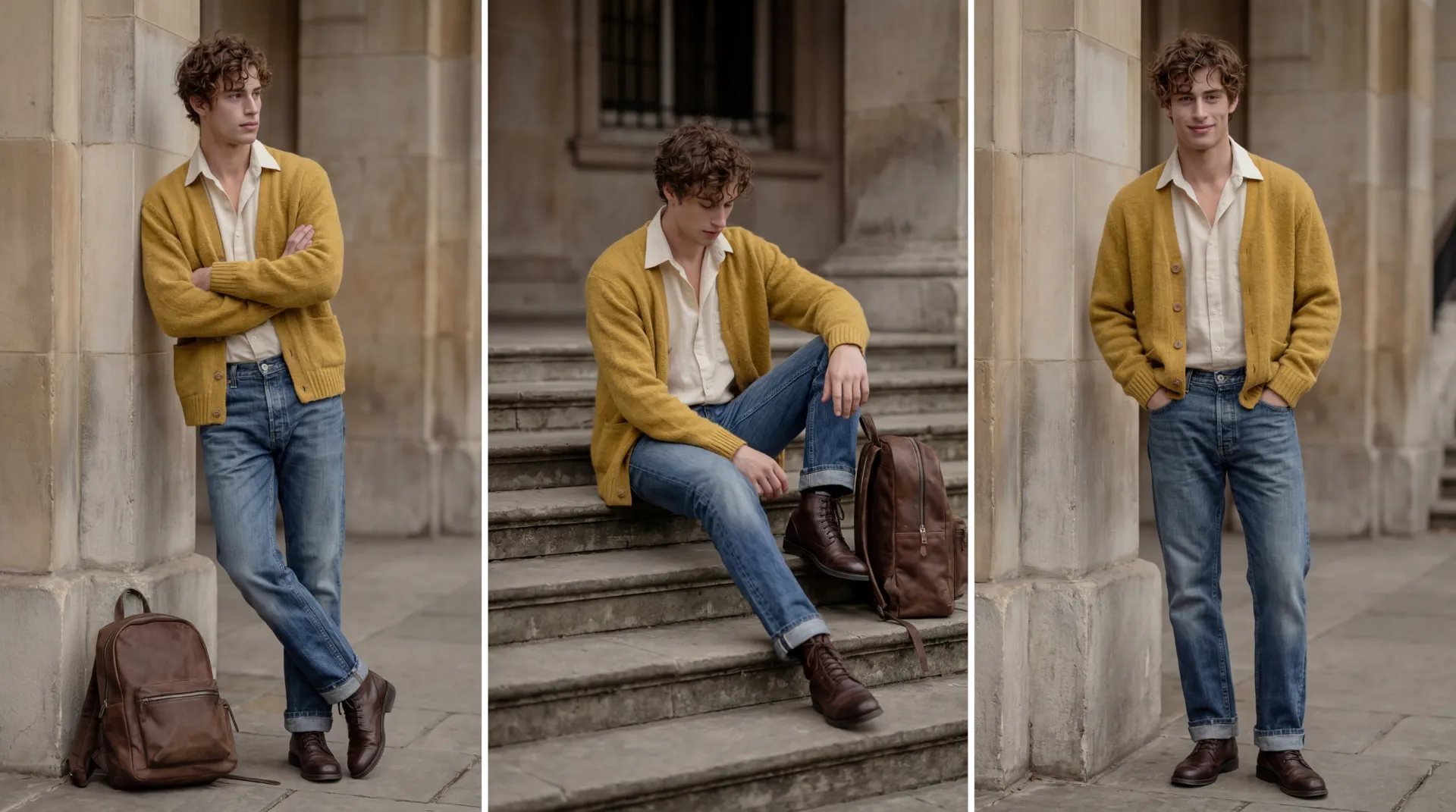
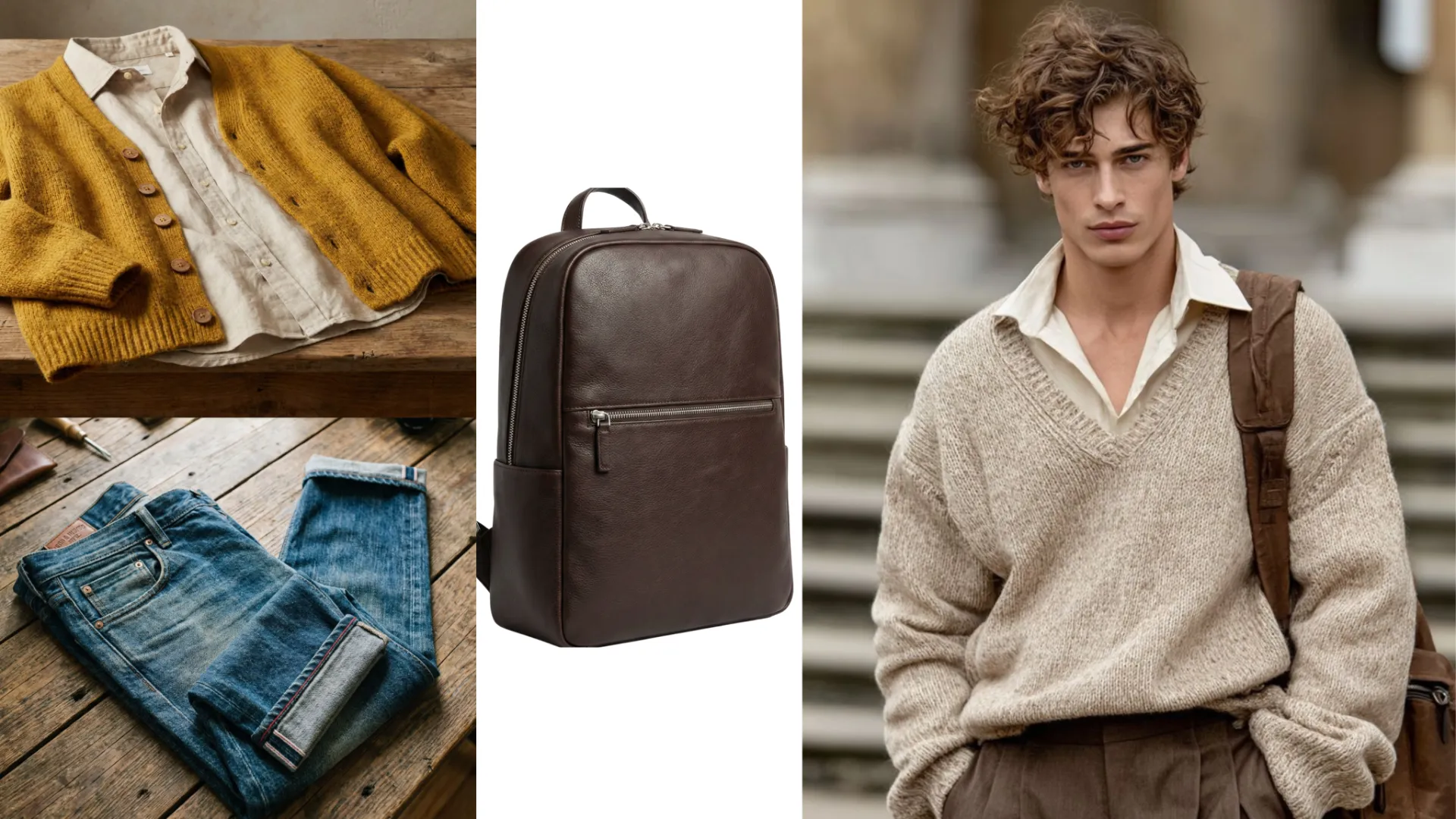
GPT Image 1.5 Sample: Multi-image Fusion after
GPT Image 1.5 Sample: Multi-image Fusion before
GPT Image 1.5 Sample: Multi-image Fusion after
VisualGPT - Rated 4.9+ by VisualGPT Users
Rated 4.9+
by VisualGPT Users
VisualGPT - Rated 4.9+ by VisualGPT Users
VisualGPT - 50k+ Pictures Create
50M+
Pictures Created
VisualGPT - 50k+ Pictures Create
VisualGPT - Trusted By 100+ Organizations
Trusted By 800+
Organizations
VisualGPT - Trusted By 100+ Organizations

Helping creators & businesses everywhere work easier

Spotify
YouTube
TikTok
Amazon
Business Insider
Forbes
ABC
Buzfeed
CBS
Fox
NBC
Yahoo
Mashable
LifeWire
BBC
Nature
Spotify
YouTube
TikTok
Amazon
Business Insider
Forbes
ABC
Buzfeed
CBS
Fox
NBC
Yahoo
Mashable
LifeWire
BBC
Nature
Spotify
YouTube
TikTok
Amazon
Business Insider
Forbes
ABC
Buzfeed
CBS
Fox
NBC
Yahoo
Mashable
LifeWire
BBC
Nature

GPT Image 1.5 - Free AI Image Editor by OpenAI, No Sign-up

GPT Image 1.5 is AI image editor by OpenAI. Create, edit, and enhance images with multiple styles, precise details, and high-quality results instantly online.

Generate GPT Image 1.5
GPT Image 1.5 - Free AI Image Editor by OpenAI, No Sign-up

What is GPT Image 1.5?

GPT Image 1.5 is a powerful AI image editor made for fast and flexible visual creation. With GPT Image 1.5, you can turn text into images, edit existing photos, and work with multiple images at once. It stands out for clean portrait results, strong visual style control, and smooth feature handling in complex scenes. GPT Image 1.5 also supports HD image restoration and precise edits, so details stay sharp and natural. If you want an easy way to create, refine, and upgrade images online, GPT Image 1.5 is a smart choice. For different styles or model behavior, you can also try Nano Banana Pro or Seedream 4.5.

What is GPT Image 1.5?

How to Use GPT Image 1.5

This short tutorial explains how to edit images with GPT Image 1.5 online. No complex setup is needed, making image creation easy for beginners and creators.

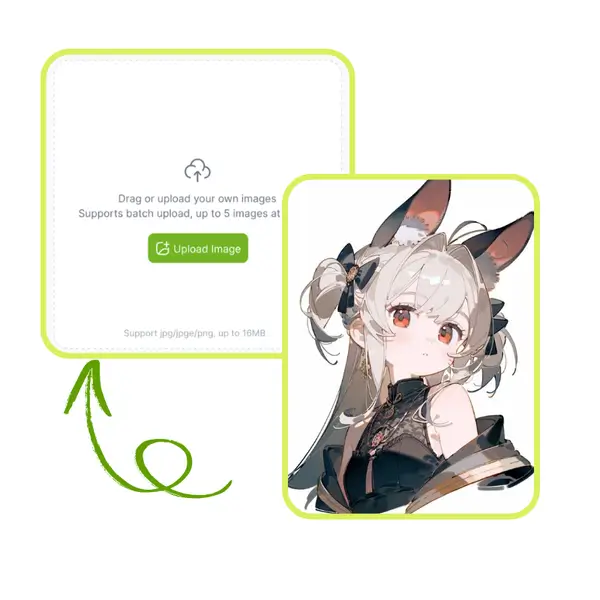
Step 1: Upload Your Image

Step 1: Upload Your Image

Upload a photo from your device. GPT Image 1.5 supports common formats and works well with portraits, objects, and scenes. The image is prepared automatically for prompt-based editing.

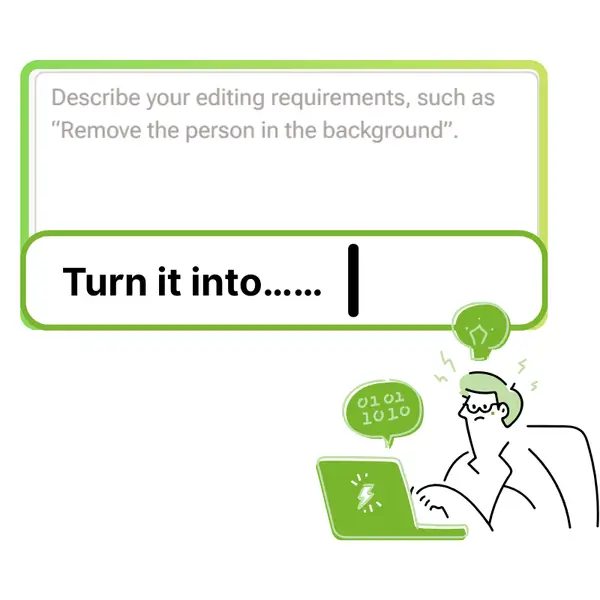
Step 2: Enter Your Prompt

Step 2: Enter Your Prompt

Type a short prompt to describe the change you want. You can adjust style, details, or composition. GPT Image 1.5 follows the prompt while keeping the image structure balanced.

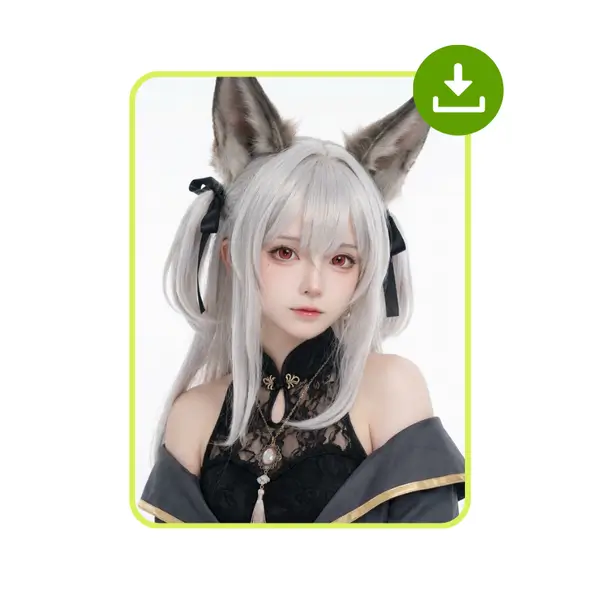
Step 3: Generate and Download

Step 3: Generate and Download

Click generate and wait a moment. Preview the result and download the image when ready. The output is clear and suitable for design, sharing, or creative use.

When Image Editing Feels Too Slow and Complex

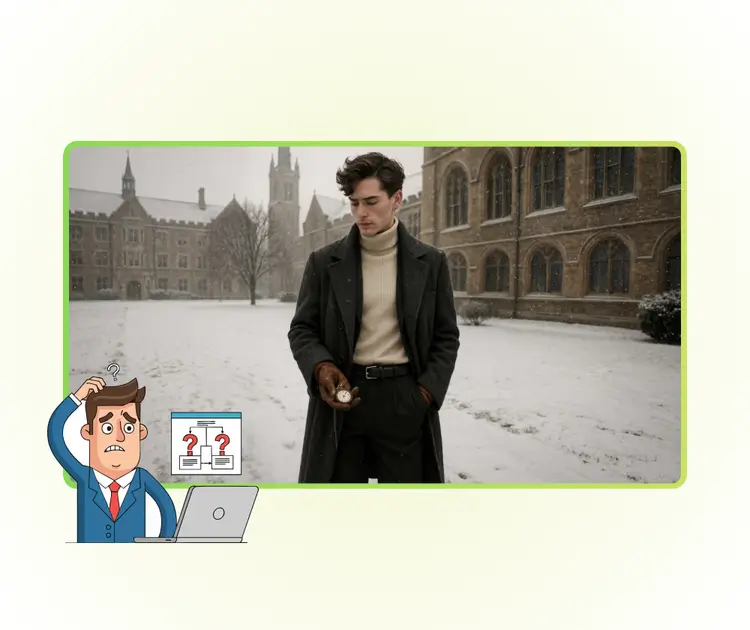
Many users want fast image results but feel blocked by complex tools. Traditional editors need skills, time, and many steps. When trying to test a new idea or fix an image quickly, the process feels heavy. Users searching for GPT Image 1.5 want a simpler way to edit images with clear prompts and instant output, without learning curves or extra setup.

GPT Image 1.5 - When Image Editing Feels Too Slow and Complex

One Prompt Does More Than One Tool

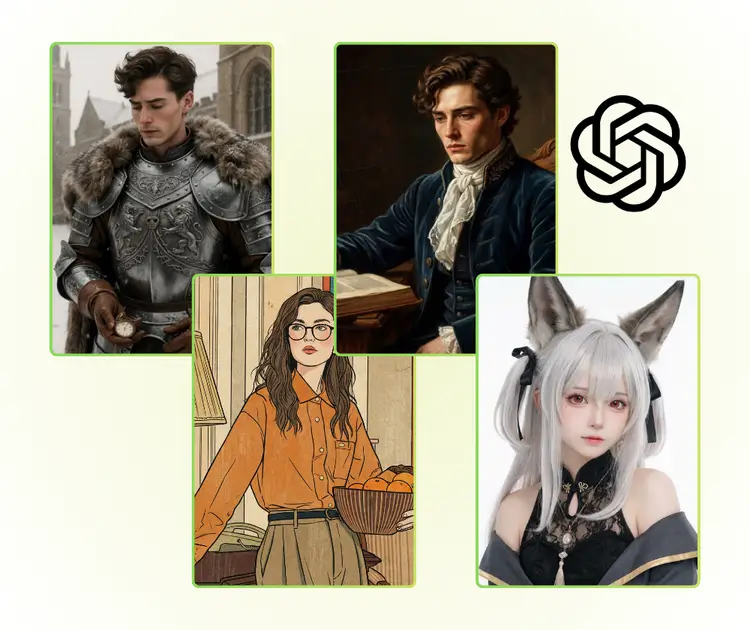
GPT Image 1.5 lets users handle text-to-image, image edits, and multi-image tasks in one place. A single prompt can guide style, details, and structure. This saves time and avoids switching tools, making image creation smoother and more flexible.

One Prompt Does More Than One Tool

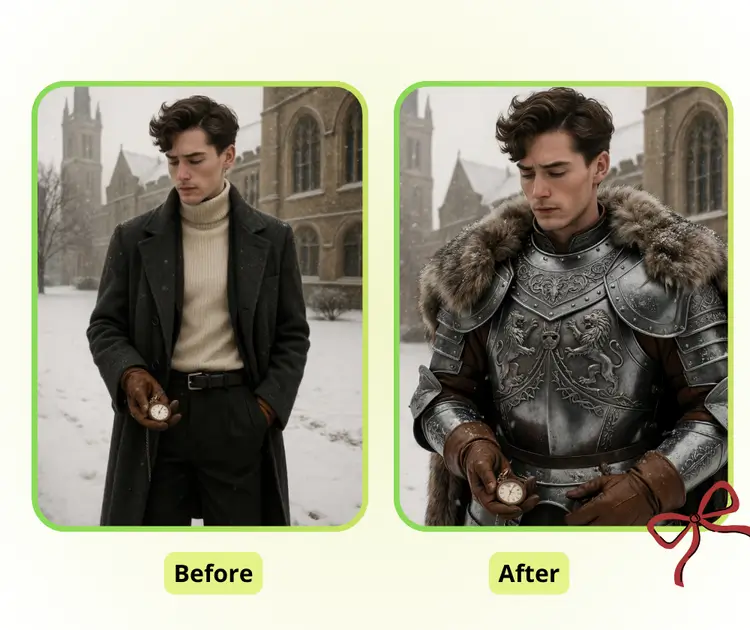
Natural Portraits and Stable Style Mixing

GPT Image 1.5 delivers high visual quality for portraits and complex scenes. Faces stay natural, objects keep key features, and style mixes blend smoothly. Images remain unified and clean, perfect for experimenting while keeping a polished result.

Natural Portraits and Stable Style Mixing

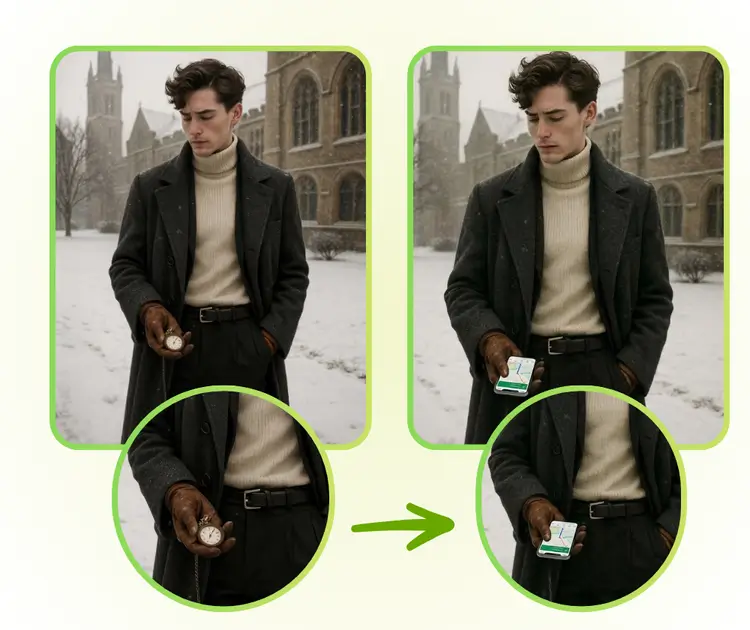
HD Repair With Precise Local Control

GPT Image 1.5 improves image clarity by automatically enhancing details and restoring quality. Users can make focused edits on specific areas without affecting the whole picture. The final result stays sharp, natural, and flexible, perfect for creative projects and practical photo adjustments.

HD Repair With Precise Local Control

Create Better Images With GPT Image 1.5

Start using GPT Image 1.5 to edit and generate images with simple prompts. Upload a photo, describe what you want, and get clear results in seconds. No setup, no learning curve, just fast image creation.

Try GPT Image 1.5

What Users Say About GPT Image 1.5

J.S. avatar

J.S.

Freelance Photographer

"I tried GPT Image 1.5 to edit several portrait photos, and it impressed me. The AI image editor kept facial features accurate while blending styles naturally. I could generate multiple images at once and make precise edits without losing quality. This tool is perfect for anyone who wants high-quality images quickly, and it makes creative work so much easier without complicated software. Using GPT Image 1.5 saved me hours and delivered professional-looking results every time."

A.L. avatar

A.L.

Graphic Designer

"GPT Image 1.5 made my workflow much smoother. The multi-image editing feature allowed me to create several variations of my project with consistent style and high visual quality. I especially liked how the AI maintained the details of objects and faces while applying mixed styles. It’s simple to use, fast, and free online, which is ideal for designers who need quick, polished results without installing heavy programs."
M.T. avatar

M.T.

Digital Artist

"I was amazed by GPT Image 1.5’s performance in style transfer and image generation. Even complex scenes with multiple objects came out clean and natural. The AI image editor lets me refine details in specific areas, keeping the overall image sharp and balanced. This tool is incredibly useful for both personal projects and professional design work, offering speed, quality, and flexibility all in one platform."

FAQs About GPT Image 1.5
