
VisualGPT Logo

Images

Drag or upload images

Support jpg/jpeg/png/webp, up to 16MB

Aspect Ratio

Free AI Photo Collage Maker

Turn your photos into stylish, ready-made collages with AI-powered layouts and easy online tools.

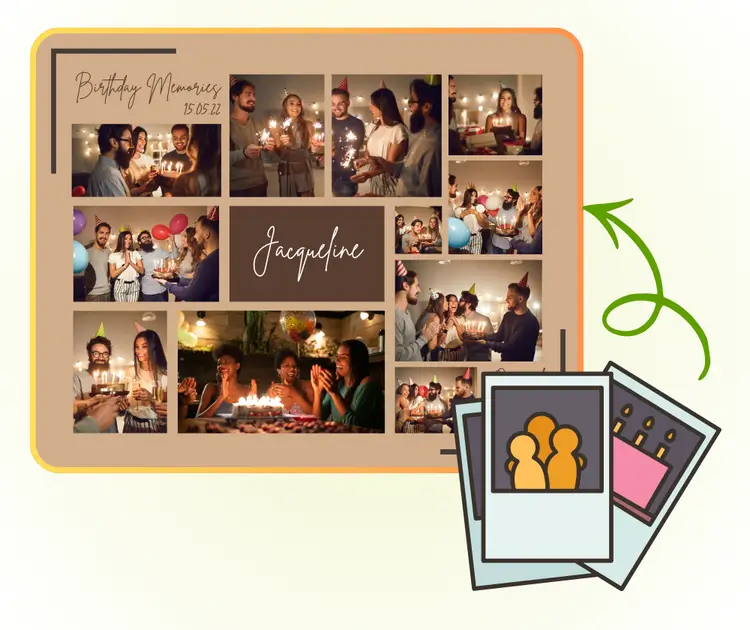
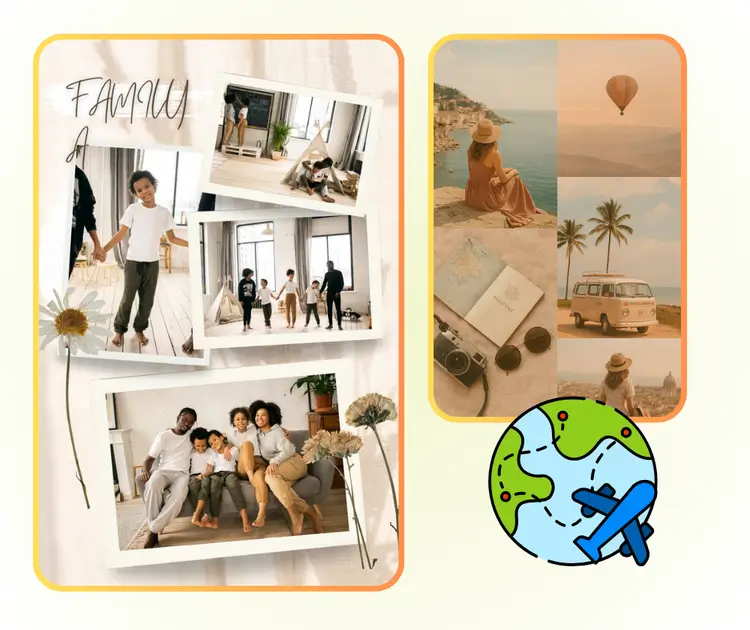
AI Photo Collage Maker Sample: Family Memories
VisualGPT - Rated 4.9+ by VisualGPT Users
Rated 4.9+
by VisualGPT Users
VisualGPT - Rated 4.9+ by VisualGPT Users
VisualGPT - 50k+ Pictures Create
50M+
Pictures Created
VisualGPT - 50k+ Pictures Create
VisualGPT - Trusted By 100+ Organizations
Trusted By 800+
Organizations
VisualGPT - Trusted By 100+ Organizations

Helping creators & businesses everywhere work easier

Spotify
YouTube
TikTok
Amazon
Business Insider
Forbes
ABC
Buzfeed
CBS
Fox
NBC
Yahoo
Mashable
LifeWire
BBC
Nature
Spotify
YouTube
TikTok
Amazon
Business Insider
Forbes
ABC
Buzfeed
CBS
Fox
NBC
Yahoo
Mashable
LifeWire
BBC
Nature
Spotify
YouTube
TikTok
Amazon
Business Insider
Forbes
ABC
Buzfeed
CBS
Fox
NBC
Yahoo
Mashable
LifeWire
BBC
Nature

Photo Collage Maker With AI – Free, Online & No Watermark

Create stunning photo collages free online with AI Photo Collage Maker. No design skills needed, multiple styles, high-resolution output, no login or watermark.

Create My Collage Now
Photo Collage Maker With AI – Free, Online & No Watermark

What is AI Photo Collage Maker?

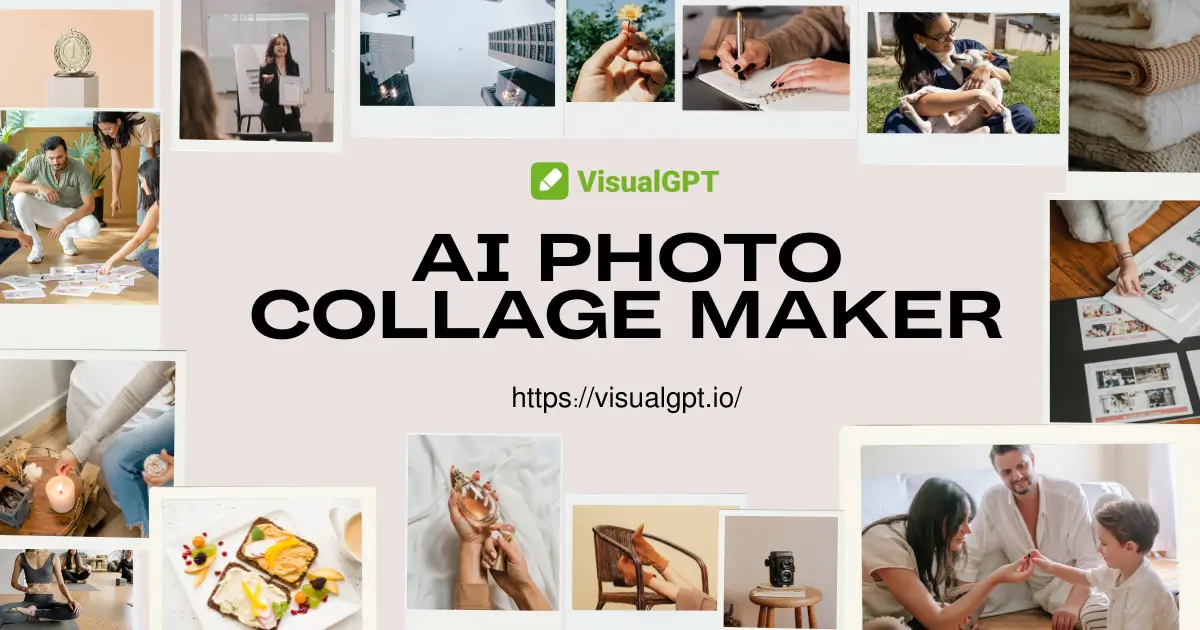
AI Photo Collage Maker is an online tool that arranges multiple photos into a clean and balanced layout. It uses smart automation to create stylish grids, modern designs, and simple collage formats without any design skills. You can export high-quality results for social posts or personal projects.

AI Photo Collage Maker - What is AI Photo Collage Maker?

Why Choose AI Photo Collage Maker?

Fast, smart collage creation with multiple styles, simple editing controls, and built-in privacy options.

AI Auto Layout, Crop & Align

AI Photo Collage Maker arranges photos into balanced layouts, crops to focus points, and aligns elements for a clean result. No design skills required; get polished collages in seconds.

Multiple Styles & Easy Customization

Offers magazine, geometric, and playful templates plus decorative elements. AI Photo Collage Maker adjusts spacing, filters, and text with simple controls to make each collage uniquely yours.

Fast Output with Privacy Protection

AI Photo Collage Maker generates high-resolution collages in seconds and download instantly. Originals can be auto-deleted after processing, keeping your photos private and secure during use.

What Can AI Photo Collage Maker Be Used For?

AI Photo Collage Maker fits a variety of needs, from social media content creation to personal albums and business visuals, all without design skills.

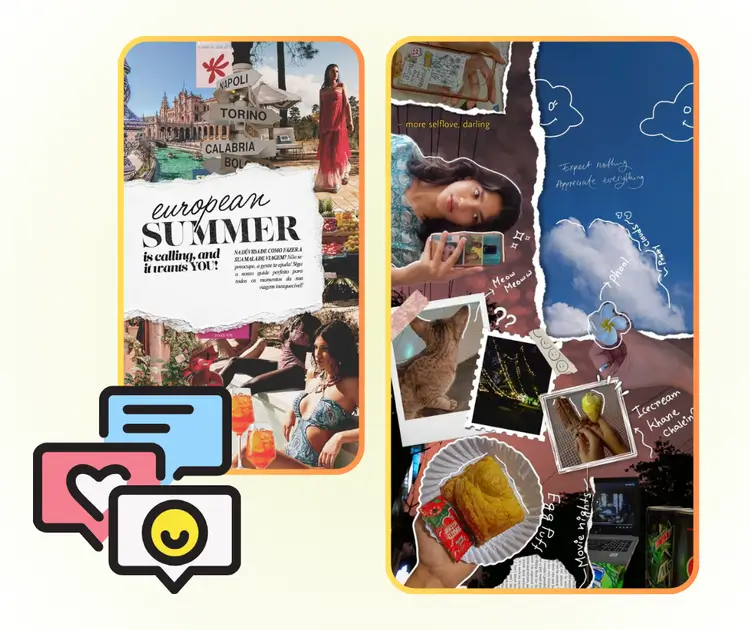
Social Media Content Creation for Instagram, Facebook, and Pinterest

Easily create eye-catching collages for posts, stories, and boards. Users can combine travel photos, lifestyle shots, or product images into consistent, visually appealing layouts. AI Photo Collage Maker handles spacing and alignment automatically, saving time while boosting engagement.

AI Photo Collage Maker: Social Media Content Creation for Instagram, Facebook, and Pinterest

Personal Album Organization for Travel, Family, and Special Events

Organize photos from vacations, family gatherings, or anniversaries into clean, memorable collages. AI Photo Collage Maker allows quick layout adjustments and high-resolution output, making it easy to print keepsakes or share digital albums with friends and family.

AI Photo Collage Maker: Personal Album Organization for Travel, Family, and Special Events

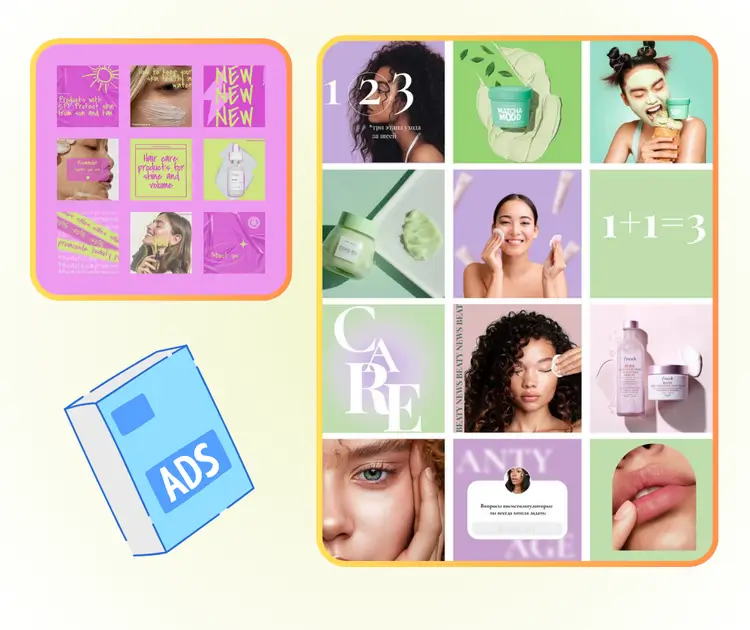
Business and Work Scenarios for Marketing, Product, and Team Showcases

Produce polished collages for marketing campaigns, product presentations, or team highlights. AI Photo Collage Maker automates arrangement and style consistency, enabling businesses and creators to generate professional visuals quickly for social media, reports, or promotional materials.

AI Photo Collage Maker: Business and Work Scenarios for Marketing, Product, and Team Showcases

How to Use AI Photo Collage Maker in 3 Easy Steps

Creating stunning collages is simple and fast in just 3 steps:upload, choose & download.

AI Photo Collage Maker - Step 1: Upload Your Photos

Step 1: Upload Your Photos

Start by selecting the images you want to include in your collage. You can upload multiple photos at once from your device. AI Photo Collage Maker supports common formats.

AI Photo Collage Maker - Step 2: Choose or Describe Your Collage Style

Step 2: Choose or Describe Your Collage Style

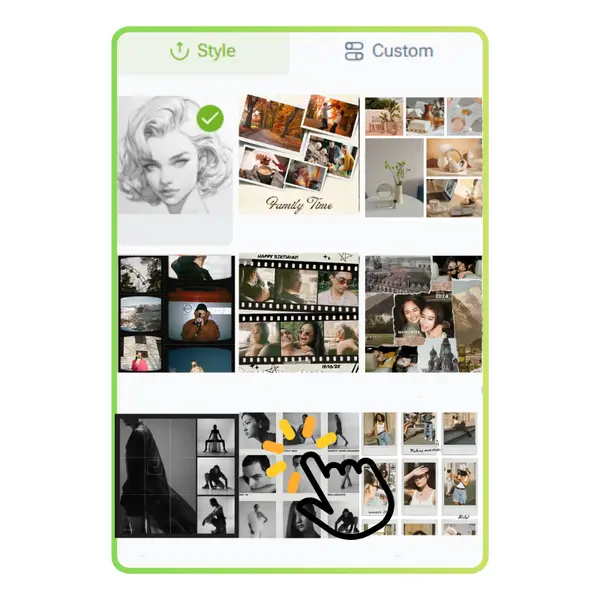
Pick from a variety of ready-made styles, such as magazine layouts, geometric grids, or playful themes. Or describe the style you want, and the AI will adapt the layout and design to match your vision.

AI Photo Collage Maker - Step 3: Let AI Create and Download Your Collage

Step 3: Let AI Create and Download Your Collage

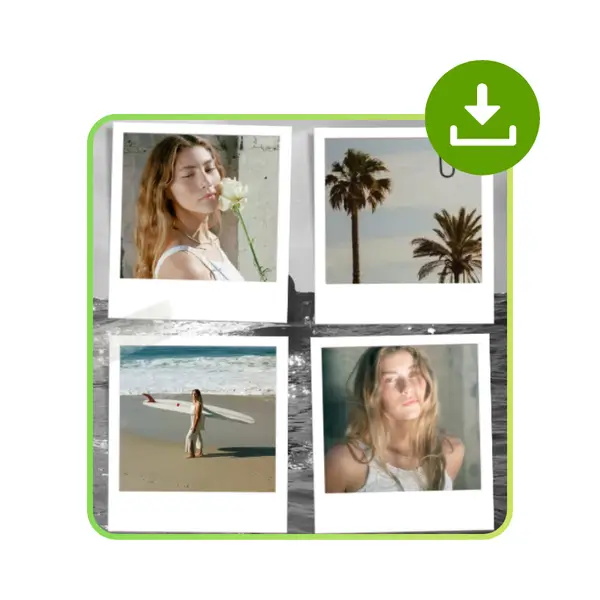
AI Photo Collage Maker automatically crops, aligns, and arranges images into a complete collage. Once finished, you can preview and download a high-resolution version suitable for sharing or printing.

Create Stunning Collages in Seconds

Turn your photos into beautiful collages with ease. No design skills or downloads needed—just upload your images, pick a style, and let AI arrange everything for a perfect result.

Start Making My Collage

What Users Are Saying About AI Photo Collage Maker

J.K. avatar

J.K.

Social Media Manager

"I love using AI Photo Collage Maker to quickly create social media posts. The AI automatically arranges my photos into clean layouts, and I don’t need any design skills. It saves me so much time while keeping everything visually appealing. The multiple styles and high-resolution downloads make it perfect for my Instagram content."
M.L. avatar

M.L.

Travel Blogger

"AI Photo Collage Maker has transformed how I organize my travel and family photos. It’s simple to upload images, pick a style, and let the AI do all the work. Every collage looks professional, and I can download them in high quality for printing or sharing online. It’s a must-have tool for anyone wanting quick, beautiful collages."
S.T. avatar

S.T.

E-commerce Entrepreneur

"As a small business owner, I use AI Photo Collage Maker to create product showcases and promotional visuals. The AI automatically aligns and crops photos, giving my collages a polished look. I can try different templates quickly, and the result always looks professional without hiring a designer. It has improved my marketing workflow significantly."
R.C. avatar

R.C.

Freelance Photographer

"AI Photo Collage Maker is perfect for making personal albums. I combined photos from my wedding and vacations into stylish collages in minutes. The variety of templates and the AI’s smart layout make every collage look clean and balanced. I can share my albums with friends and family easily without spending hours editing."
A.H avatar

A.H

Content Creator

"I regularly create visual content for my blog, and AI Photo Collage Maker has made the process so much faster. It automatically arranges multiple images in a way that looks professional and appealing. The tool’s flexibility lets me experiment with different styles, and I can download high-resolution collages ready for publishing."
L.W. avatar

L.W.

Marketing Coordinator

"Using AI Photo Collage Maker for team and office highlights has been amazing. I upload event photos, select a style, and the AI generates polished collages in seconds. It helps me showcase our team culture professionally without any graphic design experience. The process is fast, intuitive, and the results always impress."

Frequently Asked Questions About AI Photo Collage Maker