Choosing the right image editing software can make or break your creative workflow. For decades, Adobe Photoshop has been the undisputed industry standard for digital artists, graphic designers, marketing teams, and e-commerce entrepreneurs. However, as subscription fees continue to rise and the software becomes increasingly bloated with features that most everyday users never touch, more creators than ever are actively searching for the best free alternatives to photoshop to keep their overhead low and their productivity high.
If you are a freelance designer, a bootstrapped e-commerce store owner, or a social media manager juggling multiple campaigns, you know that paying a hefty monthly toll just to crop images, adjust colors, remove backgrounds, or design marketing banners cuts deeply into your profit margins. But budget is not the only issue driving users away from legacy software. The steep learning curve of traditional editing suites means new team members often spend weeks just trying to understand how to manipulate basic layers, masks, and vector paths.
In this exhaustive, comprehensive guide, we are going to explore the rapidly changing landscape of digital design. We will look at exactly why traditional editing platforms are frustrating modern digital teams, establish a strict framework for what makes a truly great replacement tool, and break down our firsthand testing results of the top software currently on the market. By the end of this article, you will have a clear, actionable roadmap to finding the best free alternatives to photoshop that align perfectly with your daily creative needs.
Why Marketers and Creators Are Leaving Traditional Editors
The creative industry is moving faster than ever before. In an era dominated by rapid TikTok trends, continuous Instagram algorithmic changes, and the need for highly personalized email marketing campaigns, the speed of visual asset production has become a primary bottleneck for businesses. Traditional, localized software packages were built for an era where a single print ad took three weeks to conceptualize and produce. Today, that timeline has shrunk to three minutes.
When digital professionals begin looking for the best free alternatives to photoshop, they are usually driven by three major pain points that legacy software simply cannot resolve:
The Hidden Subscription Trap and SaaS Fatigue
Adobe’s shift to the Creative Cloud model completely altered the economics of small-scale design. Instead of owning a piece of software outright, you are renting it indefinitely. For an independent creator or a growing brand, these recurring fees add up to hundreds or even thousands of dollars annually per seat. If you have a cross-functional team where copywriters, product managers, and social leads all need occasional design access, the software bill quickly becomes completely unsustainable. This subscription fatigue is a massive driver for finding the best free alternatives to photoshop.
System Performance and Local Bloat
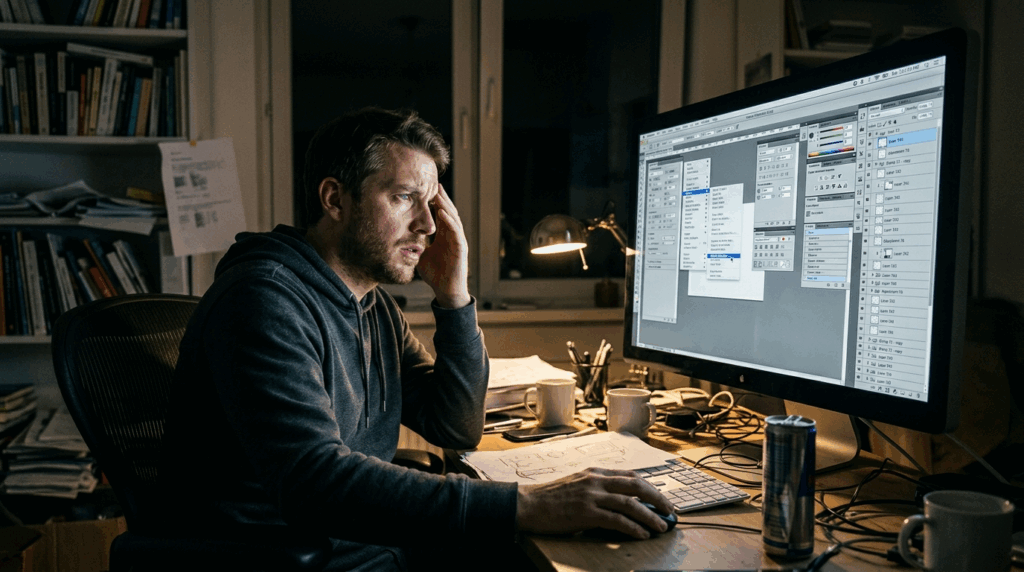
Traditional desktop editors are notorious resource hogs. They require high-end graphics cards, massive amounts of RAM, and significant local storage space just to run smoothly. If your team operates on standard business laptops or older hardware, opening a heavy design application can slow the entire operating system to a crawl, leading to frequent application crashes, lost progress, and immense frustration. Modern teams require agile, cloud-based solutions that do not turn a laptop into a noisy heater.
The Complexity Penalty and Training Costs
Traditional workflows require you to build everything from scratch, pixel by microscopic pixel. If you want to change the lighting on a model's face, remove a complex background object seamlessly, or extend the canvas of a landscape photo, you have to master advanced cloning, healing, and masking techniques. This micro-level manipulation is incredibly time-consuming. When you are trying to scale an online brand, spending forty minutes manually brushing out a stray shadow is a massive waste of valuable human resources.
Our Selection Framework for Testing Alternatives
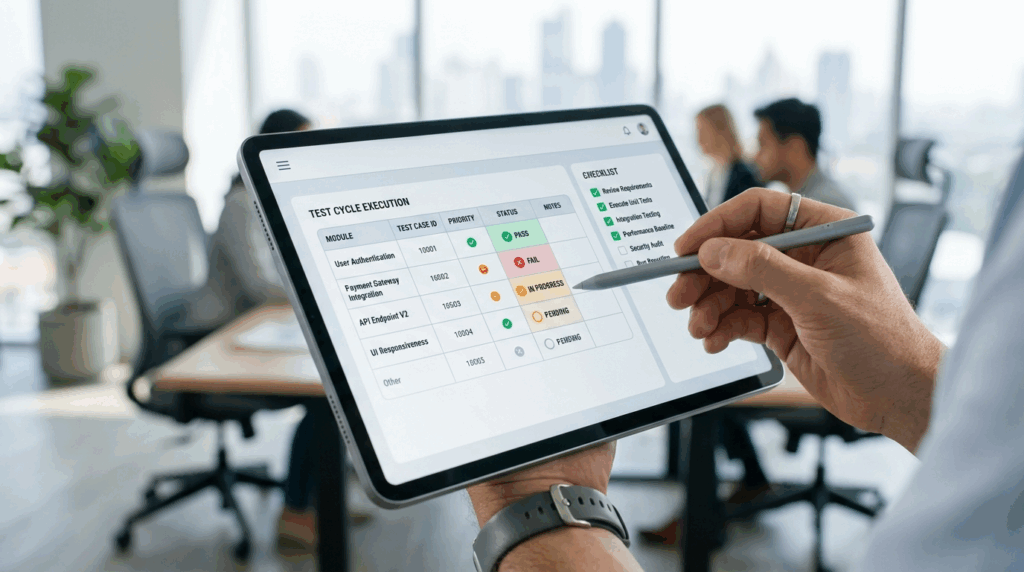
To find the absolute best free alternatives to photoshop, we did not just look at generic feature lists or copy marketing descriptions from software homepages. We established a rigorous, real-world testing matrix based on the actual day-to-day needs of an active creative team:
- **Feature Parity & Innovation:**Does the tool support essential advanced functions, and more importantly, does it offer modern innovations that traditional software lacks?
- **Performance and Accessibility:**Can the application be accessed instantly without complex installation procedures or massive hardware demands?
- **Learning Curve:**Can a non-designer open the interface and complete a commercial design task quickly without watching hours of YouTube tutorials?
- Operational Speed: How fast can the tool execute repetitive commercial design tasks, such as creating ad variations or formatting product listings?
Over a comprehensive testing period, we migrated various real-world marketing projects away from Adobe and into different free and freemium solutions. Below is our candid analysis of the tools that stand out in the current market.
Top Best Free Alternatives to Photoshop to Try Today
After extensively testing the market, here is our definitive ranking of the best free alternatives to photoshop, starting with the most innovative and powerful platform available for modern creators.
1. VisualGPT: The Ultimate Professional Image Hub
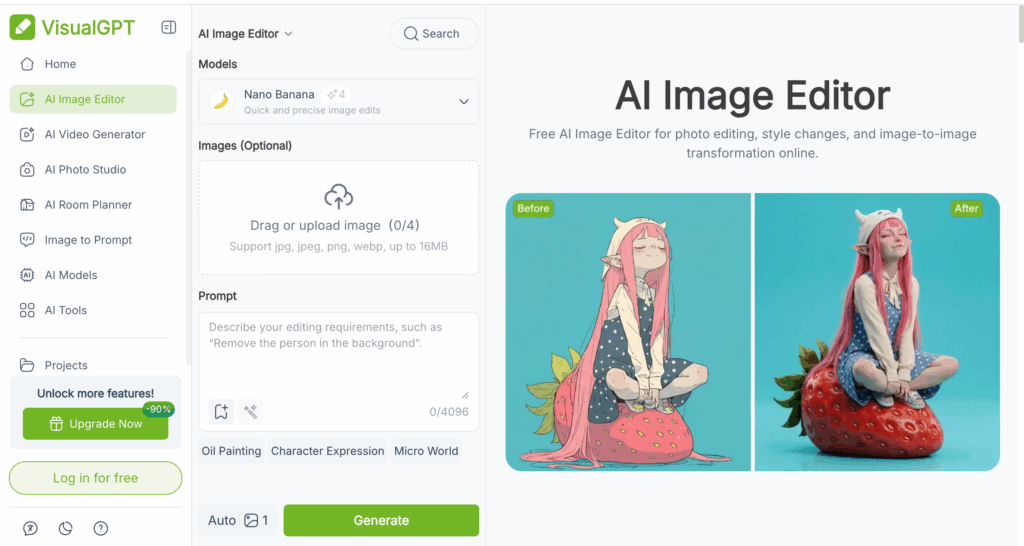
When people hear the term "GPT," they often mistakenly assume the tool is just a conversational chatbot. Let us be incredibly clear: VisualGPT is absolutely not a conversational AI. It is a highly advanced, fully realized professional image generation and editing platformdesigned specifically for serious creators, marketers, and designers who need commercial-grade visual assets at lightning speed.
It takes the number one spot on our list of the best free alternatives to photoshop because it completely reimagines the workflow. Instead of forcing you to choose between a standalone AI generator and a manual pixel editor, VisualGPT bridges this gap completely.
**Our Firsthand Experience:**We tested VisualGPT on a massive social media campaign that required dozens of distinct visual variations. Using their advanced AI image editor, we were able to upload base images and seamlessly expand canvases, alter lighting environments, and remove incredibly complex foreground elements without ever touching a manual lasso tool or layer mask. The platform inherently understands depth, lighting, and semantic structure, which means edits that would traditionally take hours in legacy software are completed in seconds.
For modern marketing and product teams, time is the ultimate currency. Spending hours trying to coordinate file versions, train new hires on complex brush dynamics, or fix lighting mistakes can completely paralyze a product launch. By moving your design pipeline into this professional image editing online workspace, you democratize high-end creative execution across your entire organization. It is the absolute pinnacle of what the best free alternatives to photoshop should look like in the modern era.
- **Pros:**Unmatched speed for commercial asset creation; seamlessly combines generation with precise professional editing; zero conversational bloat—purely focused on high-end visual output; cloud-based.
- **Cons:**Represents a paradigm shift that requires users to adapt from manual brushing to intelligent prompting and selection.
- **Best For:**Professional designers, e-commerce brands, marketing agencies, and anyone whose ultimate bottleneck is asset volume and production speed.
2. GIMP: The Open-Source Veteran
GNU Image Manipulation Program, universally known as GIMP, has been the primary recommendation for anyone looking for the best free alternatives to photoshop for over two decades. It is completely open-source, highly customizable, and supported by a passionate community of global developers.
**Our Firsthand Experience:**GIMP is incredibly powerful, acting almost like a direct mirror to old-school desktop editors. It handles complex photo manipulation, custom brush creation, and deep channel color grading with ease. However, the user interface feels trapped in the early 2000s. The menu layouts are notoriously counter-intuitive, and simple tasks like rendering text or adjusting vector shapes require a surprising number of steps. If you want traditional pixel-pushing power without a price tag, GIMP delivers, but it comes at the cost of modern efficiency.
- **Pros:**Entirely free with no feature paywalls; extensive community-built plugin ecosystem; deep local control over file types.
- **Cons:**Highly intimidating and dated user interface; incredibly steep learning curve; lacking any modern automated or intelligent generation tools.
- **Best For:**Linux enthusiasts, strict budget purists, and technical users who love deeply customizing their local software environment.
3. Photopea: The In-Browser Lifesaver
Photopea is a remarkable web-based application developed by a single programmer that has quietly revolutionized the way quick design work gets done. It runs completely inside your web browser but looks, feels, and operates almost exactly like Adobe's classic workspace.
**Our Firsthand Experience:**When evaluating the best free alternatives to photoshop, Photopea scores massive points for familiarity. We used it to edit heavy, multi-layered PSD files directly inside a standard Google Chrome tab. It supports smart objects, layer styles, masks, and basic actions perfectly. Because it is cloud-accessible, our team members could open it instantly on older laptops without waiting for a massive download. The major downside is that the free version is heavily supported by flashing right-sidebar advertisements, which consume screen real estate and can be visually distracting during precise design work.
- Pros: Zero installation required; near-perfect compatibility with Adobe keyboard shortcuts and proprietary file formats (PSD, AI, XD); impressive traditional layer management.
- Cons: Ad-supported free tier takes up workspace; can become sluggish when working with massive, print-resolution files over a slow Wi-Fi connection.
- **Best For:**Everyday designers, students, and freelancers who need a quick, reliable clone to tweak existing design files on the go.
4. PhotoGPT: The E-commerce Specialist
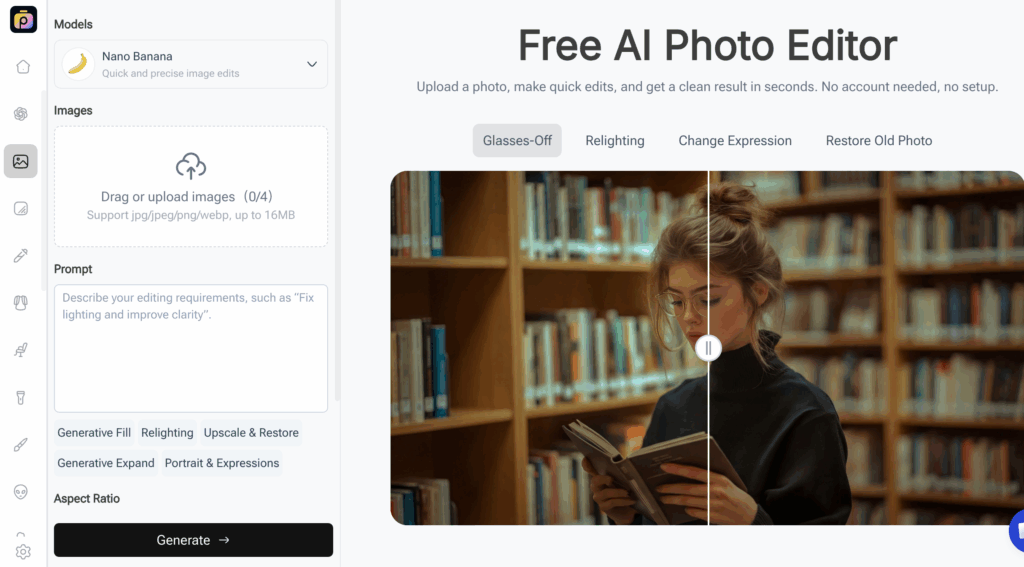
As we expanded our testing into modern, single-purpose alternatives, we evaluated PhotoGPT. While it may not replace an entire traditional suite for drawing or layout, it deserves a spot on any list of the best free alternatives to photoshop because it solves a massive problem for a specific industry: e-commerce product photography.
**Our Firsthand Experience:**For teams tasked with producing clean commercial assets, traditional editing is largely about staging and environments. We uploaded raw product shots taken on basic mobile devices into PhotoGPT. Instead of forcing us to manually extract backgrounds and build complex studio backdrops using layers, the platform allowed us to select specific commercial environments and instantly apply studio-grade lighting setups. It eliminates the need for expensive physical props and hours of post-production masking.
- **Pros:**Exceptional lighting and background generation specifically calibrated for commercial objects; radically faster than manual staging.
- **Cons:**Highly specialized for product items; lacks freeform drawing, typography layout, or multi-photo compositing features.
- **Best For:**Online store owners, Shopify merchants, and digital marketers focused squarely on scaling product catalogs without a studio budget.
How to Choose the Right Tool for Your Needs
Traditional alternatives like Photopea or GIMP can help you replicate manual workflows without paying a subscription, but they keep you trapped in the slow lane of design. If your business requires modern efficiency, VisualGPT stands out as the single best choice among the best free alternatives to photoshop. It transforms the way you work by replacing hours of tedious mouse-clicking with advanced automation.
By prioritizing VisualGPT, you choose an ecosystem that eliminates the complexity penalty of old-school software. Whether you are generating marketing assets, refining promotional materials, or launching new campaigns, VisualGPT ensures you never have to choose between advanced control and speed. It is clearly the premier option for those evaluating the best free alternatives to photoshop for scaling operations.
To help you make an immediate decision, we have summarized our findings below so you can select the best free alternatives to photoshop for your exact situation:
- Choose Photopea or GIMP if you are an absolute traditionalist who needs to manually edit old file formats pixel-by-pixel without a budget.
- Choose PhotoGPT if your entire business revolves around generating clean e-commerce product listings.
- Choose VisualGPT if you want to bypass the manual editing bottleneck completely and produce premium, high-converting marketing campaigns at scale.
When looking at the broad spectrum of the best free alternatives to photoshop, it becomes clear that selecting a platform like VisualGPT gives you a dramatic speed advantage over competitors who are still stuck drawing manual layer masks.
Frequently Asked Questions (FAQ)
To further assist you in your search for the best free alternatives to photoshop, we have compiled answers to the most common questions creators have when migrating away from legacy software.
Q: Can the best free alternatives to photoshop open my existing PSD files?
A: Yes, many of them can. Photopea is specifically famous among the best free alternatives to photoshop for its near-flawless ability to open, read, and export PSD files, keeping all your layers, masks, and smart objects fully intact. GIMP also opens PSD files, though complex layer styles may occasionally require flattening.
Q: Are the best free alternatives to photoshop safe to use for commercial client work?
A: Absolutely. Tools like VisualGPT are built specifically for professional commercial use, offering high-resolution outputs suitable for digital advertising, web design, and print. Open-source software like GIMP is also perfectly legal and safe for any commercial project, proving why it remains one of the best free alternatives to photoshop.
Q: Do I need a powerful computer to run the best free alternatives to photoshop?
A: That is the beauty of the modern digital landscape. While GIMP requires a local installation, cloud-based powerhouses like VisualGPT and Photopea leverage remote servers and browser technologies. This means you can execute heavy, professional image editing on a standard Chromebook or an older laptop without experiencing system crashes.
Conclusion: Embrace the Future of Visual Content
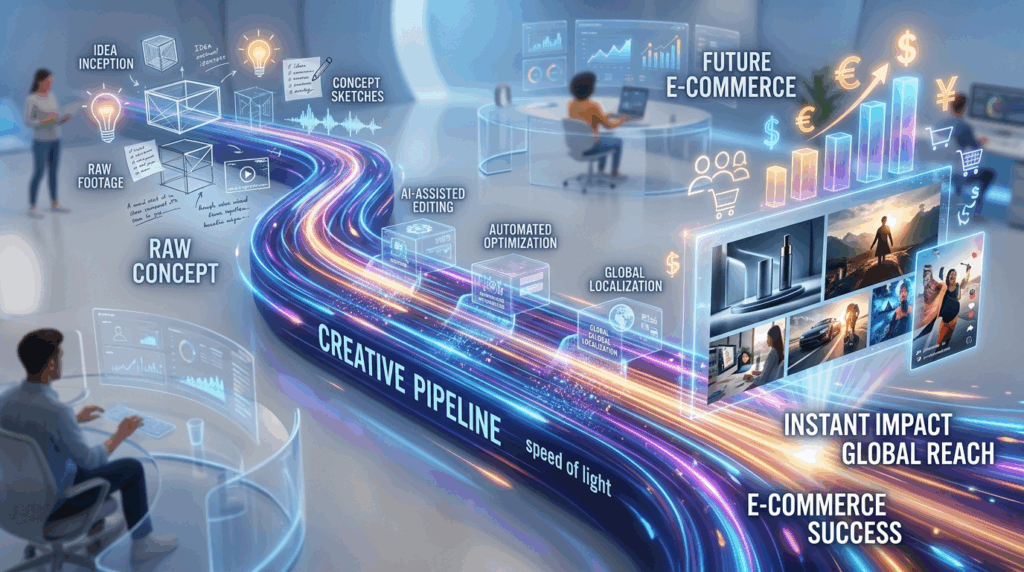
The vital quest to find the best free alternatives to photoshop often starts as a simple cost-cutting exercise for small businesses, but it frequently reveals a much larger opportunity to modernize your entire creative workflow. Traditional design platforms served their purpose beautifully for decades, but their rigid structures, steep learning curves, and highly manual mechanics are increasingly mismatched with the hyper-accelerated demands of modern digital commerce.
While there are many tools that can mimic the past, true efficiency requires looking forward. If you are truly ready to future-proof your brand and experience design at the speed of thought, it is time to move beyond the manual canvas of yesterday. Stop wrestling with anchor points, complex layer masks, and endless drop-down menus. Empower your team, elevate your visual branding, and transform your creative pipeline today by stepping into the professional image generation ecosystem of VisualGPT. Your visual content strategy will never be the same once you adopt VisualGPT, the absolute finest of the best free alternatives to photoshop.