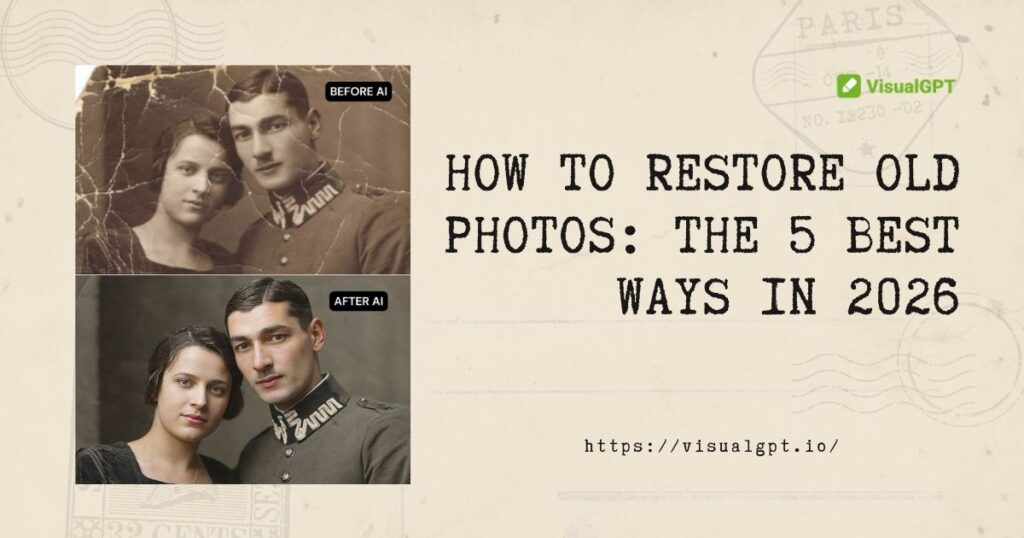
Old family photographs are just as precious as they are fragile. They are the tangible links to our heritage, capturing fleeting moments of our parents, grandparents, and ancestors in a way that modern digital snapshots simply cannot replicate. If you are looking up how to restore old photos, you likely have recently opened a dusty family album only to find that the last physical remnants of your past are falling victim to careless handling, sunlight, water damage, or simply the natural aging process.
But do not lose hope. Fortunately, learning how to restore old photos in 2026 is easier than ever. You can not only stop the aging process of your old pictures, but you can actually reverse it entirely. Whether you are dealing with a photo that has been torn in half, a portrait covered in mysterious stains, or a severely faded sepia print, there is a viable solution for your specific situation.
In this comprehensive guide, we will explore exactly how to restore old photos using 5 different but highly effective methods. We will tackle both modern digital solutions-like cutting-edge AI and professional editing software-as well as traditional manual techniques. Let us dive in and save your family archive.
Why Do Photos Fade Before You Learn How to Restore Old Photos?
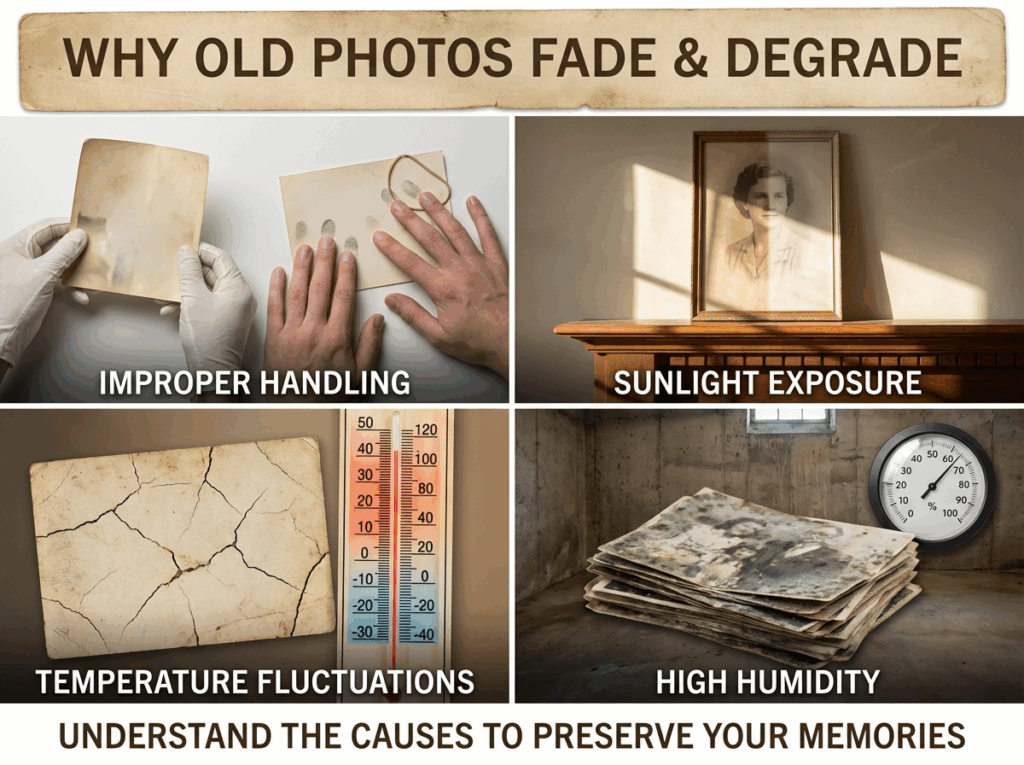
Before diving into the actual steps of how to restore old photos, it is crucial to understand why your pictures are degrading in the first place. By understanding the root causes of deterioration, you can prevent further damage to the physical copies that you hold so dear.
Improper Handling and Oils: The natural oils and acids on human skin eat away at photographic emulsion over time. Knowing how to restore old photos physically starts with proper handling; always hold vintage photos by their edges, ideally while wearing clean cotton gloves. Never use rubber bands or paperclips to group them, as these leave permanent chemical burns and rust marks.
The Destructive Power of Sunlight: Ultraviolet (UV) light breaks down the chemical bonds in photographic dyes. This process, known as photodegradation, ruins contrast and color saturation rapidly. This is a primary reason people want to know how to restore old photos that have faded after sitting on a sunlit mantlepiece for decades.
Temperature Fluctuations and High Humidity: High heat accelerates chemical decay, while extreme cold can cause condensation. High humidity is the most dangerous element of all, as it creates a breeding ground for mold and causes photos to fuse together in albums.
Understanding these physical threats highlights which environmental factors are destroying your memories. This makes figuring out how to restore old photos digitally an absolute priority. Once digitized, you can move on to the actual restoration phase without risking the fragile original print.
Way 1: How to Restore Old Photos Using Advanced AI for Instant Results
When people ask how to restore old photos with minimal effort and maximum quality, the modern answer is Artificial Intelligence. In 2026, the world of photo editing is no longer restricted to professional retouchers who charge exorbitant hourly rates. If you want to achieve professional-grade results without spending weeks watching tutorials, AI is your best friend.
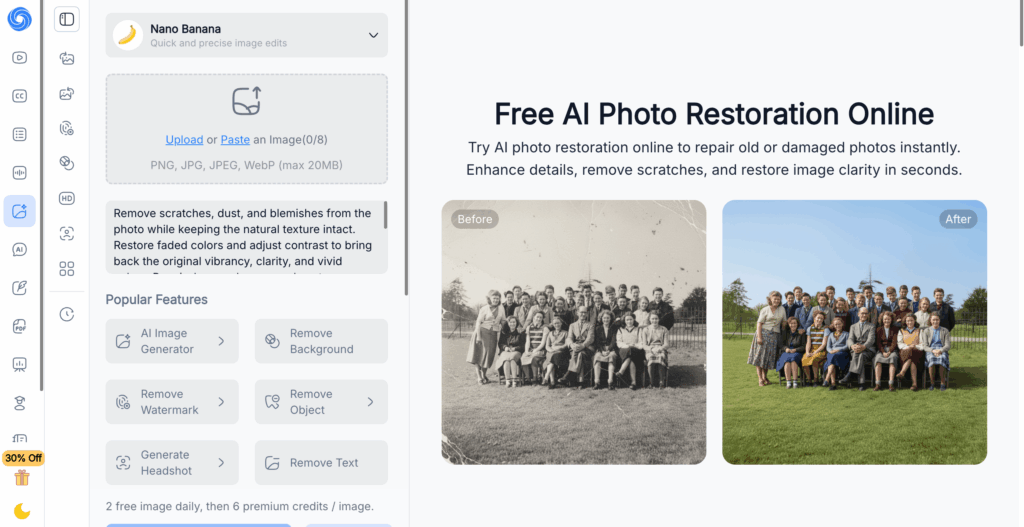
Figuring out how to restore old photos used to mean downloading heavy, confusing software, but modern cloud-based platforms have been trained on millions of images to instantly recognize and repair historical damage. Using an advanced AI old photo restoration platform is the ultimate game-changer. These tools are designed specifically to breathe new life into your family archive with a single click, completely free of charge, and directly in your web browser.
Step 1: Digitize and Upload
The first step in how to restore old photos digitally is getting a high-quality scan. Use a flatbed scanner (set to at least 600 DPI for archival quality) and gently brush off any loose dust from the photo's surface before scanning. If you do not own a scanner, a smartphone scanning app like Google PhotoScan works beautifully. Once you have your digital file, simply drag and drop it into the online workspace.
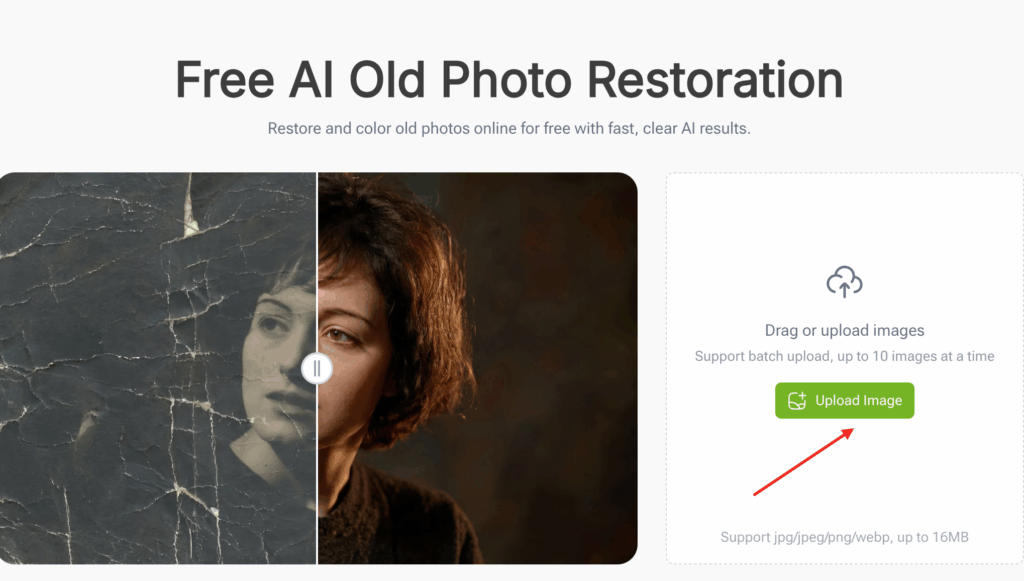
Step 2: One-Click Smart Repair
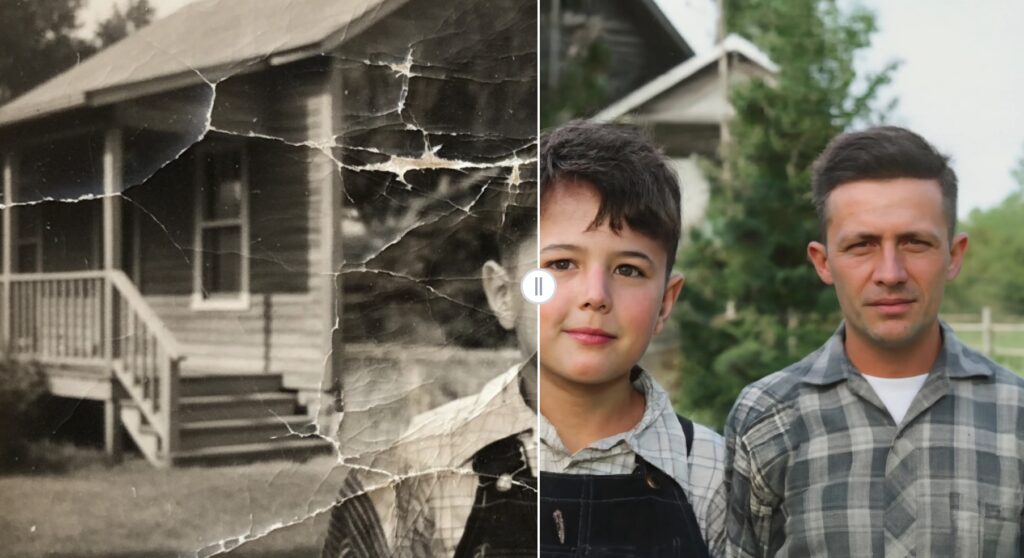
Once uploaded, you do not need to manually hunt for scratches or adjust complex color curves. The AI takes over completely. Within seconds, it will automatically identify and seamlessly fill in tears, remove surface dust, fix water stains, and enhance blurred facial features using smart facial recognition technology.

Step 3: Download the Restored Masterpiece
After the AI works its magic, you are presented with a flawless, high-definition version of your photo. For anyone with a massive box of family pictures, learning how to restore old photos is practically effortless with this method. Utilizing a free AI photo restoration tool is the only practical way to process dozens of images in a single afternoon without breaking a sweat.
Alternative AI Tools in 2026
While the tool mentioned above is phenomenal for its ease of use, the AI landscape is booming. Depending on your specific needs, another option for how to restore old photos is NoteGPT AI Photo Restoration. This is a fantastic option if you are looking for lossless repair and batch processing, allowing you to process multiple old, low-quality images at once. Additionally, if you have extremely blurry source material, ImageEnhancer Old Photo Restoration is a great choice. It utilizes super-resolution technology to sharpen soft edges and reduce heavy film grain.
Way 2: How to Restore Old Photos Manually with Photoshop
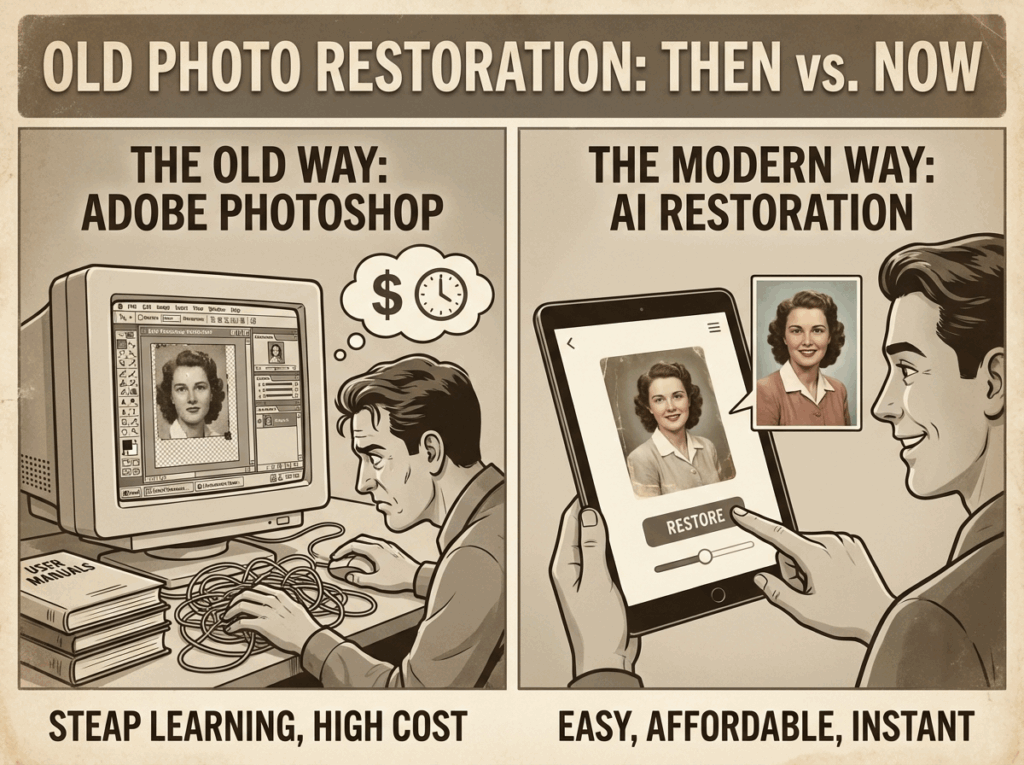
For decades, the standard answer to how to restore old photos was Adobe Photoshop. Since we are talking about digital photo editing, we must bring up this industry standard. It remains an immensely powerful, feature-rich program used by professionals worldwide. However, the downsides are its high monthly subscription price and a notoriously steep, confusing workflow.
If you want to learn how to restore old photos manually in software and test your digital painting skills, here is the traditional workflow:
Duplicate Layers: Never work on the original background layer. Open your scanned image and immediately click Layer > Duplicate Layer. This ensures you can always backtrack if you make a mistake.
Crop the Edges: If the edges of your picture are too damaged to be properly restored, use the Crop tool to cut away the torn, frayed corners to give yourself a clean canvas.
The Grueling Spot Removal: This is the hardest and most time-consuming part of how to restore old photos manually. You will need to use the Spot Healing Brush to click on every individual speck of dust. For larger tears or missing pieces, you must use the Clone Stamp Tool. This requires you to Alt-Click a clean area of the photo to copy its texture, and meticulously paint over the damaged area. A heavily cracked photo can take three to four hours of constant clicking.
Fixing Faded Contrast: Add a Curves or Levels adjustment layer to bring back the dynamic range. Drag the sliders to deepen the blacks and brighten the whites, getting rid of the dull, washed-out look that plagues vintage prints.
Photoshop is capable of incredible things, but it is undeniably tedious. If you find yourself overwhelmed by layers, masks, and stamp tools, remember that you can always step back and let an algorithm restore old photos online to handle the heavy lifting for you.
Way 3: How to Restore Old Photos Manually (Physical DIY)
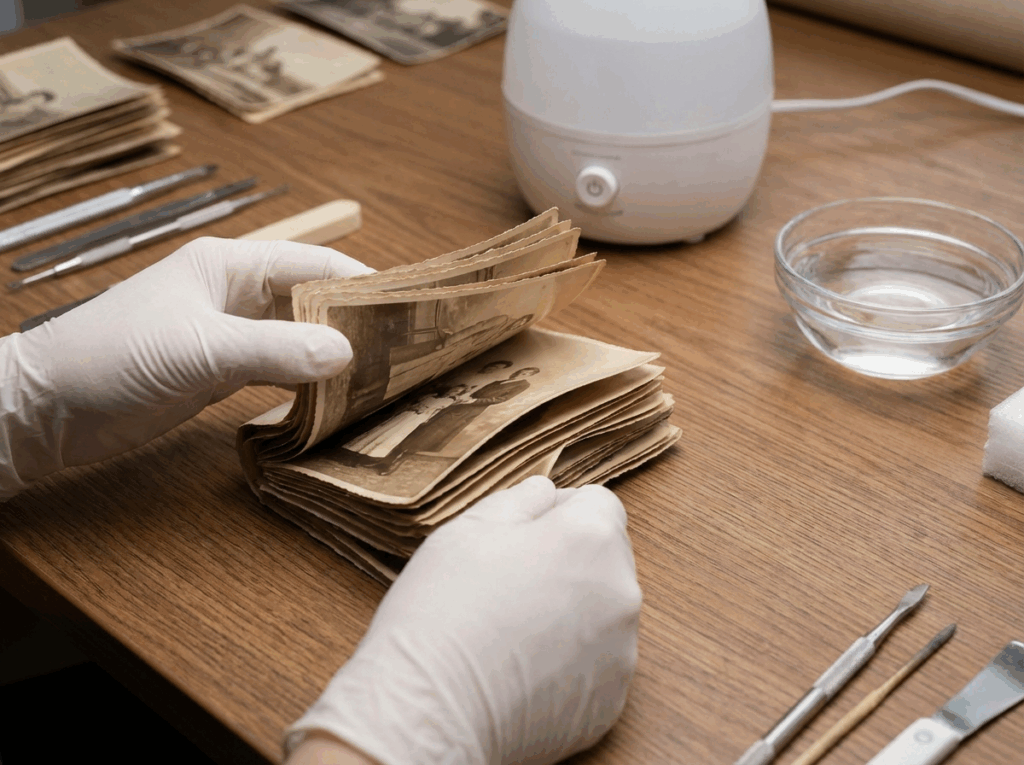
Sometimes, knowing how to restore old photos means dealing with the physical print before you can even attempt to scan it. Perhaps your photos are stuck together in a brick, or curling so badly they look like rolled-up scrolls. If you are brave enough to try the good old manual approach, it is entirely possible to salvage them, provided you work with extreme caution.
Separate Pictures That Are Stuck Together: Figuring out how to restore old photos that are glued together by moisture is incredibly stressful. If old photos have fused together due to high humidity, do not rip them apart. You will tear the image clean off the paper. Instead, submerge the stuck photos in a shallow tray of room-temperature distilled water (never use tap water, as the minerals will damage the paper). Leave them for 20 to 30 minutes. Once the gelatin emulsion softens, they should gently slide apart. Lay them flat on a clean paper towel to air dry.
Remove Surface Grime and Dust: Never use standard household cleaners on a photo. Use a soft-bristle, anti-static camera brush to carefully wipe off loose sand or dust. For stubborn, sticky dirt, you can lightly dampen a cotton swab with distilled water and gently roll it over the dirt.
Repair Physical Tears: Do not reach for standard transparent office tape! Generic tape is highly acidic and will turn yellow, eventually burning a chemical stain right through the photo. If you must tape a tear, visit a craft or photography store and buy specialized, acid-free archival mending tissue. Apply it only to the back of the photograph.
Fix Curled Pictures: If a photo has rolled up into a tube over the decades, do not force it flat or it will crack in half. You need to create a DIY humidification chamber, which is another great manual trick for how to restore old photos. Pour an inch of water into a large plastic storage bin. Place a wire rack inside so it sits above the water. Place your curled photo on the rack, put the lid on the bin, and wait a few hours. The humidity will relax the paper so you can press it safely flat under heavy books.
Way 4: How to Restore Old Photos by Recruiting a Professional Restorer
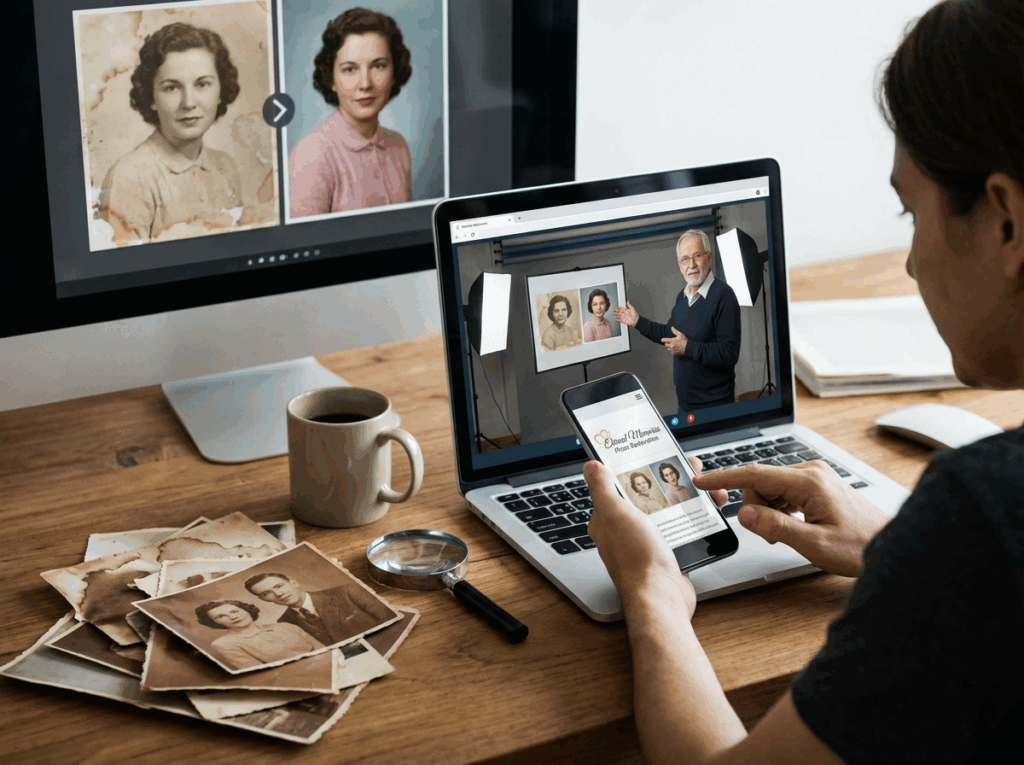
If you do not want to learn how to restore old photos yourself because the damage is simply too catastrophic, or you may just lack the time, patience, and confidence, it might be better to call for outside help.
Hiring an expert is one highly reliable way how to restore old photos. You can search for a local photography studio that specializes in archival preservation. A professional will handle the physical print with museum-grade care, scan it on high-end equipment, and perform meticulous manual digital restoration. Alternatively, you can hire a freelance digital retoucher online through platforms like Upwork or Fiverr.
The Downsides to Outsourcing: While professional results can be stunning, this route comes with significant drawbacks. Firstly, professional restoration services are incredibly expensive, often charging anywhere from $50 to $200 per photo depending on the severity of the damage. If you have an entire album to fix, this is financially impossible for most. Secondly, there is a major privacy concern. You are handing over highly personal, irreplaceable family memories to a complete stranger. Think carefully about whether the cost and privacy risks are acceptable to you.
Way 5: Beyond Restoration – Bring the Past into Full Color
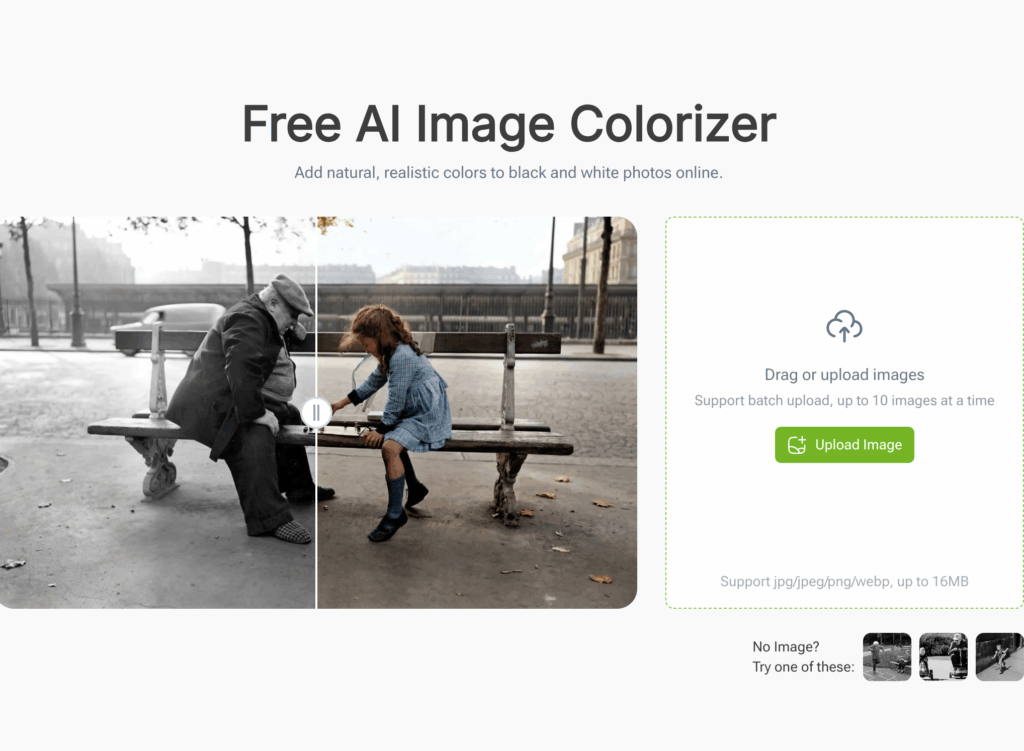
Once you know how to restore old photos and fix the physical damage, the cracks, and the faded contrast using either manual methods or AI, there is one final, magical step you can take. For most of the 19th and 20th centuries, family memories were strictly captured in black and white. While grayscale photography has a beautiful, classic charm, seeing your ancestors in full, lifelike color can completely change your emotional connection to them.
Understanding how to restore old photos to their full, original glory often involves the art of colorization. Historically, adding color to a monochrome image required a digital artist to spend days hand-painting hues over every single pixel. Today, that barrier is completely gone. By using an advanced AI image colorizer, you can instantly infuse your vintage photos with stunning, historically accurate colors.
How the Colorization Process Works
Modern AI colorization tools do not just apply random colored filters. They utilize deep neural networks that have analyzed millions of real-world photographs. When you upload your repaired black and white image, the AI studies the shapes, textures, and shading context:
- It recognizes that a textured patch is grass, and colors it a natural green.
- It identifies the sky and applies the correct gradient of blue based on the lighting.
- Most importantly, it segments human faces, intelligently applying soft, lifelike skin tones, eye colors, and hair shades that perfectly match the lighting of the original historical scene.
The entire process happens online in a matter of seconds. You simply upload the file, and the AI presents you with a vivid, realistic transformation. It has truly never been easier to colorize black and white photos and surprise your older relatives with a vibrant, modern glimpse into their own youth. It bridges the gap of time, making historical figures feel like people you could meet on the street today.
Frequently Asked Questions (FAQ)
Can I learn how to restore old photos if they are completely torn in half?
Yes, absolutely! If you are wondering how to restore old photos that are severely torn or in multiple pieces, the first step is to carefully place the pieces together on a flatbed scanner glass and digitize them as a single file. Once digitized, you can upload the image to an advanced AI restoration tool to seamlessly stitch the crack back together in seconds, without needing any manual editing skills.
Is it expensive to figure out how to restore old photos digitally?
Not anymore. In the past, figuring out how to restore old photos manually required expensive software subscriptions, or paying a professional restorer could cost hundreds of dollars per image. Today, utilizing free online AI platforms allows you to instantly repair historical damage and even add vibrant color to your family archive at absolutely no cost.
Conclusion: The Best Choice for Rescuing Your Archives
You have now learned how to restore old photos using multiple distinct methods. Your family photo archive is a priceless treasure that deserves to be protected. While we have explored several avenues for photo repair, it is abundantly clear that traditional methods like manual Photoshop editing or hiring expensive professionals are largely outdated in 2026. They are simply too costly, time-consuming, and overly complex for the average person.
Without a doubt, the absolute best method for how to restore old photos is by using an advanced AI photo restoration tool. It effortlessly combines the flawless quality of a professional retoucher with the lightning speed of modern technology. By choosing this one-click online solution, you get the ultimate package: instant scratch removal, facial enhancement, and stunning colorization-all for free, and with absolutely zero learning curve.
Do not let your family's history fade away in a dusty drawer. Digitize your albums today, let Artificial Intelligence do the heavy lifting, and keep your vibrant legacy alive for generations to come.