















VisualGPT Logo
Image
Drag or upload image

Support jpg/jpeg/png/webp, up to 16MB

Free AI Photo to Cartoon Converter

Turn your photos into unique, fun, and high-quality cartoon images instantly—no skills required!

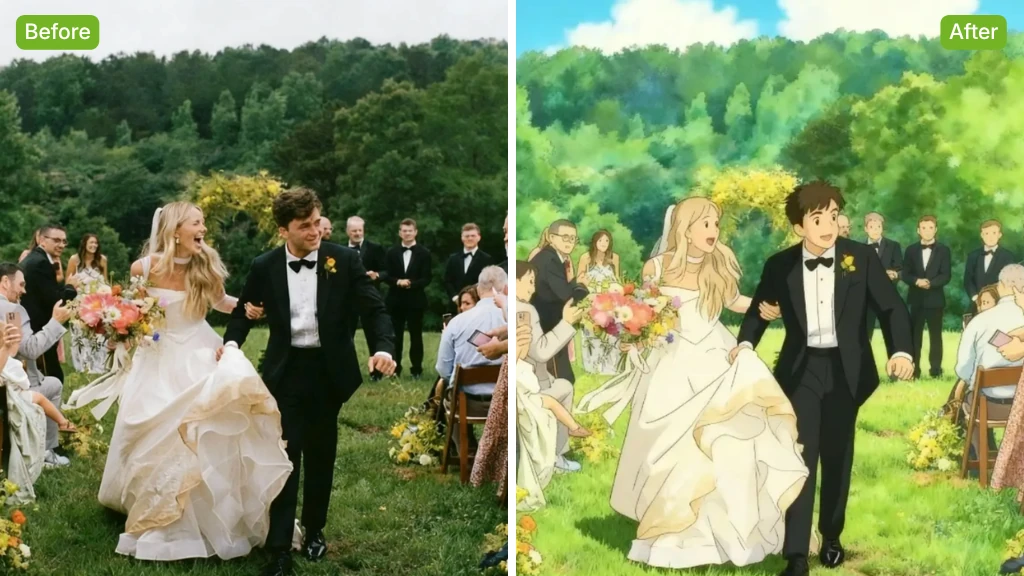
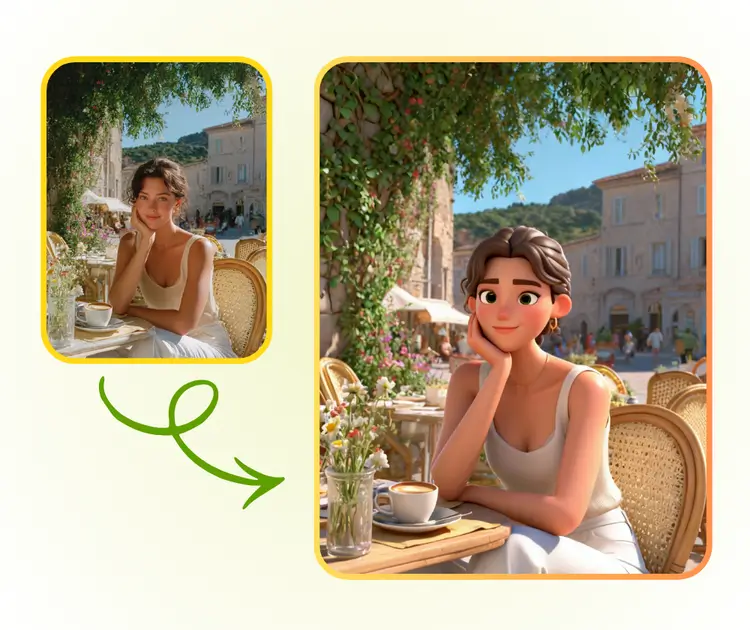
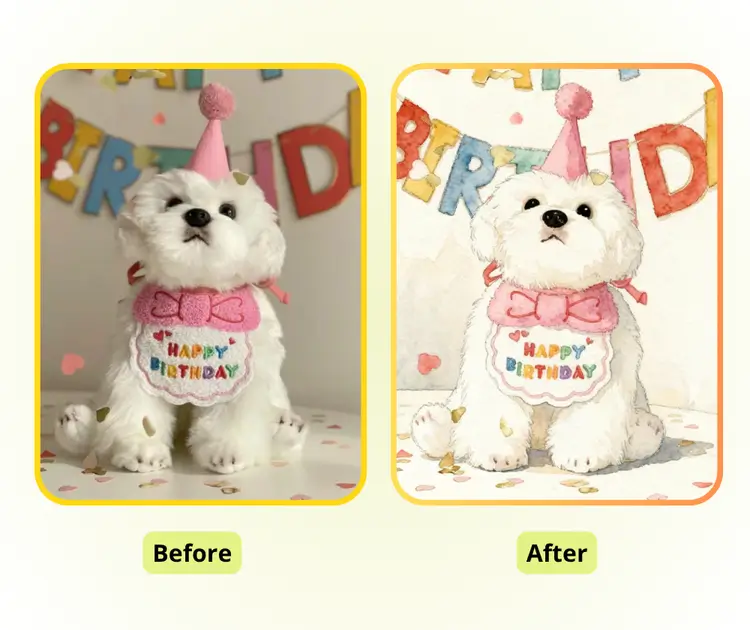
Photo to Cartoon Sample: Ghibli after
Photo to Cartoon Sample: Ghibli before
Photo to Cartoon Sample: Ghibli after
VisualGPT - Rated 4.9+ by VisualGPT Users
Rated 4.9+
by VisualGPT Users
VisualGPT - Rated 4.9+ by VisualGPT Users
VisualGPT - 50k+ Pictures Create
50M+
Pictures Created
VisualGPT - 50k+ Pictures Create
VisualGPT - Trusted By 100+ Organizations
Trusted By 800+
Organizations
VisualGPT - Trusted By 100+ Organizations

Helping creators & businesses everywhere work easier

Spotify
YouTube
TikTok
Amazon
Business Insider
Forbes
ABC
Buzfeed
CBS
Fox
NBC
Yahoo
Mashable
LifeWire
BBC
Nature
Spotify
YouTube
TikTok
Amazon
Business Insider
Forbes
ABC
Buzfeed
CBS
Fox
NBC
Yahoo
Mashable
LifeWire
BBC
Nature
Spotify
YouTube
TikTok
Amazon
Business Insider
Forbes
ABC
Buzfeed
CBS
Fox
NBC
Yahoo
Mashable
LifeWire
BBC
Nature

Photo to Cartoon Converter with AI - Free Online, No Sign-up

Photo to Cartoon transforms your photos into high-quality cartoon images online for free. Fast results, multiple styles, HD output, and no watermark or sign-up.

Cartoonize Now
Photo to Cartoon Converter with AI - Free Online, No Sign-up

What is Photo to Cartoon?

Photo to Cartoon is a free online AI tool that turns your photos into vivid cartoon images. You can create unique avatars, fun illustrations, or social media content in multiple styles. It’s fast, easy to use, and produces high-quality results instantly for personal or creative projects.

Photo to Cartoon - What is Photo to Cartoon?

Why Photo to Cartoon is the Perfect AI Cartoon Tool?

Photo to Cartoon instantly turns photos into clean, high-quality cartoon images online.

Precise AI Recognition for Realistic Cartoons

Photo to Cartoon detects facial features, hair, lighting, and expressions to create detailed, clean cartoons. Unlike basic filters, the results are professional and suitable for avatars, prints, or branding.

Multiple Cartoon Styles for Every Need

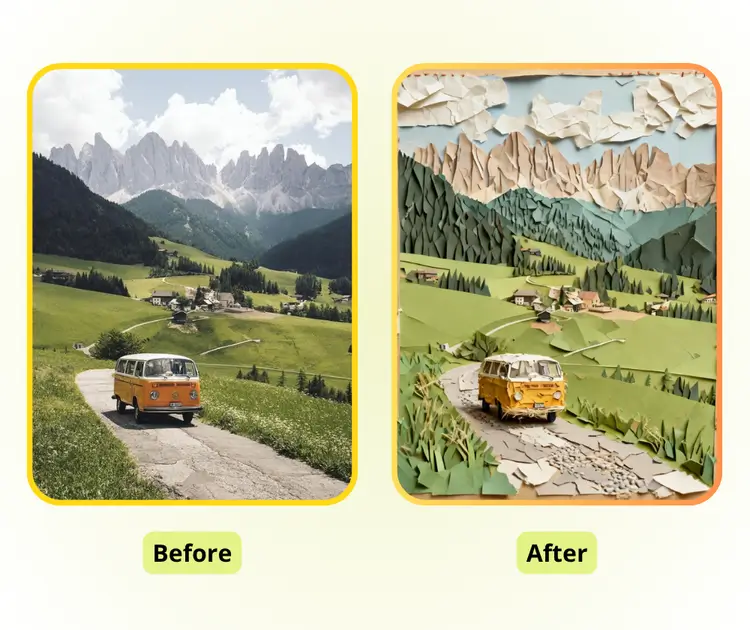
Users can choose anime, hand-drawn, cute, or comic styles. This flexibility works for profile pictures, blog headers, video thumbnails, gifts, and even pet cartoons, covering many creative scenarios.

Instant, Free, and No Watermark

Create cartoon images online instantly without signing up or downloading apps. Outputs are high-quality, watermark-free, and unlimited in size, ready for social media, design projects, or personal use.

What Can You Do with Photo to Cartoon?

Photo to Cartoon lets you instantly turn any photo into a clean, high-quality cartoon image for avatars, creative content, or personalized gifts.

Create Unique Avatars for Social Media and Games

Turn your selfies or photos into personalized cartoon avatars. Use them for social media profiles, game characters, or professional business cards. The AI preserves facial features, expressions, and details to give you a distinct and eye-catching online identity.

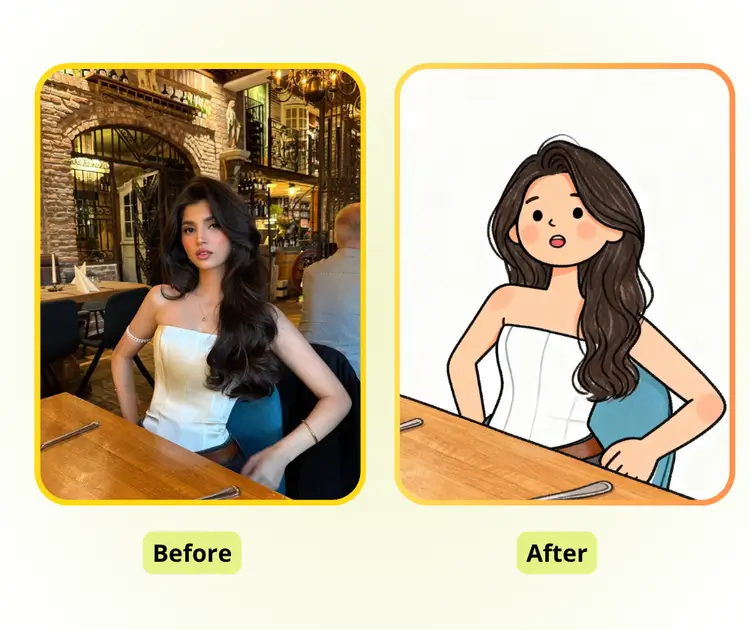
Photo to Cartoon: Create Unique Avatars for Social Media and Games

Enhance Creative Content for Blogs, Videos, and Ads

Content creators, bloggers, and designers can convert photos into cartoons for blog covers, video thumbnails, social posts, or advertising visuals. This adds charm and creativity, making content more engaging, playful, and memorable for audiences.

Photo to Cartoon: Enhance Creative Content for Blogs, Videos, and Ads

Make Personalized Gifts and Fun Keepsakes

Transform photos into cartoons for birthday presents, memory books, custom posters, or even pet illustrations. This creative tool lets you produce fun, unique, and memorable images that bring joy and a personal touch to gifts and keepsakes.

Photo to Cartoon: Make Personalized Gifts and Fun Keepsakes

How to Use Photo to Cartoon in Three Simple Steps

Convert your image into a smooth, detailed cartoon look instantly, using simple steps and a range of creative styles.

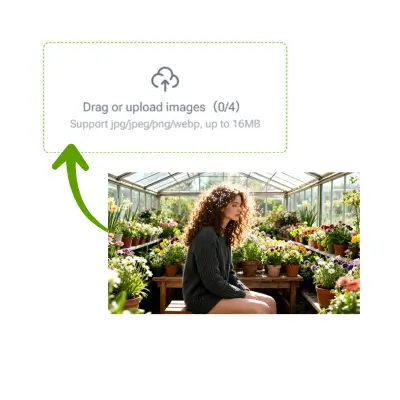
Photo to Cartoon: Step 1: Upload the Photo You Want to Cartoonize

Step 1: Upload the Photo You Want to Cartoonize

Start by selecting the photo. You can upload a selfie, a portrait, a pet picture, or any image. Photo to Cartoon reads major details and prepares it for the cartoon transformation.

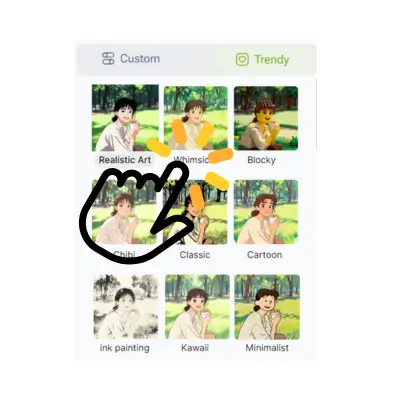
Photo to Cartoon: Step 2 - Select or Describe Your Style

Step 2: Choose a Style or Describe the Look You Want

Pick a style from the available options or type a short description of the effect you prefer. Photo to Cartoon supports anime, cute, hand-drawn, and comic looks, giving you flexibility to match personal or creative needs.

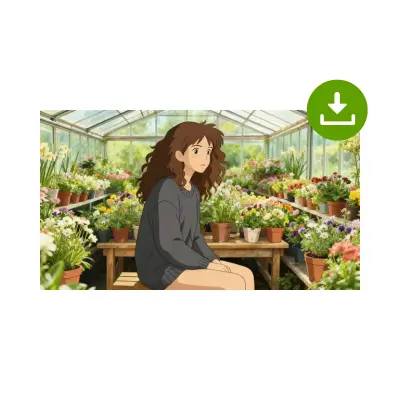
Photo to Cartoon: Step 3: Let the Tool Draw and Then Download or Share

Step 3: Let the Tool Draw and Then Download or Share

Photo to Cartoon generates the artwork on the spot. When the rendering is complete, you can save the image to your device or share it online. The final result is high-quality, and ready for personal or creative use.

Turn Any Photo Into a Clean Cartoon Look

Start with a simple upload and see your picture transformed into a smooth, artistic cartoon style. The tool works online, needs no design skills, and gives fast, clear results for profiles, cards, or fun projects.

Start Creating Now

What Users Say About Photo to Cartoon

S.L. avatar

S.L.

Tech Content Blogger

"The Photo to Cartoon tool gives me a reliable way to turn normal photos into clean cartoon visuals without extra setup. I use it for blog headers, short guides, and profile updates. The output keeps the key shapes, softens the noise, and presents a friendly tone that works well for tech readers. It also helps me keep a consistent style across articles, which is important for long-term content planning."

M.K. avatar

M.K.

Creator & Social Media Editor

"Photo to Cartoon fits perfectly into my daily content creation process. I often need quick visual pieces for social stories, thumbnails, and short videos, and this tool reduces the work by giving a stable and clear style. The colors stay balanced, details remain readable, and the final image feels polished even without manual editing. It helps me produce more content in less time while keeping a steady look across platforms."
R.T. avatar

R.T.

Product Manager

"As a product manager, I frequently prepare early design concepts or simple drafts before handing work to designers. Photo to Cartoon helps me create friendly sketches from real photos, making rough ideas easier to understand for both engineers and stakeholders. The tool keeps proportions natural, avoids heavy effects, and delivers a clean line style that works well in discussions. It speeds up alignment during fast product cycles."
R.T. avatar

R.T.

Knowledge Management User

"In my personal knowledge system, I prefer visuals that read quickly and support long-form thinking. Photo to Cartoon transforms raw images into light, structured graphics that remove distractions while keeping essential details. This makes it easier to integrate images into notes, research maps, or concept pages. The tool’s predictable style helps maintain coherence across different entries, improving the overall clarity of my workspace."
K.H. avatar

K.H.

Research Analyst

"My work requires scanning large sets of information under tight time pressure. Photo to Cartoon helps me turn reference images into simpler visual pieces that highlight the main elements without losing meaning. The clean outline and soft color style reduce visual load and allow me to move through materials more efficiently. It also supports quick comparisons when I need to check multiple sources in a short time."
S.P. avatar

S.P.

News Desk Editor

"When preparing quick drafts for news briefs, I rely on visuals that are sharp, simple, and easy to reuse across formats. Photo to Cartoon creates a balanced cartoon look that maintains clarity while softening harsh details. This helps me produce graphics that stand out but remain neutral enough for different topics. The tool removes unnecessary steps and gives consistent output, which is valuable in a fast newsroom environment."

Common Questions About Photo to Cartoon