















VisualGPT Logo

Free AI Blemish Remover

Enhance your photos with quick, gentle skin cleanup that keeps every detail real and untouched.

Drag or upload images Support batch upload, up to 5 images at a time

Support jpg/jpeg/png/webp, up to 16MB

No Image?
Try one of these:
AI Blemish Remover Sample | VisualGPT
VisualGPT - Rated 4.9+ by VisualGPT Users
Rated 4.9+
by VisualGPT Users
VisualGPT - Rated 4.9+ by VisualGPT Users
VisualGPT - 50k+ Pictures Create
50M+
Pictures Created
VisualGPT - 50k+ Pictures Create
VisualGPT - Trusted By 100+ Organizations
Trusted By 800+
Organizations
VisualGPT - Trusted By 100+ Organizations

Helping creators & businesses everywhere work easier

Spotify
YouTube
TikTok
Amazon
Business Insider
Forbes
ABC
Buzfeed
CBS
Fox
NBC
Yahoo
Mashable
LifeWire
BBC
Nature
Spotify
YouTube
TikTok
Amazon
Business Insider
Forbes
ABC
Buzfeed
CBS
Fox
NBC
Yahoo
Mashable
LifeWire
BBC
Nature
Spotify
YouTube
TikTok
Amazon
Business Insider
Forbes
ABC
Buzfeed
CBS
Fox
NBC
Yahoo
Mashable
LifeWire
BBC
Nature

AI Blemish Remover – Clear Skin Online, Free & No Watermark

Use our AI Blemish Remover to clear acne, spots, and skin imperfections. Get clean & realistic results in HD — online free, with no sign-up and no watermark.

Fix Skin Imperfections
AI Blemish Remover – Clear Skin Online, Free & No Watermark

What is AI Blemish Remover?

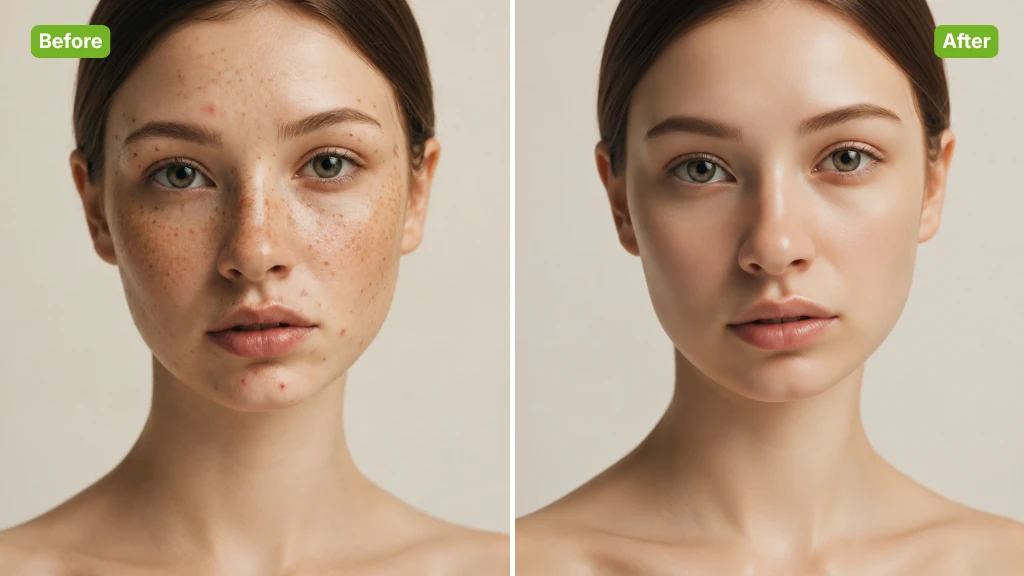
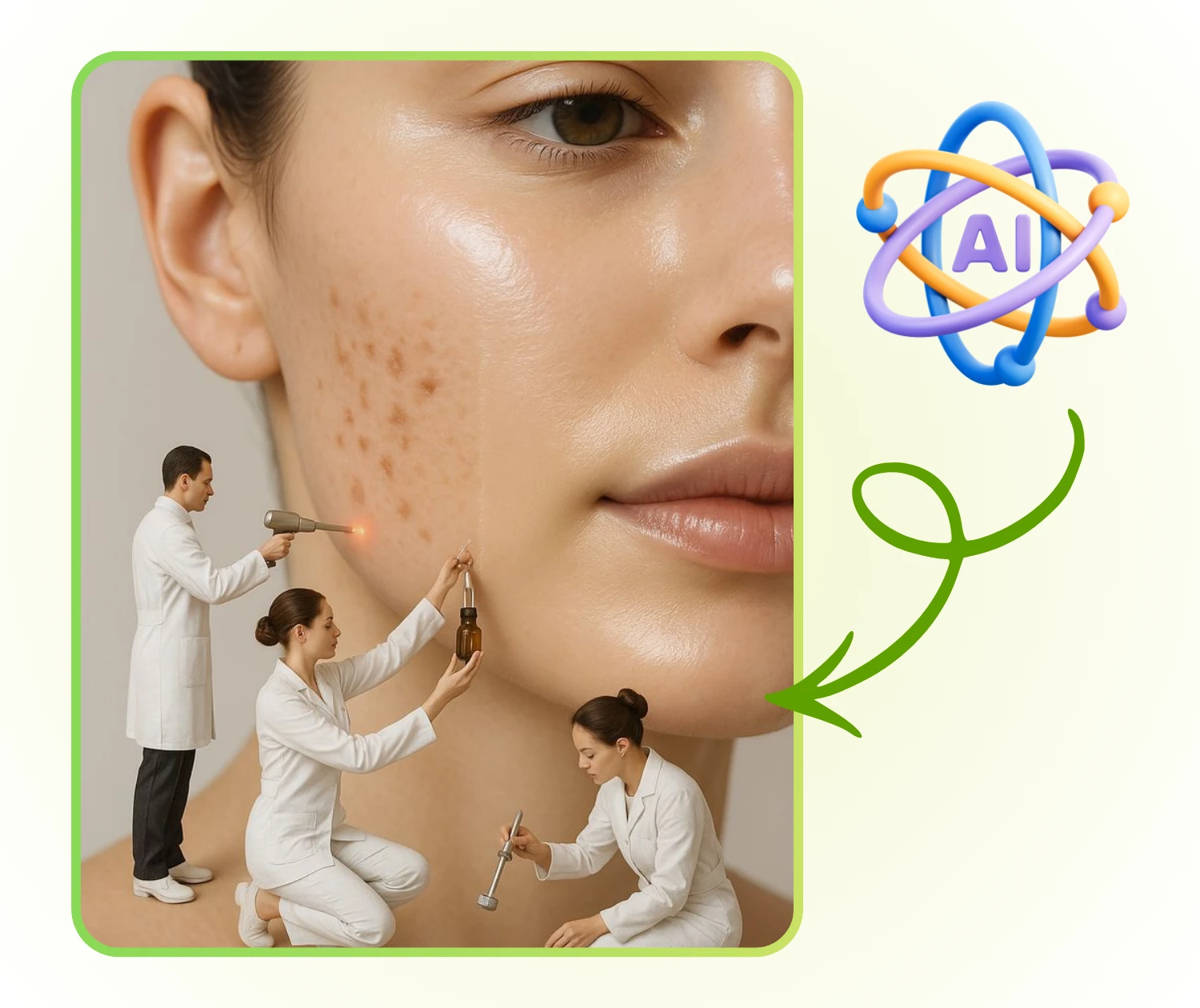
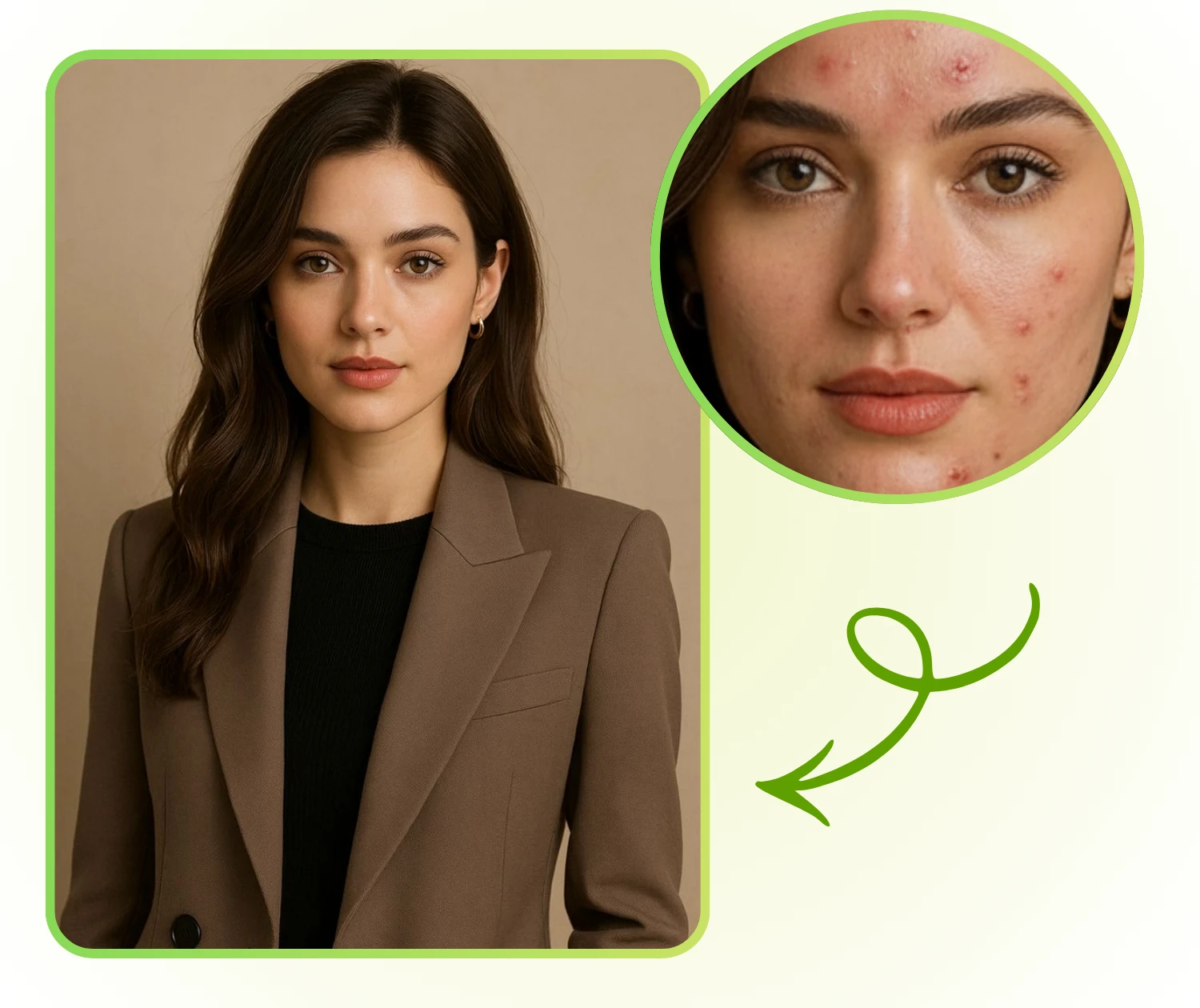
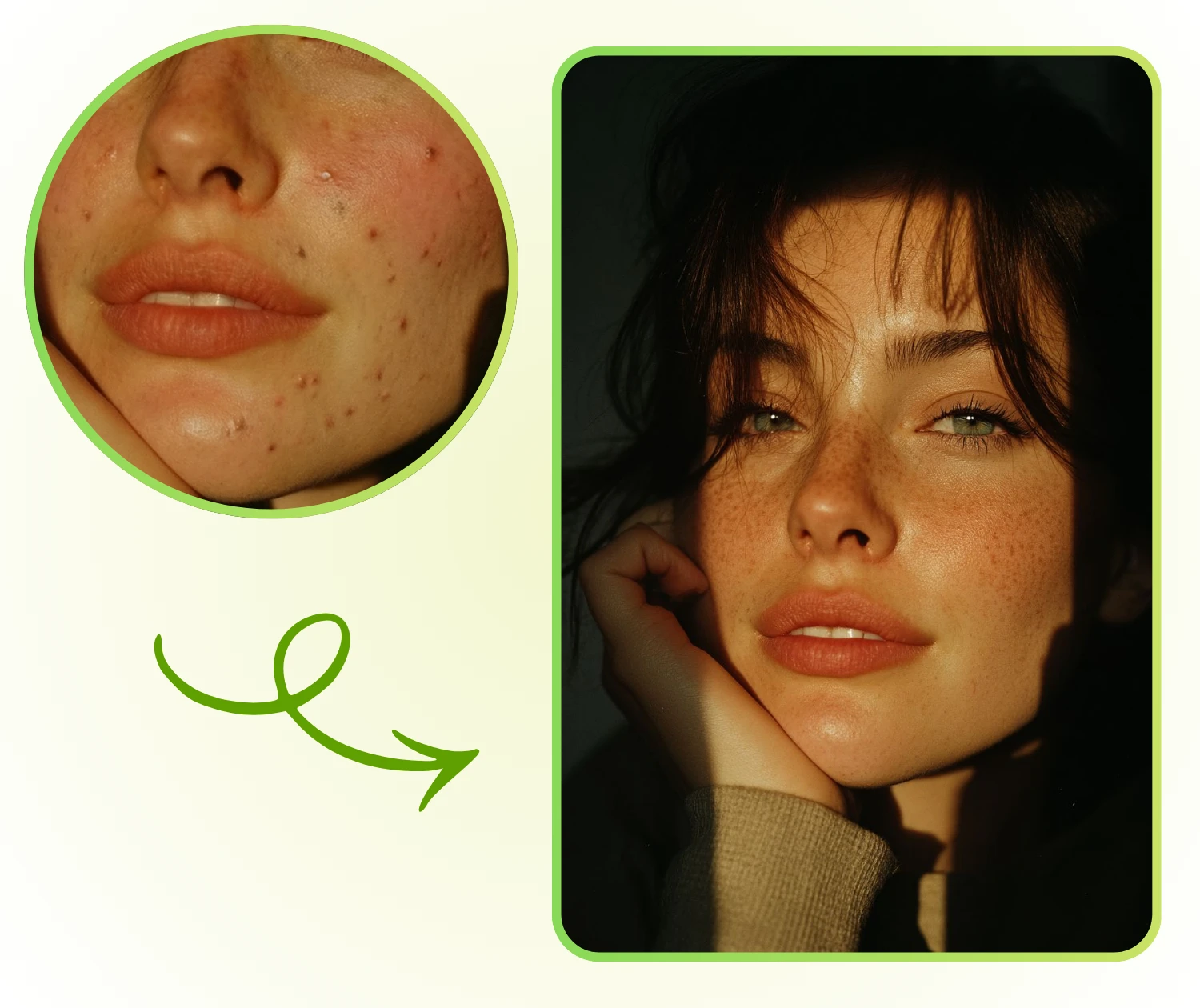
AI Blemish Remover is a smart online tool that removes acne, spots, and minor skin flaws from photos. It enhances portraits naturally, keeping skin texture intact, and allows users to quickly improve selfies, profile pictures, or close-up shots without complicated editing.

AI Blemish Remover - What is AI Blemish Remover?

Why Choose AI Blemish Remover?

AI Blemish Remover allows anyone to quickly enhance portraits or batch process multiple images efficiently.

Automatic Detection and Removal of Skin Flaws

AI Blemish Remover identifies blemishes like acne, blackheads, and uneven spots, then removes them precisely. Users can fix photoswithout complicated editing, saving time while improving visual quality.

Preserve Natural Skin Texture and Realistic Results

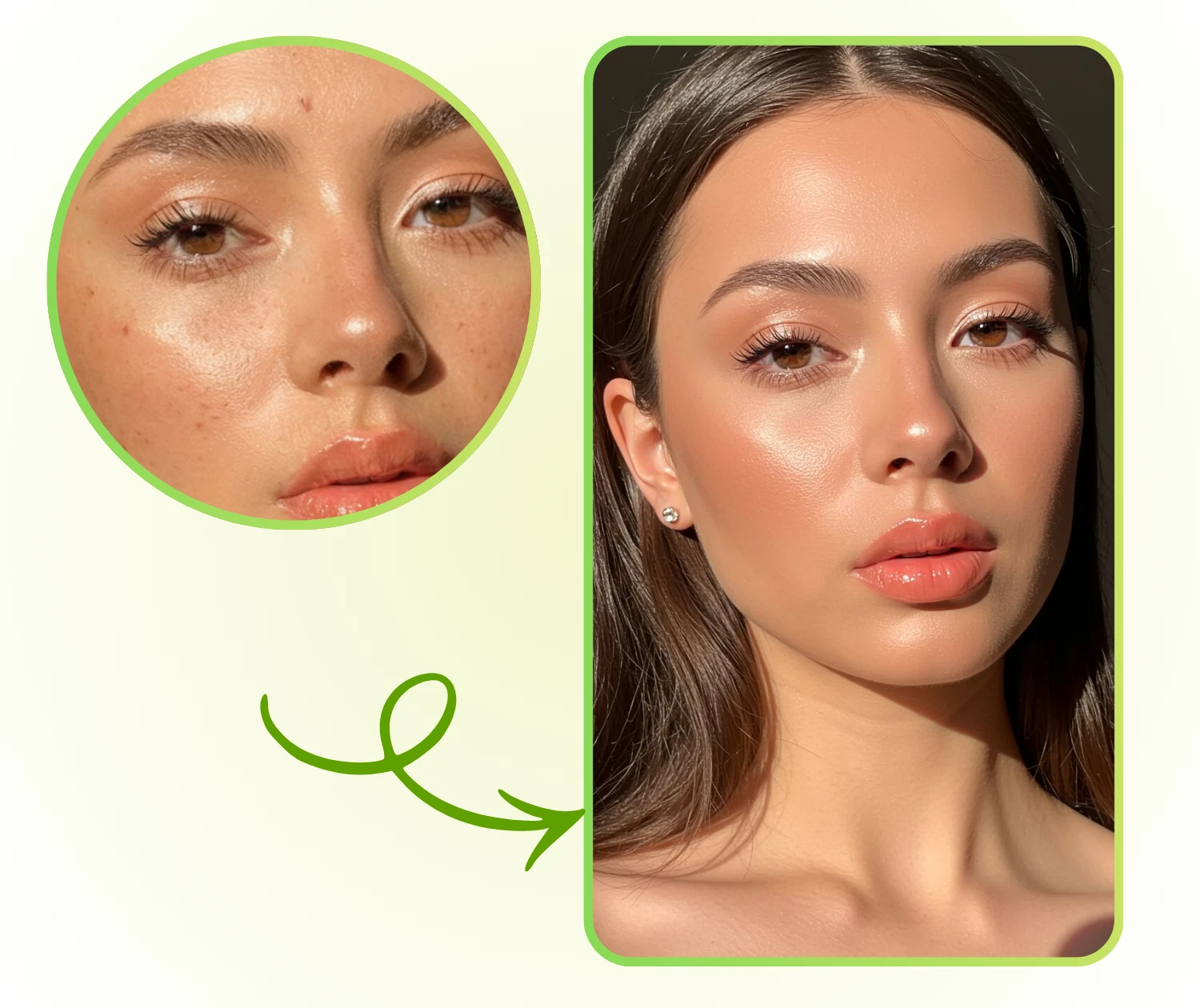
Unlike heavy filters, the AI maintains the skin's original texture and details. AI Blemish Remover ensures that portraits look authentic, keeping every subtle feature intact for professional or personal use.

Simple Interface and Fast Operation for All Users

With a clean, intuitive design, anyone can use AI Blemish Remover without prior editing skills. It supports bulk processing, making it ideal for social media creators, photographers, and anyone handling many images.

What Can AI Blemish Remover Do?

AI Blemish Remover supports daily photo updates, career needs, and creative work, making it useful across many situations.

Improve Selfies and Profile Photos

When sharing a selfie or updating a profile page, users often want a clearer picture with fewer marks. AI Blemish Remover removes acne and small spots while keeping skin texture visible. It refreshes personal images without learning complex editing steps, making portraits look neat and still authentic.

AI Blemish Remover: Improve Selfies and Profile Photos

Create Professional Headshots for Work

People preparing resumes or updating LinkedIn need a tidy, confident-looking headshot. AI Blemish Remover softens minor flaws and brightens facial details without heavy retouching. It lets users create a professional portrait, helping them present a strong image on career platforms or company websites.

AI Blemish Remover: Create Professional Headshots for Work

Speed Up Batch Editing for Creators

Photographers and digital creators often handle many portraits at once. AI Blemish Remover helps them clean each image consistently, removing small skin issues while keeping natural structure. With batch support, creators can finish post-production faster and keep a steady quality level across a full set of photos.

AI Blemish Remover: Speed Up Batch Editing for Creators

How to Use the AI Blemish Remover

AI Blemish Remover is designed for quick portrait clean-up with simple steps. You can upload a photo, let the system handle the repair work, and save a clear result in just a moment.

AI Blemish Remover: Step 1 - Upload the photo you want to clean

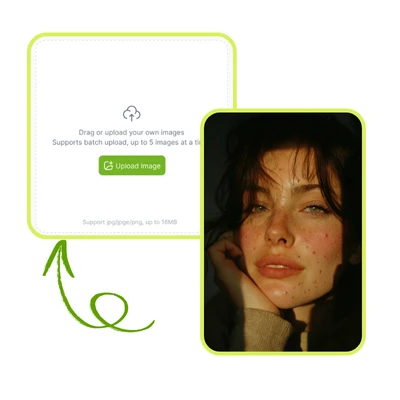
Step 1: Upload the photo you want to clean

Choose the image that needs blemish removal and add it to AI Blemish Remover. The system supports common file formats and keeps the original look untouched before processing, making it easy to start.

AI Blemish Remover: Step 2 - Let the AI detect and repair in seconds

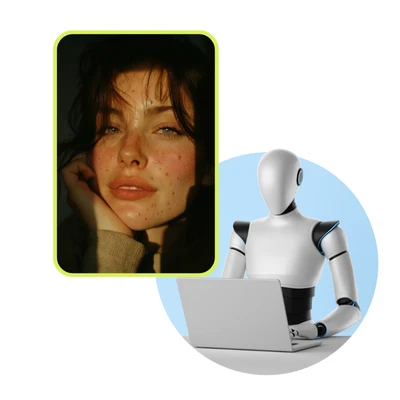
Step 2: Let the AI detect and repair in seconds

AI Blemish Remover scans the face, finds marks such as acne or small spots, and improves the skin automatically. You only need to wait briefly while the system restores natural detail.

AI Blemish Remover: Step 3 - Download the HD result and share anywhere

Step 3: Download the HD result and share anywhere

Once the preview looks right, save the high-resolution image directly. You can then post it on Instagram or any other platform, using the clean and polished portrait for personal updates or creative sharing.

Refresh Your Portrait in Seconds

Create a cleaner, more polished photo with just a few clicks. This tool helps you fix small skin issues quickly while keeping natural detail. Start now to upgrade your selfies, profile images, or any close-up shot with ease.

Start Editing Now

What Users Say About AI Blemish Remover

L.M. avatar

L.M.

Content Creator

"The AI Blemish Remover has become part of my daily workflow. I often need to refresh selfies for different platforms, and this tool saves time while keeping my face natural. It removes acne and small marks with care, and the final images stay sharp. The simple layout also makes the whole process stress-free."
J.R. avatar

J.R.

Marketing Specialist

"I tried many tools before, but the AI Blemish Remover gives the most balanced results. It clears spots without creating a flat or artificial look. I use it for quick updates to my profile photos, and it consistently delivers clean portraits with real skin texture. It feels reliable and easy to control."
T.S. avatar

T.S.

Job Seeker

"As someone who prepares headshots for job applications, I value tools that improve photos without heavy edits. The AI Blemish Remover does exactly that. It handles small flaws with precision and keeps every detail natural. The HD download option also helps me use the images across multiple platforms."
K.D. avatar

K.D.

Photographer

"I manage many pictures for clients, and the AI Blemish Remover speeds up my workflow. It processes images quickly and keeps facial texture intact, which is important for professional work. The batch-friendly design helps me deliver consistent results, even when handling large sets of portraits."
A.C. avatar

A.C.

Beauty Blogger

"This AI Blemish Remover has been very helpful for my online tutorials. I need clear images that still look real, and the tool consistently produces that balance. The interface is simple enough for beginners, yet the quality is strong enough for experienced users. It fits well into my creative process."
R.H. avatar

R.H.

Analyst

"I often update visuals for reports and presentations, and the AI Blemish Remover gives me clean, natural portraits without much effort. It adjusts minor skin issues in a few seconds, allowing me to focus on other tasks. The results look polished yet familiar, which makes the tool very dependable."

Frequently Asked Questions About AI Blemish Remover