





















VisualGPT Logo

Models

Images

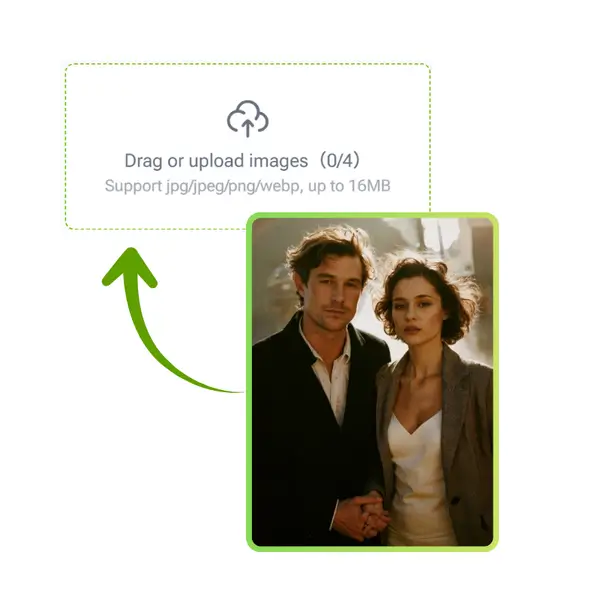
Drag or upload images(0/4) Drag or upload image

Support jpg/jpeg/png/webp, up to 16MB

Prompt

Aspect Ratio

Number of images

Flux Kontext Pro - AI Image Generator

Multi-round image editing with strong subject consistency and fast, high-quality results.

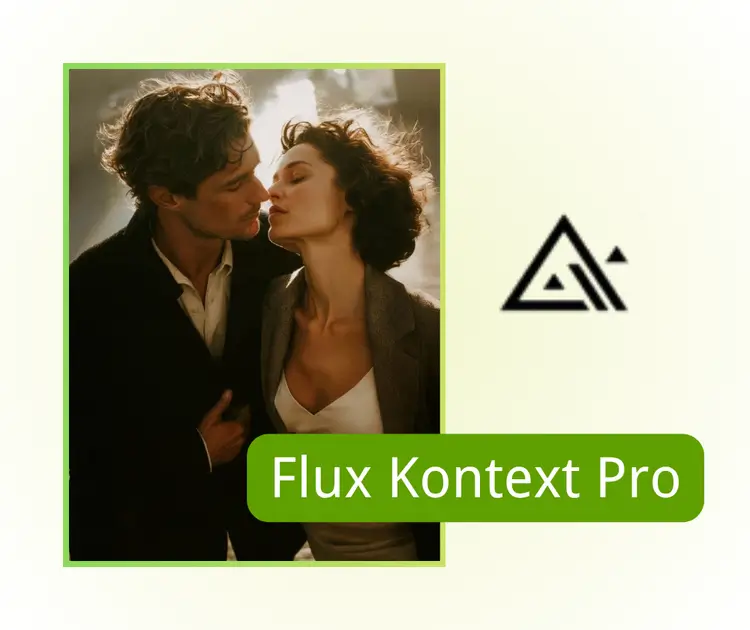
Flux Kontext Pro Sample: change position before. - VisualGPT
Flux Kontext Pro Sample: change position after. - VisualGPT
Flux Kontext Pro Sample: change position before. - VisualGPT
VisualGPT - Rated 4.9+ by VisualGPT Users
Rated 4.9+
by VisualGPT Users
VisualGPT - Rated 4.9+ by VisualGPT Users
VisualGPT - 50k+ Pictures Create
50M+
Pictures Created
VisualGPT - 50k+ Pictures Create
VisualGPT - Trusted By 100+ Organizations
Trusted By 800+
Organizations
VisualGPT - Trusted By 100+ Organizations

Helping creators & businesses everywhere work easier

Spotify
YouTube
TikTok
Amazon
Business Insider
Forbes
ABC
Buzfeed
CBS
Fox
NBC
Yahoo
Mashable
LifeWire
BBC
Nature
Spotify
YouTube
TikTok
Amazon
Business Insider
Forbes
ABC
Buzfeed
CBS
Fox
NBC
Yahoo
Mashable
LifeWire
BBC
Nature
Spotify
YouTube
TikTok
Amazon
Business Insider
Forbes
ABC
Buzfeed
CBS
Fox
NBC
Yahoo
Mashable
LifeWire
BBC
Nature

Flux Kontext Pro – Free AI Image Editing Online & No Sign-Up

Flux Kontext Pro is a free online AI editor that lets you make precise, multi-round image changes with strong subject consistency, fast results, and no sign-up.

Start Editing for Free
Flux Kontext Pro – Free Online

What is Flux Kontext Pro?

Flux Kontext Pro is a free online AI image editor that helps you make multi-round changes, adjust small areas, and keep the main subject consistent. It works in your browser with no sign-up, so you can start editing right away. The tool is fast, easy to use, and creates clean, natural results that fit social posts, product photos, and simple creative projects. Its strong context control makes it great for building scenes or a series of images. If you want to explore more models, you can also try Nano Banana and Seedream 4.0.

Flux Kontext Pro - What is Flux Kontext Pro?

How to Use Flux Kontext Pro for Simple Online Editing

Follow these quick steps to create clean, smooth image edits. The tool works in your browser, loads fast, and lets you try different ideas without logging in.

Flux Kontext Pro: Step 1: Upload your image to start the edit

Step 1: Upload your image to start the edit

Add a photo from your device and wait for it to load. The tool prepares your file right away, so you can work with portraits, product shots, or everyday pictures.

Flux Kontext Pro: Step 2: Enter a prompt that explains what you want

Step 2: Enter a prompt that explains what you want

Write a short prompt that tells the tool what to change. You can ask for small fixes, new details, or a simple style shift. The system reads your text and sets up the edit.

Flux Kontext Pro: Step 3: Generate the result and download it instantly

Step 3: Generate the result and download it instantly

Click the generate button and let the tool create your updated image. When the preview looks right, save it with one tap. The whole process is fast and easy to repeat.

Tired of Messy Edits That Ruin Your Photos?

Creators often waste time tweaking photos or changing backgrounds, only to see the main subject warp or lose detail. Social media posts, product shots, or series images can end up inconsistent and frustrating. Flux Kontext Pro lets you edit images fast, keep subjects consistent, and produce natural, high-quality results online—no login or complex software needed.

Flux Kontext Pro - Tired of Messy Edits That Ruin Your Photos?

Multi-Round Editing While Keeping Subjects Perfect

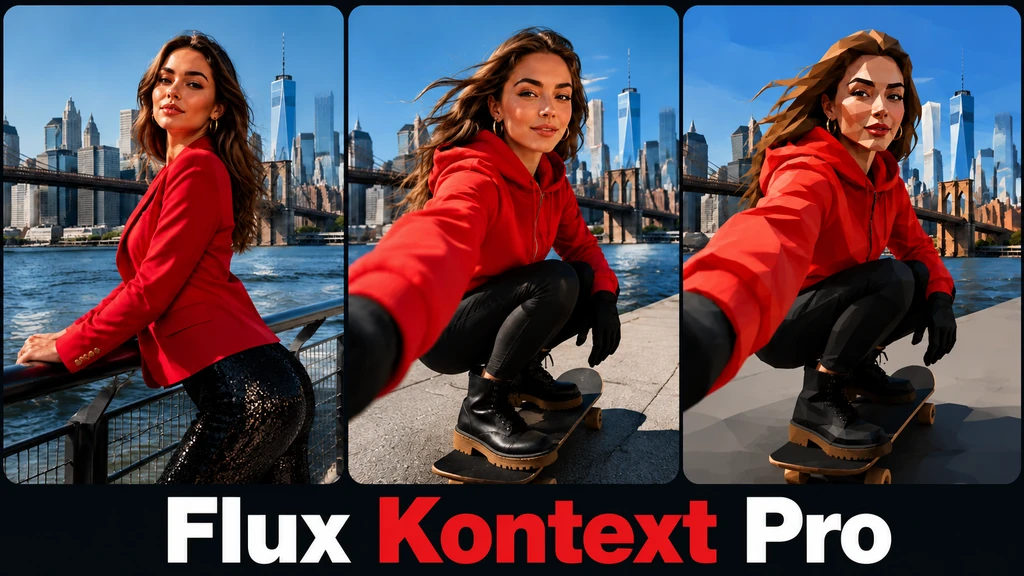
Flux Kontext Pro lets you make several edits on the same image without changing the main subject. It’s ideal for social posts, comic scenes, or product photos. The tool keeps backgrounds, props, and details consistent, making your creative workflow smooth, reliable, and stress-free.

Multi-Round Editing While Keeping Subjects Perfect

Fast and Realistic Image Results

No more wasting time on messy edits. Flux Kontext Pro produces rich, natural details instantly. Small changes, style tweaks, or scene adjustments all stay professional and polished. Every edit comes out clean and realistic, giving you high-quality results quickly and easily.

Fast and Realistic Image Results

Easy, Free Online Editing with No Login

Start creating immediately with Flux Kontext Pro. It’s fully online, free, and requires no sign-up. You can test ideas, complete projects fast, and enjoy a smooth editing experience. Perfect for social media creators, students, or anyone who wants professional results without hassle.

Easy, Free Online Editing with No Login

Try Flux Kontext Pro and Edit Images Fast

Start using Flux Kontext Pro for free. Edit photos online, keep subjects consistent, and get high-quality results instantly. No login is needed, so you can create quickly and easily.

Start Editing Free

What Users Say About AI Office Design Generator

S.L. avatar

S.L.

Social Media Manager

"Flux Kontext Pro has completely changed how I edit my images. I can make multi-round edits without losing subject consistency, and it works entirely online for free. Creating product photos and social media posts has never been faster or easier. I love how I can tweak details while keeping the whole image natural and high-quality, all without logging in. This tool is a game-changer for anyone needing precise AI image edits quickly."

M.K. avatar

M.K.

Illustrator

"I’ve been using Flux Kontext Pro for my comic scenes and series images. The tool’s context-aware editing keeps characters consistent across multiple images, which saves me hours of work. It’s fast, free, and requires no login, which makes experimenting with ideas stress-free. The high-quality results look professional, and I can adjust details locally without worrying about ruining the main subject."
R.T. avatar

R.T.

E-commerce Seller

"Flux Kontext Pro is my go-to for quick product photography edits. I can upload images, make precise changes, and generate high-quality results instantly. It’s easy to use, fully online, and keeps subjects intact no matter how many edits I make. The multi-round editing is perfect for creating a series of consistent images for my shop and social media campaigns."

FAQs About AI Office Design Generator
