
In early April 2026, a model nobody had heard of appeared on the Artificial Analysis Video Arena leaderboard and went straight to the top. No press release, no official announcement, no tech blog post. Just raw benchmark numbers that caught the entire AI video community off guard. That model was HappyHorse 1.0, and within days, Alibaba confirmed it as their own.
Two weeks later, after testing HappyHorse AI across multiple prompt types, resolution settings, and generation scenarios, we have a clearer picture of what this model actually delivers, and where it still falls short. This HappyHorse AI review is based on hands-on experience, not just leaderboard scores. We ran the same prompts through Seedance 2.0, Kling 3.0, and Veo 3 to see where HappyHorse AI really stands. If you are reading this HappyHorse AI review to decide whether the tool fits your workflow, the short answer is: it depends on what you need.

What Is HappyHorse AI and Why Does It Matter?
HappyHorse AI (also referred to as HappyHorse 1.0 or Happy Horse AI) is a 15-billion-parameter open-source AI video generation model developed by Alibaba's ATH Innovation Division. It supports both text-to-video and image-to-video generation with a unified Transformer architecture. A single model handles both input modes instead of relying on separate pipelines, which matters for anyone comparing tools for a HappyHorse AI review.
The model's arrival caught attention for a few reasons. First, it ranked number one on the Artificial Analysis Video Arena across multiple categories: Text-to-Video (No Audio), Image-to-Video (No Audio), and Text-to-Video (With Audio), with Elo scores exceeding 1,300. Second, it achieved these results as an anonymous submission. Its performance wasn't influenced by brand bias during blind testing. Third, it is fully open source, which is unusual for a model of this caliber. Most top-tier video generators remain behind closed APIs and proprietary walls.
After Alibaba confirmed ownership, the model was revealed to be led by Zhang Di, former VP at Kuaishou and a veteran in the short-video space. That background matters. It explains why HappyHorse AI handles motion, temporal consistency, and scene transitions better than many competing models we evaluated for this HappyHorse AI review.
HappyHorse AI Review: Key Features Tested
We tested HappyHorse AI through VisualGPT, which integrates the model into an accessible online workflow. Here are the features that stood out during our HappyHorse AI review testing.
Native 1080p Video Output with Cinematic Motion
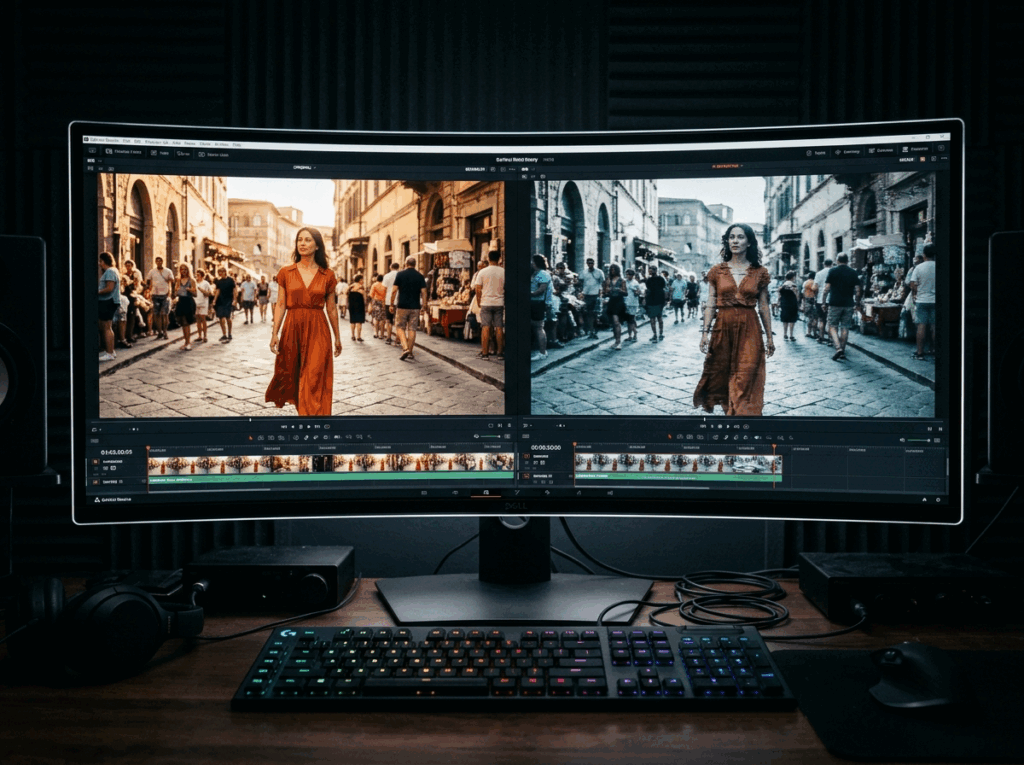
HappyHorse AI generates 1080p resolution video at approximately 38 seconds per generation cycle. In our tests, the motion quality was noticeably more natural than what we observed with earlier-generation models. Character movements, camera pans, and object interactions felt less "AI-like" — there was less of the characteristic jitter and morphing that plagues many text-to-video outputs.
We tested a prompt involving a person walking through a crowded street at golden hour. HappyHorse AI maintained consistent character identity across all frames, preserved clothing details, and produced convincing background parallax. Previous models we tested on the same prompt either lost character consistency after three seconds or introduced visible artifacts in the crowd.
Text-to-Video and Image-to-Video in One Model
Most AI video generators handle text-to-video and image-to-video as separate capabilities with different underlying models. HappyHorse AI uses a single-stream 40-layer Transformer that processes both input types. In practice, this means image-to-video generation benefits from the same quality baseline as text-to-video.
We fed HappyHorse AI a static portrait photograph and asked it to generate a slow camera push-in with natural breathing motion. The model preserved facial features, maintained the original lighting conditions, and added subtle motion without distorting the source image. For content creators working with existing assets — product photos, character designs, reference stills — this matters.

Joint Audio-Video Generation
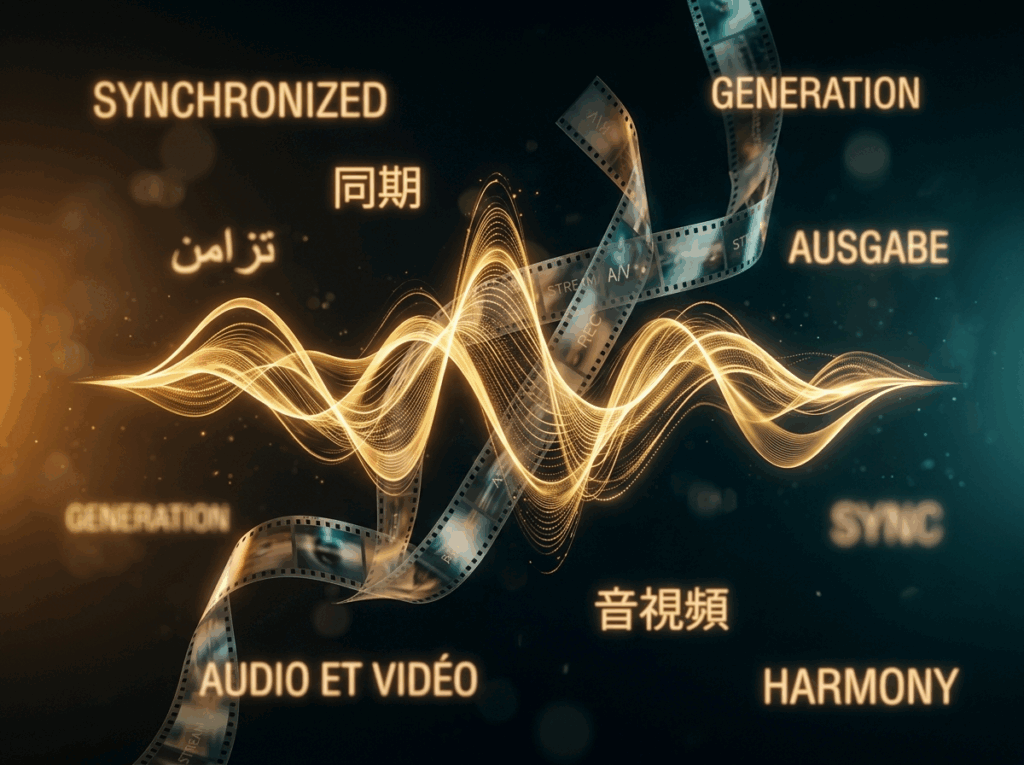
One of HappyHorse AI's most discussed capabilities is its native audio generation. Rather than adding sound as a post-processing step, the model generates synchronized audio alongside the video. In our testing, this worked well for environmental sounds — footsteps, ambient noise, wind — and reasonably well for speech-like audio, though lip-sync accuracy varied depending on the complexity of the scene.
The multilingual lip-sync feature supports seven languages, which positions HappyHorse AI as a useful tool for creators producing content for international audiences. However, during ourHappyHorse AI review, we noticed that audio quality occasionally lagged behind video quality, particularly in complex scenes with multiple overlapping sound sources.
Open-Source Accessibility
Unlike Seedance 2.0, Kling 3.0, and Veo 3, HappyHorse AI is fully open source and available for self-hosting. The model weights are accessible on Hugging Face, and the community has already begun fine-tuning variants for specific use cases. For developers and teams with GPU infrastructure, this eliminates per-generation API costs entirely. If you are weighing options for your own HappyHorse AI review, the open-source angle is a big differentiator.
Happyhorse AI Review: How It Compares to Leading Alternatives
To put this HappyHorse AI review in context, we compared the model against three leading alternatives on the same prompts.
Where HappyHorse AI wins: Overall benchmark performance, open-source flexibility, and motion naturalness. The Elo scores speak for themselves — a 50+ point lead over Seedance 2.0 on the Text-to-Video (No Audio) category represents a meaningful quality gap.
Where HappyHorse AI falls behind: Seedance 2.0 still holds an edge in the With Audio category, partly because its audio pipeline has been refined over a longer period. Kling 3.0 Pro offers stronger Motion Control features for users who need precise camera and movement direction. And both Seedance and Kling have more mature APIs with better documentation and enterprise support. We cover these trade-offs in more detail later in this HappyHorse AI review.
Happyhorse AI Review: Pros and Cons
Based on two weeks of testing, here is a balanced HappyHorse AI review assessment.
Pros:
- Top-ranked video quality across multiple benchmark categories
- Open-source model with self-hosting capability
- Strong character consistency across video frames
- Natural motion synthesis with reduced AI artifacts
- Native audio-video generation in a single pipeline
- Multilingual lip-sync support across seven languages
- Fast inference speed (~38 seconds for 1080p output)
Cons:
- Audio quality inconsistent in complex scenes
- Limited documentation for API integration (improving as of late April 2026)
- No built-in Motion Control for precise camera direction (unlike Kling 3.0)
- Self-hosting requires significant GPU resources (recommended: A100 or equivalent)
- Still in early access via API — not widely available as a consumer product
- Prompt sensitivity higher than some competitors — small wording changes can affect output significantly
How to Use HappyHorse AI via VisualGPT
For creators who want to try HappyHorse AI without setting up local infrastructure, VisualGPT provides an integrated online experience. VisualGPT aggregates multiple AI video models into a single workspace, so you can test HappyHorse AI alongside other models without switching between platforms. This setup was the backbone of our HappyHorse AI review workflow.
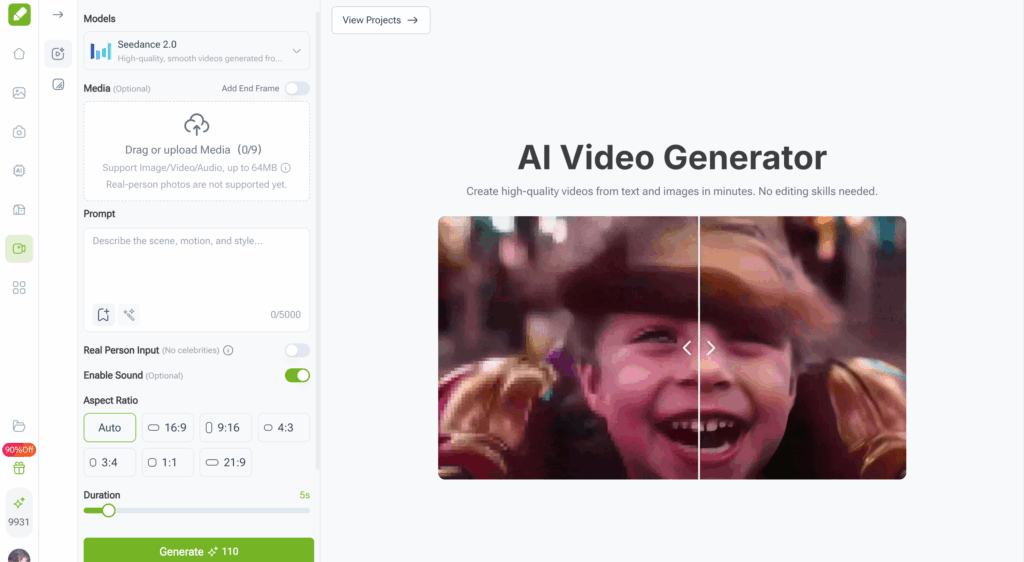
The workflow is straightforward: upload a text prompt or reference image, select HappyHorse AI as your generation model, configure your resolution and duration preferences, and generate. VisualGPT handles the backend infrastructure, so there's no API key management, no GPU provisioning, and no command-line setup required. For anyone running a HappyHorse AI review of their own, this removes a lot of friction.
For teams managing multiple AI video projects, this kind of all-in-one access is practical. Instead of juggling subscriptions across Seedance, Kling, and individual model platforms, you can centralize your video generation through VisualGPT and compare outputs side by side.
Who Should Use HappyHorse AI — And Who Shouldn't
This HappyHorse AI review would be incomplete without an honest assessment of who benefits most from this model.
HappyHorse AI is a good fit for:
- Content creators producing short-form video for social media who need high-quality output quickly
- Independent filmmakers generating concept sequences or storyboards
- Marketing teams creating product video variations at scale
- Developers building video generation into applications who want open-source flexibility
- AI researchers experimenting with state-of-the-art video architectures
HappyHorse AI is not ideal for:
- Enterprise users who need guaranteed SLAs, dedicated support, and stable production APIs — Seedance 2.0 via Volcengine or Kling 3.0 via Kuaishou may be better options
- Users who require precise Motion Control features for camera choreography — Kling 3.0 Pro remains the leader here
- Creators working with tight budgets who cannot afford self-hosting infrastructure and need a free-tier option
- Anyone who needs mature, well-documented API integration right now — HappyHorse AI's documentation is still catching up
Common Mistakes When Using HappyHorse AI
During our HappyHorse AI review testing, we encountered a few pitfalls that are worth noting for anyone evaluating this model.
Overly vague prompts: HappyHorse AI responds best to detailed, specific prompts. Instead of "a sunset scene," try "a woman in a linen dress walking along a rocky coastline at golden hour, slow motion, shallow depth of field, warm color grading." The extra specificity translates directly into better output quality. This was one of the first things we learned during our HappyHorse AI review process.
Ignoring reference images for image-to-video: If you have a source image, use it. HappyHorse AI's image-to-video capability is one of its strongest features, and it performs noticeably better when working from a clear reference rather than relying solely on text description.
Expecting flawless audio in every scene: The joint audio generation is impressive, but it has limits. If your scene involves complex layered soundscapes — multiple speakers, environmental noise, music — you may need to supplement with post-production audio. Treat HappyHorse AI's audio as a strong starting point, not a finished mix.
Skipping the comparison step: Before committing to HappyHorse AI for a project, generate the same prompt with at least one other model. In our HappyHorse AI review experience, about 70% of the time HappyHorse AI produced the best result, but the other 30% favored Seedance 2.0 or Kling 3.0 depending on the specific prompt and use case.

Conclusion
This HappyHorse AI review confirms what the benchmarks suggested: HappyHorse 1.0 is a genuine step forward in open-source AI video generation. Top-tier benchmark performance, natural motion synthesis, character consistency, and open-source access make it a strong choice for creators and developers in 2026.
But it comes with trade-offs. The audio pipeline needs work. API documentation is still catching up. And the lack of Motion Control means some users will need to look elsewhere for specific tasks. The model is also in early access, so stability and availability may shift over the coming months. Any thorough HappyHorse AI review should factor these caveats in.
For most creators looking for a high-quality, flexible AI video generation tool, HappyHorse AI earns a strong recommendation. Access through platforms like VisualGPT eliminates the technical barriers of self-hosting, which is a big plus. The open-source AI video community gains a serious new option, and its impact will only grow as the ecosystem matures.
FAQs
Is HappyHorse AI free to use?
HappyHorse AI is open source, which means the model itself is free to download and use. However, running it locally requires significant GPU resources — typically an A100 or equivalent. If you don't have access to that hardware, platforms like VisualGPT offer cloud-based access with usage-based pricing, which is more accessible for individual creators.
How does HappyHorse AI compare to Seedance 2.0?
In our HappyHorse AI review testing, HappyHorse outperformed Seedance 2.0 in text-to-video and image-to-video quality benchmarks, particularly in the No Audio categories. Seedance 2.0 still leads slightly in the With Audio category and offers more mature enterprise API support. For most creators prioritizing video quality, HappyHorse AI has the edge. For enterprise users needing stable APIs, Seedance may be the safer bet. Either way, your own HappyHorse AI review should test both with your specific prompts.
Can HappyHorse AI generate videos with sound?
Yes. HappyHorse AI features native joint audio-video generation, meaning it produces synchronized sound alongside video in a single generation pass. It supports multilingual lip-sync across seven languages. In our testing, environmental and ambient sounds were highly convincing, though complex audio scenes with multiple overlapping sources sometimes required post-production refinement.
What resolution does HappyHorse AI support?
HappyHorse AI generates video at up to 1080p resolution. In our tests, generation time averaged approximately 38 seconds per clip at full resolution. The output quality is competitive with or exceeds most current alternatives at the same resolution.
Is HappyHorse AI suitable for commercial use?
Yes. HappyHorse AI is open source under a permissive license, and its parent company (Alibaba) has indicated commercial use is supported. For businesses that need enterprise-grade infrastructure and support, VisualGPT provides a managed platform with reliable uptime and dedicated resources, making it practical for commercial video production workflows. Based on our HappyHorse AI review findings, the combination of open-source licensing and managed cloud access through VisualGPT covers most commercial use cases.